VideoAny
  • Video
    • Text to Video
    • Image to Video
    • Video Editor
    • Seedance 3.0
    • View all
  • Image
    • Text to Image
    • Image to Image
    • AI Body Editor
    • View all
  • Uncensored
    • AI Nudes Image Generator
    • Uncensored Image Generator
    • Nude Image Generator
    • Nude Generator
    • NSFW Image
    • NSFW Video
    • NSFW Image to Video
    • Undress
    • Undress Video
    • Clothoff
    • Face Swap
    • View all uncensored tools
  • Nude Photo
  • Uncensored AI Video
  • Blog
  • Pricing
  • Affiliate (30%)
Settings
Language
ThemeAtelier
NSFW Video GeneratorNSFW Image GeneratorPrivacy policyTerms of serviceRefund policy
Premium-50%50% off
Lite

Premium membership from $19 per month

Premium benefitsMore benefits
Fast generationHD outputAll image toolsAll video tools
VideoAny
  • Home
  • For You
  • Create
  • Pricing
  • More
  • Home
  • For You
  • AI Video
  • AI Image
  • Anime / Manga
  • AI NSFW Image Generator
  • Undress Clothes
  • Undress Video
  • Clothoff
  • Face Swap
  • AI Tools
  • Studio
  • Agent
  • Affiliate (30%)
  • Home
  • For You

Create & chat

  • AI Video
  • AI Image
  • Anime / Manga
  • Studio
  • Agent

Public discovery

  • AI NSFW Image Generator
  • Undress Clothes
  • Undress Video
  • Clothoff
  • Face Swap
  • AI Tools
  • Affiliate (30%)30%
Upgrade for more
    1. Home
    2. ›All AI tools
    3. ›seedance 2.0 free

    VideoAny AI

    Seedance 2.0 Free: Explore AI Video Clips Without Hidden Costs

    VideoAny Starter offers free access to inspect the Seedance 2.0 workbench, switch models, and preview exact Coin costs before paying. Starter includes no free credits, but paid renders start at $12.99 for 350 Coins. Use Grok Imagine (6 credits/6s) or MiniMax H3 (20 credits/5s) for cheap prompt testing before spending 60–525 credits on Seedance 2.0.

    Open Seedance 2.0 Desk
    Nano Banana ProNano Banana ProFlux 2Flux 2Qwen Image 2Qwen Image 2Seedream 5 ProSeedream 5 ProGPT Image 2.0GPT Image 2.0
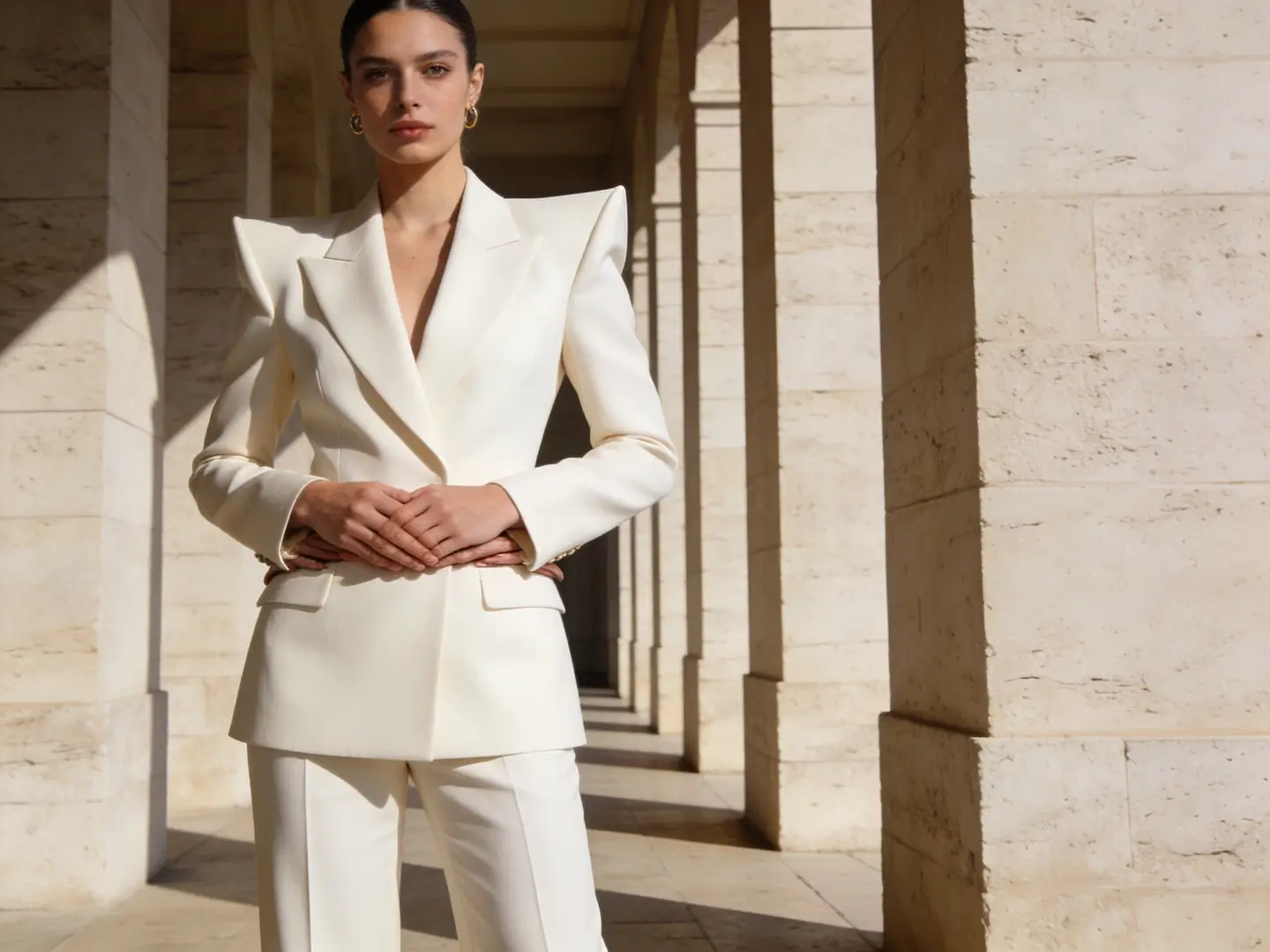
    Adult woman in a structured white suit presented in an editorial fashion frame
    Adult fashion directionA compact editorial reference makes it easy to test styling, colorway, and crop while keeping the subject grounded.
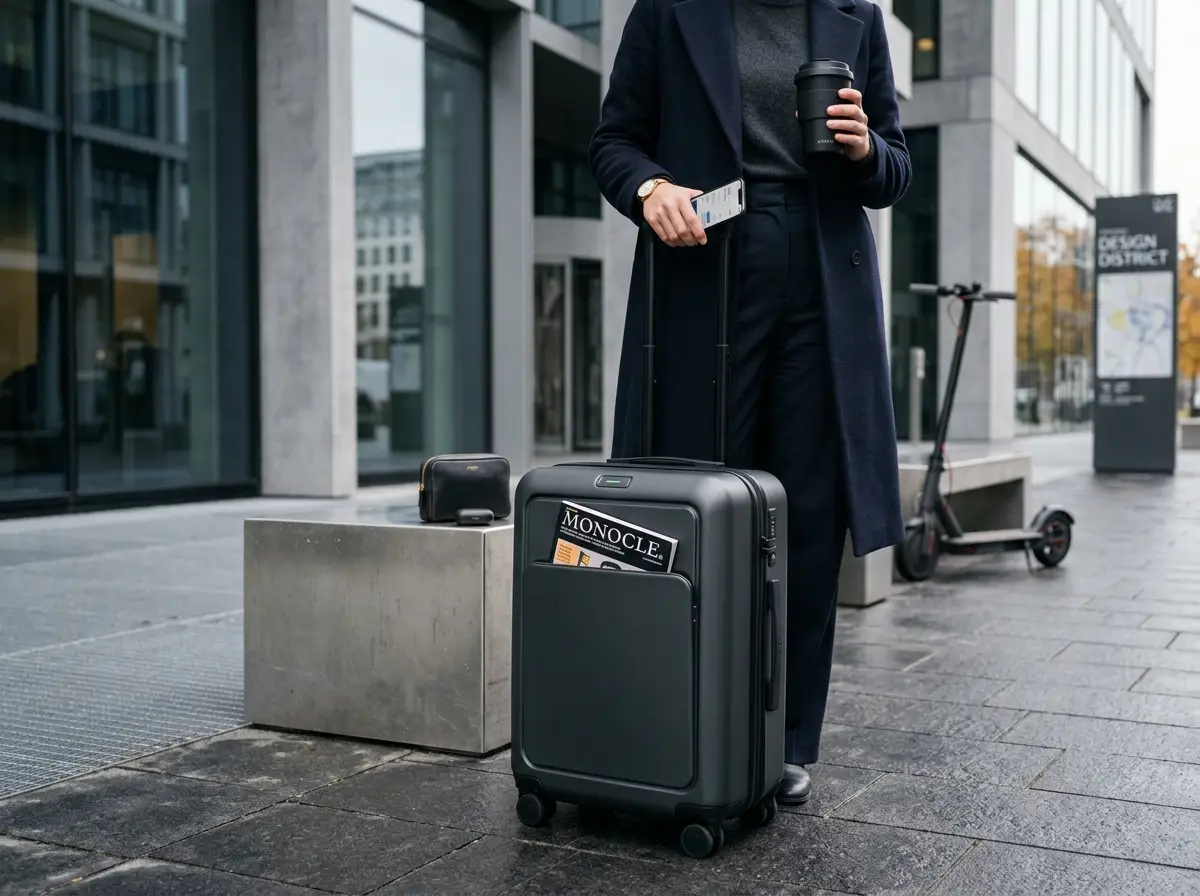
    Premium product study arranged on a clean neutral surface with controlled studio light
    Premium product refreshA clean product reference is useful for testing a new surface, colorway, or campaign backdrop without losing the object silhouette.
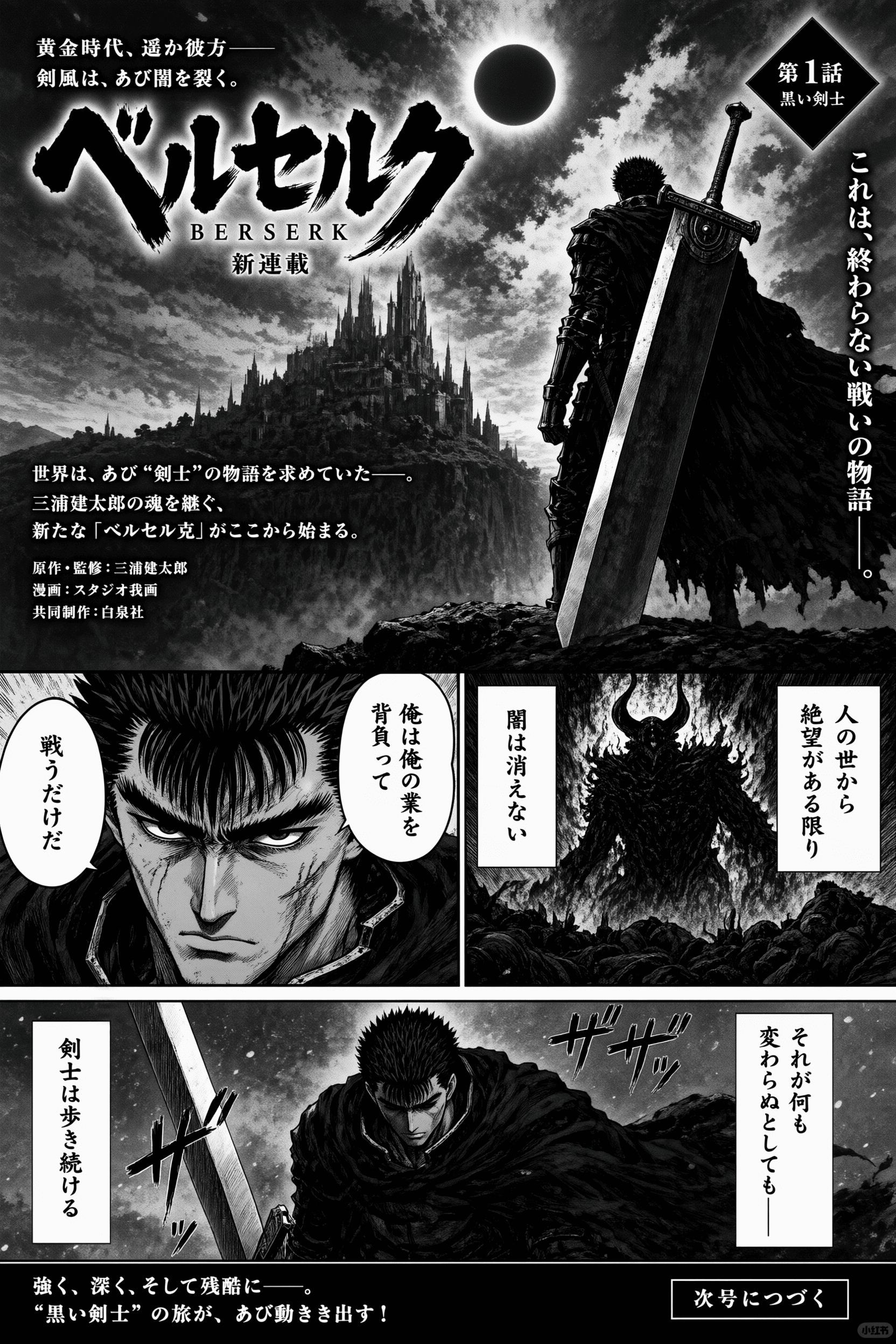
    Black-and-white illustrated manga page with a sword-bearing adult hero and dramatic panels
    Manga panel variationA clearly illustrated reference shows how image-to-image can preserve composition while changing tone, palette, or world-building details.

    Compare Models and Credit Trade-offs

    Choose the right model for your project by comparing credit costs and output quality.

    01

    Grok Imagine

    Grok Imagine is ideal for quick drafts, costing just 6 credits for a 6-second clip. Use it for initial concept testing before committing to higher-cost models.

    02

    MiniMax H3

    MiniMax H3 offers sound-enabled clips at 20 credits for 5 seconds. It’s a budget-friendly option for projects needing synchronized audio.

    03

    Seedance 2.0

    Seedance 2.0 delivers high-quality video with native audio, ranging from 70 credits for 5 seconds at 720p to 525 credits for 15 seconds at 1080p.

    Key Features of Seedance 2.0

    Explore the features that make Seedance 2.0 a powerful tool for video creation.
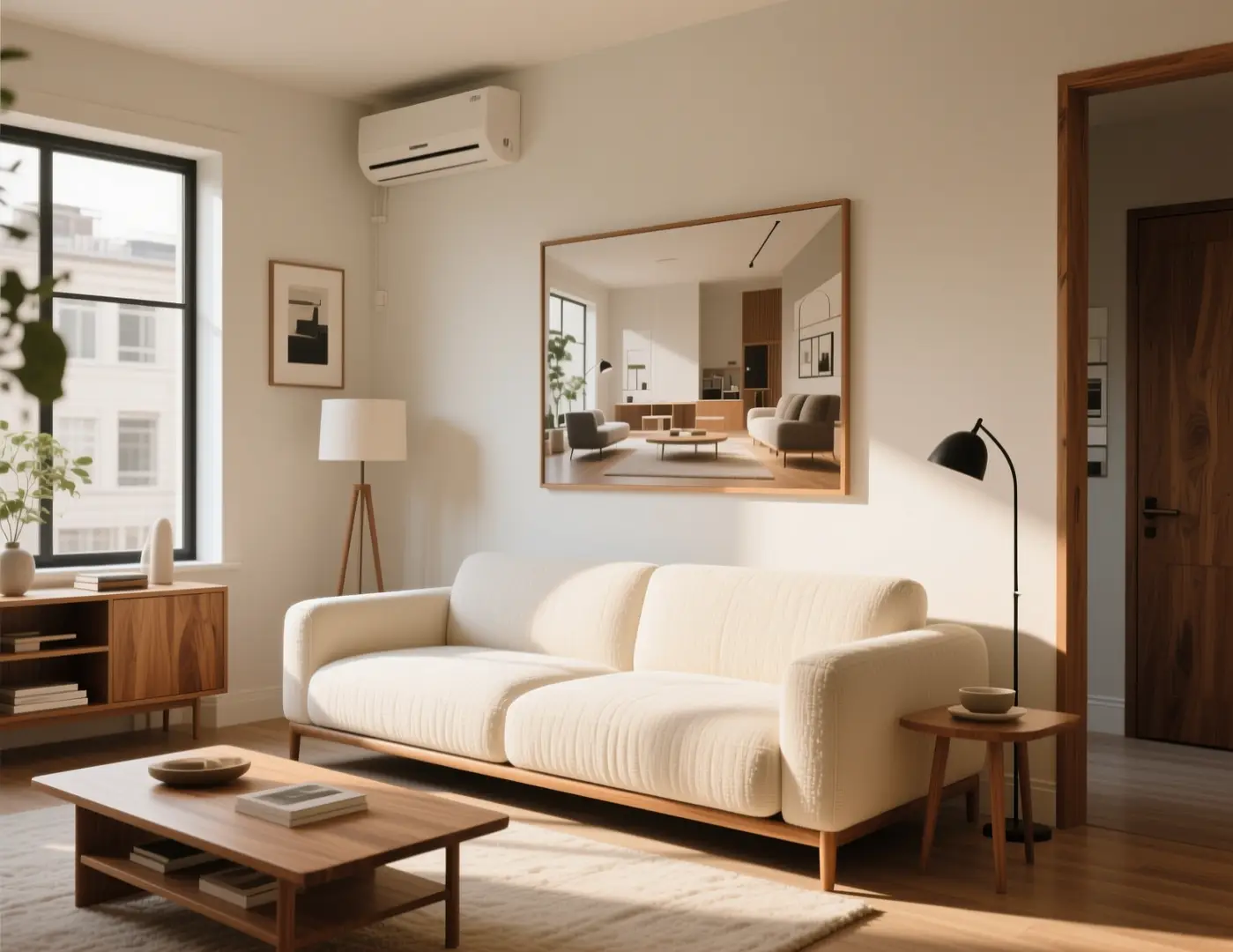
    Feature Room
    Supports multiple aspect ratios for versatile video creation.

    01

    Feature Room

    Seedance 2.0 supports multiple aspect ratios, including 16:9, 9:16, 1:1, and adaptive, ensuring your video fits any platform.
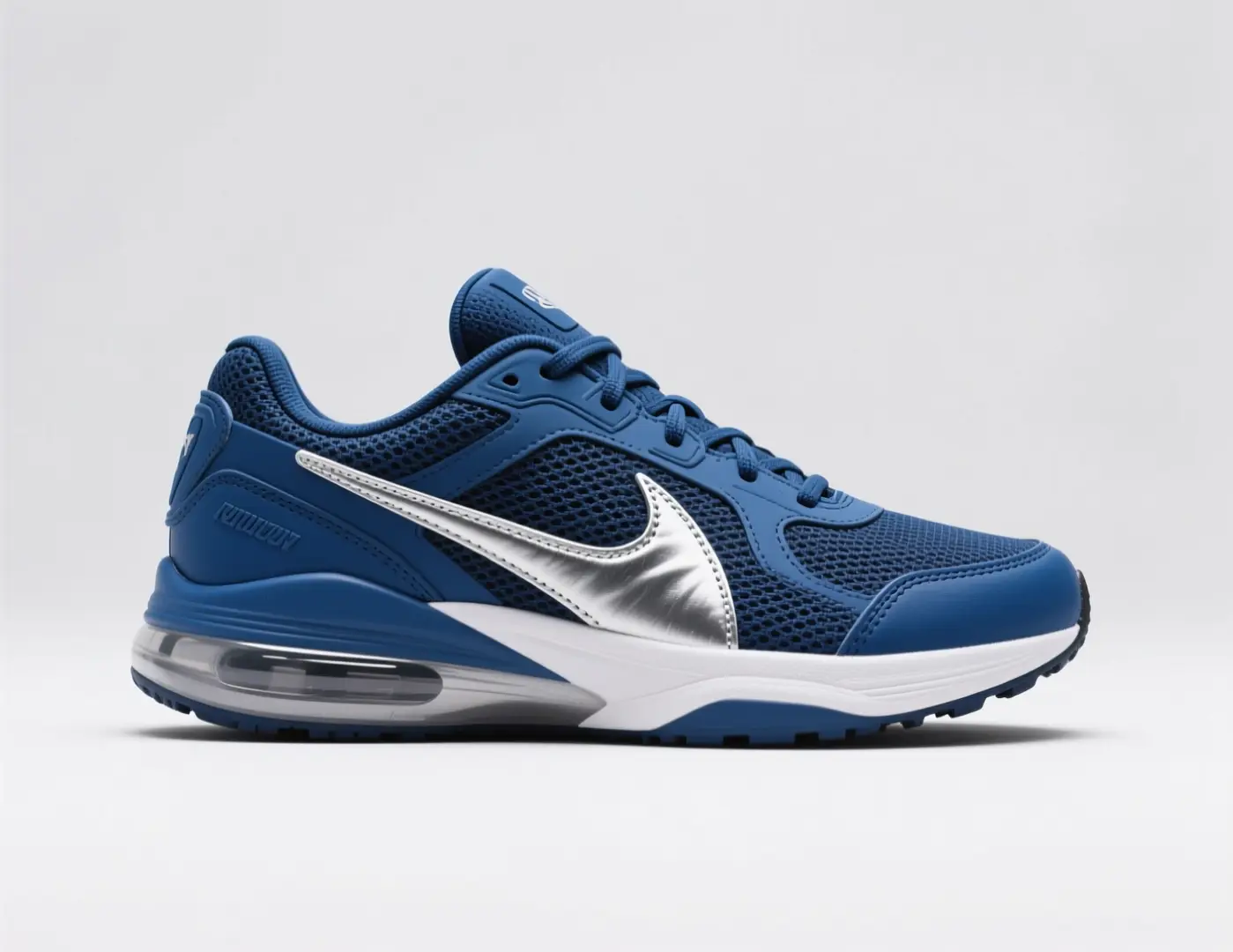
    restyle it in Flux
    Feature Product
    Upload reference images or videos for precise renders.

    02

    Feature Product

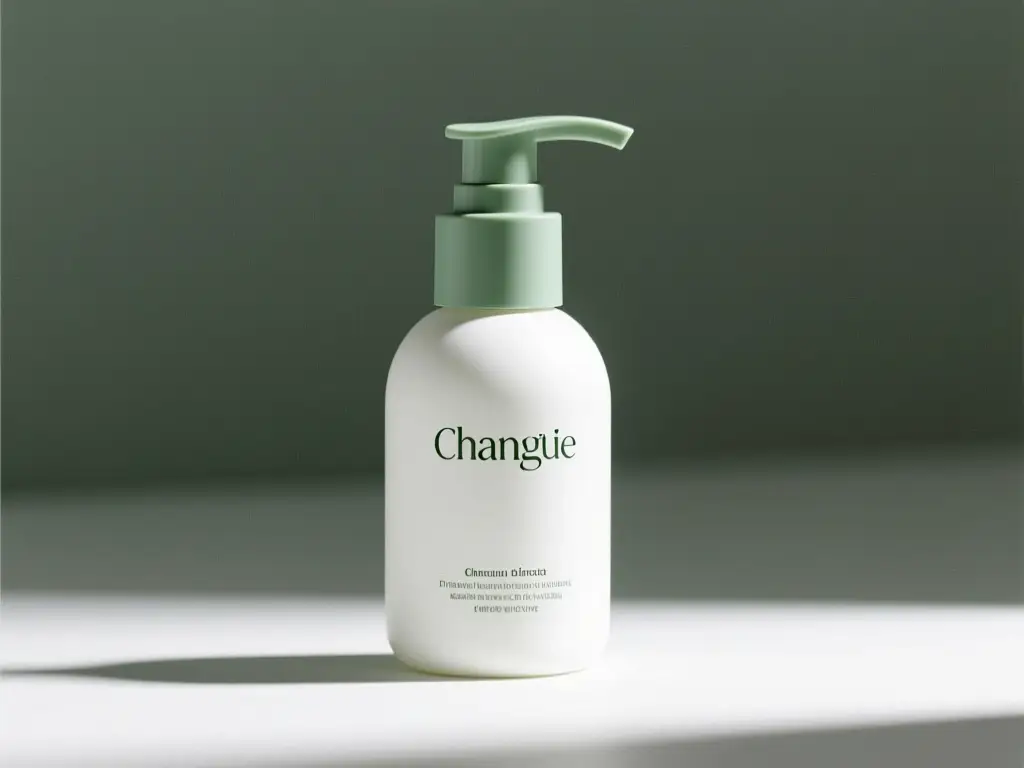
    Upload up to 9 reference images or 3 reference videos to guide your Seedance 2.0 render, ensuring precise output.

    place it on a Qwen still
    Feature Still
    Watermark-free exports for commercial use.

    03

    Feature Still

    Paid exports from Seedance 2.0 carry no watermarks and permit commercial use, making them ideal for professional projects.

    draft this on Seedream

    Common Use Scenarios

    Discover how Seedance 2.0 can be applied in various creative and professional contexts.

    Common Use Scenarios
    Scenario Catalog

    Scenario Catalog

    Scenario Catalog

    Create product showcase videos for e-commerce catalogs with Seedance 2.0, ensuring high-quality visuals and native audio.

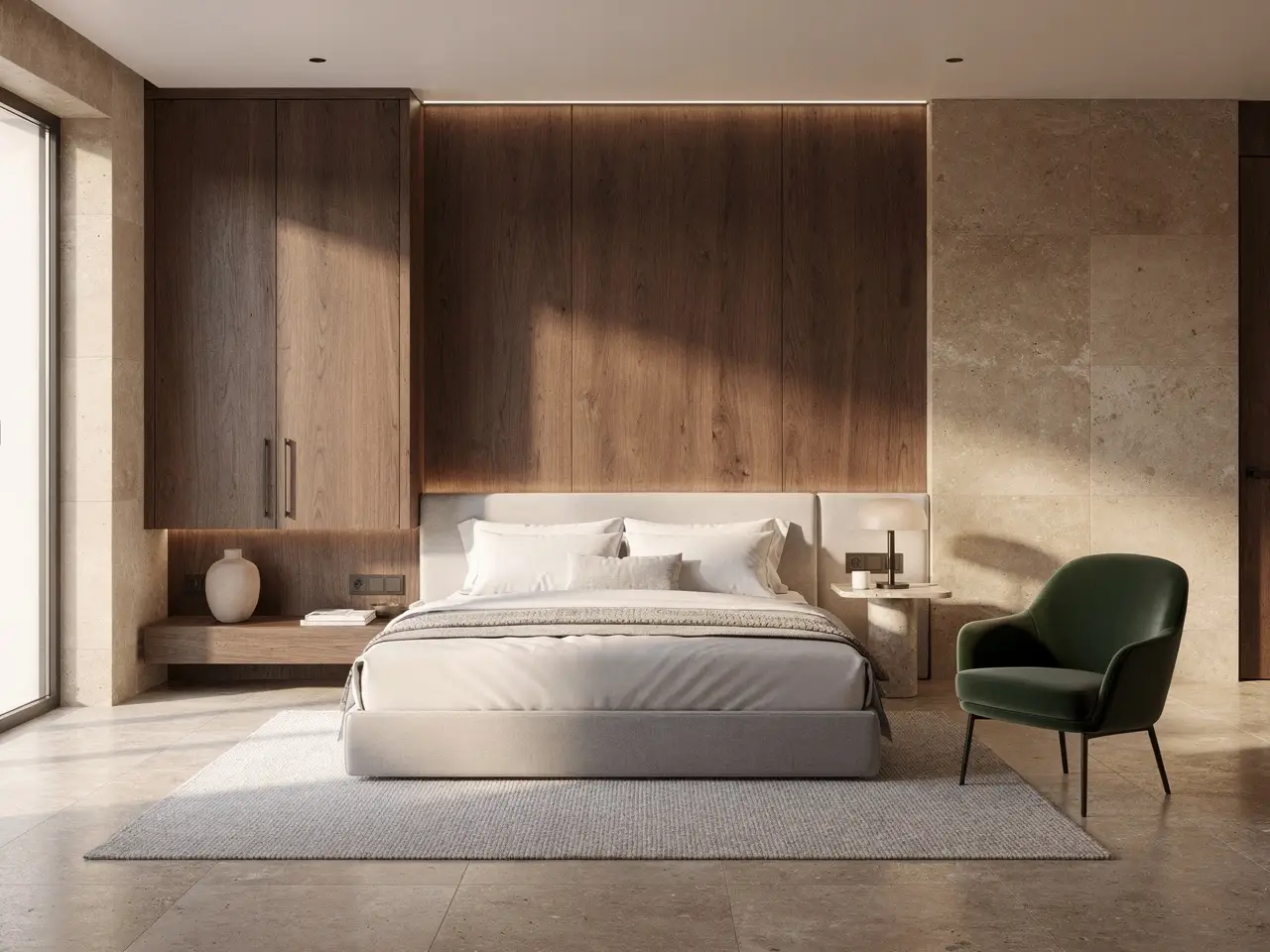
    Scenario Interior

    Scenario Interior

    Scenario Interior

    Design immersive interior design videos with Seedance 2.0, using adaptive aspect ratios for dynamic presentations.

    Scenario Illustration

    Scenario Illustration

    Scenario Illustration

    Produce animated illustrations with Seedance 2.0, using reference images to guide the video generation process.

    Gallery of Seedance 2.0 Renders

    Explore examples of Seedance 2.0 renders, complete with Coin estimates and camera specs.
    Gallery Reference

    Gallery Reference

    Seedance 2.0 renders using reference images ensure precise output, costing 70 credits for 5 seconds at 720p.

    70 credits for 5s 720p with reference images.
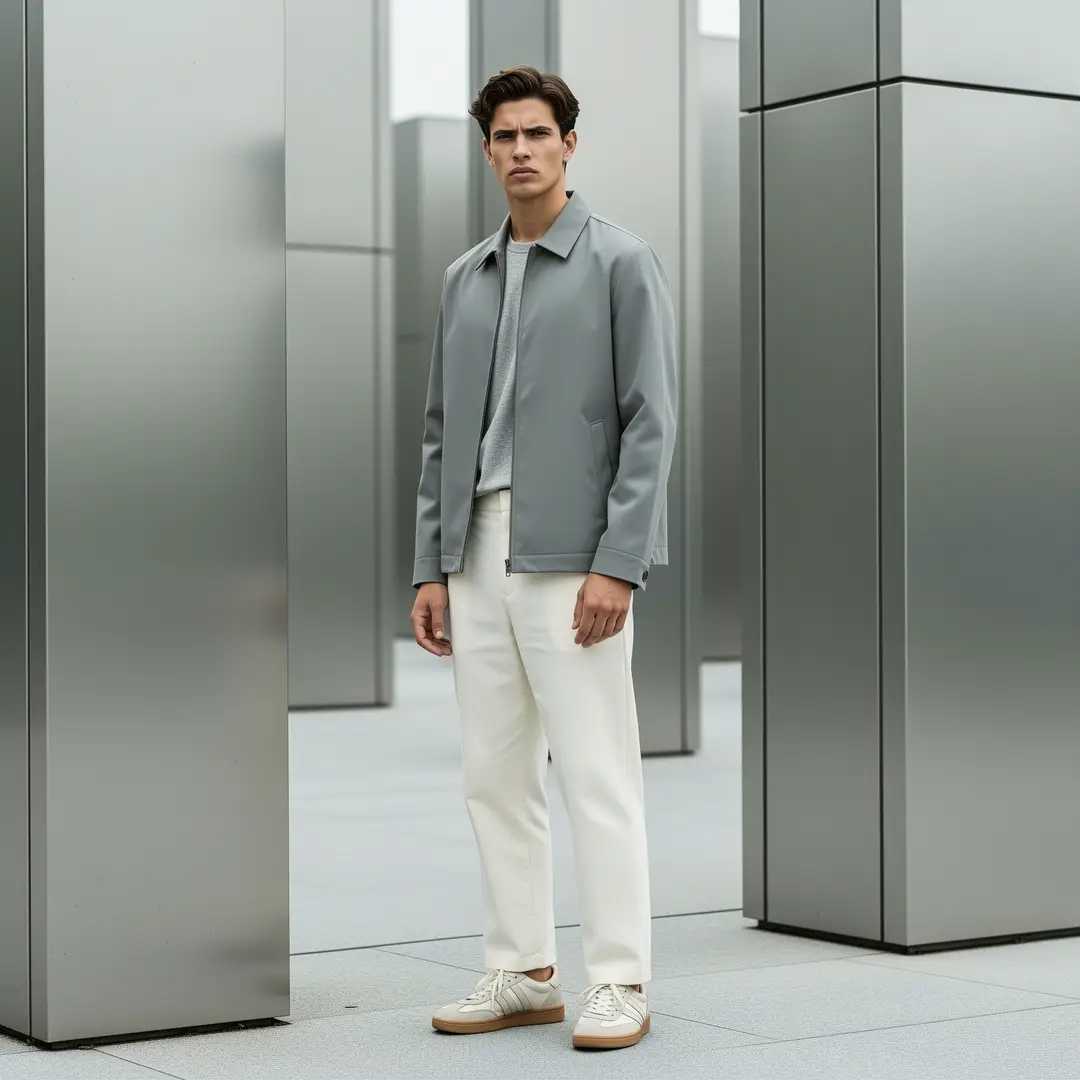
    Gallery Lookbook

    Gallery Lookbook

    Create dynamic lookbook videos with Seedance 2.0, costing 175 credits for 5 seconds at 1080p.

    175 credits for 5s 1080p lookbook videos.
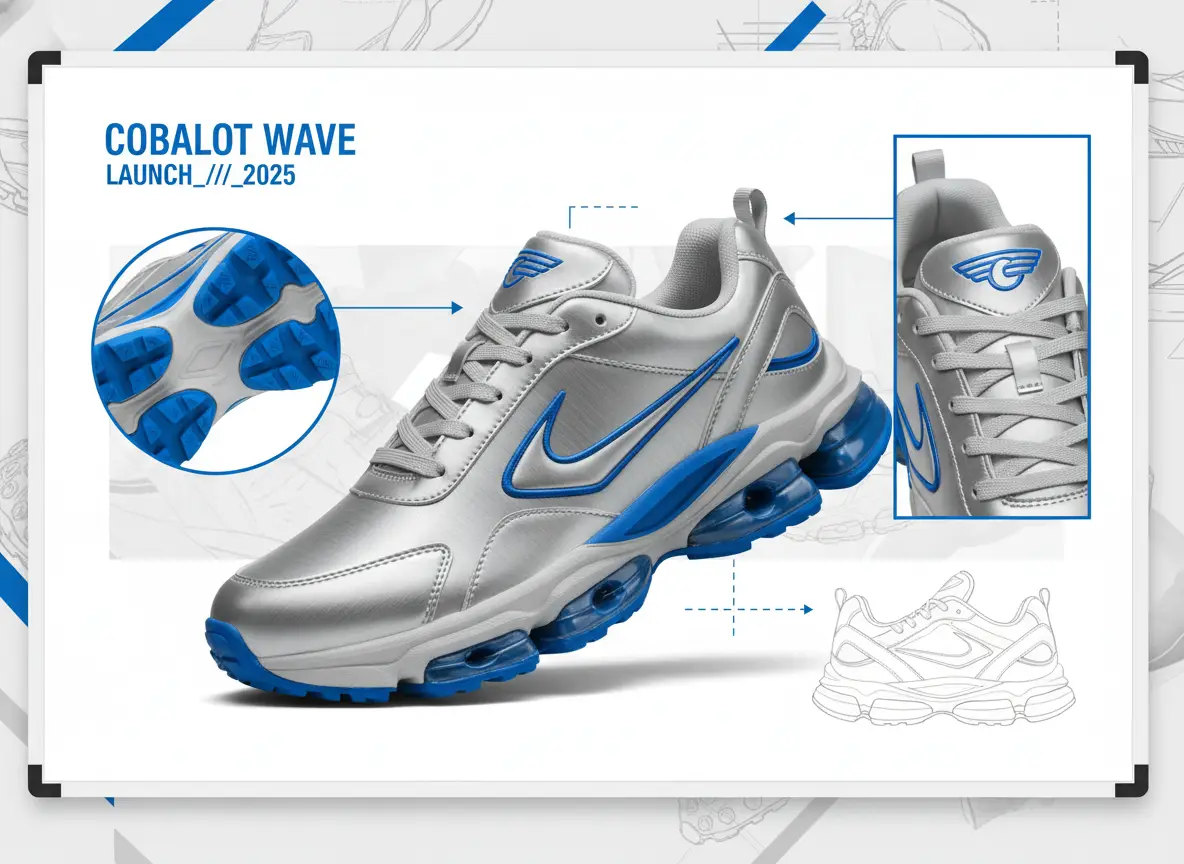
    Gallery Board

    Gallery Board

    Produce storyboard videos with Seedance 2.0, costing 525 credits for 15 seconds at 1080p with native audio.

    525 credits for 15s 1080p storyboard videos.

    Related Topics

    Learn more about Seedance 2.0 and related tools on VideoAny.

    Seedance 2.0 Workbench

    Seedance 2.0 Workbench

    Explore the Seedance 2.0 workbench to understand its features and capabilities.

    Visit Workbench→
    Seedance AI Video Hub

    Seedance AI Video Hub

    Discover the Seedance AI Video Hub for comprehensive video generation tools.

    Explore Hub→
    Seedance 2 Prompt Guide

    Seedance 2 Prompt Guide

    Learn how to craft effective prompts for Seedance 2.0 to achieve the best results.

    Read Guide→
    Image to Video Desk

    Image to Video Desk

    Convert images to videos with VideoAny’s Image to Video Desk, a versatile tool for creators.

    Try Desk→
    Coin Packs & Plans

    Coin Packs & Plans

    Understand VideoAny’s pricing structure, including Coin packs and subscription plans.

    View Pricing→

    Cost-Saving Tips

    Maximize your Coin usage with these practical tips for Seedance 2.0.

    01

    Use Grok Imagine for Drafts

    Start with Grok Imagine for draft clips at just 6 credits per 6 seconds, saving Coins for final renders.

    02

    Test Prompts with MiniMax H3

    Use MiniMax H3 for prompt testing at 20 credits per 5 seconds before committing to Seedance 2.0.

    03

    Optimize Reference Images

    Upload high-quality reference images to guide Seedance 2.0 renders, reducing the need for revisions.

    Frequently Asked Questions

    Find answers to common questions about Seedance 2.0 and VideoAny.

    Licensing and Watermark Rules

    Understand the licensing and watermark policies for Seedance 2.0 renders.

    Do Seedance 2.0 renders have watermarks?

    +−

    Paid exports from Seedance 2.0 carry no watermarks and permit commercial use, making them ideal for professional projects.

    Can I use Seedance 2.0 renders commercially?

    +−

    Yes, paid exports from Seedance 2.0 are watermark-free and allow commercial use, ensuring they meet professional standards.

    Coin Usage and Pricing

    Learn about Coin usage and pricing options for Seedance 2.0.

    How much does Seedance 2.0 cost?

    +−

    Seedance 2.0 costs range from 70 credits for 5 seconds at 720p to 525 credits for 15 seconds at 1080p, with Coin packs starting at $12.99 for 350 Coins.

    Are there free credits on signup?

    +−

    No, VideoAny Starter includes no free credits on signup, but you can inspect the workbench and preview Coin costs before paying.

    Technical Specifications

    Explore the technical specs and capabilities of Seedance 2.0.

    What aspect ratios does Seedance 2.0 support?

    +−

    Seedance 2.0 supports multiple aspect ratios, including 16:9, 9:16, 1:1, 4:3, 3:4, 21:9, and adaptive, ensuring your video fits any platform.

    Can I upload reference images or videos?

    +−

    Yes, Seedance 2.0 allows up to 9 reference images or 3 reference videos to guide the video generation process, ensuring precise output.

    How to Use Seedance 2.0

    Follow these steps to create videos with Seedance 2.0 on VideoAny.

    Step 1: Step 1: Inspect the Workbench

    Start by inspecting the Seedance 2.0 workbench to familiarize yourself with its features and settings.

    Step 2: Step 2: Upload Reference Media

    Upload up to 9 reference images or 3 reference videos to guide your Seedance 2.0 render.

    Step 3: Step 3: Preview and Render

    Preview the exact Coin cost and render your video, ensuring it meets your project requirements.
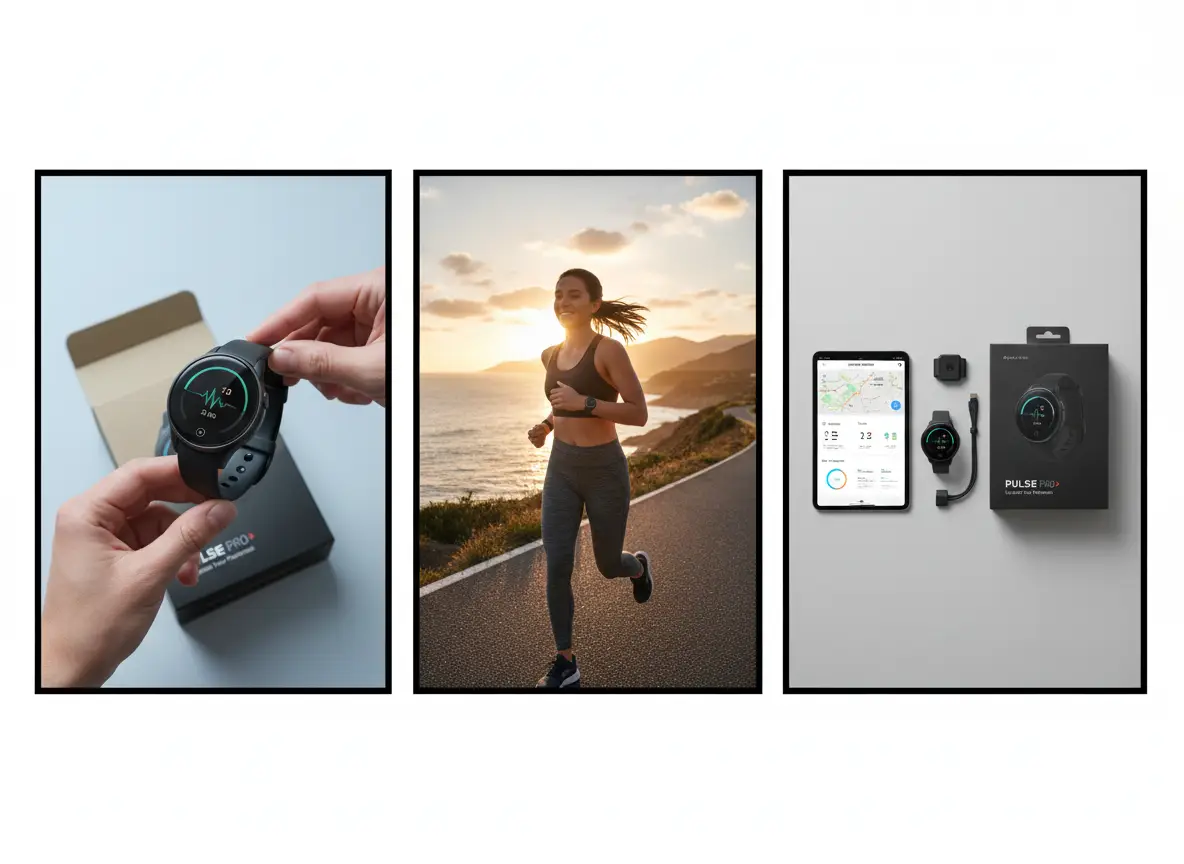
    Tutorial
    Learn how to use Seedance 2.0 with this step-by-step guide.

    Next Steps After Seedance 2.0

    Plan your next workflows after creating videos with Seedance 2.0.

    Low-Cost Test

    Use Grok Imagine or MiniMax H3 for low-cost prompt testing before committing to Seedance 2.0.

    Hero Render

    Create high-quality hero videos with Seedance 2.0, ensuring they meet your project’s visual and audio standards.

    Commercial Export

    Export your Seedance 2.0 renders without watermarks for commercial use, ensuring they are ready for professional applications.
    Footer

    VideoAny AI

    Open Seedance 2.0 Desk

    Plan your next workflows after creating videos with Seedance 2.0.

    Open Seedance 2.0 DeskBrowse related tools
    Creative tools & scenes
    • Visit Workbench
    • Explore Hub
    • Read Guide
    • Try Desk
    • View Pricing
    • kling ai free
    • sora watermark remover
    VideoAny

    VideoAny | AI Video & Image Generator

    support@videoany.ai
    AI Video Tools
    • View all
    • NSFW Video
    • Undress Video
    • Full tool directory
    AI Image Tools
    • View all
    • NSFW Image
    • Undress
    • Clothoff
    • Face Swap
    • Undress Templates
    • Full tool directory
    Uncensored AI Tools
    • View all
    • Nude Photo Generator
    • Uncensored Image Generator
    • NSFW Image to Video
    • Nude Generator
    • Nude Image Generator
    • Full tool directory
    AI Models
    • View all
    • Seedream 5.5
    • Full tool directory
    Company & Legal
    • View all
    • Pricing
    • Affiliate (30%)
    • Partners
    • Affiliate (30%)
    • About
    • Contact
    • Privacy
    • Terms
    • Refund
    JoyFun
    • JoyFun AI Image Generator
    • JoyFun AI Image to Image
    • JoyFun AI Image to Video
    Candy AI
    • Candy AI Video
    CreatePorn
    • Createporn AI
    PornPen
    • Pornpen AI
    PornWorks
    • Pornworks AI
    Promptchan
    • Promptchan AI
    SeaArt
    • Seaart NSFW
    Seduced
    • Seduced AI
    Soulgen
    • Soulgen AI
    Spicy
    • Spicy AI Image Editor
    • Spicy AI Video Generator
    • Spicy Chat AI
    Unstable Diffusion
    • Unstable Diffusion

    When you buy from VideoAny, we answer support@videoany.ai right away, usually within seconds. Model names and trademarks belong to their owners. VideoAny is not their official site.

    © 2026 VideoAny. All rights reserved. ACKERMAN TECH SOLUTIONS LLC

    Model & settings

    Aspect Ratio

    Duration

    5s
    4s15s

    Resolution

    Repeat

    1
    2STARTER5LITE8PRO10MAXCurrent
    Advanced settings

    This number is sent with the video. When the model, prompt, and references stay the same, the same seed can come close to the last result. The provider may still differ. Leave it unlocked and each run gets a new seed, so the next video is not identical.

    Upload reference

    0/1
    Hints

    Prompt

    Prompt
    0/5000
    Credit cost

    1 videos · 70 credits

    Samples are examples. Results follow the prompt and model and will not match the preview. For a closer match, use Image to Image for a still or Video to Video for a clip.

    1 / 2