
VideoAny AI
Kling AI Free Video Generator with Sound
VideoAny Starter accounts let you explore Kling AI models for free, configure parameters, and preview costs before spending Coins. No signup credits—just transparent pricing. Paid exports use non-expiring Coins ($12.99 = 350 Coins) for watermark-free Kling v2.6, v3.0, or Motion Control clips.






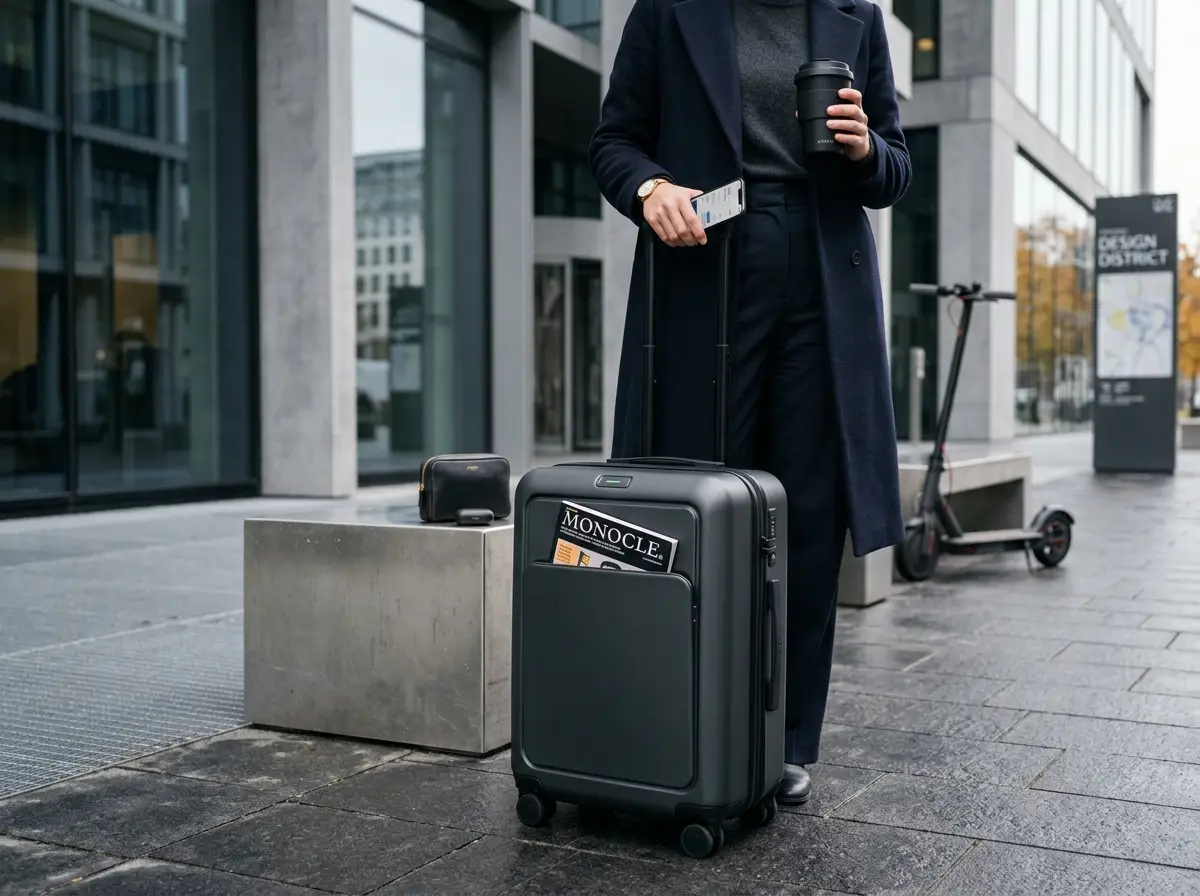

Kling AI and Alternative Video Models
Compare Kling's motion quality against faster, cheaper draft generators like Grok Imagine or MiniMax H3.
01
Kling v2.6 & v3.0 with Sound
Kling v2.6 and v3.0 produce 4–15s clips with synchronized audio, ideal for social ads. Pair with 6-credit Grok Imagine drafts to save Coins. Motion Control adds dynamic camera moves for cinematic shots.
02
Budget Draft Generators
Grok Imagine costs ~6 credits for 6s clips, while MiniMax H3 delivers 5s drafts with sound for 20 credits. Use these for storyboarding before investing in Kling hero takes.
03
Premium 1080p Options
Google Veo 3.1 (40 credits) and Seedance 2.0 (70+ credits) offer 720p/1080p exports. Wan 3.0 extends to 30s clips (360 credits) for longer narratives.
Key Tools in Your Workbench
VideoAny's workspace shows real-time cost estimates for every parameter change.

01
Model Comparison
Side-by-side previews let you test Kling against Veo or Seedance before spending Coins.
02
Frame-by-Frame Editing
Trim clips to exact durations to control costs—every second saved reduces Coin spend.

03
Freeze-Frame Exports
Extract 4K stills from Wan 2.7 Image Pro without using video credits.
Common Use Cases
Kling AI fits commercial projects where watermarks aren't an option.
Cost Breakdowns by Project
Real examples showing Coin budgets for different video styles.

Reference-Based Animation
Seedance 2.0 accepts up to 9 images to maintain character consistency across shots.
5s 720p clip: 70 credits (3 reference images)
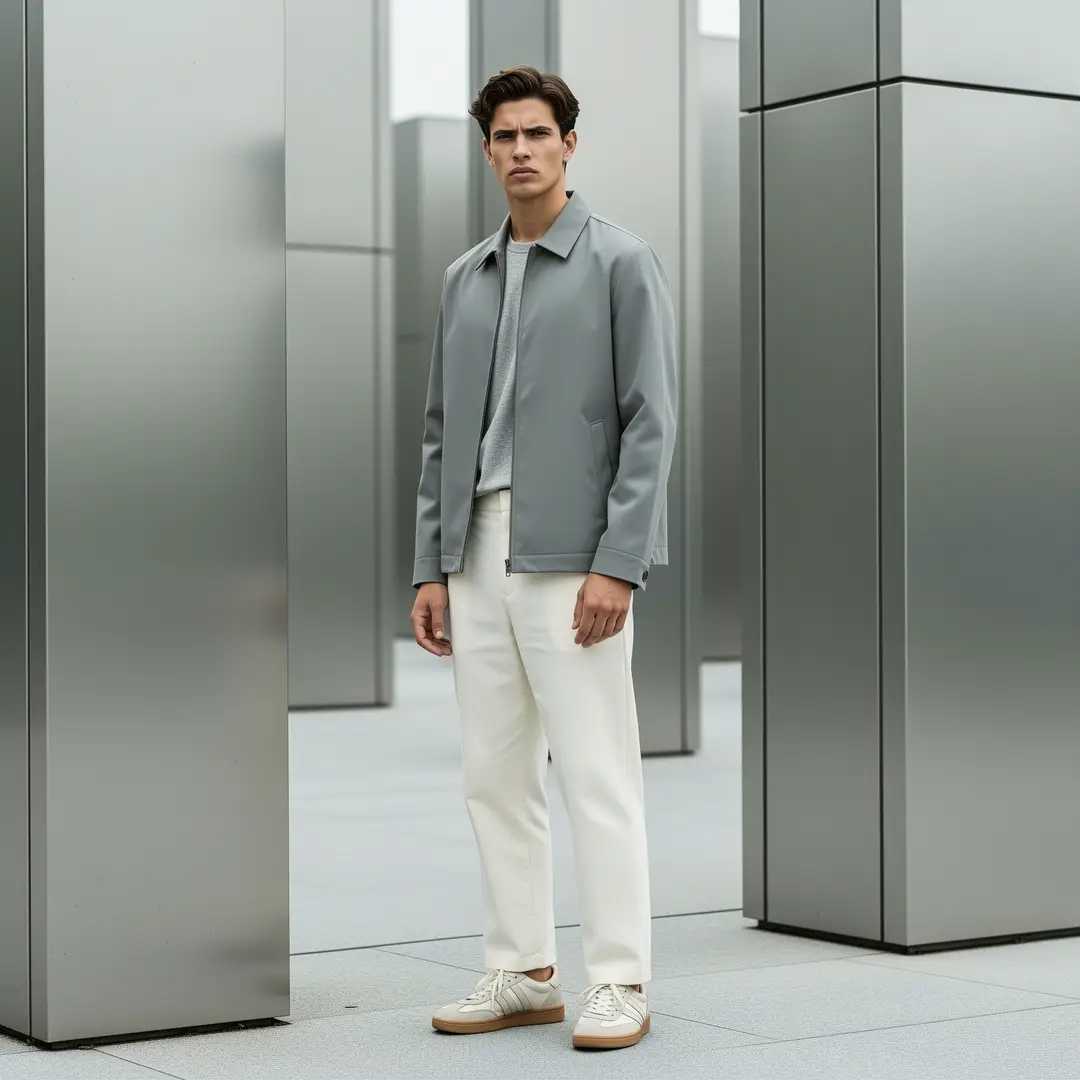
Fashion Lookbook
Kling v3.0's 9:16 aspect ratio fits Instagram Reels natively.
8s vertical clip: 120 credits
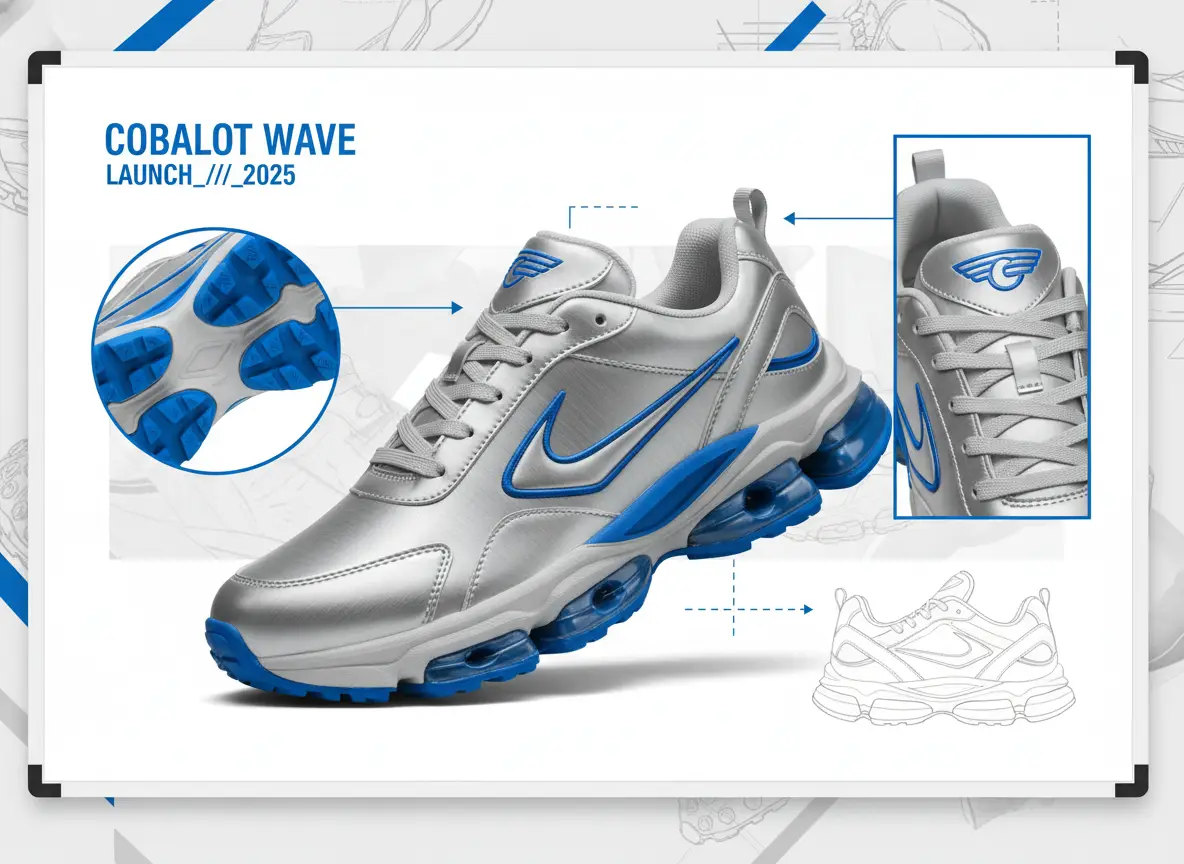
Storyboard to Final
Grok Imagine drafts (6 credits each) edited into a 15s Kling v3.0 sequence (210 credits).
Total cost: 234 credits for 3 drafts + final
Cost-Saving Strategies
Smart workflows to stretch your Coins further.
01
Draft with Grok, Polish with Kling
A 6-credit Grok Imagine test clip confirms composition before a 90-credit Kling v3.0 export. Saves 40% vs multiple Kling attempts.
02
Trim Silent Clips
Kling v2.6 costs drop 15% when shortening from 15s to 12s. Use the timeline editor to fine-tune durations.
03
Buy Coins in Bulk
The $69.99 pack (2,500 Coins) cuts per-credit costs by 30% versus $12.99/350 Coins. Lite subscribers save more with 7,200 Coins/year.
Kling AI Free Questions
Clear answers about Starter accounts and paid generation.
Free Account Limits
Starter plans show costs but require Coins to export videos.
Can I download videos for free?
+−
No. Starter accounts preview clips and see exact Coin costs, but exports require paid Coins. The cheapest pack is $12.99 for 350 Coins (enough for five 6s Grok drafts or one 5s Kling v2.6 clip).
Do free accounts get watermarked samples?
+−
VideoAny never adds watermarks—paid exports are clean. Starter users see full-quality previews but can't download until purchasing Coins.
Kling Model Differences
v3.0 improves motion over v2.6, while Motion Control adds camera dynamics.
Kling v2.6 vs v3.0: which is better?
+−
v3.0 has smoother motion and handles complex scenes better, but costs 20% more credits. v2.6 works well for simple actions. Compare both in your workbench before deciding.
What does Motion Control add?
+−
Kling Motion Control pans, zooms, or rotates around static images. It uses the same credit costs as v3.0 but requires a reference photo upload.
Licensing and Watermark Rules
All paid exports are commercial-use ready with no attribution required.
Can I sell Kling-generated videos?
+−
Yes. Videos bought with Coins (from $12.99 packs) carry no watermarks and grant full commercial rights. Clients won't know AI created them.
Do subscriptions include usage rights?
+−
Lite subscribers ($19/mo) get the same commercial terms as Coin pack buyers. Monthly exports are still charged from your 600 included Coins.
First Kling Video in 3 Steps
From free setup to paid export—here's how creators use VideoAny.
Step 1: 1. Configure Free Preview
Set duration (4–15s), aspect ratio, and prompts. The workbench shows real-time Coin estimates before spending.
Step 2: 2. Test with Cheap Drafts
Generate 6s Grok Imagine clips (6 credits) to check compositions. Refine prompts before Kling renders.
Step 3: 3. Export Hero Clip
Buy Coins ($12.99+), then generate the final Kling v3.0 or Motion Control video. Download watermark-free MP4s.
Plan Your Video Workflow
Smart paths from testing to final export.
Low-Cost Testing
Start with Grok Imagine (6 credits) or MiniMax H3 (20 credits) to validate concepts before Kling spends.
Targeted Hero Renders
Apply saved Coins to Kling v3.0 (90 credits/5s) or Seedance 2.0 (70 credits/5s) for client-ready clips.
Commercial Packages
Bundle multiple Kling videos using bulk Coin packs ($69.99=2,500 Coins covers ~27 clips).

VideoAny AI
Try Kling v2.6
Smart paths from testing to final export.