



01
JoyFun AI Image to Video Alternative First-Frame Upload
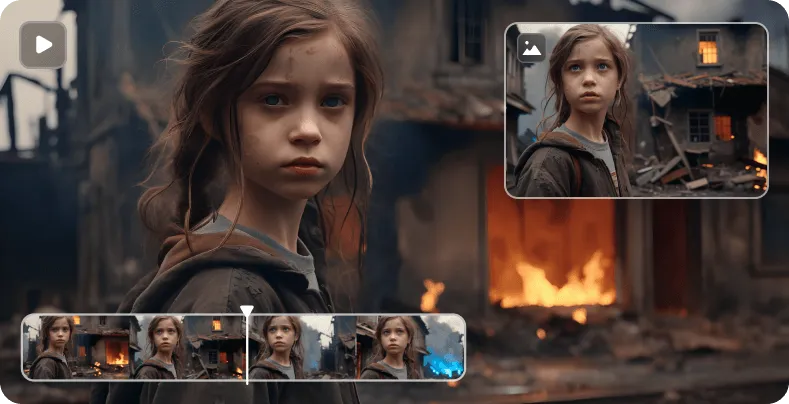
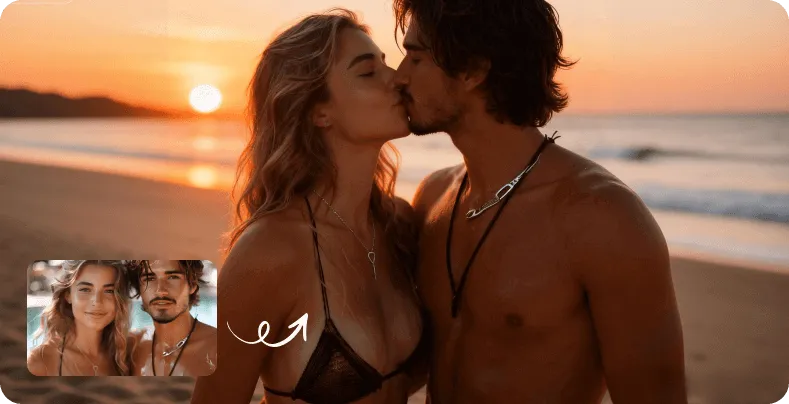
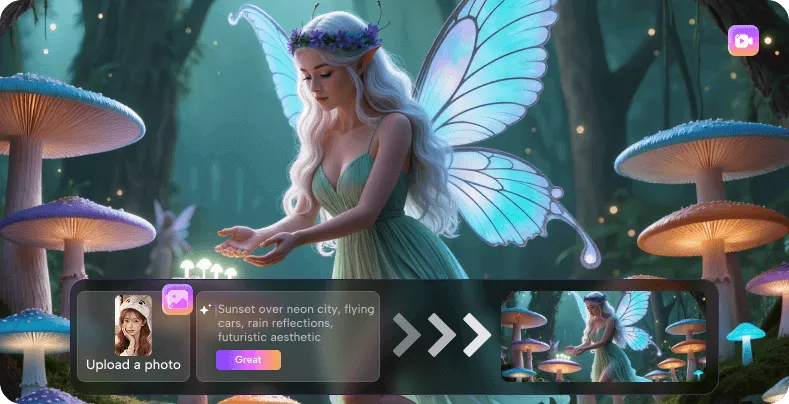
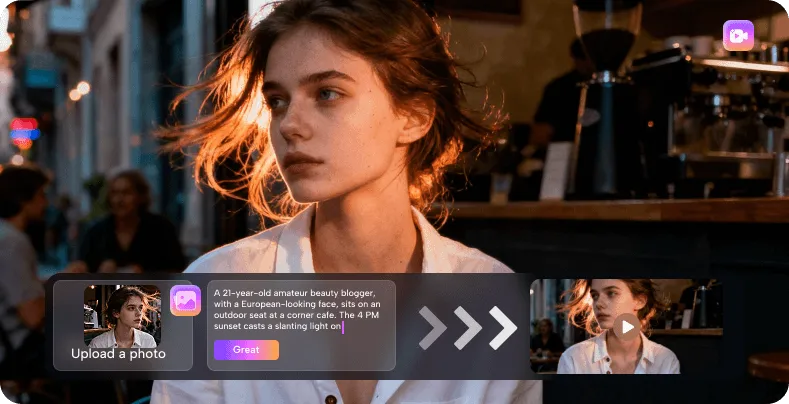
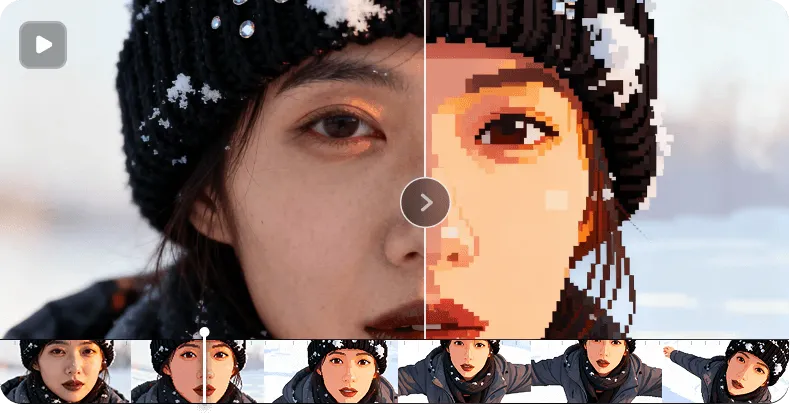
The workbench begins with a first-frame image upload that defines the subject, composition, and lighting for your clip. Choose a still with clear subject-background separation and avoid heavy motion blur in the source. Once uploaded, the image becomes the starting point for the Wan 2.7 Spicy model. A JoyFun AI Image to Video alternative relies on this initial frame to anchor the generated motion, so inspect framing and subject detail carefully. When you revisit a JoyFun AI Image to Video alternative task, swapping the first frame often changes the output more than adjusting the prompt alone.
try the look in GPT Image