
VideoAny AI
Sora Watermark Remover Tools for AI Video Creation
VideoAny doesn't edit or remove watermarks from existing Sora videos. Instead, generate fresh, clean clips from text or reference images using Seedance 2.0, Wan 3.0, or Kling v3.0. Starter accounts preview costs for free. Paid Coin exports skip watermarks and allow commercial use.







Top Models for Clean AI Video Generation
Compare credit costs and output quality across VideoAny's top watermark-free generators.
01
Seedance 2.0
Seedance 2.0 creates 4–15s clips at 480p to 1080p with synchronized sound. Costs range from 70 Coins (5s 720p) to 525 Coins (15s 1080p). Supports 7 aspect ratios including 16:9 and 9:16, plus multi-reference inputs.
02
Wan 3.0
Wan 3.0 generates up to 30s 1080p videos for 360 Coins. Ideal for longer scenes without watermarks. Uses adaptive aspect ratios and maintains consistent motion quality across shots.
03
Kling v3.0
Kling v3.0 produces 4–15s videos with motion control for 120–300 Coins. Syncs audio natively and avoids platform watermarks. Best for precise movement from reference images.
Key Features for Watermark-Free Work
Tools to create commercial-ready AI video without third-party branding.
01
Reference Image Input
Upload clean source images to guide generation, avoiding watermarked frames. Works with Seedance 2.0 and Kling v3.0 Motion Control.
02
Multi-Format Exports
Paid exports deliver MP4s without corner badges. Choose from 480p to 1080p at 16:9, 1:1, or vertical 9:16 ratios.

03
4K Stills
Wan 2.7 Image Pro creates 4K WebP frames from video prompts. Use as clean keyframes for later animation.
Commercial Use Cases
Produce unbranded video for these common professional scenarios.
Costed Workflow Examples
Real generation tasks with Coin estimates and technical specs.
Reference-Based Regeneration
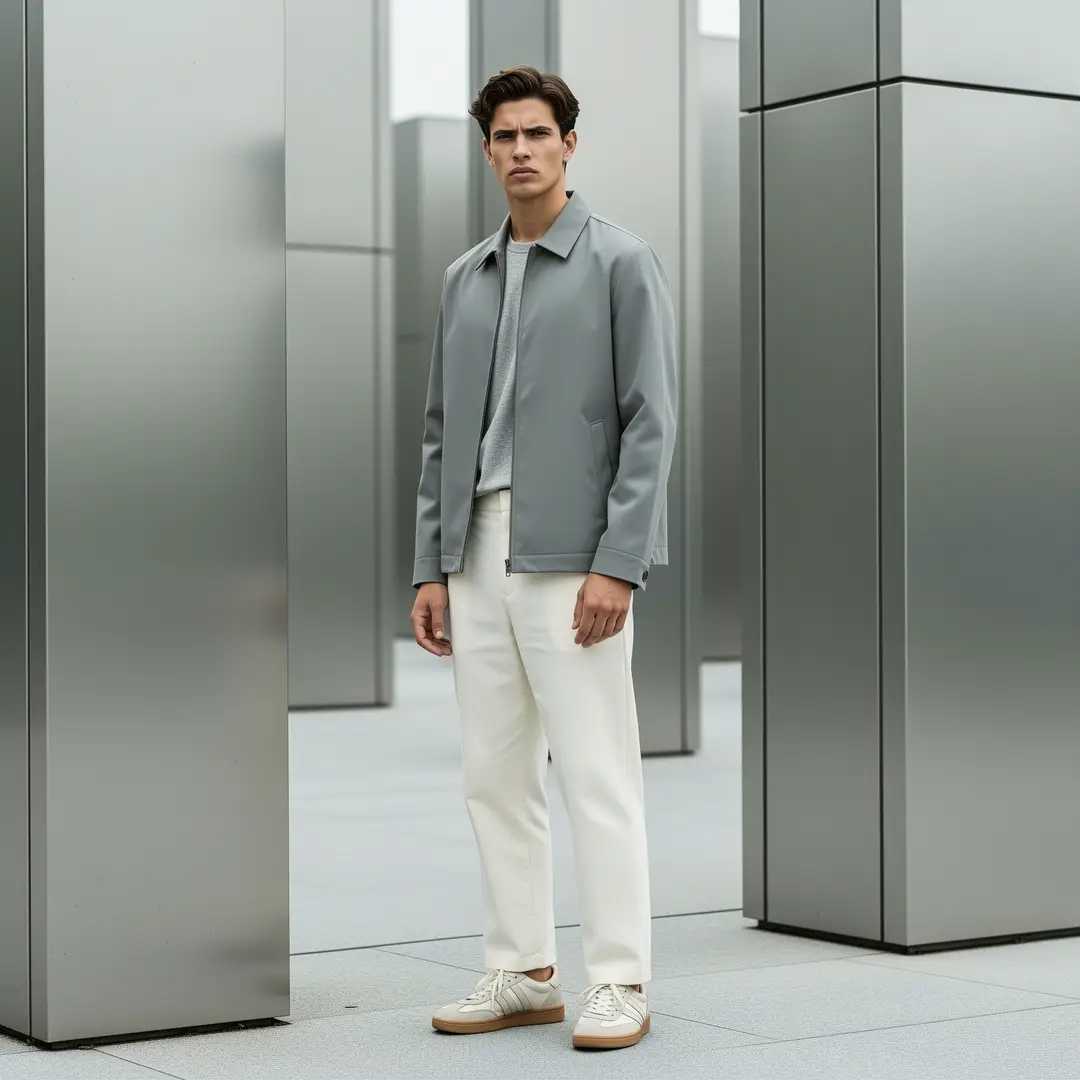
Replace a watermarked 5s clip by feeding Seedance 2.0 a clean keyframe. Costs 70 Coins for 720p output at matching 16:9 aspect.
5s 720p: 70 Coins via Seedance 2.0
Style-Consistent Series
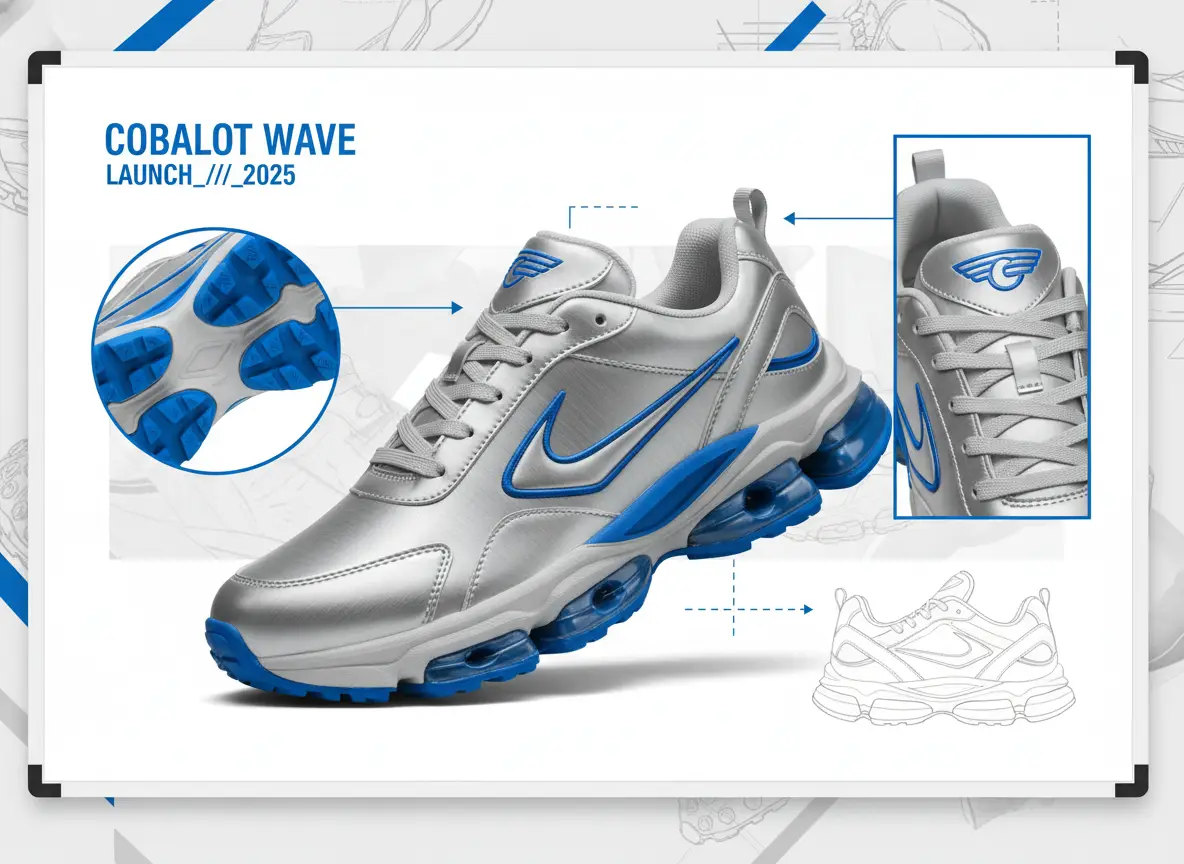
Produce 3x 5s 1080p clips in a unified aesthetic using Wan 2.7. Total 525 Coins avoids platform watermarks across all exports.
15s total: 525 Coins via Wan 2.7
Vertical Social Clip
Kling v3.0 makes 9:16 video with motion control for 150 Coins. Native 1080x1920 resolution fits Instagram/TikTok without letterboxing.
8s 1080p: 150 Coins via Kling v3.0
Cost-Saving Techniques
Smart practices for budget-friendly watermark-free output.
01
Test at Lower Res
Draft 480p versions with Seedance 2.0 Fast (60 Coins) before final 1080p renders. Saves 40% versus immediate high-res generation.
02
Batch Reference Frames
Upload 3–5 consistent keyframes to Seedance 2.0. Cuts regeneration needs by anchoring style early in the process.
03
Lite Subscriptions
Frequent creators save 20% with $19/mo (600 Coins). Annual plans drop to $189/yr (7,200 Coins) for bulk watermark-free projects.
Watermark and Licensing FAQ
Clear answers on commercial use and generation policies.
Watermark Rules
How VideoAny handles branding across free previews and paid exports.
Do free previews have watermarks?
+−
Yes. All free previews show a VideoAny corner badge. Paid Coin exports (from $12.99 packs) remove this and permit commercial use without platform branding.
Can I edit out Sora watermarks?
+−
No. VideoAny doesn't modify existing videos. Instead, regenerate clean versions from text or reference images using Seedance 2.0, Wan 3.0, or Kling v3.0.
Aspect Ratios
Supported dimensions for watermark-free output.
What ratios work for social media?
+−
Seedance 2.0 and Wan 3.0 support 16:9 (landscape), 9:16 (vertical), and 1:1 (square). Kling v3.0 adds 4:3 and 21:9 for specialty formats.
Can I crop after generation?
+−
Yes, but starting with the correct ratio (e.g., 9:16 for TikTok) avoids quality loss. All paid exports provide clean MP4s ready for external editing.
Commercial Licensing
Rights and reuse for paid exports.
Are paid exports royalty-free?
+−
Yes. Coin and Lite subscription renders grant full commercial rights. No attribution required for ads, social, or client work.
Can I resell generated videos?
+−
Yes. Paid exports permit resale as stock footage or in edited compilations. Cannot claim exclusive copyright over AI-generated elements.
3-Step Clean Generation
How to produce watermark-free video from scratch.
Step 1: 1. Input Clean References
Upload unwatermarked photos or describe your scene in text. For recreations, provide 3–5 style-matched frames to Seedance 2.0.
Step 2: 2. Preview Drafts
Check free low-res previews. Adjust prompts or reference weight until motion matches your needs before spending Coins.
Step 3: 3. Export Final
Pay with Coins (from $12.99 packs) to render 480p–1080p without watermarks. Download MP4s directly for editing or publishing.
Start Creating
Path from first test to commercial-ready exports.
Low-Cost Test
Try Seedance 2.0 Fast (60 Coins for 5s 720p) or Grok Imagine (6 Coins for 6s) to validate concepts before full renders.
Hero Render
Invest 175–360 Coins in a 1080p Wan 3.0 or Seedance 2.0 clip. 16:9 and 9:16 ratios fit most professional uses.
Bulk Projects
Lite subscriptions ($19/mo) provide 600 Coins monthly for ongoing watermark-free work. Annual plans cut effective rates by 20%.
VideoAny AI
Open Wan 2.7 Workbench
Path from first test to commercial-ready exports.