VideoAny AI
Spicy AI Video Generator
Spicy AI Video Generator on VideoAny helps you control adult subject movement, framing, and camera from one photo. Upload an authorized adult photo, write one motion instruction, check account credits and the credit cost, then generate and review the first-frame clip. This image-to-video route uses Wan 2.7 Spicy. Choose your framing from the source rather than assuming a first-person camera.
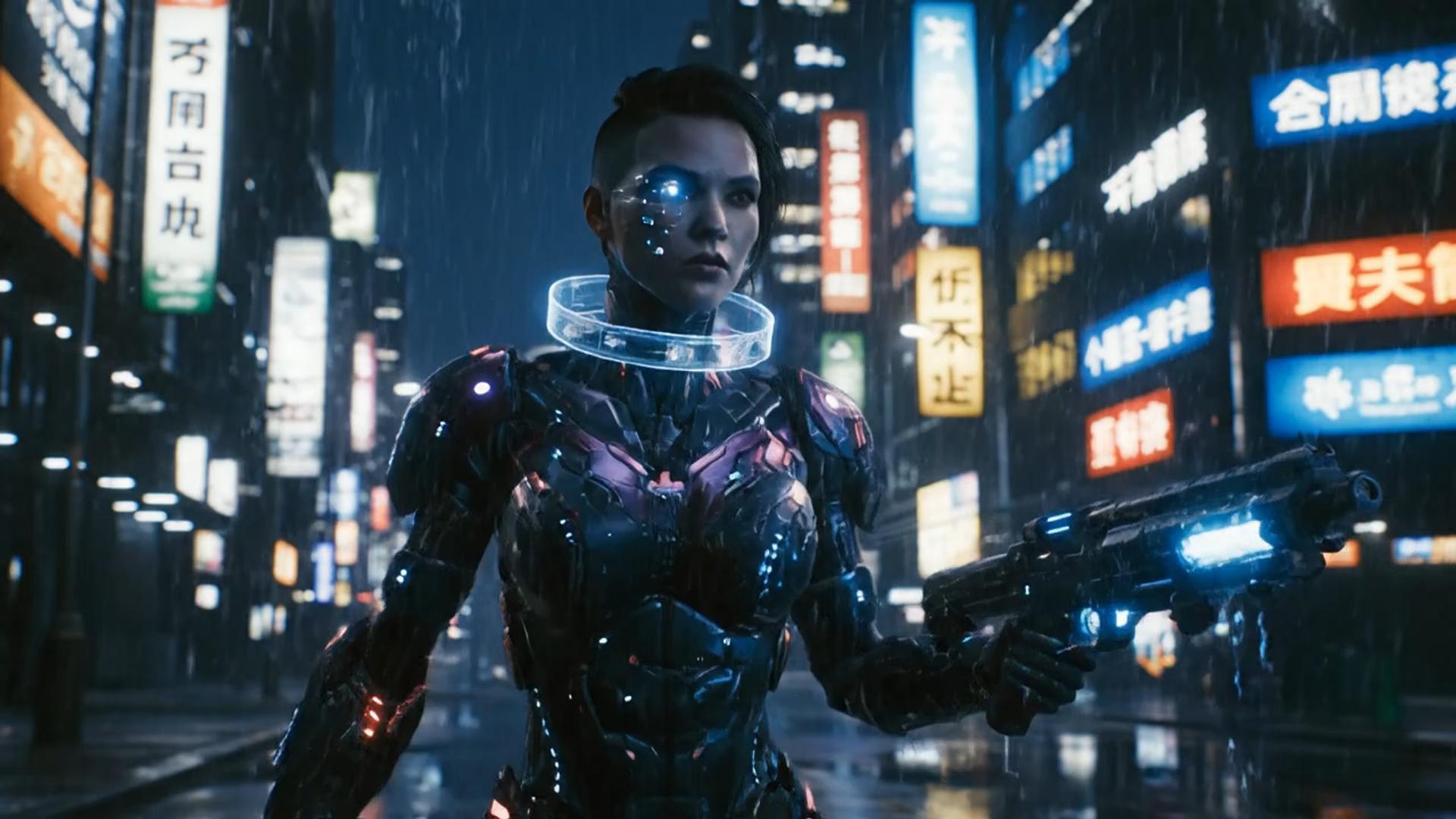
Illustrative wide scene
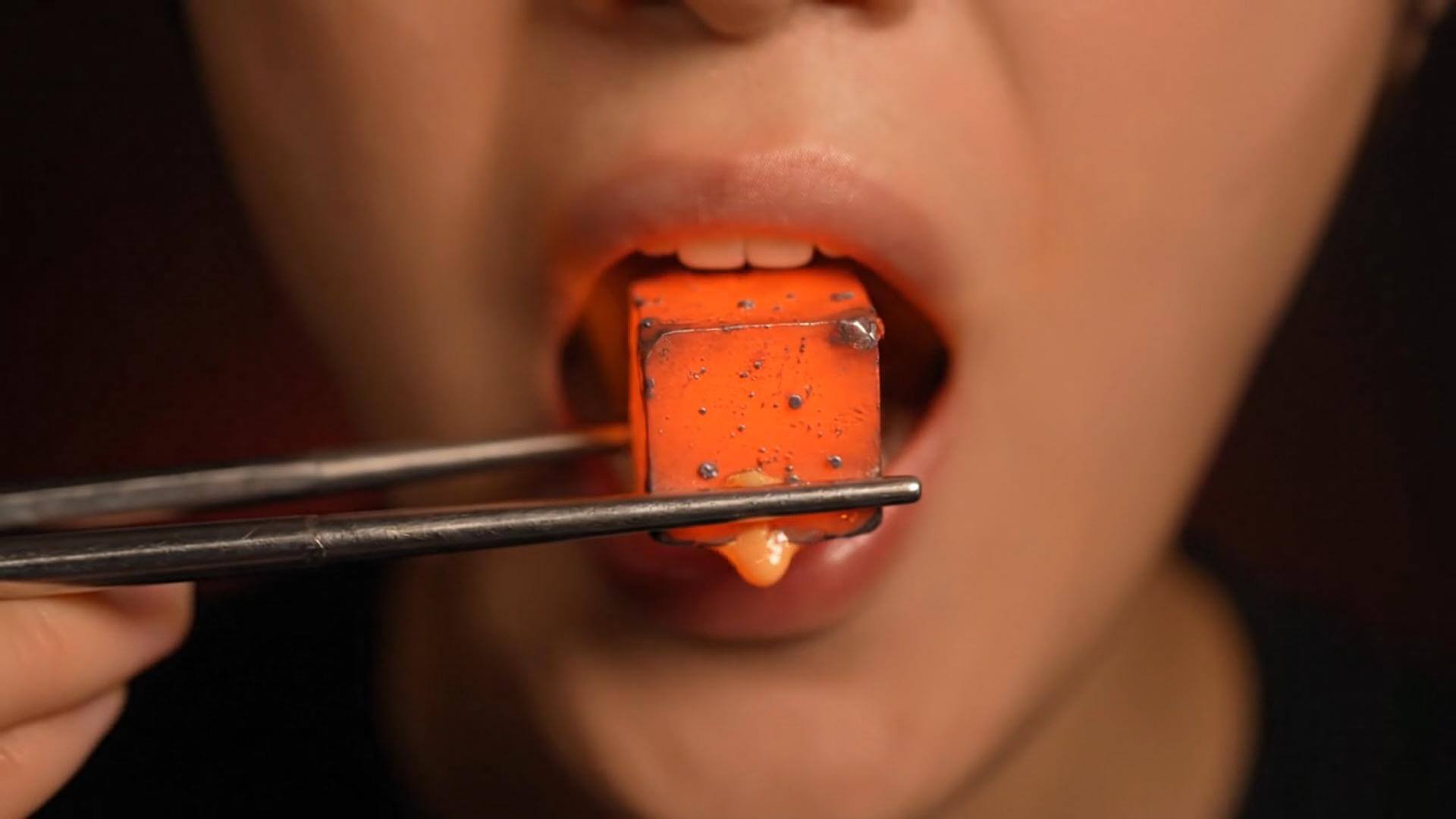
Illustrative texture study

Illustrative character shot
Direct adult motion from a chosen still
Start with an adult still whose pose and crop you want to retain. Direct a subject movement and camera separately. This route is a general adult image-to-video workflow; a POV shot is one possible brief, not the required framing.
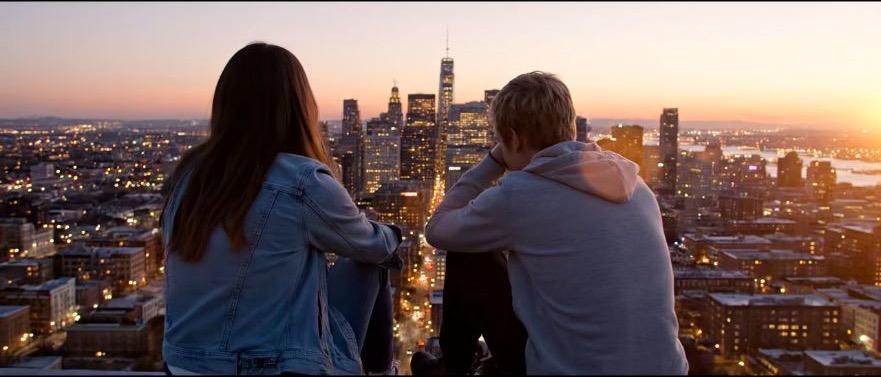
Start with your authorized adult photo
Use a draft to refine the movement
Keep a copy of the authorized adult photo and the exact instruction. A generated draft shows where the model interpreted the request differently. Revise the movement or edit clause that failed instead of replacing every setting at once.
What this image-to-video route lets you control
The goal is to control adult subject movement, framing, and camera from one photo. Separate the source, instruction, and output settings so each comparison answers a useful question.
Keep the source central to the motion
The workbench starts from your authorized adult photo. Write what must remain recognizable and then name the requested change. A source that contradicts the prompt is harder to use than a source already close to the desired composition.
compare it on Nano BananaReview settings with the cost visible
Wan 2.7 Spicy determines which settings this route offers. Choose among the controls shown in the workbench, then check the updated credit cost. More expensive settings do not guarantee a better creative result.
restyle it in FluxUse the actual Wan 2.7 Spicy choices
Wan 2.7 Spicy is the model on this path. Keep the brief specific to your source. This adult route does not require a POV composition or a text-only generation.
place it on a Qwen stillWork in the browser
Upload, write the instruction, inspect credits, and review History in VideoAny. You do not need an additional editor installation for this generation step. A separate editor may still be useful for precise cuts or finishing.
draft this on SeedreamChoose a source that fits your goal
Use Wan 2.7 Spicy for this route. The source determines the starting subject and framing; the instruction sets the requested change. Inspect the result instead of assuming every detail will survive.
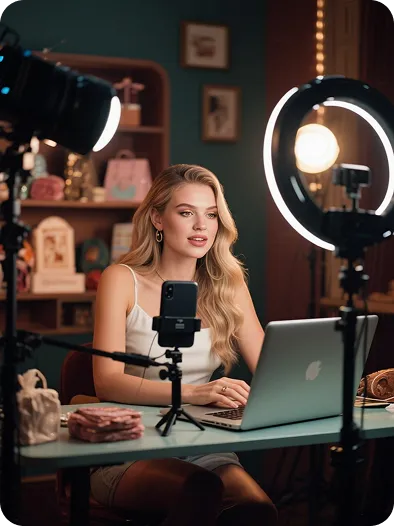
Creators with a prepared source
Use a authorized adult photo to explore a short visual direction. Keep the first test modest so you can judge whether the model retained the subject before adding complexity.

Product teams comparing a visual
Keep labels, product shape, and framing in the preservation notes. Compare the first-frame clip with the source and reject attractive takes that distort the product.
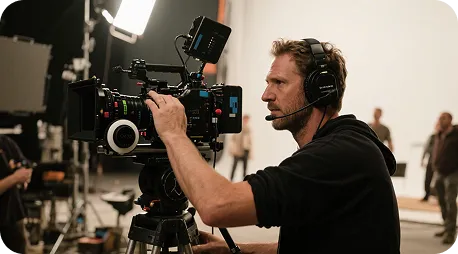
Directors testing one shot
Use the source as a composition reference and test one camera or subject direction. The illustrative clips on this page are not production dailies or verified outputs from Wan 2.7 Spicy.

Marketers reviewing versions
Generate one variation, inspect the whole result, and decide on the next change. Keep settings recorded so a later comparison reflects a deliberate difference.
Teams explaining a visual idea
A clear source can help communicate an idea before a longer production. Check text and geometry carefully; a generated first-frame clip can alter small details that matter to an explanation.
Workflow observations
Review habits for an first-frame clip
These cards describe possible workflows, not user testimonials or performance claims. Keep the authorized adult photo fixed while comparing a single change.
Source review
Input preparation
“Choose a authorized adult photo that already contains the subject and framing. Keep the original for comparison with the first-frame clip.”
Instruction review
Prompt preparation
“The objective is to control adult subject movement, framing, and camera from one photo. Write that as one visible change before adding extra camera or style instructions.”
Camera review
Composition preparation
“Keep the adult subject and framing; add a gentle shoulder turn with a stationary camera. A simple camera instruction is easier to evaluate than several conflicting movements in one run.”
Version review
Comparison preparation
“Keep model and settings fixed for a first comparison. Save the useful instruction with the authorized adult photo rather than relying on memory.”
Budget review
Credit preparation
“Check the displayed cost for Wan 2.7 Spicy before submitting another attempt. A different duration or resolution can change the credit estimate.”
Result review
Output preparation
“Watch the entire first-frame clip. Inspect the beginning, middle, and end for subject drift, unstable edges, and motion that ignores the source.”
Questions before generating
Check the source requirements, sign-in, credits, and result limits for Spicy AI Video Generator. For another source or editing goal, explore uncensored image to video, uncensored ai image to video, uncensored ai image to video generator, free uncensored ai video generator, best uncensored ai video generator, nsfw image editor, uncensored ai photo editor, uncensored ai image editor, best uncensored ai image editor, ai outfit changer.
What does spicy ai video generator mean here?+−
It means using Wan 2.7 Spicy to control adult subject movement, framing, and camera from one photo. Upload a still that already contains the subject, then describe motion. This route requires a reference image rather than a text-only brief.
When will the result be ready?+−
Processing depends on the selected settings, source, and provider queue. Follow the task in History and preview it when complete. This page does not promise an instant first-frame clip or a fixed completion time.
Why can the result drift from my source?+−
A model interprets both source and instruction. Start with a clear authorized adult photo, name the details to preserve, and request one change. Keep the adult subject and framing; add a gentle shoulder turn with a stationary camera. If the source has blur or occlusion, the model may invent missing detail.
How should I revise the first attempt?+−
Keep the source and selected model fixed, then change one instruction. Compare the new first-frame clip with the first result and the original. Each new generation uses credits, so decide what failed before rerunning.
What does free mean, and must I sign in?+−
Free means using available account credits, including any trial credits currently offered to eligible accounts. Sign in and confirm sufficient credits before generating. Opening this page does not provide an unlimited guest allowance. The displayed cost follows Wan 2.7 Spicy and the selected settings.
What should I check before using a clip commercially?+−
Check permission to use the authorized adult photo, the selected model terms, and your account plan. Inspect the output for errors and unsuitable details. A generated draft is not evidence that all third-party rights have been cleared.
Three steps to an first-frame clip
Illustrative first-frame clip walkthrough
Spicy AI Video Generator: workflow choices
Compare input needs and review steps rather than assuming a generated clip replaces every function of a timeline editor.
| Workflow comparison | This photo-to-video workbench | A separate timeline workflow |
|---|---|---|
| Starting point | A authorized adult photo plus a written change | An existing clip and manual timeline decisions |
| Visual direction | Source-led variations within Wan 2.7 Spicy | Manual arrangement of available footage |
| Instruction handling | Interprets a keep-and-change prompt against your authorized adult photo | Edits follow manual choices and tool controls |
| Effects approach | Describe a visible change in the prompt | Apply effects supported by the chosen editor |
| Scope on this page | Wan 2.7 Spicy for this image-to-video task | Capabilities vary by the separate editor |
| Revision method | Adjust one instruction and submit another credited generation | Adjust timeline operations and export again |
| Wait time | Provider queue and selected settings affect completion | Export depends on the editor and source footage |
| Output review | Inspect the full first-frame clip for source fidelity | Inspect the exported edit against the brief |
| Use case | An attempt to control adult subject movement, framing, and camera from one photo | A task needing exact manual cuts or arrangement |
| Version handling | Review completed tasks in account History | Version handling depends on the other editor |
| Credit access | Sign in and check available credits before submitting | Review the other editor access and pricing terms |
Related VideoAny workflows
Choose the next route by input type. Keep the original authorized adult photo so you can use a different workflow without building from an already altered result.
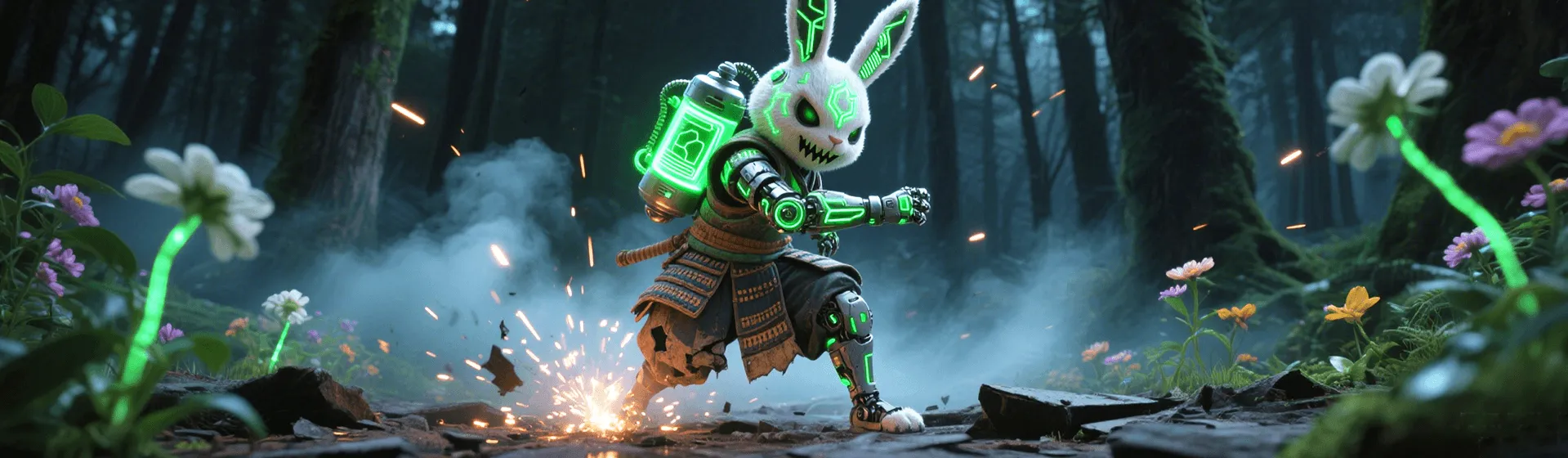
Prepare one authorized adult photo
Keep the adult subject and framing; add a gentle shoulder turn with a stationary camera. Check the credits before submitting, then review the resulting first-frame clip against the source.