
Cumshot POV
With Image
Enter a text prompt or select an example below to begin.
Adult still examples
Cumshot POV
With Image
Shows Tits
With Image
Full Nelson
With Image
Handjob
With Image
Doggy Style
With Image
Squirt
With Image
Missionary
With Image
Twerk
With Image
Cumshot 2.0
With Image
Reverse Cowgirl
With Image
Front Doggy
With Image
POV Doggy
With Image
Combo Blowjob
With Image
Titjob
With Image
Masturbation
With Image
Fingering
With Image
VideoAny AI
This NSFW Image Generator is a still studio: write a text prompt, optionally add a reference when the selected model accepts image input, and apply one of 16 adult example posters to fill those fields. Clicking an example does not submit. Seedream 5.0 starts selected and is shown as Seedream 5 Pro. Z-Image appears in the default picker as Z-Image Spicy Pro and is marked for adult use; it does not take image input. Qwen Image 2 is hidden from this picker. The credit cost for the selected model and options appears before you generate. This URL does not output video, so duration is hidden. The pictures in the longform below reuse the image-to-image template; they are illustrative stills, not the 16 studio posters, and not proof that this page generated them.
Two facts sit on the live selector, not on the logo strip in this longform. Seedream 5.0, shown as Seedream 5 Pro, is the default and accepts a reference. Z-Image, shown as Z-Image Spicy Pro, is in the default picker and is marked for adult use; it does not accept image input. Qwen Image 2 is hidden from this picker. You still choose aspect ratio and, when the model shows it, resolution. The credit cost updates with that combination before you generate.
01
A photographic adult still usually wants a model that can read a written subject and, when you add one, a reference file. This NSFW Image Generator starts on Seedream 5.0, shown as Seedream 5 Pro. That default accepts image input. Switching to another model in the live selector can change how the brief is read, whether a reference is used, and the displayed credit cost. Read those three lines before you generate.
02
If you need a full-length portrait, a three-quarter frame, or a wide scene, write that shape and set the matching ratio so the generator is not forced to invent floor, limbs, or extra space. A mismatch can stretch a stance or crop a hem. A ratio setting is not a substitute for a written brief, and it is not a claim that every prompt will hold.
03
When the selected model offers resolution, pick the size you need to inspect face, clothes, hands, and light. A larger still makes errors easier to see; it does not lock degree of nudity, anatomy, identity, or lettering. Recheck the displayed credit cost after you change this option. Higher output is a review and budget decision, not a promise that every prompt will run.
The studio above this longform is the live control: a prompt field, an optional reference slot, and 16 apply-example posters. The pictures below are illustrative image-to-image template stills, not those 16 posters, not verified outputs from this page, and not a request that you must upload a source.
01
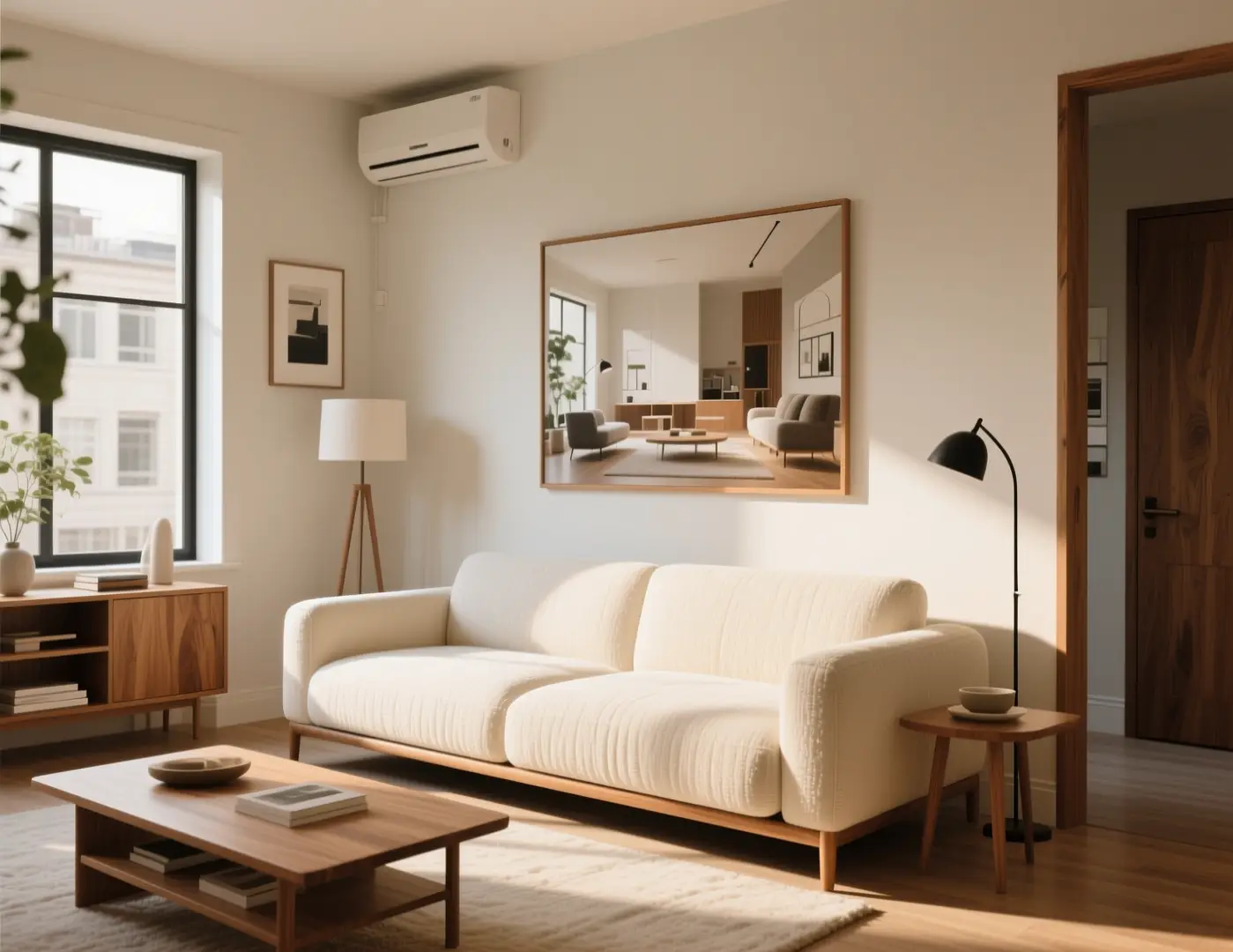
Name one clearly adult subject, the pose, and how tight the frame should be. A written three-quarter portrait with a readable face works better than a pile of unrelated adjectives. Applying an example pastes a starting prompt into that field; it does not generate. If the pose is wrong in the result, rewrite the pose clause rather than stacking more style words. The room still here is an illustrative image-to-image template frame, not a generation receipt from this NSFW Image Generator.
Photographic adult still, one clearly adult subject, three-quarter crop, quiet living room with a low sofa and even daylight, same camera height, no extra people, no text, no logo.Apply an example or write a prompt
02
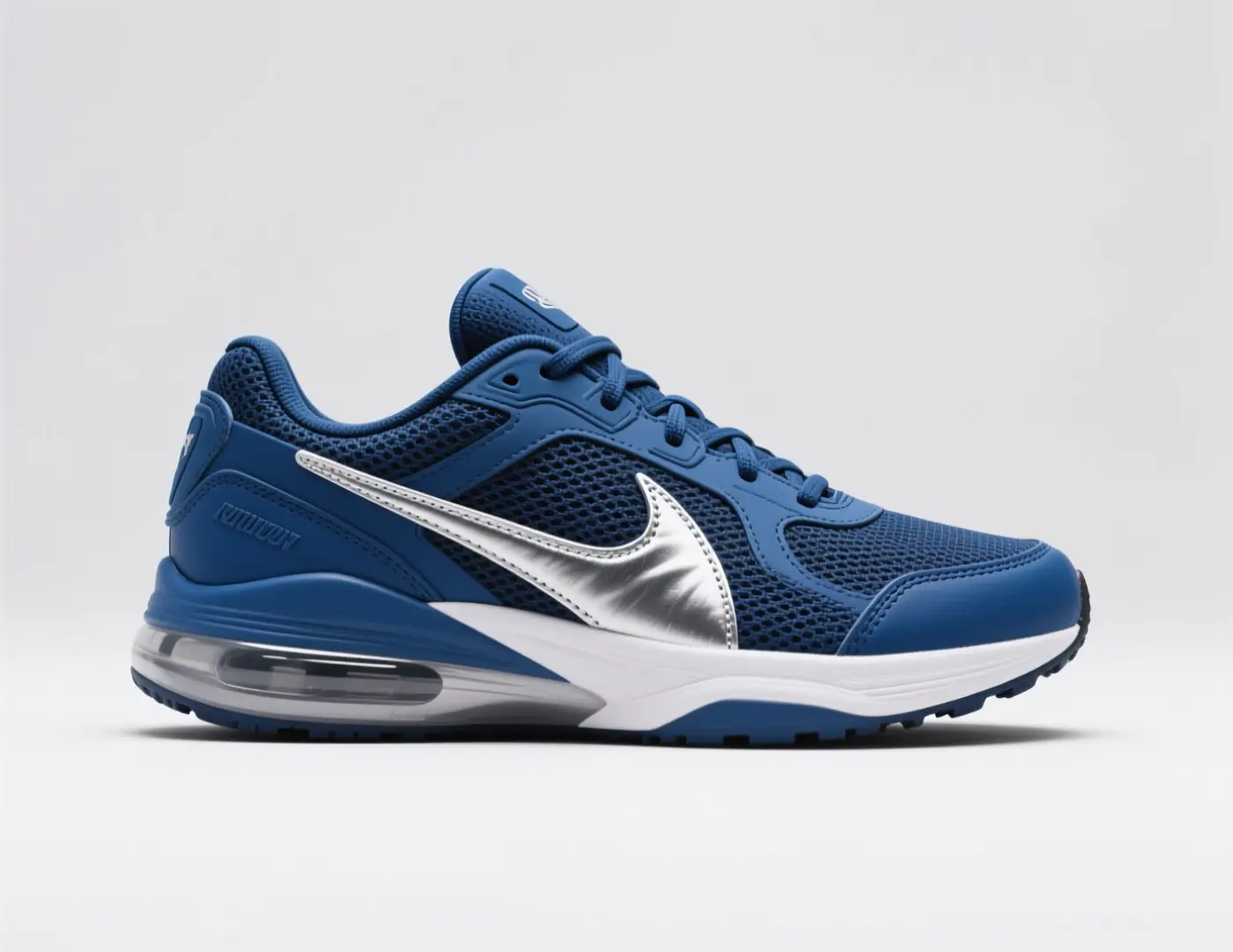
Seedream 5 Pro can take a reference. Z-Image Spicy Pro in this picker cannot. Upload is optional either way; a missing file does not block generate. Use a reference when you already have a fictional or authorized adult still that should steer pose or wardrobe. The sneaker still is an illustrative image-to-image template source, not a catalog receipt from this page.
Studio still of a navy athletic sneaker with a pale sole on a plain field, three-quarter angle, even catalog light, no extra logos, no text.Apply an example or write a prompt
03
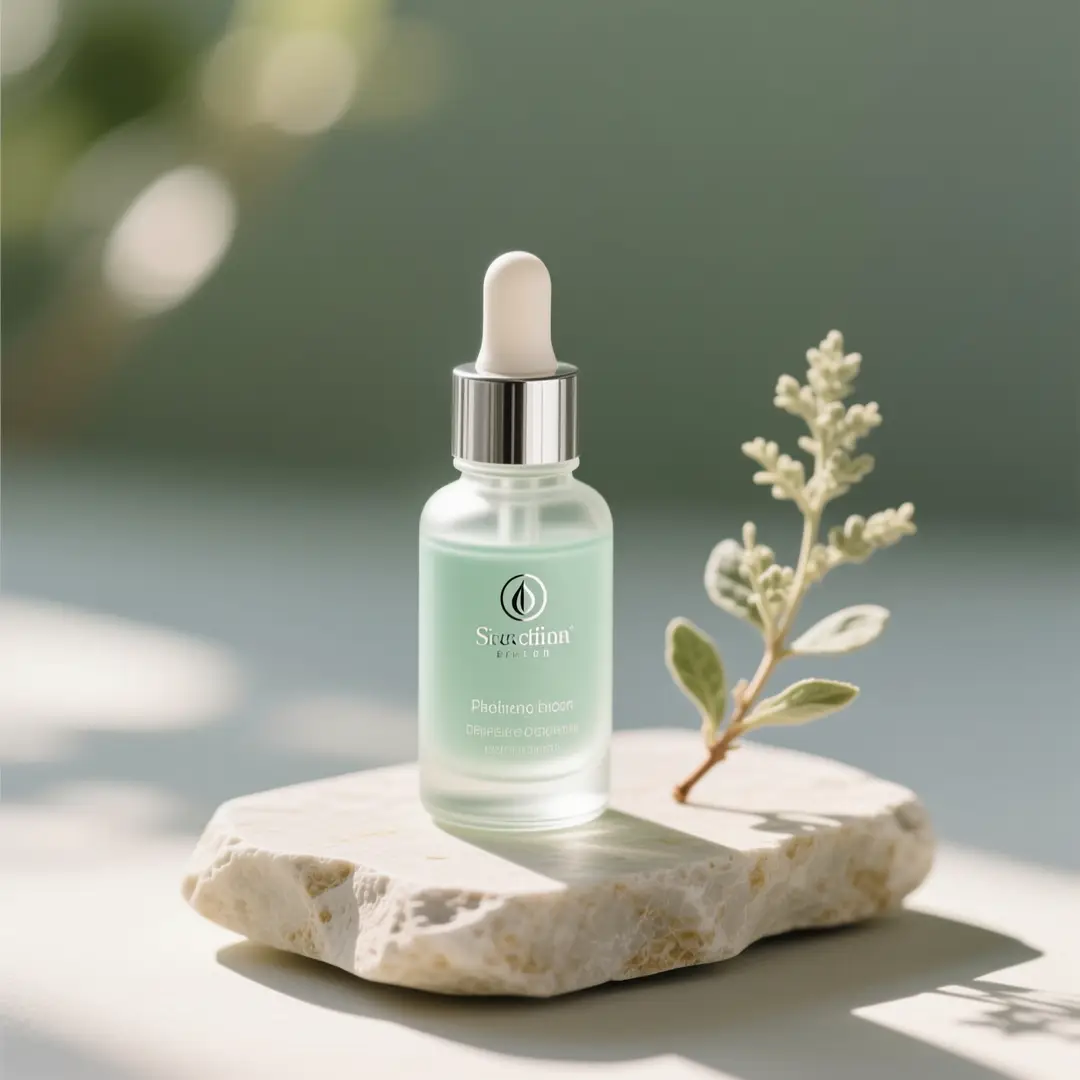
Each poster fills the prompt and, when the example includes one, the reference slot. The run stays in your hands: review model, ratio, resolution, and the credit cost, then generate. The 16 posters live in the studio gallery above; they are not the longform frames below. The bottle still is an illustrative image-to-image template frame, not one of those posters and not proof of a run on this page.
Front-facing still of a glass dropper bottle on a quiet surface, soft window wash from the left, small floral accent, no extra label lettering, no people.Apply an example or write a prompt
Use this studio when you want apply-example posters, an optional reference, and a still—not a clip. The featured NSFW AI Image Generator workbench keeps the header's five tool links. This URL owns the exact phrase NSFW Image Generator. The stills below are illustrative image-to-image template frames, not verified outputs from this page.
These longform frames are illustrative image-to-image template stills, not the 16 studio posters, not verified outputs from this page, and not before-and-after case studies. Treat them as sample looks you might describe in a prompt, or steer with an optional reference when the selected model accepts one.
Illustrative image-to-image template references. Not the 16 studio posters. Not verified VideoAny outputs from this page.
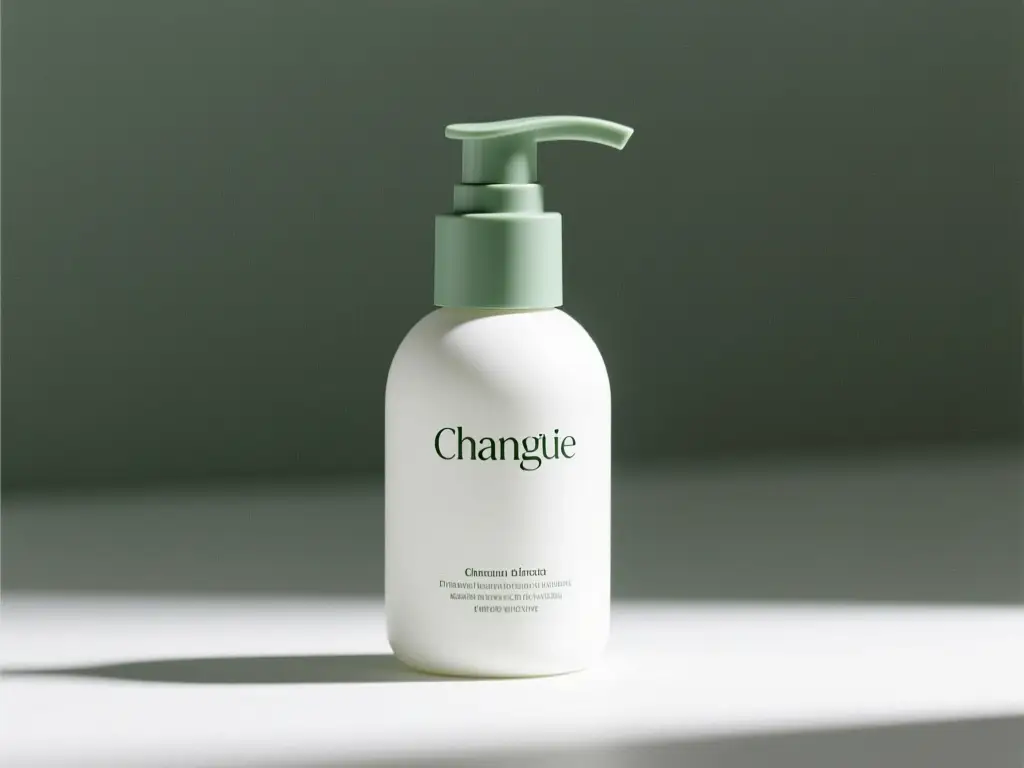
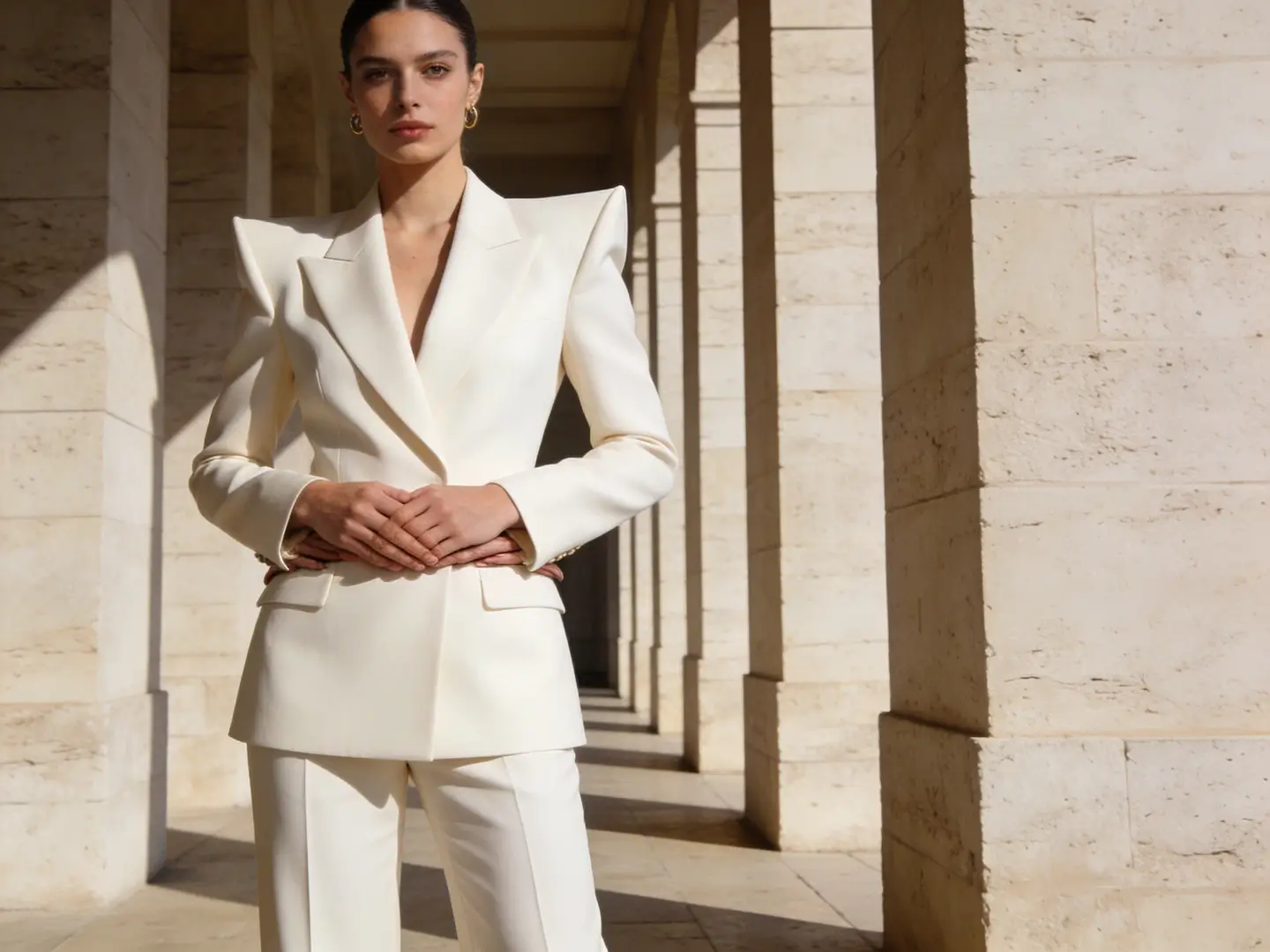
A crop that already shows one subject is easier to describe—or to upload on Seedream 5 Pro—than a mood collage. Write the person or object first, then the room or light. Extra people in a brief will be interpreted. This pack board is an illustrative image-to-image template still, not a portrait from this NSFW Image Generator.
Illustrative image-to-image template source for a crop-aware brief. Not a verified NSFW Image Generator pair.
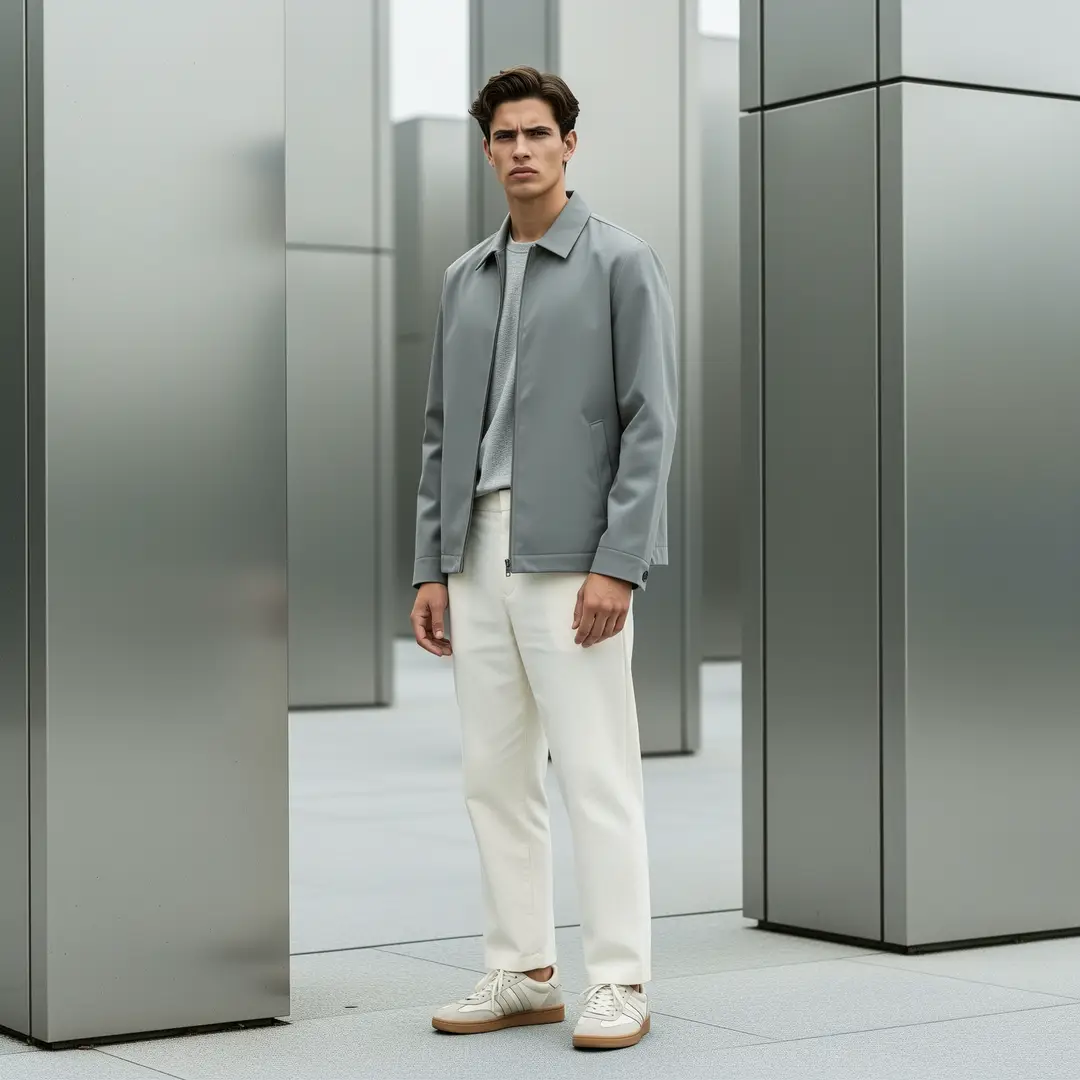
A full-length outfit still can be written as face, pose, crop, and one garment fact. Broad restyle language is how extra accessories appear. Name the adult subject once, then list the one clothing, scene, or lighting change you actually want. This is a template lookbook still, not verified output from this page, and not one of the 16 apply-example posters.
Illustrative image-to-image template lookbook frame. Not verified still-studio proof from this page.
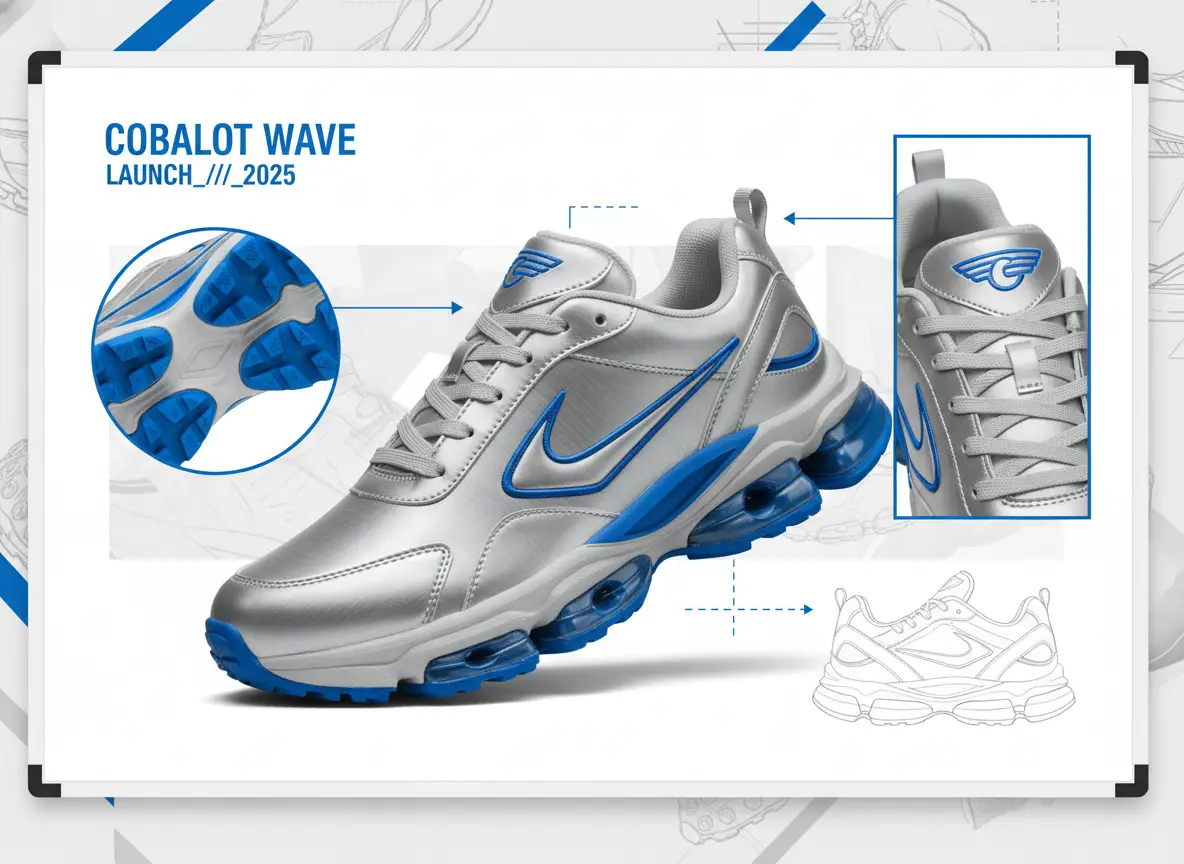
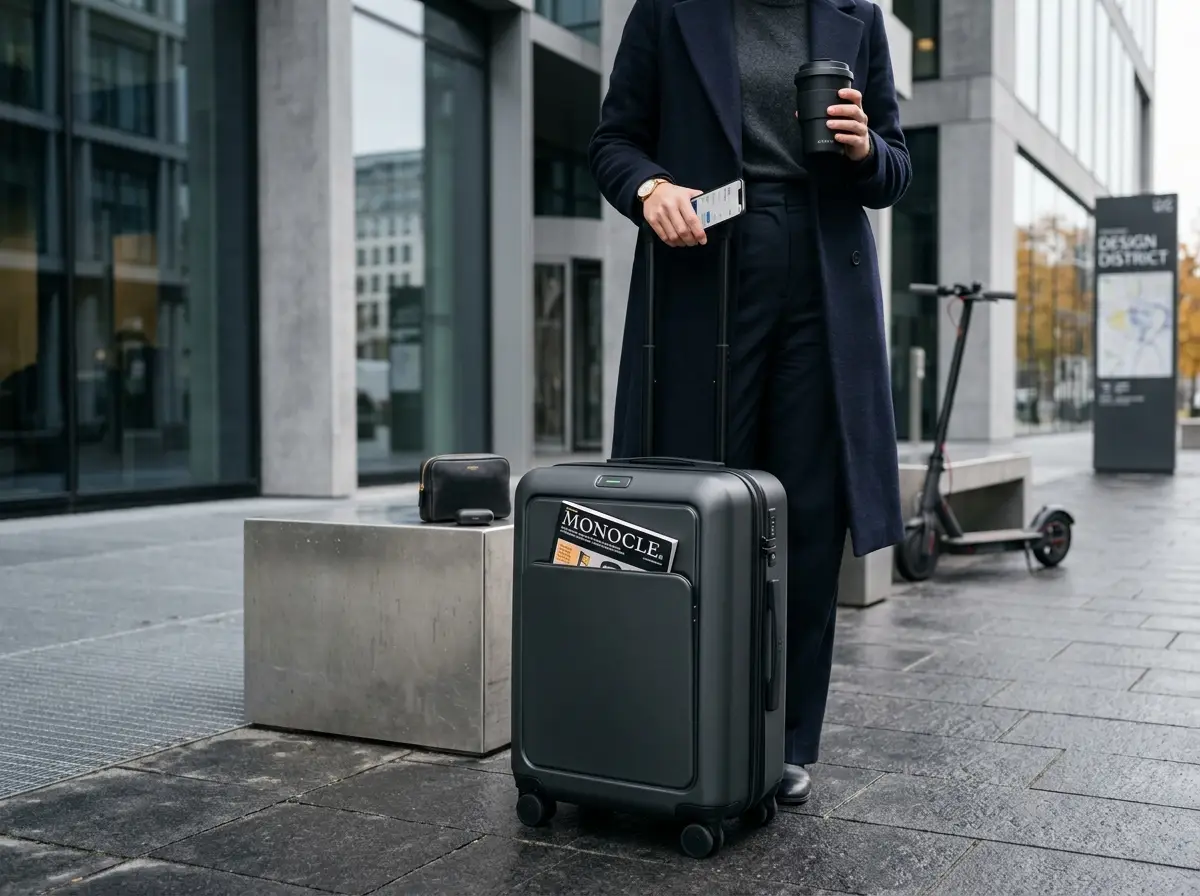
A clean figure or product on a plain field is easier to describe than a lifestyle crop with busy reflections. Hold subject and pose in the brief; change only one look fact. Inspect hands and floor contact against the written list after the run. The sneaker board is an illustrative image-to-image template for one-fact tests, not a set this page generated.
Illustrative image-to-image template board for one-fact tests. Not a verified NSFW Image Generator set.
This NSFW Image Generator is steered with a written brief, an optional reference when the model accepts one, plus model and crop. Name objects you can count. One clothing, scene, or lighting fact is enough for a retry. Applying an example is a fill, not a generate.
01
Age-ambiguous language, extra people, and stacked aesthetics will be interpreted. A cleaner brief is the cheapest control you have. State that every depicted person is an adult, then add pose and crop. Prefer fictional subjects or people whose intended depiction is authorized.
02
A long style paragraph is how extra limbs, accessories, and people appear. Write the subject list in objects. Write the look list as one clothing, scene, or lighting fact. If the first result drifts, shorten the look list rather than narrating the entire portrait.
03
Walk face, garment, joint count, and camera height. A handsome restyle that invents a second person has failed the subject list. The image-to-image template pictures on this page are not the inspection source. The 16 studio posters are starting fills, not scored outputs. Decide in advance which errors you will accept before you spend another run.
Creator workflow notes
Working habits for this still studio, not user reviews
These notes describe common ways to run a still on this NSFW Image Generator. They are not user reviews, ratings, or promises about a specific result. The pictures around them are image-to-image template stills, not this page's generation proof, and not the 16 studio posters.
Subject rewrite
Prompt workflow
Name one clearly adult subject, pose, and crop. If a second person appears, the brief was too broad.
Reference use
Optional file workflow
Upload only when Seedream 5 Pro is selected and you have a fictional or authorized still that should steer the frame. Z-Image Spicy Pro ignores image input.
Credit check
Before generate
Read the displayed credit cost after every model, ratio, or resolution change. Example apply does not spend credits.
An NSFW Image Generator search should still expect a credit line. New VideoAny accounts receive starter credits; each still shows the cost for the selected model and options before you generate. Cover the text prompt, the optional reference, how far the still may drift, and what this page will not do.
The required input is a text prompt. A reference is optional and only used when the selected model accepts image input. A single clear adult subject beats a montage of unrelated requests. Clicking a studio example fills fields; it does not generate.
A text prompt. A reference image is optional. Seedream 5 Pro can read a reference; Z-Image Spicy Pro in this picker cannot. The 16 examples fill the prompt and reference fields without auto-submitting.
No. It copies the example prompt and, when the poster includes one, the reference into the studio. You still choose model and options, read the credit cost, and press generate.
Open the written brief and the new still side by side. Check adult age clarity, face, garment, joint count, and camera height. A handsome restyle that invents a second person or a new limb has failed the subject list. Decide in advance which errors you will accept.
Seedream 5.0 starts selected and is shown as Seedream 5 Pro. Z-Image is in the default picker as Z-Image Spicy Pro and is marked for adult use. Qwen Image 2 is hidden from this picker. The logo strip in the longform reuses the image-to-image template; only models in the live selector can run here.
No. NSFW names the search intent. Current model and service rules still apply, and a prompt may be declined. Review the output before download, publication, or reuse.
The model and resolution on supporting models affect the credit cost shown before you generate. Limits vary with that selection. This page does not waive those limits or invent an open-ended run budget. It also does not generate video.
It appears in the studio before you generate and updates when you change model, ratio, or resolution. Read that line rather than reusing a number from another tool.
No. This studio owns the exact phrase NSFW Image Generator, the 16 apply-example posters, and a hidden duration control because the output is a still. The featured workbench at /nsfw-ai-image-generator owns NSFW AI Image Generator and keeps the five header tool links. Video generation with a visible duration control lives at /nsfw-video-generator.
Compare input and output only. This route is a still studio with apply-example posters and an optional reference. The featured workbench owns the NSFW AI Image Generator phrase and the five header tool links. The NSFW video generator shows duration and outputs a clip. The rows do not rank models or quote prices.
01
Input is a written prompt plus an optional reference when the selected model accepts image input. Sixteen example posters fill those fields without auto-submit. Output is an adult still. Duration is hidden. Default model is Seedream 5.0, shown as Seedream 5 Pro. Z-Image Spicy Pro is in the picker and does not take image input.
02
That URL is /nsfw-ai-image-generator. Its H1 is Create Adult Stills with the NSFW AI Image Generator. The five featured header tools stay on that workbench. Use it for the AI-variant query and workbench chrome, not for this studio's 16 apply-example posters.
Open NSFW AI Image Generator03
Input is a video prompt on the video studio. Duration controls are shown. Output is a clip. This NSFW Image Generator does not animate and does not show duration.
Open NSFW Video GeneratorWork in this order: prompt or example, optional reference, selections, then inspection. These steps match the studio above. The picture is an illustrative image-to-image template board, not a screenshot of the live form, and not one of the 16 posters.
Open the studio and type a single visual brief, or click a poster to fill the fields. State that every depicted person is an adult. Add pose, crop, and the one room or light fact that matters. Applying an example does not generate and does not spend credits.
Leave Seedream 5.0 selected unless you have a reason to switch to another model in the live selector, such as Z-Image Spicy Pro. Do not expect Qwen Image 2 on this default picker. Upload a fictional or authorized still only when the selected model accepts image input. Match aspect ratio to the still you described unless the destination truly differs. Read the displayed credit cost, then generate.
Place the result next to the written list. Walk adult age clarity, face, garment, joint count, and camera height. If the clothes are wrong but the subject held, change only the wardrobe clause. If structure broke, simplify the look list. Do not treat the template pictures or the 16 posters as the inspection source.
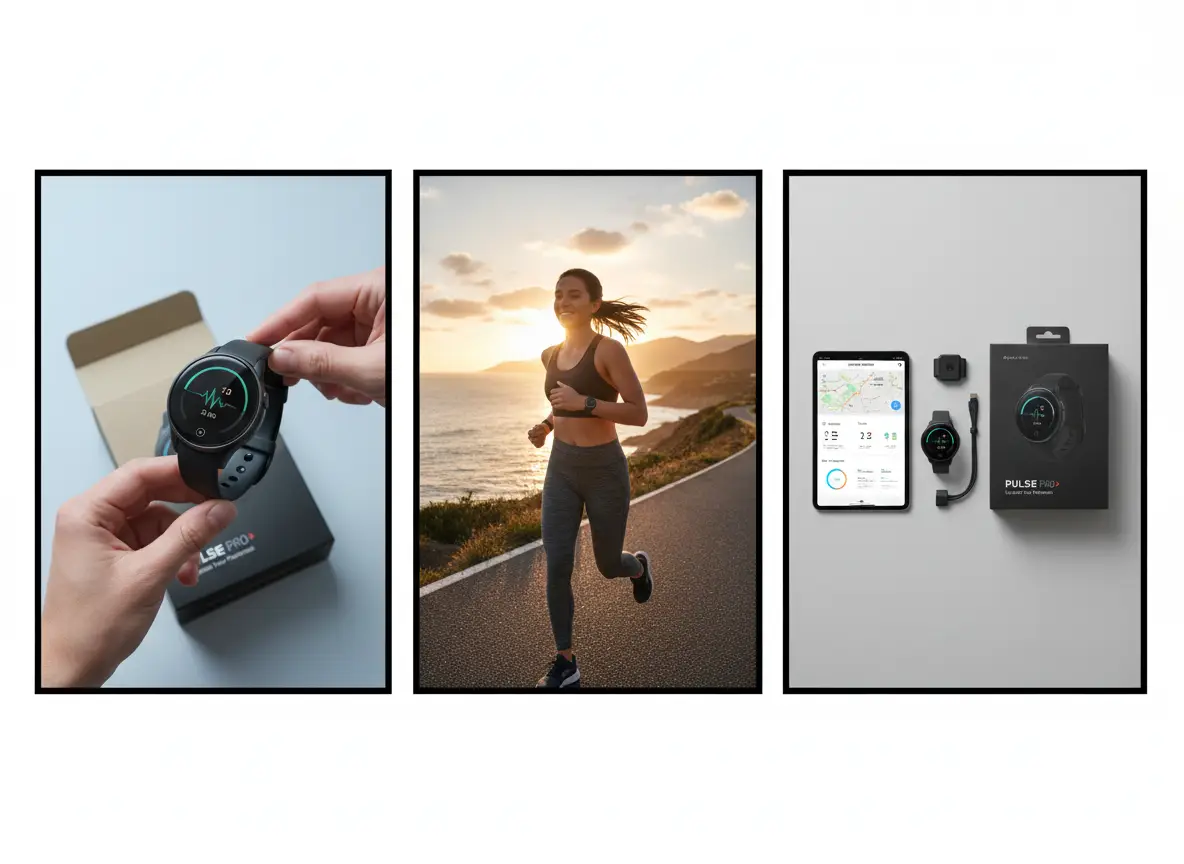
Write the subject list, cap the retries, and define how close is close enough. Then load the prompt into this NSFW Image Generator and generate with those constraints in view. The closing still is an illustrative image-to-image template frame, not proof from this page.
Write the subject list in objects you can count: adult face, pose, crop. Write the look list in one clothing, scene, or lighting fact. If either list is a pile of adjectives, edit it before you generate. Put both lists next to the prompt. Every later note should still point at those lines.
Decide how many attempts this written still is worth before you rewrite the subject. Read the displayed credit cost for the model, ratio, and resolution you selected. When the retry budget is gone, accept the closest subject-list match or change the brief. Starter credits are a finite retry budget, not an open-ended generate desk.
State whether a mood match is enough, whether the face must stay readable, or whether joint count must match the brief. That bar tells you when to stop and when to leave for a video studio that shows duration, or for the featured NSFW AI Image Generator workbench. Open the studio after those three decisions are written.
VideoAny AI
Apply an example or write a prompt
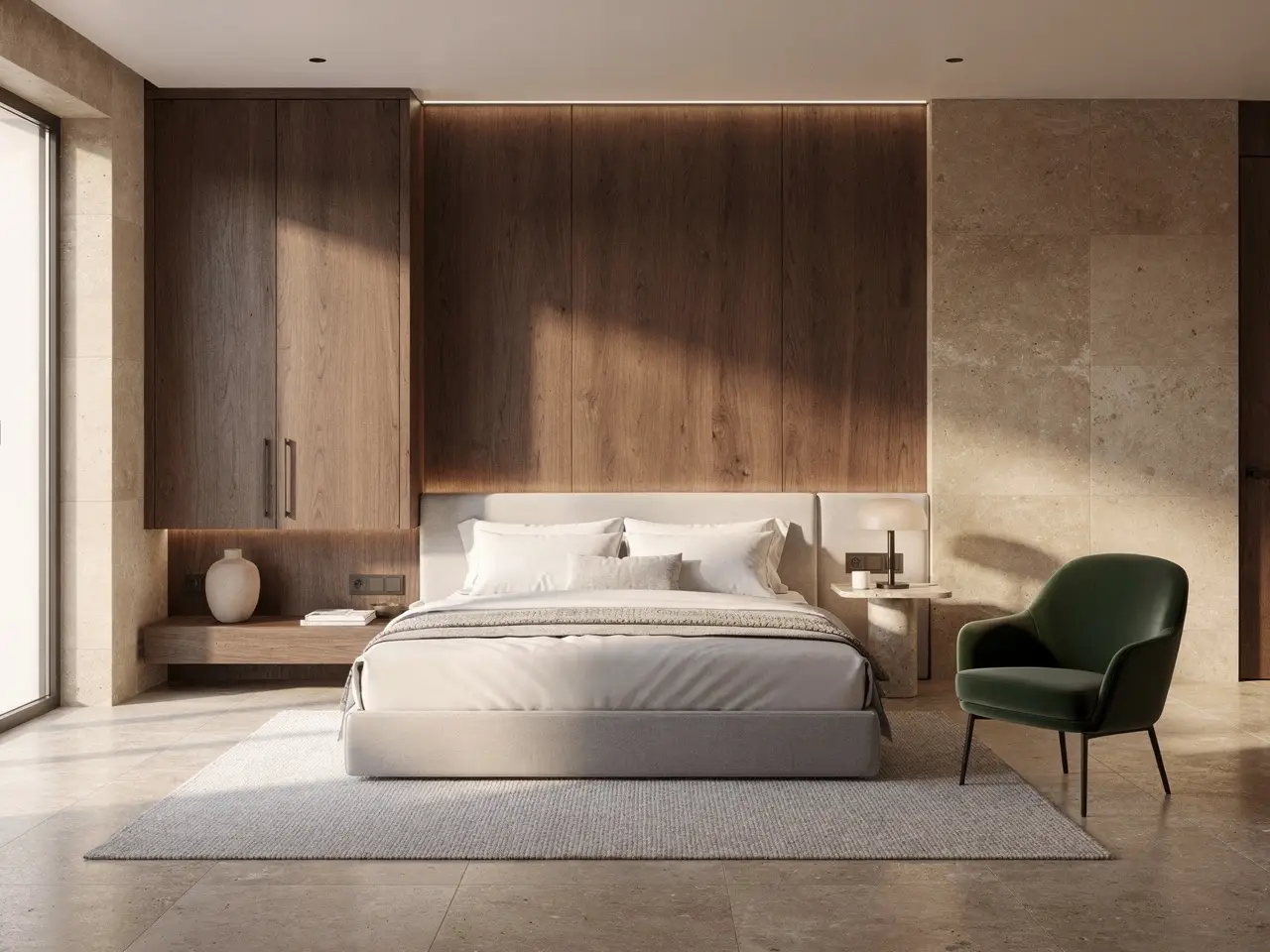
Write the subject list, cap the retries, and define how close is close enough. Then load the prompt into this NSFW Image Generator and generate with those constraints in view. The closing still is an illustrative image-to-image template frame, not proof from this page.
This website is an independent third-party platform. We are not affiliated with, endorsed by, or officially representing any AI model providers referenced on this site. All trademarks and brand names belong to their respective owners.
© 2026 VideoAny. All rights reserved. ACKERMAN TECH SOLUTIONS LLC
