
VideoAny AI
nsfw image generator hentai no limit: VideoAny Image Studio
Welcome to the VideoAny image studio, your creative space for an **nsfw image generator hentai no limit** experience. This workbench lets you describe an adult anime scene in words and watch the composition take shape. You control the subject, the pose, and the atmosphere, building a still that matches the brief you write.





nsfw image generator hentai no limit: Choosing the Engine for Your Adult Anime Still
nsfw image generator hentai no limit runs on a configured model that turns your text into a detailed frame. Understanding what it expects helps you write a prompt that delivers the composition you imagine.
01
Seedream 5 Pro as the Preferred Model
Keep Seedream 5 Pro selected for a written adult still. This model is configured in VideoAny and handles the text-to-image task. The current image model configuration includes NSFW image generation, so you can describe mature themes directly in your prompt.
02
Matching Aspect Ratio to Your Vision
Match the aspect ratio to the still you are describing, not to a later crop. Decide early whether the frame should be a wide establishing shot or a tight portrait. The ratio you pick shapes how the subject and background relate to each other in the final composition.
03
Reviewing and Adjusting the Input
After the first result appears, review the image against your written brief. If a detail is missing, adjust the prompt clause that controls it. nsfw image generator hentai no limit accepts a text prompt, so you can refine your description and generate again until the still feels right.
Inventing a Scene from Words Alone
When you skip the upload and write a scene directly, nsfw image generator hentai no limit builds every element from your description. This approach gives you complete control over the adult anime illustration that appears.
01
Describing a Room with Camera Height
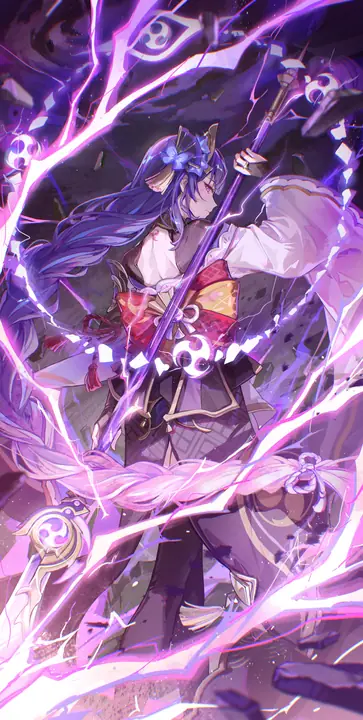
Describe a room or venue that already has a camera height in the brief. Mention whether the viewpoint is low, eye-level, or looking down. This anchors the existing adult anime illustration reference in a believable space before you add the subject.
Use the existing adult reference to explore lighting and framing.
02
Stating One Defining Visual Fact
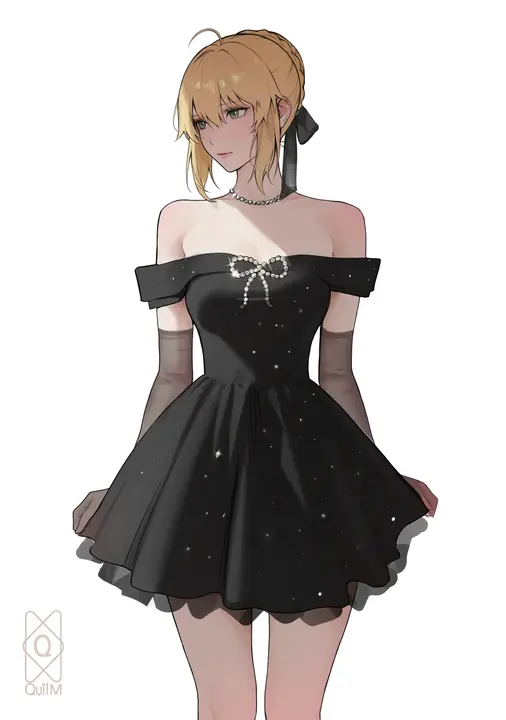
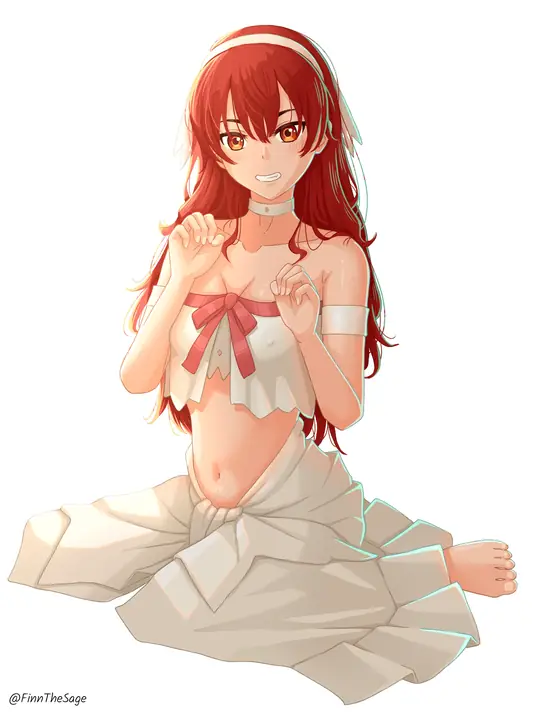
State the one clothing, light, or palette fact the new still must show. Pick a single strong detail—a red silk robe, a neon rim light, or a monochrome wash—and let it carry the mood. The existing adult anime illustration reference shows how a focused fact can define a whole frame.
Use the existing adult reference to explore lighting and framing.
03
Inventing a Neighboring Still
Invent a neighboring still from words, not from a source file. Imagine the next moment in the same setting: a glance to the side, a hand moving, a shadow shifting. The existing adult anime illustration reference demonstrates how a series of written prompts can build a sequence.
Use the existing adult reference to explore lighting and framing.
Creative tasks and starting points
Sometimes you have a clear mental image but no reference photo. nsfw image generator hentai no limit excels when you need to create an adult anime composition from scratch.
Reference Stills That Inspire Your Next Prompt
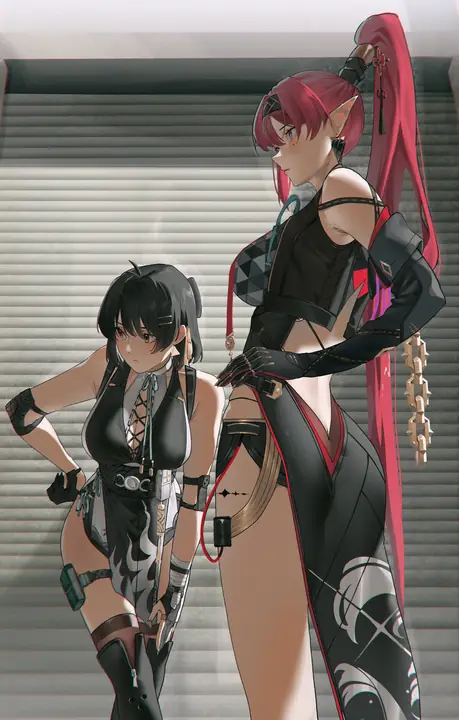
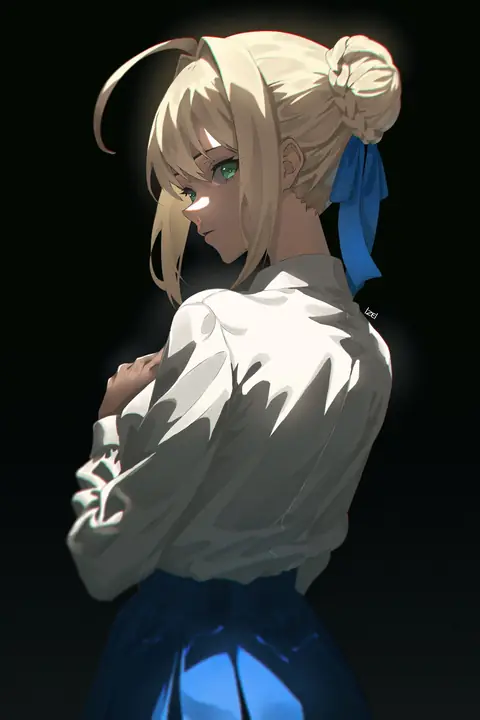
The collection images below are illustrative references, not outputs from this page. Use them to study composition, lighting, and subject treatment before you write your own brief.
Illustrative image-to-image template references. Not verified VideoAny text-to-image outputs from this page.
Reference-Guided Crop
Study how the frame crops the subject in this existing adult anime illustration reference. Notice where the edges cut and how much headroom remains. Apply the same crop logic when you describe your own still.
Existing visual reference for composition and lighting; not a verified output from this page.
Lookbook Frame
A lookbook frame focuses on outfit and attitude. This existing adult anime illustration reference shows how a single pose can communicate a character's personality. Describe the clothing and expression you want to capture.
Existing visual reference for composition and lighting; not a verified output from this page.
One-Fact Board
A one-fact board proves that a single strong detail can carry an entire image. This existing adult anime illustration reference builds its impact around one visual element. Pick your own defining fact and write around it.
Existing visual reference for composition and lighting; not a verified output from this page.
nsfw image generator hentai no limit: Prompting Without a Reference Photo
When you work purely from text, the order and precision of your words matter. These tips help you write prompts that produce coherent adult anime stills.
01
Write the Adult Subject First
Write the adult subject before the room or the mood. Start with who is in the frame, their body type, and their pose. Once the subject is clear, add the setting and atmosphere around them.
02
Keep the Look List Short
Keep the look list shorter than the adjective pile is tempting to write. Choose two or three strong descriptors—hair color, outfit, lighting—and stop. Too many details can confuse the composition.
03
Inspect Against the Written Brief
Inspect the result against the written brief, not against a template still. Compare what you see to the words you typed. If the hair color is wrong, fix the hair clause, not the whole prompt.
Creator workflow notes
Working habits for a prompt-only adult still, not user reviews
These notes describe common ways to run a text-to-image pass on this this image workspace desk. They are not user reviews, ratings, or promises about a specific result. The pictures around them are image-to-image template stills, not this page's generation proof.
Subject rewrite
Prompt workflow
“Name one clearly adult subject, pose, and crop. If a second person appears, the brief was too broad.”
Look rewrite
Clothes and light workflow
“Keep the subject list short. Change only the garment color, room, or light direction. Inspect hands and floor contact against the brief.”
Finish rewrite
Illustration workflow
“Keep pose and staging in the written list. Name the finish in one clause. Check hands, eyes, and lettering before you accept the plate.”
Questions about inputs and results
Understanding the scope of nsfw image generator hentai no limit helps you set realistic expectations and write better prompts.
What to Write and What Not to Upload
This page uses text-to-image with a text prompt. You describe the scene in words, and nsfw image generator hentai no limit generates a new still. If you want to modify an existing image, switch to the image-to-image workbench with reference image input.
Do I need to upload a reference photo on this image workspace desk?
+−
No. This workbench is text-to-image. Write a visual brief and generate. The pictures below the workbench reuse the image-to-image template; they are illustrative stills, not a request to upload, and not proof that this page generated them.
Which image model starts selected?
+−
Seedream 5 Pro starts selected for this adult text-to-image route. Z-Image and Qwen Image 2 are also in this selector. The strip of logos in the longform reuses the image-to-image template; only the models in this selector can run here.
How to Judge Whether the Result Is Close Enough
Compare the output to your written brief clause by clause. If the subject, pose, and key details match your description, the result is close enough. Small variations in background or shading are normal and often add character.
Does uncensored mean every prompt will run?
+−
No. Uncensored names the search intent. Current model and service rules still apply, and a prompt may be declined. Review the output before download, publication, or reuse.
How is this different from the uncensored image editor?
+−
This image workspace desk creates a new still from a text prompt and does not require an upload. The uncensored image editor is a prompt-led image-to-image desk: you upload a source still and write keep-and-change notes. The two pages serve different input intents.
Credits, Limits, and Sensible Next Steps
The credit cost is shown before you generate. Review the cost, decide how many attempts your current idea deserves, and generate. If the result needs adjustment, tweak the specific prompt clause that fell short and try again.
Is the cost the same as rewriting an uploaded photo?
+−
Not necessarily. The workbench shows the cost for the model and options selected on this text-to-image path. Read that value rather than reusing a number from another tool.
What if I already have a photo that should constrain the next still?
+−
Open the uncensored image editor instead. A source file will keep pulling the still toward the upload. This image workspace desk stays on prompt-only stills. For motion from an approved frame, continue in image-to-video.
Writing Your First Prompt
Follow these steps to move from a blank prompt field to a finished adult anime still. Each step builds on the last, keeping your creative decisions organized.
Step 1: Write One Clearly Adult Subject
Write one clearly adult subject, then pose, crop, and scene. Start with a sentence that names the character and their physical description. Add the pose next, then describe how the frame crops them, and finally place them in a setting.
Step 2: Set Model, Ratio, and Resolution
Set model, ratio, and resolution, then read the credit cost. Choose Seedream 5 Pro as your model, pick an aspect ratio that fits your composition, and check the resolution options. The credit cost is shown before you generate, so you can adjust settings if needed.
Step 3: Inspect and Adjust Only the Failed Clause
Inspect the still against the brief, then adjust only the clause that failed. If the pose is right but the lighting is wrong, rewrite the lighting clause and leave the rest untouched. This targeted approach saves credits and keeps your vision intact.
Planning Your Next Run
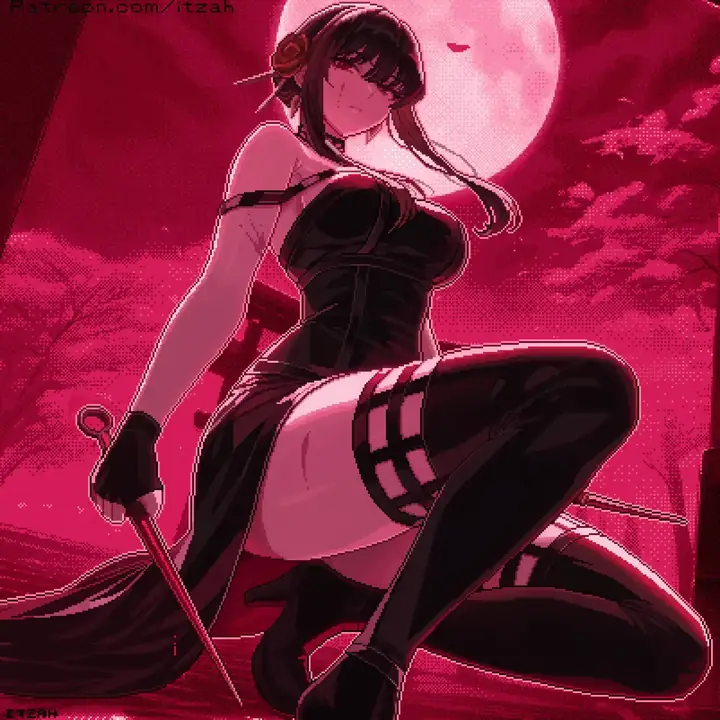
Before you generate another still, lock down your brief, your budget, and your quality bar. A clear plan makes each attempt count.
Freeze the Brief as Subject-and-Look
Freeze the brief as subject-and-look, not as a mood. Write down the exact subject description and the visual facts you need. Avoid vague mood words that are hard to verify in the output.
Cap the Budget for Retries
Cap the budget for retries on this brief. Decide how many credits you will spend before you move on. The credit cost is shown before you generate, so you can plan your attempts around a fixed number.
Set the Fidelity Bar You Will Inspect Against
Set the fidelity bar you will inspect against. List the three details that must be correct—pose, hair, outfit—and accept variation in everything else. This keeps you from chasing perfection on details that do not matter.
VideoAny AI
Open the workbench and describe your next still.
Before you generate another still, lock down your brief, your budget, and your quality bar. A clear plan makes each attempt count.