Existing adult anime illustration reference
 VideoAny
VideoAny AI
An ai adult anime generator turns a written brief into a composed adult anime still. This page uses the text-to-image workbench with a text prompt, so every visual decision starts with the words you choose. The current image model configuration includes NSFW image generation, and the credit cost is shown before you generate. You describe one clearly adult subject, set the pose and scene, then review the result against your brief.
The model and aspect ratio you select shape the entire still before you write a single adjective. These controls sit inside the text-to-image workbench and let you match the frame to the scene you are describing.
01
Seedream 5 Pro is the image model configured in VideoAny for this task, and it starts selected when you open the ai adult anime generator workbench. You supply a text prompt that names one clearly adult subject, then add the pose, crop, and scene details. The credit cost is shown before you generate, so you can adjust the brief if the current plan exceeds your budget. An ai adult anime generator rewards precise subject descriptions because the model reads the whole prompt as a single composition instruction.
02
Choose an aspect ratio that fits the still you are describing, not a later crop you might apply. A wide frame suits a reclining pose across a bed or sofa, while a tall ratio works for a standing figure against a doorframe or window. The ai adult anime generator renders the full canvas you set, so the ratio becomes part of the composition. If you plan to use the still in a lookbook grid, pick a consistent ratio across the set before you write the first prompt.
03
After the ai adult anime generator produces a still, inspect it against the written brief, not against a template image. If the pose reads correctly but the lighting feels flat, adjust only the light clause and keep the subject and crop unchanged. The text-to-image workbench accepts a revised text prompt, and the credit cost updates before you generate again. Small, single-clause edits help the model preserve the parts of the composition that already work.
Every still begins with a text prompt that sets the subject, clothing, light, and palette. The reference gallery contains existing adult anime illustrations that show the style range, but your output comes from the words you write.
01
Describe a room or venue that already implies a camera height in the brief. A low angle looking up at a figure on a staircase reads differently from an eye-level shot across a bar counter. The ai adult anime generator interprets spatial cues like "viewed from the doorway" or "shot from the foot of the bed" as part of the composition. Existing adult anime illustration references in the gallery can suggest camera positions, but the prompt must state the height explicitly.
Use the existing adult reference to explore lighting and framing.Open the text-to-image workbench and write your first adult anime still.
02
Pick one clothing, light, or palette fact the new still must show and state it plainly. A prompt that says "red silk robe, warm bedside lamp, deep burgundy shadows" gives the ai adult anime generator a clear color and material target. Avoid piling adjectives onto the subject; one strong palette fact anchors the render better than a list of vague mood words. Existing adult anime illustration references demonstrate how a single color choice can define the whole frame.
Use the existing adult reference to explore lighting and framing.Open the text-to-image workbench and write your first adult anime still.
03
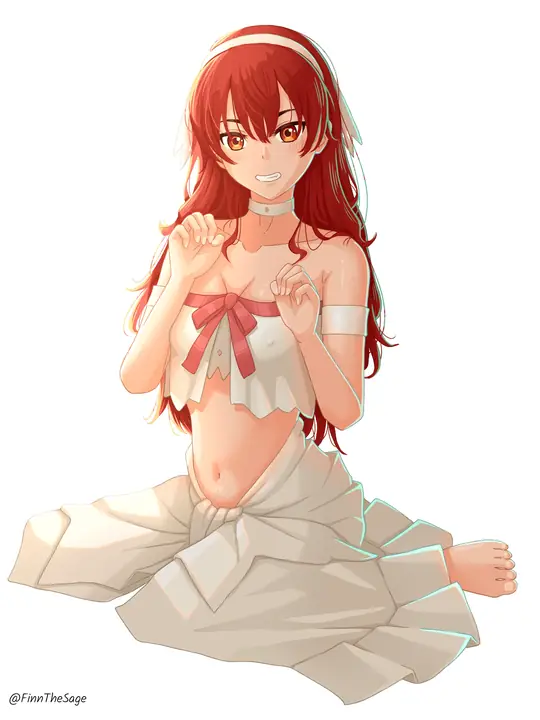
You can invent a neighboring still entirely from words, without uploading a source file. If the first still shows a figure at a vanity, the next might place the same subject on the edge of the bed, described with the same hair color and robe. The ai adult anime generator treats each prompt as a fresh composition, so consistency comes from repeating the key subject and palette clauses. Existing adult anime illustration references help you plan a sequence of connected frames.
Use the existing adult reference to explore lighting and framing.Open the text-to-image workbench and write your first adult anime still.
Different visual goals call for different prompt structures. Whether you need a catalog still, a room scene, or a drawn finish, the text-to-image workbench adapts to the brief you write.
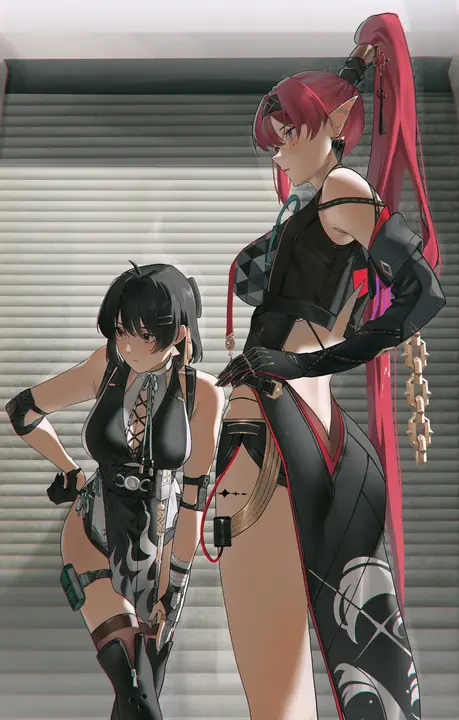
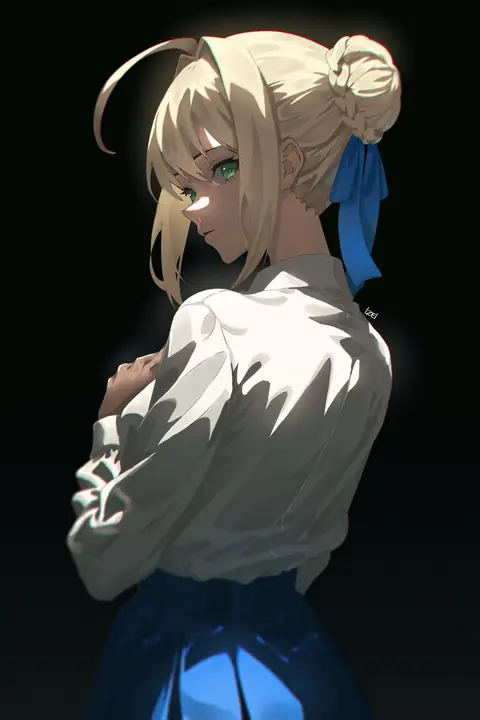
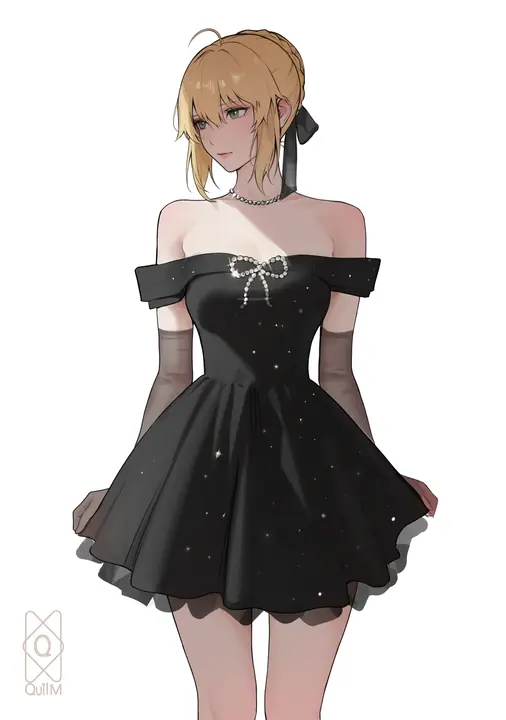
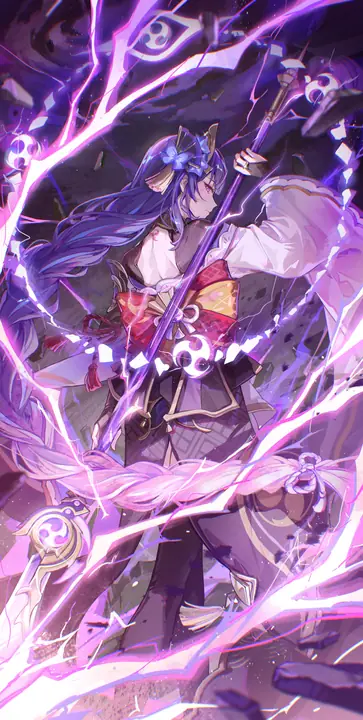
The reference gallery contains existing adult anime illustrations that help you plan composition, crop, and palette before you write a prompt. These are illustrative references, not outputs from this page.
Illustrative image-to-image template references. Not verified VideoAny text-to-image outputs from this page.
Study how existing adult anime illustration references use cropping to frame the subject. A tight bust shot focuses on expression and collarbone detail, while a full-body crop shows the pose and the surrounding room. The ai adult anime generator responds to crop cues like "head-and-shoulders portrait" or "full-length standing figure" when you include them in the prompt. Pick a reference crop that matches the story you want the still to tell.
Existing visual reference for composition and lighting; not a verified output from this page.
A lookbook frame presents the subject as part of a styled set. Existing adult anime illustration references can suggest outfit combinations, color stories, and lighting moods that work together across multiple stills. When you use the ai adult anime generator for a lookbook series, keep the subject description consistent and vary only the outfit and setting clauses. The gallery helps you test whether a palette idea holds up before you commit to a full sequence.
Existing visual reference for composition and lighting; not a verified output from this page.
Build a one-fact board by picking a single visual fact from an existing adult anime illustration reference and writing a prompt around it. If a reference uses teal shadows against warm skin, make that the one fact your new still must show. The ai adult anime generator can explore variations on that fact when you change the subject or pose while keeping the palette clause identical. This approach produces a cohesive set without repeating the same composition.
Existing visual reference for composition and lighting; not a verified output from this page.
Strong prompts follow a consistent structure: subject first, then pose, then scene, then style. These tips help you write briefs that the model reads clearly and renders predictably.
01
Place the adult subject at the very start of the prompt, before any room or mood words. A prompt that opens with "a woman with short silver hair, arms crossed, leaning against a balcony railing at dusk" gives the ai adult anime generator a clear figure to anchor the composition. When the subject comes first, the model treats the setting as context rather than the main focus. This order produces stills where the figure dominates the frame as intended.
02
It is tempting to pile adjectives onto every surface, but the ai adult anime generator reads long look lists as competing instructions. Pick one hair color, one outfit piece, and one light source, then stop. A prompt that says "black lingerie, candlelight, satin sheets" is stronger than one that lists every fabric, shadow, and highlight in the room. Short look lists give the model a clear target and leave room for the composition to breathe.
03
Inspect the result against the written brief, not against a template still or a reference you did not include in the prompt. If the brief asked for a seated pose and the figure is standing, adjust the pose clause and generate again. The ai adult anime generator follows the words you wrote, so the inspection is a check on your own prompt, not on the model. Fix one clause at a time to isolate what changed.
Creator workflow notes
Working habits for a prompt-only adult still, not user reviews
These notes describe common ways to run a text-to-image pass on this this image workspace desk. They are not user reviews, ratings, or promises about a specific result. The pictures around them are image-to-image template stills, not this page's generation proof.
Subject rewrite
Prompt workflow
Name one clearly adult subject, pose, and crop. If a second person appears, the brief was too broad.
Look rewrite
Clothes and light workflow
Keep the subject list short. Change only the garment color, room, or light direction. Inspect hands and floor contact against the brief.
Finish rewrite
Illustration workflow
Keep pose and staging in the written list. Name the finish in one clause. Check hands, eyes, and lettering before you accept the plate.
These answers cover what to write, what not to upload, and how to judge whether a result is close enough to your brief.
The text-to-image workbench accepts a text prompt and does not require a reference upload. You describe the adult subject, pose, and scene in words, and the ai adult anime generator renders from that description. If you already have a photo that should constrain the next still, switch to the image-to-image workbench, which accepts a reference image input alongside a prompt. The credit cost is shown before you generate in both workbenches.
No, the text-to-image workbench does not require a reference upload. You write a text prompt describing the adult subject, pose, and scene, and the model renders from that description. If you want to use an existing photo as a starting point, VideoAny has an image-to-image workbench with reference image input.
Seedream 5 Pro is the image model configured in VideoAny and starts selected when you open the workbench. The credit cost is shown before you generate, so you can review it before committing to the render.
Compare the output against the specific clauses in your prompt, not against a mental image you did not write down. If the subject, pose, and palette match the brief, the ai adult anime generator has done its job. Adjust only the clause that failed, and generate again. The current image model configuration includes NSFW image generation, so content that matches your written adult subject description should render as expected.
The current image model configuration includes NSFW image generation, which means adult subject descriptions are supported. The model reads your prompt and renders what you describe. If a result does not match your brief, adjust the wording of the clause that failed rather than assuming the prompt was blocked.
The ai adult anime generator uses the text-to-image workbench, which builds a still entirely from a written prompt. The image editor starts from an uploaded photo and applies changes through a prompt. Both tools support adult content, but the input method and creative workflow differ.
The credit cost is shown before you generate, so you always know the spend before committing. If you already have a photo that should constrain the next still, use the image-to-image workbench instead of starting from a blank text prompt. The ai adult anime generator text-to-image path is best for inventing new compositions; the image-to-image path is best for rewriting an existing frame.
The credit cost is shown before you generate in both the text-to-image and image-to-image workbenches. The cost may differ between the two paths, so check the displayed amount before you confirm each render.
Switch to the image-to-image workbench, which accepts a reference image input. Upload the photo, write a prompt describing the changes you want, and the model will render a new still anchored to the uploaded composition.
Follow these steps to move from a blank prompt field to a finished adult anime still. Each step uses the existing workbench controls inside VideoAny.
Open the text-to-image workbench and write one clearly adult subject at the start of the prompt. Follow it with the pose, then the crop, then the scene. A prompt structured as "a woman with long dark hair, seated cross-legged on a velvet ottoman, full-body shot, warm afternoon light through sheer curtains" gives the ai adult anime generator a complete composition brief. The ai adult anime generator reads the prompt in order, so the subject always comes first.
Select Seedream 5 Pro as the image model. Choose an aspect ratio that fits the still you described, then set the resolution. The credit cost is shown before you generate, so read it carefully. If the cost exceeds your budget for this still, adjust the resolution or ratio before you confirm. The ai adult anime generator renders at the settings you choose, and the cost updates to reflect any changes.
After the ai adult anime generator produces a still, inspect it against the written brief clause by clause. Check the subject, then the pose, then the crop, then the scene. If only the lighting feels off, adjust only the light clause and leave the rest of the prompt intact. Generate again and compare the new result to the same brief. Single-clause edits help you learn which words drive which visual changes.
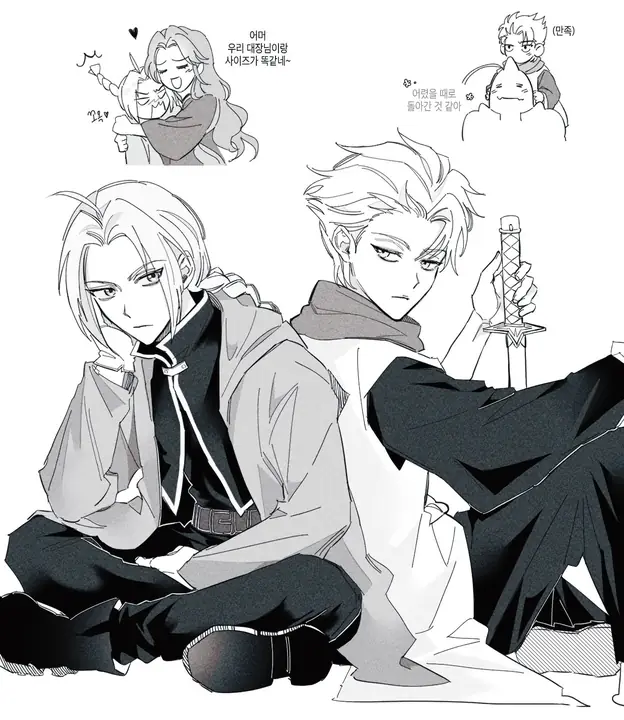
Before you generate another still, freeze your brief, cap your retry budget, and set the inspection standard you will use. These habits keep a multi-still session productive and predictable.
Freeze the brief as a concrete subject-and-look statement, not as a vague mood. Write "woman with a blunt bob, black choker, leather jacket, arms folded" instead of "dark, edgy vibe." The ai adult anime generator renders specific nouns and colors more reliably than abstract mood words. A frozen brief also makes it easier to spot which clause failed when you inspect the result.
Decide how many credits you will spend on retries for a single brief before you start generating. The credit cost is shown before you generate, so multiply that number by your retry cap to set a hard stop. The ai adult anime generator rewards prompt precision, and a retry cap encourages you to edit the brief thoughtfully rather than generating variations hoping one will land.
Set the fidelity bar before you generate: decide which clauses must match exactly and which can flex. If the subject and pose are non-negotiable but the background can vary, note that before you inspect. The ai adult anime generator output should be judged against the bar you set, not against an unstated ideal. A clear fidelity bar turns inspection into a quick yes-or-no decision.
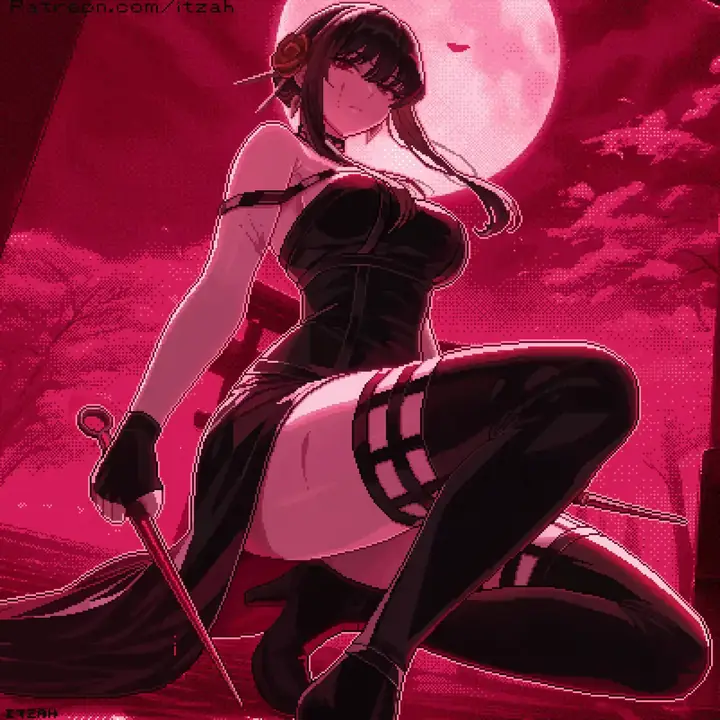
VideoAny AI
Open the text-to-image workbench and write your first adult anime still.
Before you generate another still, freeze your brief, cap your retry budget, and set the inspection standard you will use. These habits keep a multi-still session productive and predictable.




