VideoAny
  • Video
    • Text to Video
    • Image to Video
    • Video Editor
    • Seedance 3.0
    • View all
  • Image
    • Text to Image
    • Image to Image
    • AI Body Editor
    • View all
  • Uncensored
    • AI Nudes Image Generator
    • Uncensored Image Generator
    • Nude Image Generator
    • Nude Generator
    • NSFW Image
    • NSFW Video
    • NSFW Image to Video
    • Undress
    • Undress Video
    • Clothoff
    • Face Swap
    • View all uncensored tools
  • Nude Photo
  • Uncensored AI Video
  • Blog
  • Pricing
  • Affiliate (30%)
Settings
Language
ThemeAtelier
NSFW Video GeneratorNSFW Image GeneratorPrivacy policyTerms of serviceRefund policy
Premium-50%50% off
Lite

Premium membership from $19 per month

Premium benefitsMore benefits
Fast generationHD outputAll image toolsAll video tools
VideoAny
  • Home
  • For You
  • Create
  • Pricing
  • More
  • Home
  • For You
  • AI Video
  • AI Image
  • Anime / Manga
  • AI NSFW Image Generator
  • Undress Clothes
  • Undress Video
  • Clothoff
  • Face Swap
  • AI Tools
  • Studio
  • Agent
  • Affiliate (30%)
  • Home
  • For You

Create & chat

  • AI Video
  • AI Image
  • Anime / Manga
  • Studio
  • Agent

Public discovery

  • AI NSFW Image Generator
  • Undress Clothes
  • Undress Video
  • Clothoff
  • Face Swap
  • AI Tools
  • Affiliate (30%)30%
Upgrade for more
    1. Home
    2. ›All AI tools
    3. ›AI video generators
    4. ›image to video ai free

    VideoAny AI

    Image to Video AI Free: Preview Costs Before Rendering

    VideoAny's free Starter account lets you inspect the workbench and preview credit costs before spending. No free credits, but you can validate framing cheaply with Grok Imagine (6 credits/6s) or MiniMax H3 (20 credits/5s with audio). Paid exports are watermark-free, starting at $12.99 for 350 Coins.

    Open Workbench
    Nano Banana ProNano Banana ProFlux 2Flux 2Qwen Image 2Qwen Image 2Seedream 5 ProSeedream 5 ProGPT Image 2.0GPT Image 2.0
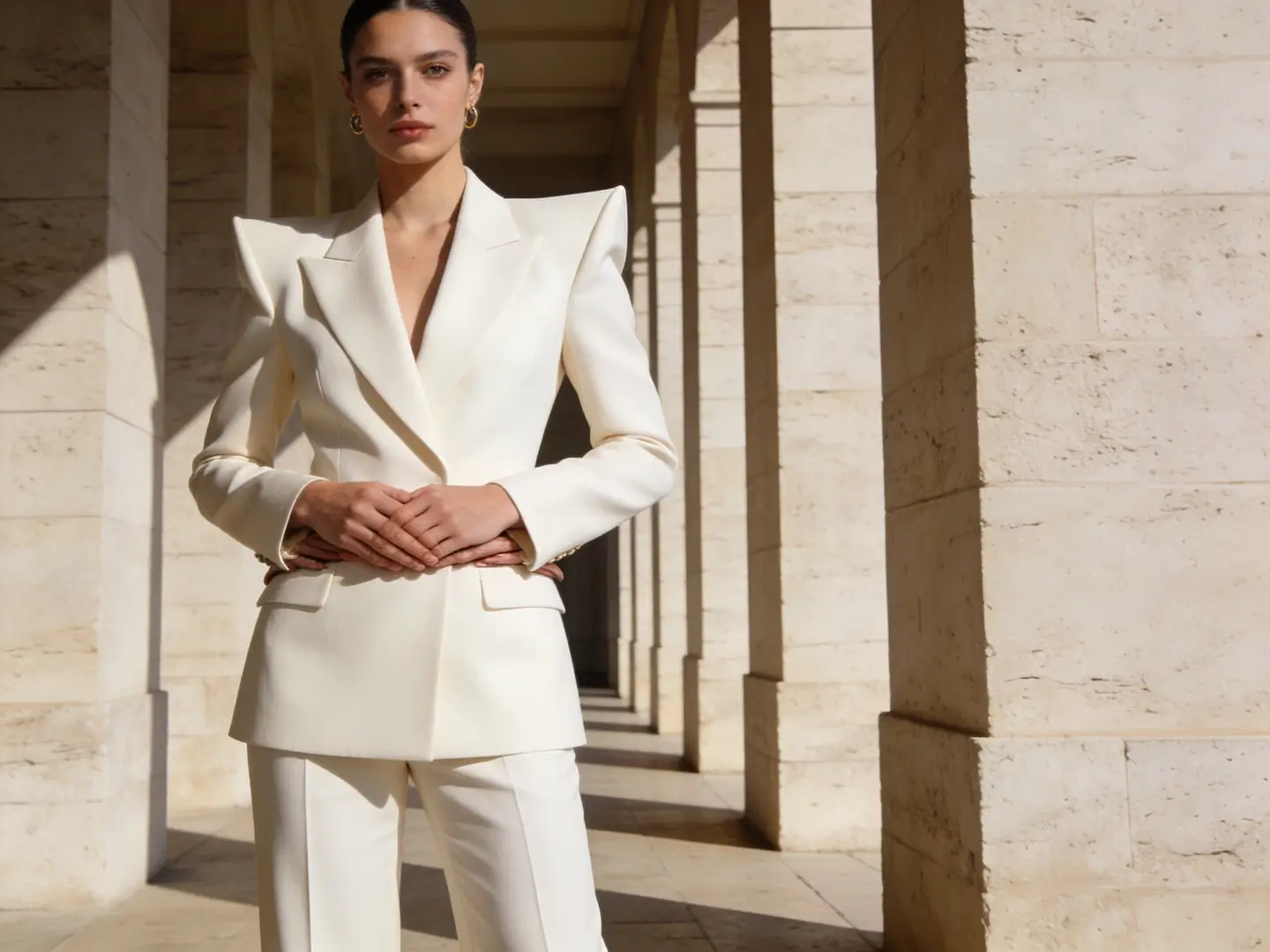
    Adult woman in a structured white suit presented in an editorial fashion frame
    Adult fashion directionA compact editorial reference makes it easy to test styling, colorway, and crop while keeping the subject grounded.
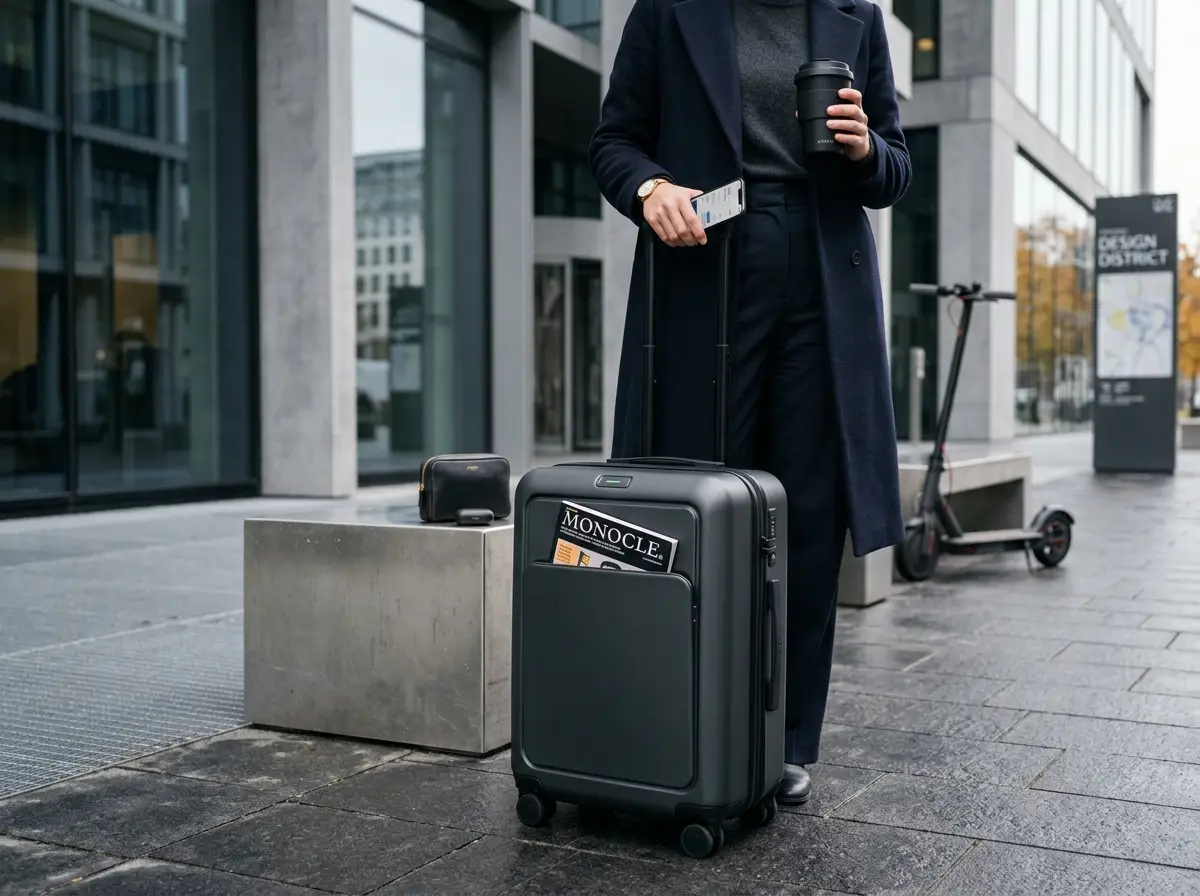
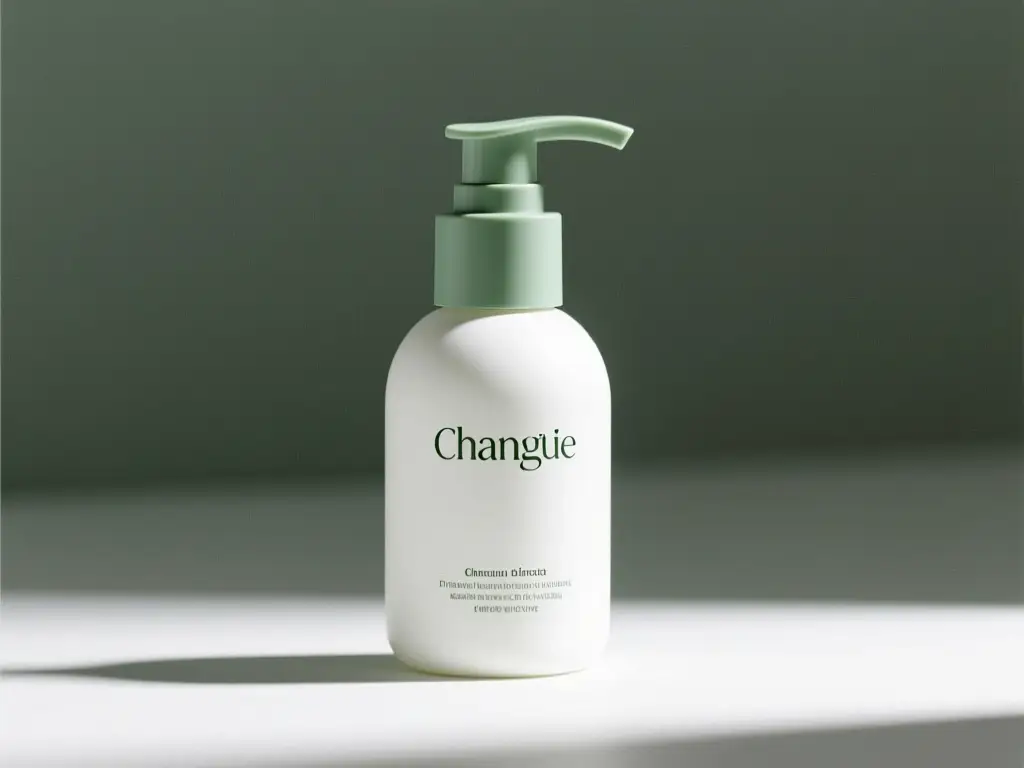
    Premium product study arranged on a clean neutral surface with controlled studio light
    Premium product refreshA clean product reference is useful for testing a new surface, colorway, or campaign backdrop without losing the object silhouette.
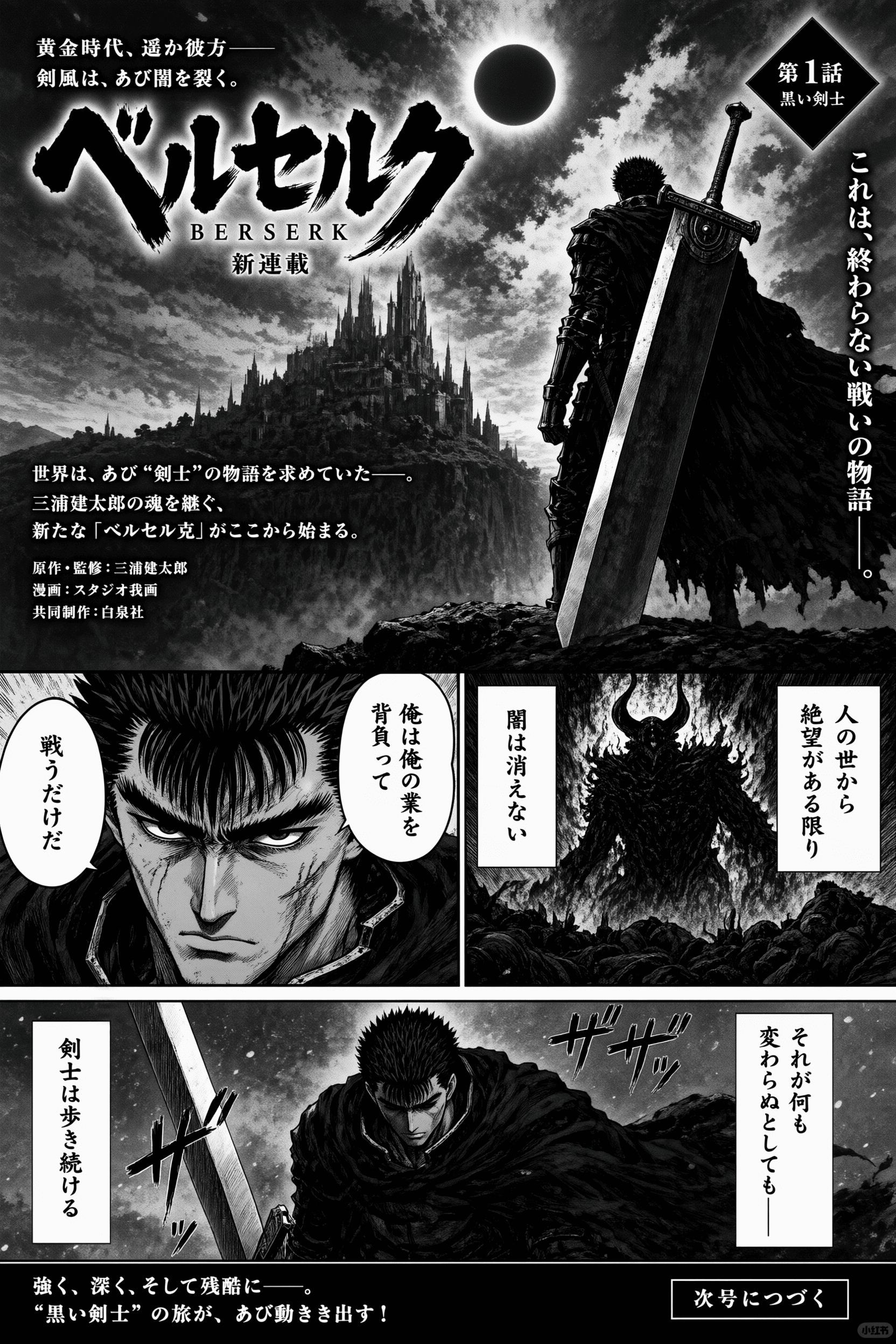
    Black-and-white illustrated manga page with a sword-bearing adult hero and dramatic panels
    Manga panel variationA clearly illustrated reference shows how image-to-image can preserve composition while changing tone, palette, or world-building details.

    Compare AI Video Models and Costs

    Choose the right engine for your project, balancing quality, duration, and credit costs.

    01

    Budget Drafts: Grok & MiniMax

    Grok Imagine delivers 6-second drafts for 6 credits, ideal for quick framing checks. MiniMax H3 adds sound at 20 credits per 5s clip. Both let teams validate shots before committing heavier renders.

    02

    Mid-Tier: Seedance 2.0 & Veo 3.1

    Seedance 2.0 starts at 70 credits for 5s 720p, while Google Veo 3.1 offers 8s 1080p clips for 40 credits. Veo includes native audio, making it a strong choice for social clips.

    03

    Premium: Wan 3.0 & Kling v3.0

    Wan 3.0 generates up to 30s 1080p video (360 credits). Kling v3.0 adds motion control for 4-15s clips with synchronized sound, perfect for product showcases.

    Key Features for Image-to-Video Work

    Tools to transform stills into professional video efficiently.
    VideoAny workbench showing credit cost calculator
    Preview costs across all engines before spending credits.

    01

    Credit Cost Preview

    See exact Coin costs before rendering. Adjust duration, resolution, and engine to fit your budget.
    restyle it in Flux
    Camera motion controls interface
    Add dynamic movement without complex editing.

    02

    Camera Motion Controls

    Set pans, zooms, and rotations directly on your still. Works with Wan 2.7 Spicy and Kling Motion Control.

    place it on a Qwen still
    Watermark-free video export example
    Clean exports start at $12.99 for 350 Coins.

    03

    Watermark-Free Output

    Paid exports carry no branding and allow commercial use. Starter accounts see previews with watermark.

    draft this on Seedream

    Top Use Cases for Image-to-Video

    Common scenarios where stills become engaging video.

    Top Use Cases for Image-to-Video
    Product spinning from still image

    E-Commerce Catalogs

    E-Commerce Catalogs

    Animate product shots for listings. Seedance 2.0 adapts to 9:16 for TikTok (70 credits/5s 720p).

    Panned interior shot from still photo

    Real Estate Walkthroughs

    Real Estate Walkthroughs

    Create virtual tours from photos. Wan 2.7 handles wide 21:9 aspect ratios for property showcases.

    Illustration coming to life as video

    Concept Art Previsualization

    Concept Art Previsualization

    Test animation ideas cheaply. Grok Imagine drafts at 6 credits per 6s clip before final Kling v3.0 renders.

    Project Gallery: From Still to Motion

    Real examples with credit costs and specs.
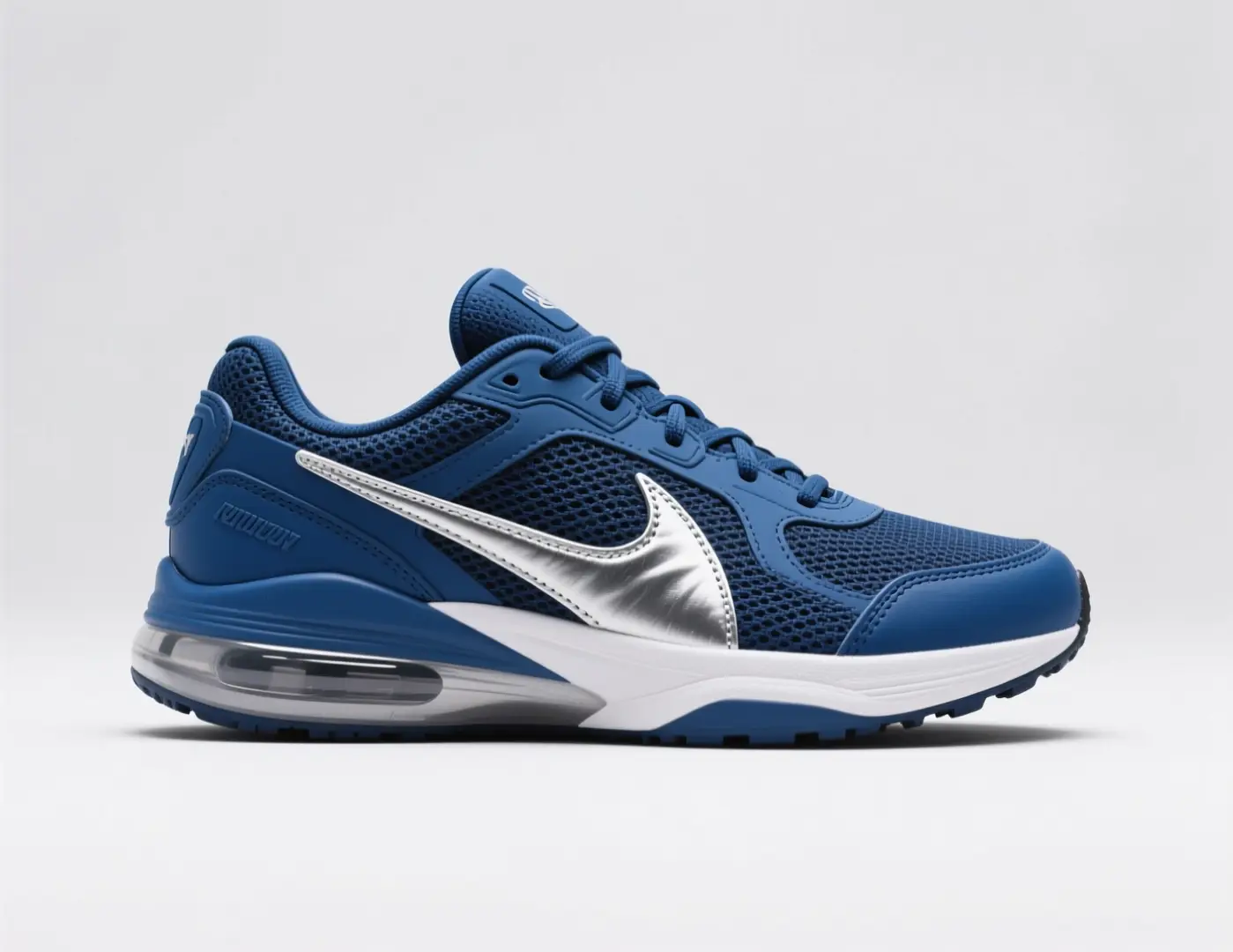
    Before/after product still to video

    Reference Photo Prep

    High-contrast stills work best. This 1080p product shot became a 5s spin (Seedance 2.0, 70 credits).

    5s 720p: 70 credits | 1080p: 175 credits
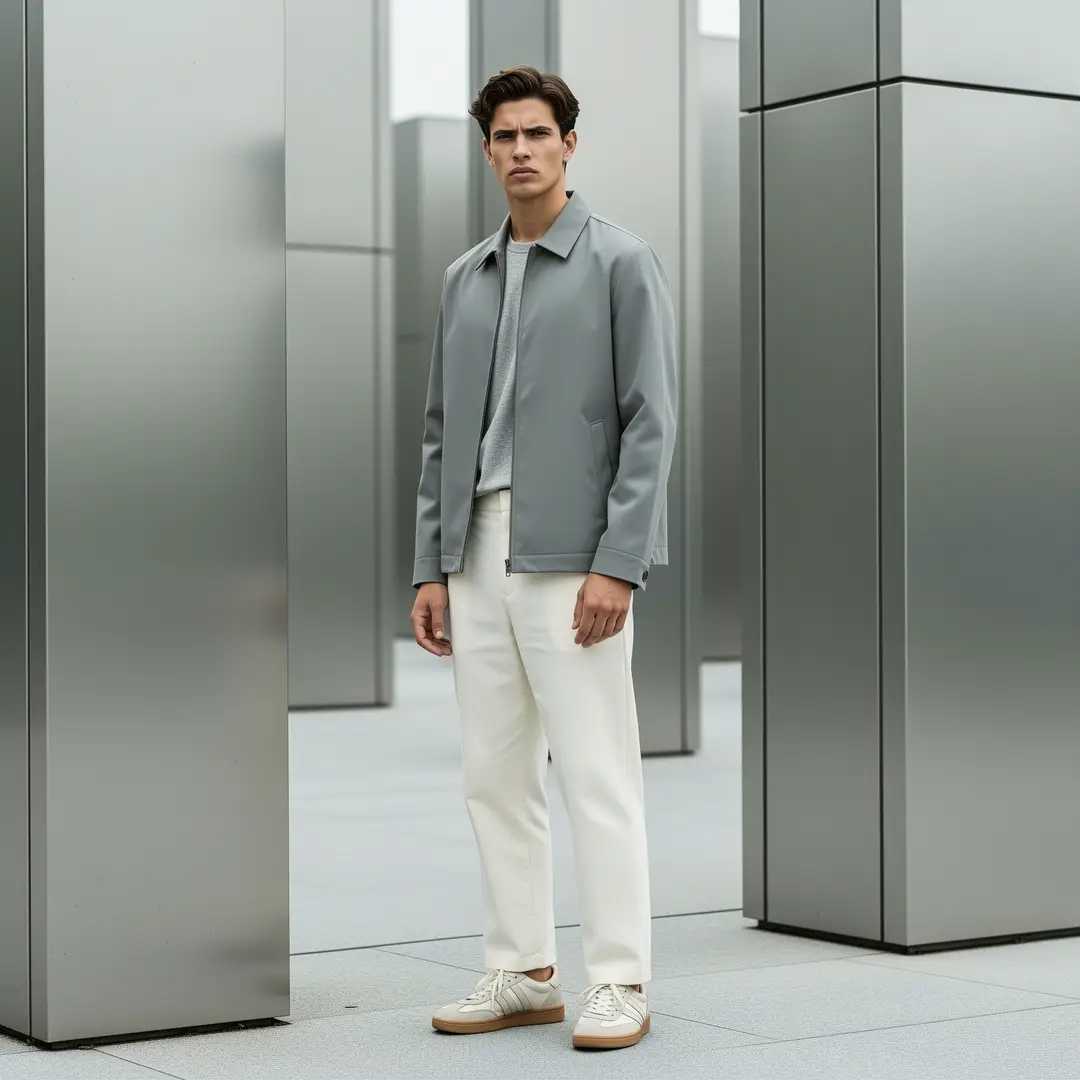
    Fashion model coming to life from photo

    Fashion Lookbook Animation

    MiniMax H3 added subtle motion and sound (20 credits/5s). Final hero clip used Wan 3.0 (360 credits/30s).

    Draft: 20 credits | Final: 360 credits
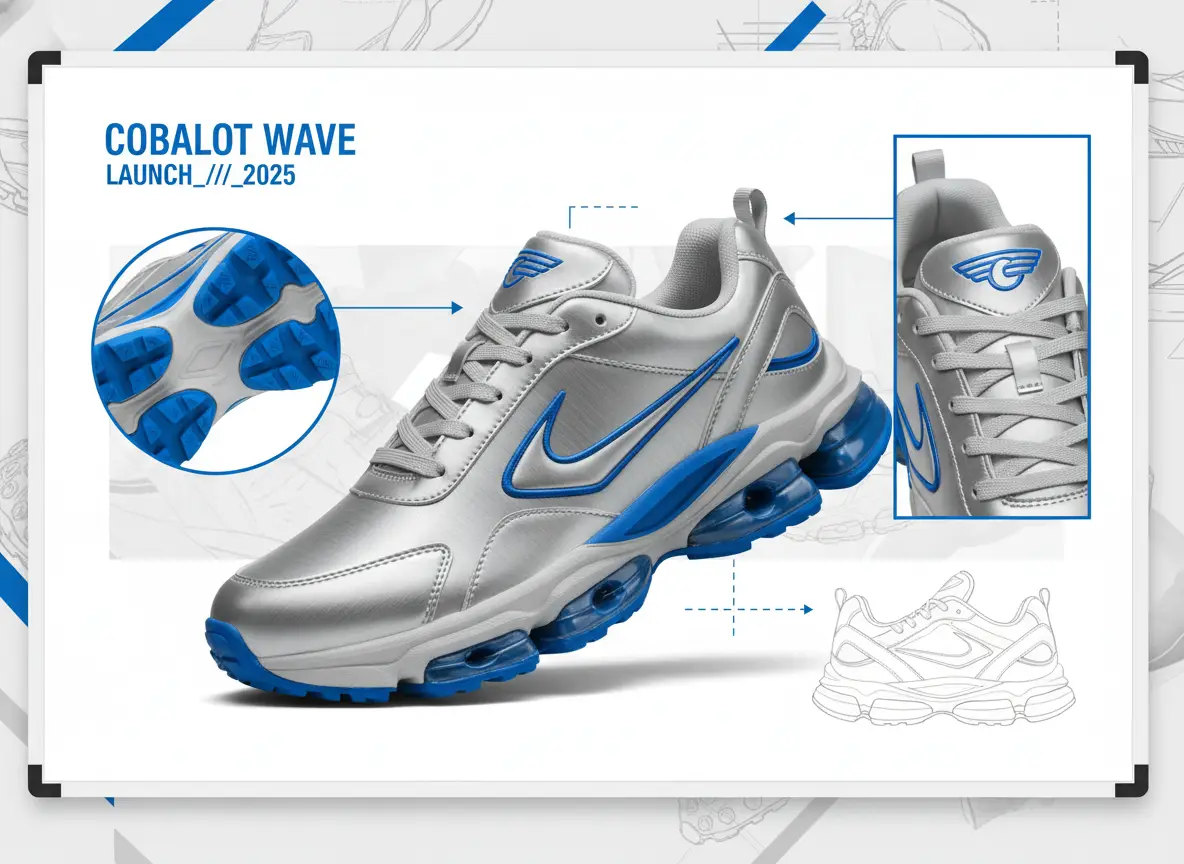
    Storyboard frames turning into video

    Storyboard to Animatic

    Grok Imagine drafted 6 scenes (36 credits total). Kling v3.0 delivered final 15s sync-sound version (525 credits).

    6s drafts: 6 credits each

    More Video Creation Tools

    Expand your workflow with these connected features.

    Image to video workspace

    Image to Video Workspace

    Upload stills, set motion paths, and preview renders across all engines.

    ai video from this image→
    Text to video interface

    Text to Video Studio

    Generate clips from prompts alone. Combine with image inputs for hybrid projects.

    Try Text Input→
    Motion control interface

    Kling Motion Control

    Precise camera paths for photo-to-video. Works with Kling v3.0's 4K output.

    See Motion Tools→
    Seedance 2.0 example

    Seedance 2.0 Video

    Fast 720p/1080p renders with multi-image input. Adapts to 9 social media aspect ratios.

    View Examples→
    Coin pack pricing

    Non-Expiring Coins

    Pay-as-you-go credits never expire. $12.99 buys 350 Coins, enough for 58 Grok drafts or 5 Seedance clips.

    See Pricing→

    Cost-Saving Tips for New Users

    Smart strategies to stretch your credits further.

    01

    Test Short Drafts First

    Use Grok Imagine (6 credits/6s) to validate framing before Wan 3.0 renders. A $12.99 pack covers 58 test clips.

    02

    Batch Reference Images

    Seedance 2.0 accepts 9 stills per render. Combine angles into one 70-credit 720p clip instead of separate videos.

    03

    Monitor Aspect Ratios

    Vertical 9:16 often needs fewer credits than widescreen 21:9 for the same duration. Preview costs before rendering.

    Frequently Asked Questions

    Clear answers on free accounts, watermarks, and commercial use.

    Free Starter Account Limits

    What you can do without paying and when upgrades make sense.

    Is there really no free trial?

    +−

    Correct. Starter accounts access the workbench to preview credit costs but receive zero free credits. This lets you inspect settings and model options before buying a $12.99/350 Coin pack or $19/mo Lite plan.

    When should I upgrade?

    +−

    When you're ready to render beyond previews. The Lite plan's 600 monthly credits cover 100 Grok drafts or 30 MiniMax H3 clips. Heavy users save with annual plans or bulk Coin packs.

    Credit and Pricing

    How VideoAny's pay-as-you-go system works for teams.

    Do unused Coins expire?

    +−

    Never. One-time Coin packs remain until spent. The $12.99/350 Coin starter pack covers 58 Grok drafts or 5 Seedance 2.0 720p clips. Subscriptions provide fresh credits monthly.

    What's the cheapest way to test?

    +−

    Grok Imagine at 6 credits per 6s clip. A $12.99 pack delivers 58 test renders. MiniMax H3 adds sound for 20 credits/5s—still just 17 tests per $12.99.

    Licensing and Watermark Rules

    Commercial use rights and output quality details.

    Do paid exports have watermarks?

    +−

    No. All paid renders (even from $12.99 packs) are watermark-free and cleared for commercial use. Starter accounts see previews with a temporary watermark.

    What resolutions support 4K?

    +−

    Wan 2.7 Image Pro delivers 4K WebP stills. For video, Wan 3.0 and Kling v3.0 output 1080p up to 30s. Seedance 2.0 reaches 1080p at 175 credits per 5s clip.

    3-Step Image-to-Video Workflow

    From still upload to final render in minutes.

    Step 1: 1. Upload & Frame

    Drag your still into the workbench. Set aspect ratio (9:16 for TikTok, 1:1 for Instagram). Wan 2.7 Spicy defaults to 1080p output.

    Step 2: 2. Preview Costs

    Toggle between engines to compare. Grok shows 6 credits for 6s, while Wan 3.0 displays 360 credits for 30s. Adjust sliders to fit your budget.

    Step 3: 3. Render & Export

    Buy a $12.99/350 Coin pack or $19/mo Lite plan. Paid exports download instantly with no watermarks, ready for commercial use.
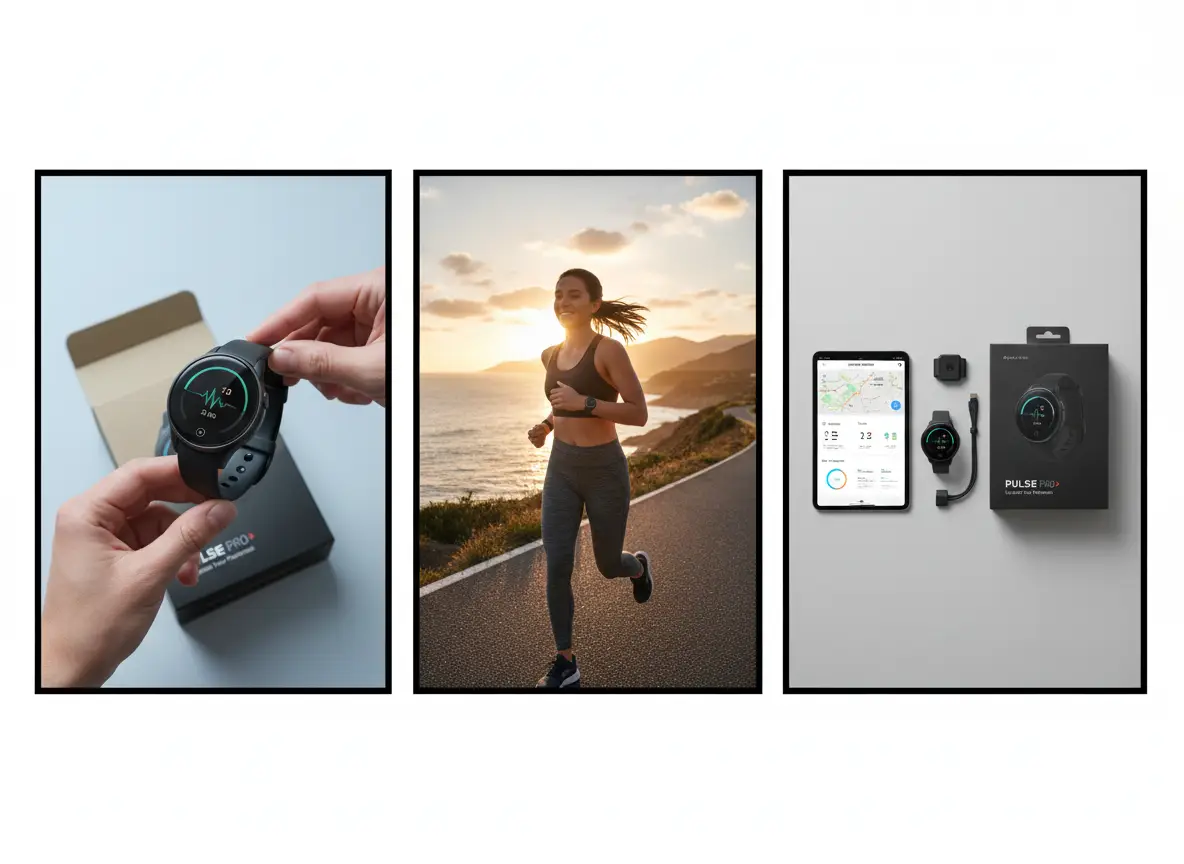
    Step-by-step image to video process
    Preview costs at each step before spending credits.

    Start Creating Today

    Smart paths from first test to final hero video.

    Low-Cost Testing

    Register a free account. Use the workbench to preview how Grok Imagine (6 credits) or MiniMax H3 (20 credits) would animate your still.

    Hero Render

    Upgrade to a $12.99/350 Coin pack for watermark-free Wan 3.0 or Kling v3.0 output. 350 credits cover 5 Seedance 2.0 720p clips.

    Commercial Projects

    Monthly Lite plans (600 credits for $19) suit frequent creators. Bulk annual or Coin packs save on Wan 3.0's 30s 1080p renders (360 credits each).
    VideoAny workbench interface

    VideoAny AI

    Open Workbench

    Smart paths from first test to final hero video.

    Open WorkbenchBrowse related tools
    Creative tools & scenesAI video generators
    • Open Workspace
    • Try Text Input
    • See Motion Tools
    • View Examples
    • See Pricing
    VideoAny

    VideoAny | AI Video & Image Generator

    support@videoany.ai
    AI Video Tools
    • View all
    • NSFW Video
    • Undress Video
    • Full tool directory
    AI Image Tools
    • View all
    • NSFW Image
    • Undress
    • Clothoff
    • Face Swap
    • Undress Templates
    • Full tool directory
    Uncensored AI Tools
    • View all
    • Nude Photo Generator
    • Uncensored Image Generator
    • NSFW Image to Video
    • Nude Generator
    • Nude Image Generator
    • Full tool directory
    AI Models
    • View all
    • Seedream 5.5
    • Full tool directory
    Company & Legal
    • View all
    • Pricing
    • Affiliate (30%)
    • Partners
    • Affiliate (30%)
    • About
    • Contact
    • Privacy
    • Terms
    • Refund
    JoyFun
    • JoyFun AI Image Generator
    • JoyFun AI Image to Image
    • JoyFun AI Image to Video
    Candy AI
    • Candy AI Video
    CreatePorn
    • Createporn AI
    PornPen
    • Pornpen AI
    PornWorks
    • Pornworks AI
    Promptchan
    • Promptchan AI
    SeaArt
    • Seaart NSFW
    Seduced
    • Seduced AI
    Soulgen
    • Soulgen AI
    Spicy
    • Spicy AI Image Editor
    • Spicy AI Video Generator
    • Spicy Chat AI
    Unstable Diffusion
    • Unstable Diffusion

    When you buy from VideoAny, we answer support@videoany.ai right away, usually within seconds. Model names and trademarks belong to their owners. VideoAny is not their official site.

    © 2026 VideoAny. All rights reserved. ACKERMAN TECH SOLUTIONS LLC

    Model & settings

    Duration

    5s
    2s15s

    Resolution

    Repeat

    1
    2STARTER5LITE8PRO10MAXCurrent
    Advanced settings

    On: the video provider rewrites your prompt before it generates (prompt extend). Off: it uses the prompt in the box as you wrote it. The text in the box stays the same.

    Upload image

    Required

    First frame

    Supports JPG, PNG, or WEBP, ≤10 MB, min size 300×300px

    Hints

    Prompt

    Prompt
    0/5000
    Credit cost

    1 videos · 45 credits

    Samples are examples. Results follow the prompt and model and will not match the preview. For a closer match, use Image to Image for a still or Video to Video for a clip.

    1 / 2