VideoAny
Settings
Privacy policyTerms of serviceRefund policy
50% OFF
Lite

Premium membership from $9.99 per month

Premium benefitsMore benefits
Fast generationHD outputAll image toolsAll video tools
VideoAny
  • Home
  • For You
  • AI Video
  • AI Image
  • Anime / Manga
  • Video Edit
  • Video Extend
  • AI Tools
  • Generate
  • Agent
  • Explore
  • Home
  • For You
  • AI Video
  • AI Image
  • Anime / Manga
  • Video Edit
  • Video Extend
    +5s
  • AI Tools
  • Generate
  • Agent
    Beta
  • Explore

    Guide · below the generator

    How the VideoAny anime AI generator works

    Every section opens with something to look at: a finished still, a before and after, a style side by side, or a clip. The generator stays at the top of the page.

    What it makesLooksPrompt to stillPrompt examplesStill to clipQuestionsBack to the generator ↑

    What the anime AI generator makes

    Three jobs on one page: write a still, remix a still you already have, or turn a still into a short clip.

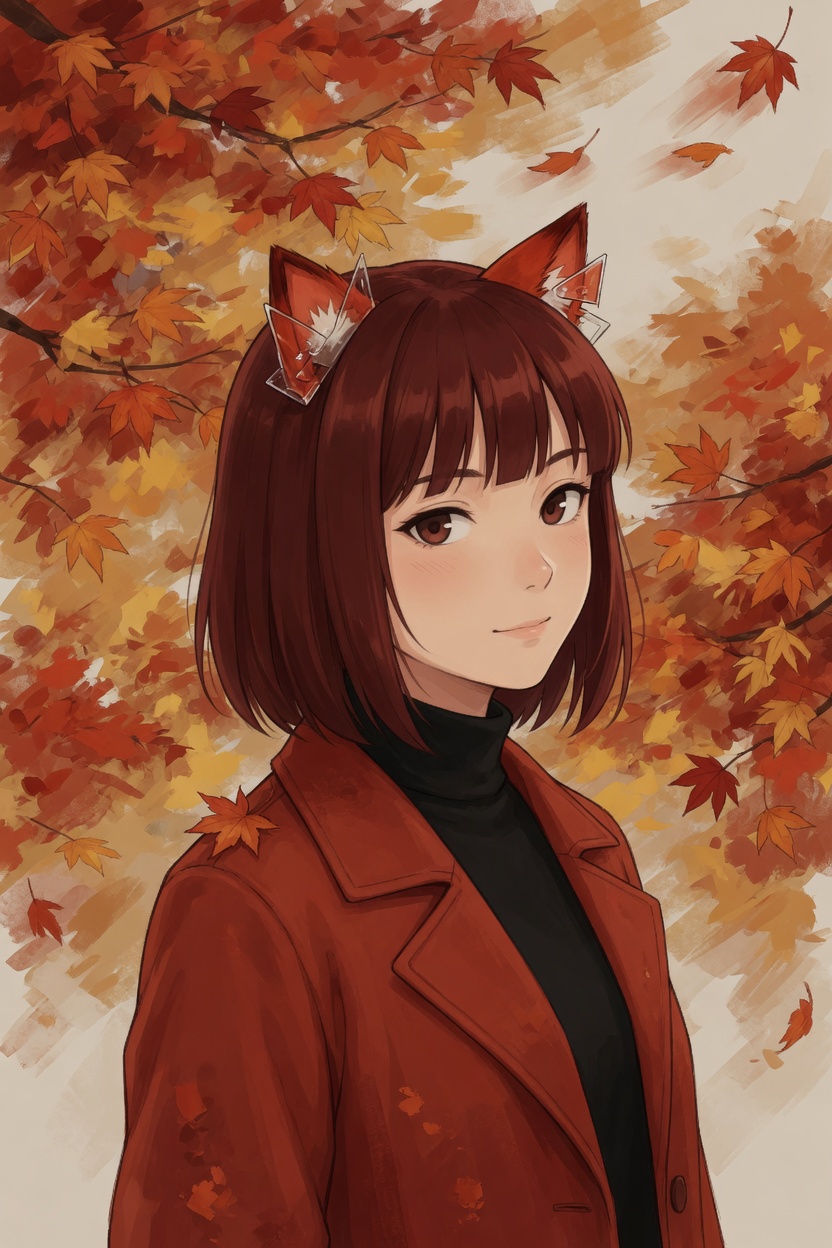
    Anime still of a fox-eared girl on a maple trail, made from a text promptText to image
    fox-eared girl, maple trail, red wool coat, falling leaves, cel shading
    A character still from a promptDescribe the look, pose, and place. You get a portrait.
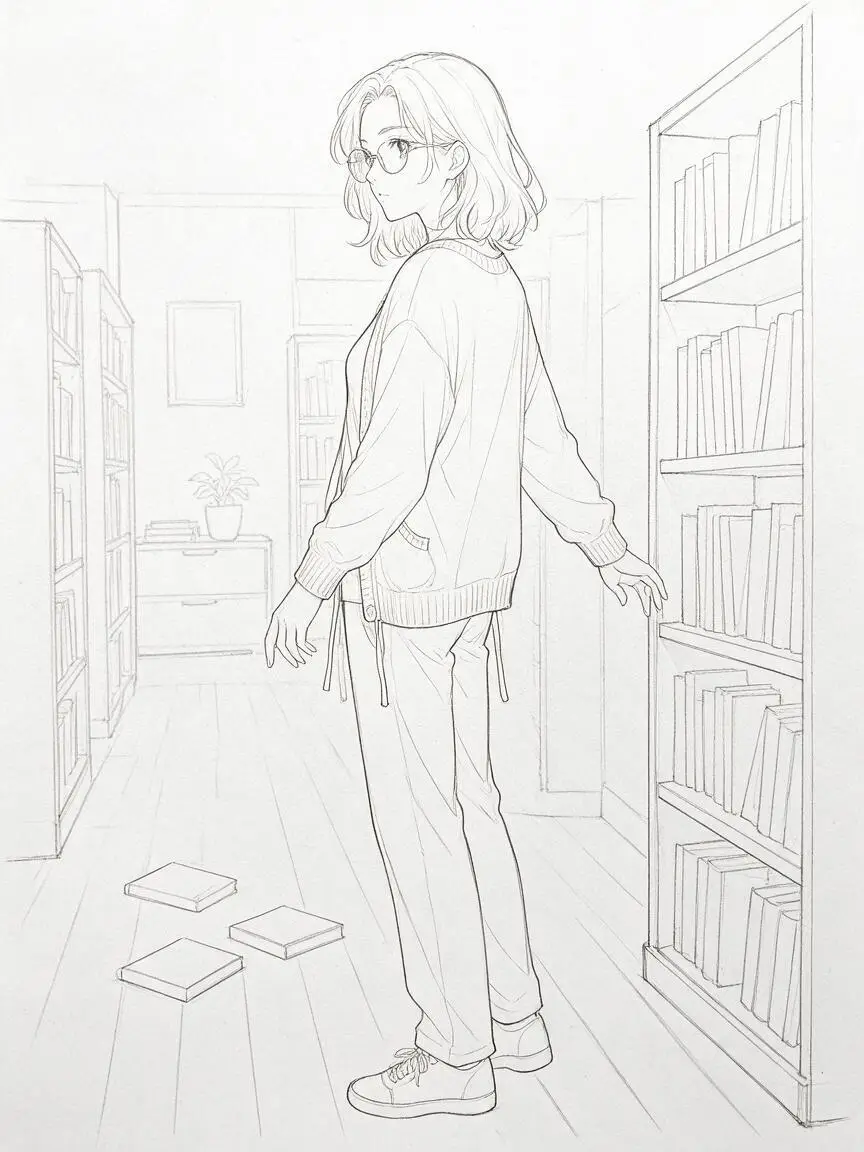
    Uploaded line sketch before the remixYour upload
    Colored anime still after the remixRemixed
    A remix of a still you already haveKeep the pose, change the colors, outfit, or light.
    Image to video
    A short clip from the same stillSend the still to Image to video. Credits show before it runs.

    Pick a look before you write the prompt

    Looks are drawing styles, not franchise names. Each one adds a few words to your prompt that you can still edit.

    From prompt to still in three moves

    The order matters: the look changes how the prompt reads, and the credit cost is on the button before you press it.

    1

    Write the look, pose, and place

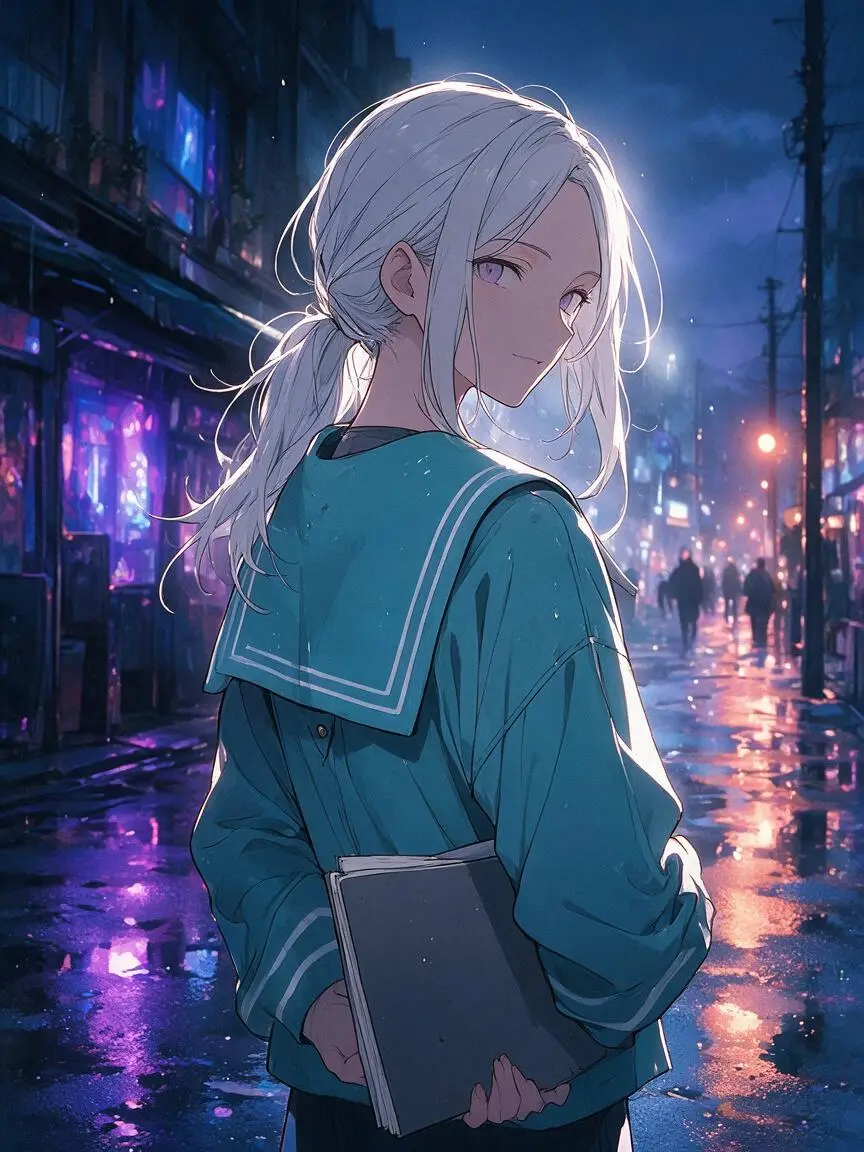
    Silver-haired girl, teal sailor jacket, holding a sketchbook, neon street after rain, soft rim light.
    LookSilver hair, teal sailor jacketPoseHolding a sketchbookPlaceNeon street after rainLightSoft rim light

    Credits are held when you press Create and returned if the still fails.

    →
    2

    Pick a look and a size

    Model · Seedream 5 Pro

    8 credits

    →
    3

    Create, then keep or remix

    Finished still from the promptReady

    Prompt examples you can copy

    Each example puts its prompt into the generator above. Change one detail and create your own version.
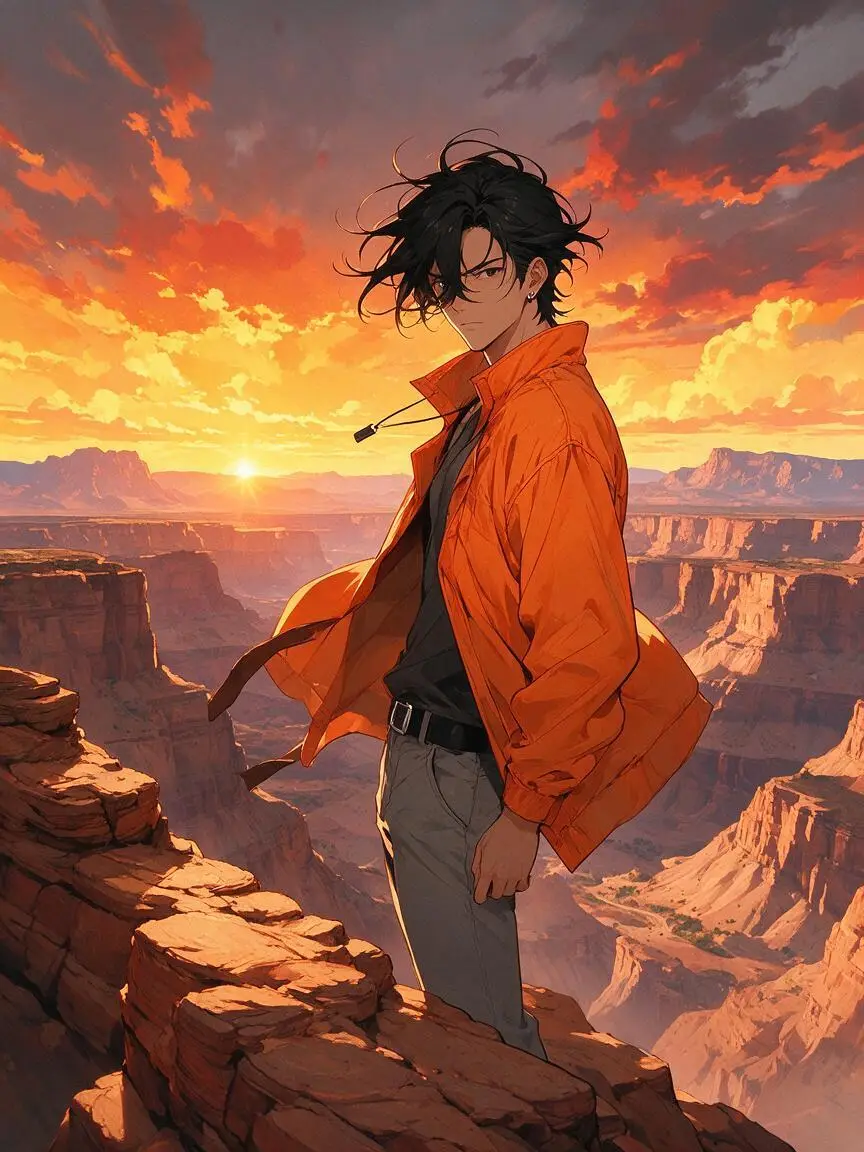
    Boy on a canyon ridge at sunset

    Boy with messy black hair on a canyon ridge at sunset, orange jacket in the wind, dramatic sky.
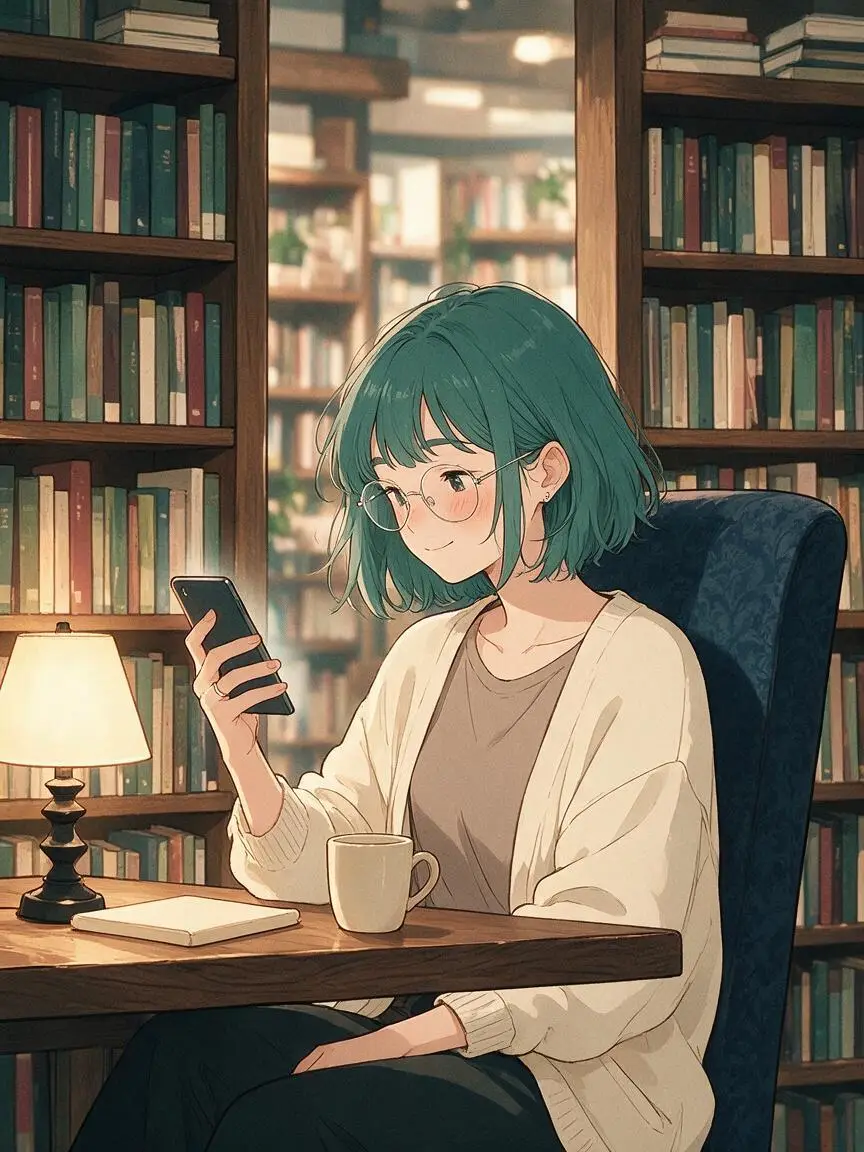
    Dusk
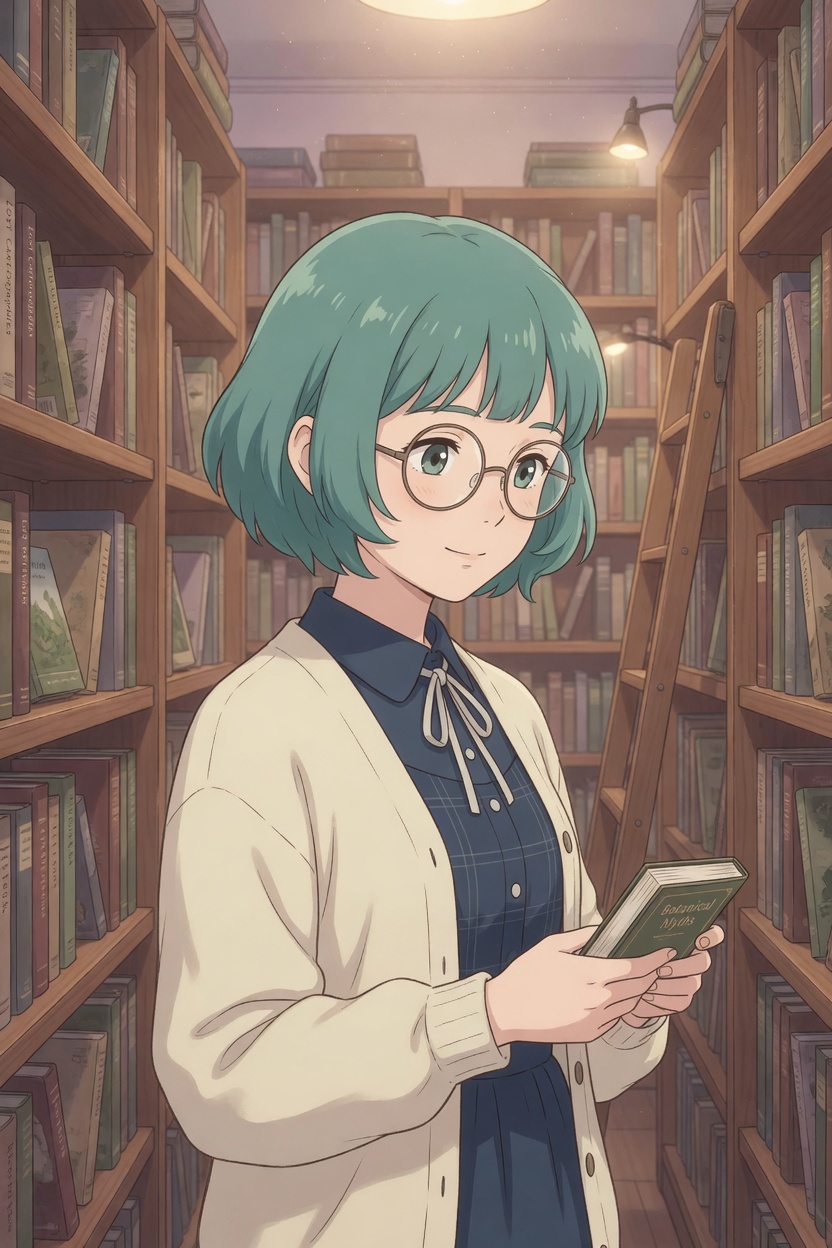
    Girl with glasses in a bookstore

    Teal-haired girl with round glasses in a quiet bookstore, cardigan, reading on her phone, warm lamps.
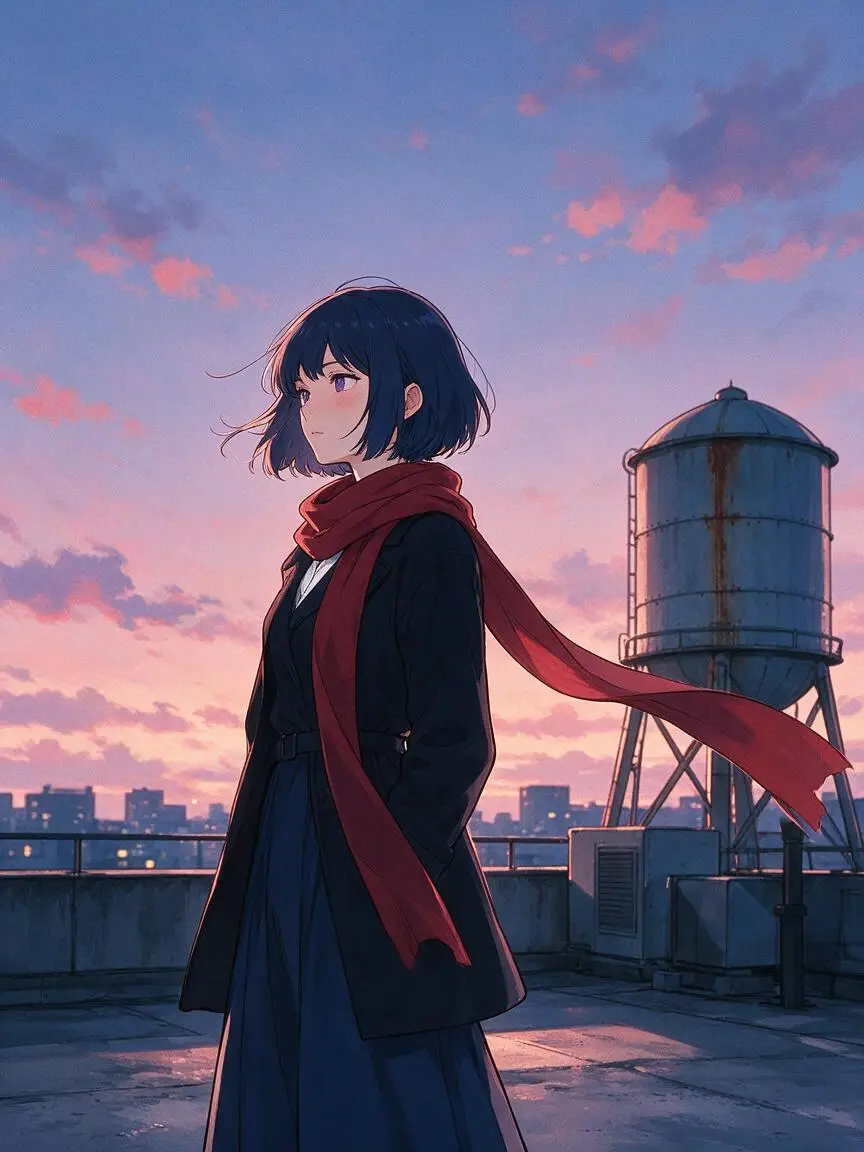
    Cel
    Girl in a hoodie on a rooftop at dusk

    Long black hair, mint hoodie, rooftop at dusk, city lights below, calm expression, soft shading.
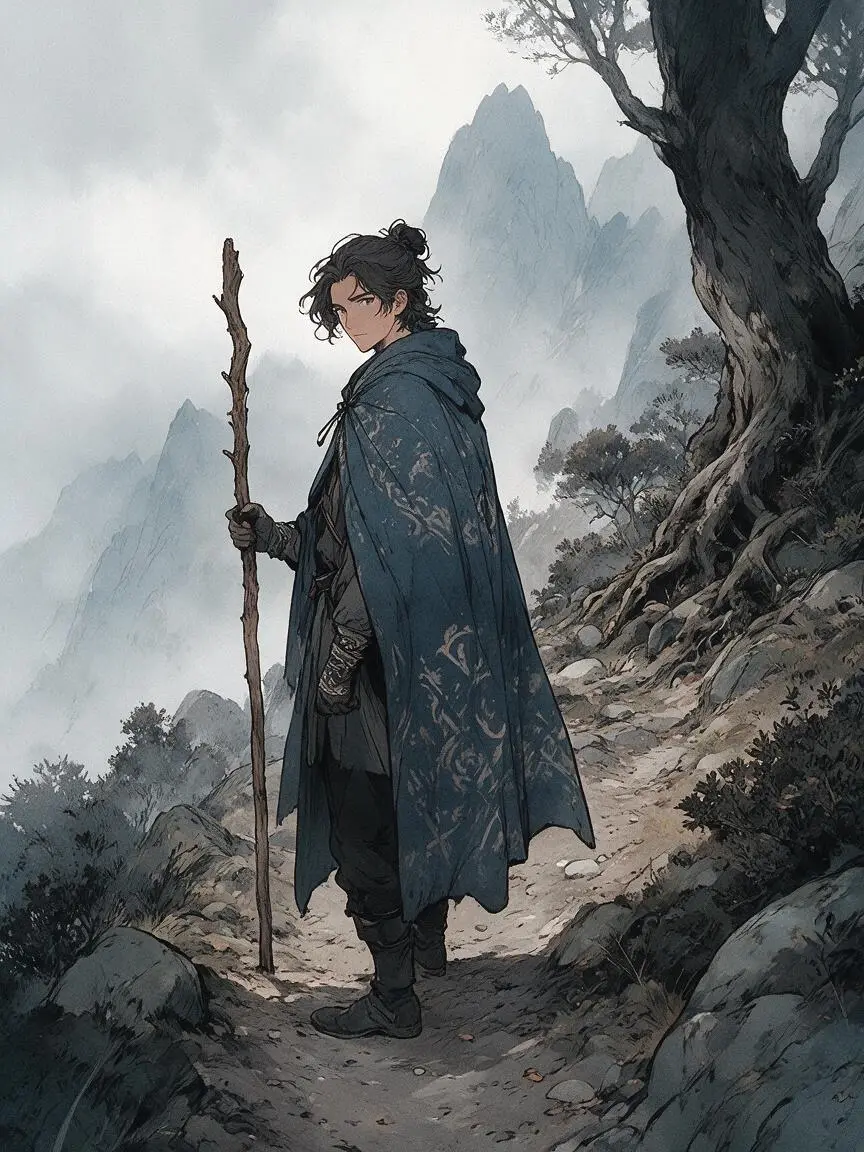
    Manhwa
    Traveler with a staff on a misty mountain path

    Traveler in a patterned cloak on a misty mountain path, wooden staff, ink lines, muted fog.

    Ink

    Turn a still into a short anime clip

    When a still is right, send it to Image to video instead of starting over.
    Start frame

    From still to clip

    • Your still becomes the first frame.
    • Describe the motion: hair in the wind, city lights flicker, a slow push in.
    • The video cost shows before the job starts, separate from the still.

    Questions about the anime AI generator

    Short answers. The generator is at the top of the page.

    Do I see the credit cost before I create?

    Yes. The cost is on the Create button. Credits are held when you press it and returned if the still fails.

    Can I start from my own drawing or photo?

    Use the Image to image tab. Upload a still, then describe what should change.

    Can a still become a video?

    Yes. Open it in Image to video. The video cost is shown before it runs.

    Why is Safe on by default?

    The inspiration gallery shows Safe stills first. 18+ is a separate switch.

    Which model makes the stills?

    Seedream 5 Pro is the default. The model name is shown next to the prompt.

    What the Safe gallery shows

    Safe still: girl reading in a greenhouse
    Safe still: boy on a canyon rim at dusk
    Safe still: chibi girl with a lantern
    Safe still: traveler on a mountain path

    Other VideoAny tools

    Same account and credits.

    8credits per still
    Pricing

    Ready to make your own still?

    Back to the generator ↑ ↑

    アニメ・ジェネレーター

    Anime AIGeneratorfor original character stills

    LookPick up to two
    Duration

    Upload reference

    0/1
    PromptLook, pose, setting
    Describe the motion: hair in the wind, city lights flicker, a slow push in.
    Try: add a time of day0 / 5000

    Credits are held when you press Create and returned if the clip fails.

    clipCoat in the wind CLIP
    clipHarbor run CLIP
    clipForest light CLIP
    clipTrain platform CLIP
    clipSword still CLIP
    clipMorning steam CLIP
    clipHarbor wind CLIP
    clipBattle dust CLIP