The Korean baseball reference carries the motion
Choose a reference that contains the actual trend phrase. Ask to preserve the character while following that motion. Do not ask a team name alone to invent a routine.
place it on a Qwen stillVideoAny AI
Korean baseball AI trend on VideoAny remakes a KBO-style short-video beat with motion transfer—not a sports encyclopedia. Upload a clear character still and an authorized motion reference, then transfer that performance through the AI dance generator motion workflow. Prefer written motion without a clip? Open an ai video. Dinner still remake sibling: Burning Bridges dinner AI. Credits appear before Create; plans start at $19/month.

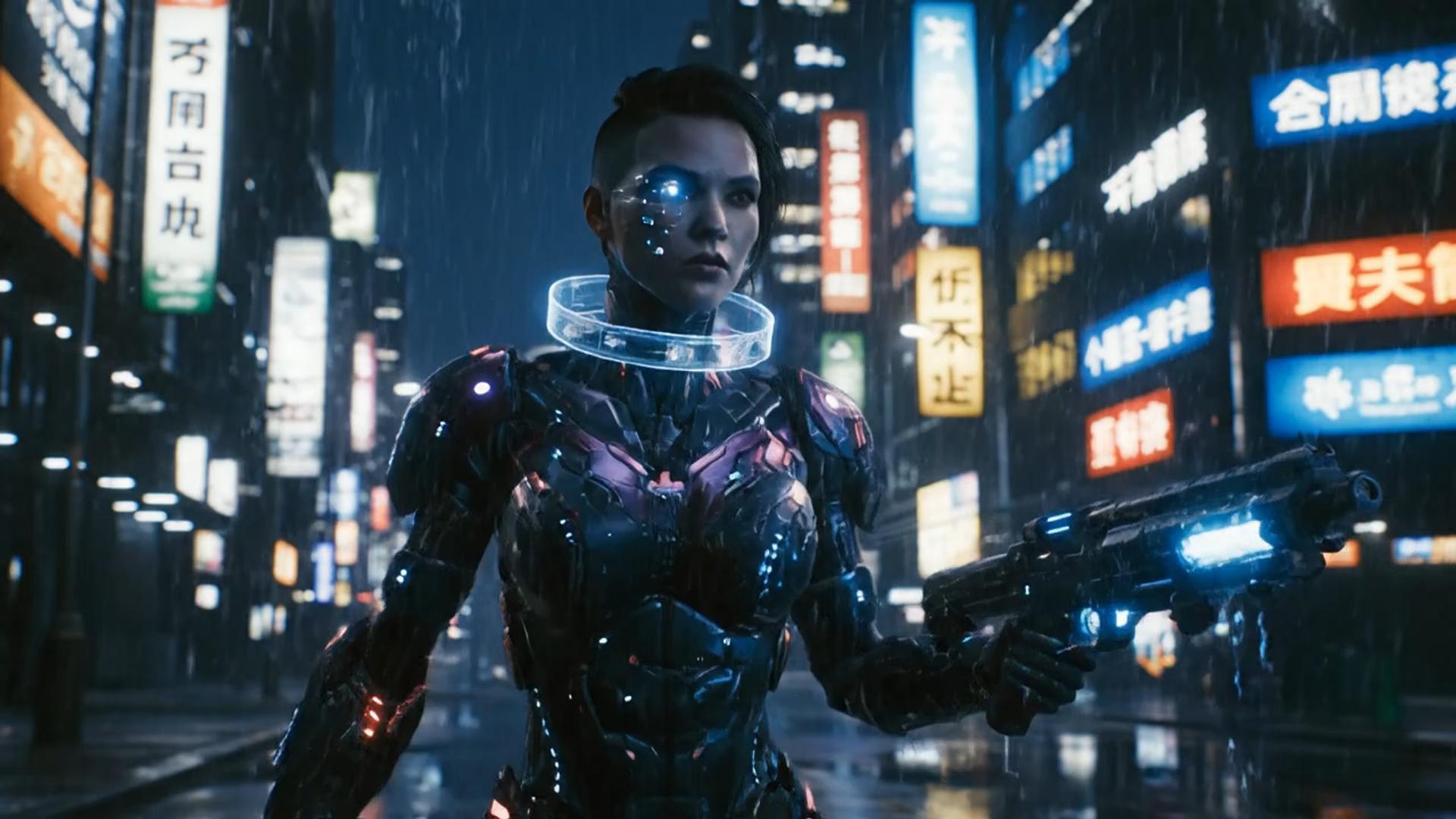
Illustrative city clip, not a Korean baseball result

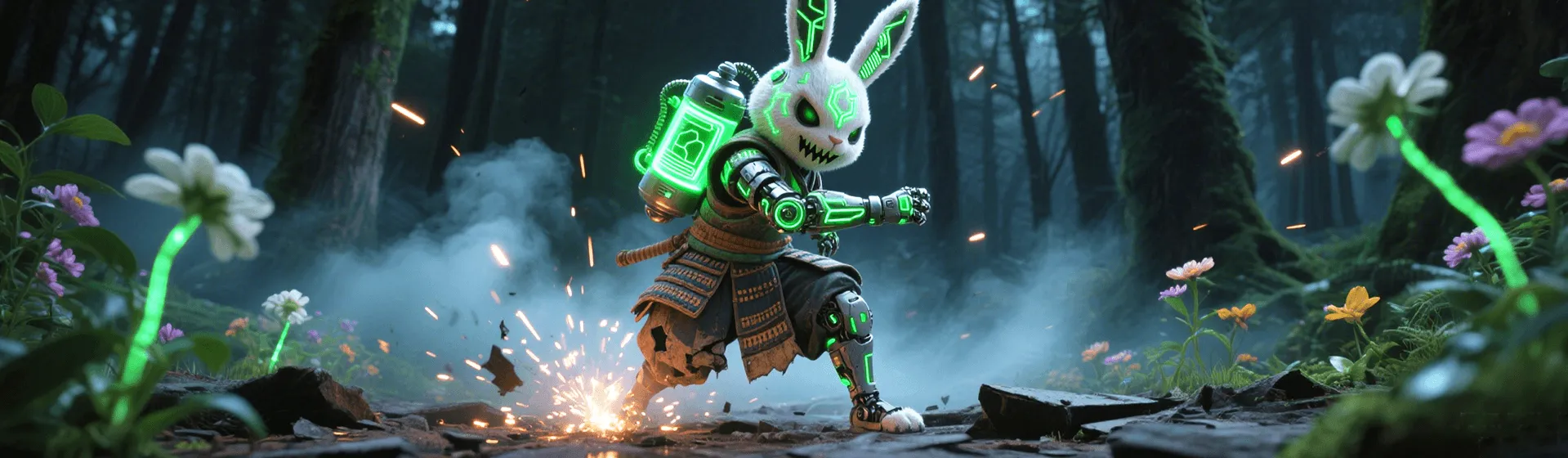
Illustrative texture clip, not a trend transfer

Illustrative character clip, not a verified Korean baseball take
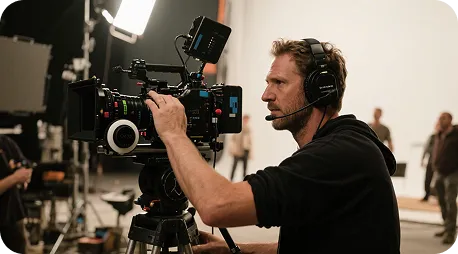
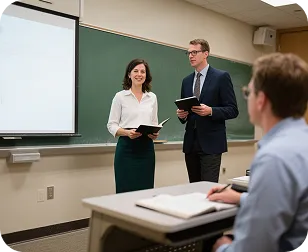
Choose a reference with the performer visible through the phrase (cheer, bat swing celebration, dugout gesture). Pair it with a still of the character you want to animate. Template clips are illustrative, not verified KBO broadcasts.

Start with one readable Korean baseball performance
Keep the character photo fixed while testing one short trend phrase. Compare timing and visible body movement with your uploaded clip. If a detail drifts, adjust one preservation note and inspect the next take in History.
This page uses Kling 3.0 Motion Control with a character still and a motion video. The trend movement comes from your reference, so choose the performance first and use the prompt to describe what should stay on the character.
Choose a reference that contains the actual trend phrase. Ask to preserve the character while following that motion. Do not ask a team name alone to invent a routine.
place it on a Qwen stillReview the face, clothing silhouette, and body movement across the entire take. Use History to compare versions.
draft this on SeedreamKeep the character from the uploaded still and follow the Korean baseball reference. Avoid mixing several unrelated dance instructions into one take.
try the look in GPT ImageUpload both files, inspect the cost before Create, and return to History when the task completes.
compare it on Nano BananaThis workflow fits a character photo paired with a recorded Korean baseball short-video gesture. For a photo animated from written instructions, use a motion pass or photo to video. The broader AI dance generator hub covers other reference-driven transfers.

Pair your character still with a recorded Korean baseball phrase, then review the generated performance before sharing.

Keep one approved character photo across reference tests so that the visual identity can be compared.

Test one Korean baseball phrase before building a longer sequence around it in an editor.

Compare body timing, character consistency, and framing across takes from the same reference.

Use a short reference and inspect the completed clip through the whole phrase.
Korean baseball trend workflow notes
These cards are practical checkpoints for a Korean baseball trend transfer, not customer testimonials. Compare the source pair and finished take before deciding whether to generate again.
Choose the trend phrase
Reference preparation
“Pick one performance phrase with the performer visible from start to finish.”
Check the source silhouette
Character preparation
“Choose a still whose face, outfit, and visible body are easy to compare after animation.”
Keep one reference fixed
Input comparison
“Change one instruction between takes so that the effect can be compared.”
Review the complete phrase
Motion review
“Watch the whole transfer for identity drift and movement that no longer follows the clip.”
Read the next credit cost
Credit review
“A new Korean baseball take uses credits even when you keep the same source pair.”
Prepare a short finished edit
Export review
“Download the reviewed take from History and add any permitted titles or music in an editor.”
Questions about Korean baseball AI trend references, inputs, and credits.
It needs a character photo and a reference video showing the Korean baseball short-video phrase you want to transfer. Kling 3.0 Motion Control uses those uploads to animate the character. A trend name in the prompt cannot replace the reference performance, and this page is not a KBO encyclopedia.
Wait time depends on the uploaded reference, the selected resolution, and the current queue. Watch History for task status, then preview the completed take before downloading it.
Use a clear character still and a reference with one readable performer. Keep the prompt focused on preserving identity while following the uploaded motion. Review hands, face, and body positions across the clip.
Yes. Keep the photo when you want the same character, then replace the reference with the new phrase. Each submitted generation uses the credits shown in the workbench.
Read the credit cost shown for the selected settings before you Create. Opening this page does not grant free generations. Paid plans start at $19/month.
Confirm the rights to your character image, reference performance, and any soundtrack you add. Your plan and the model terms also apply.
Three steps to a character-led Korean baseball take
Use the motion workbench to animate the still from your reference performance. Use an editor afterward to arrange shots, titles, and a soundtrack you can use.
| Feature comparison | This Korean baseball motion workbench | A generic editor |
|---|---|---|
| Ease of use | Upload a character still and a motion clip in one workbench | Scenes and editing must be built on a timeline |
| Visual variety | Character from the still; Korean baseball movement from the reference | Fewer looks unless you change the still or the clip |
| Prompt reading | Reads keep / copy-motion notes against the uploaded still and clip | Keyword matching with little use of the uploads |
| Reference and preservation notes | Your uploaded Korean baseball performance supplies the choreography | Fewer reusable looks after a first export |
| What this page covers | Korean baseball AI trend reference transfer | A generic editor that is not built for this path |
| Customization | Change the still, the motion clip, or a short preservation note, then generate again | Little room to iterate after the first export |
| Generation time | Cloud generation; wait time follows clip length and queue | Slower and dependent on local hardware |
| Output | Output follows the selected resolution on this motion workbench | Quality and watermarks depend on the other tool’s plan |
| Use cases | Character-and-clip trend takes you are authorized to animate | Usually limited to one editor job |
| Review | Finished takes land in History on this account | No shared History on this page |
| Plans and credit cost | Plans from $19/month; review the credit preview for each take before Create | Check the other editor’s plan and export limits |
Return to the AI dance generator, try Burning Bridges dinner AI for a dinner still remake, or open a motion pass. Each trend needs its own matching reference.

Pair your character still with the Korean baseball clip you selected, check the credits before Create, and review the result in History. Paid plans start at $19/month; each new take has its own credit cost.
OpenAI
Black Forest Labs
MiniMax