
VideoAny AI
Clothoff Alternative for AI Photo Editing
Explore VideoAny as a Clothoff alternative with an image-to-image workspace. Start with a reference photo, describe the change you want, and compare the result with your original. This is VideoAny's own editing page; it is not the official Clothoff service.





This Clothoff alternative starts with your reference photo.
A useful Clothoff alternative edit starts with a clear source and a specific request. This page opens the image-to-image workspace with Wan 2.7 Image, keeping the workflow focused on an existing picture.
01
Prepare a source for your Clothoff alternative edit
For this Clothoff alternative, upload a reference that shows the subject and the area you want to change clearly. Keep an untouched copy for comparison. A tightly cropped or heavily compressed source can make it harder to judge whether the new image follows your request.
02
Use the selected image model
Wan 2.7 Image is selected for this workspace. The task begins with an image and an edit description. Read the current controls before starting, because the available settings and the displayed credit cost belong to the selected generation task.
03
Describe what should remain recognizable
Alongside the requested change, identify the composition, expression, lighting, or background you want to retain. Treat those details as editing goals and compare them with the result; a prompt alone does not keep every feature unchanged.
Give your Clothoff alternative edit a clear visual direction.
Give your Clothoff alternative edit a short, concrete brief instead of a long list of competing instructions. Choose one main change, describe the intended appearance, and keep the surrounding details consistent.
01
Name the part of the image that changes
For a Clothoff alternative edit, specify whether your request concerns the outfit, background, color, framing, or overall style. Keep the first attempt narrow enough that you can tell what changed. This also gives you a useful starting point for a more detailed second version.
02
Make clothing details concrete
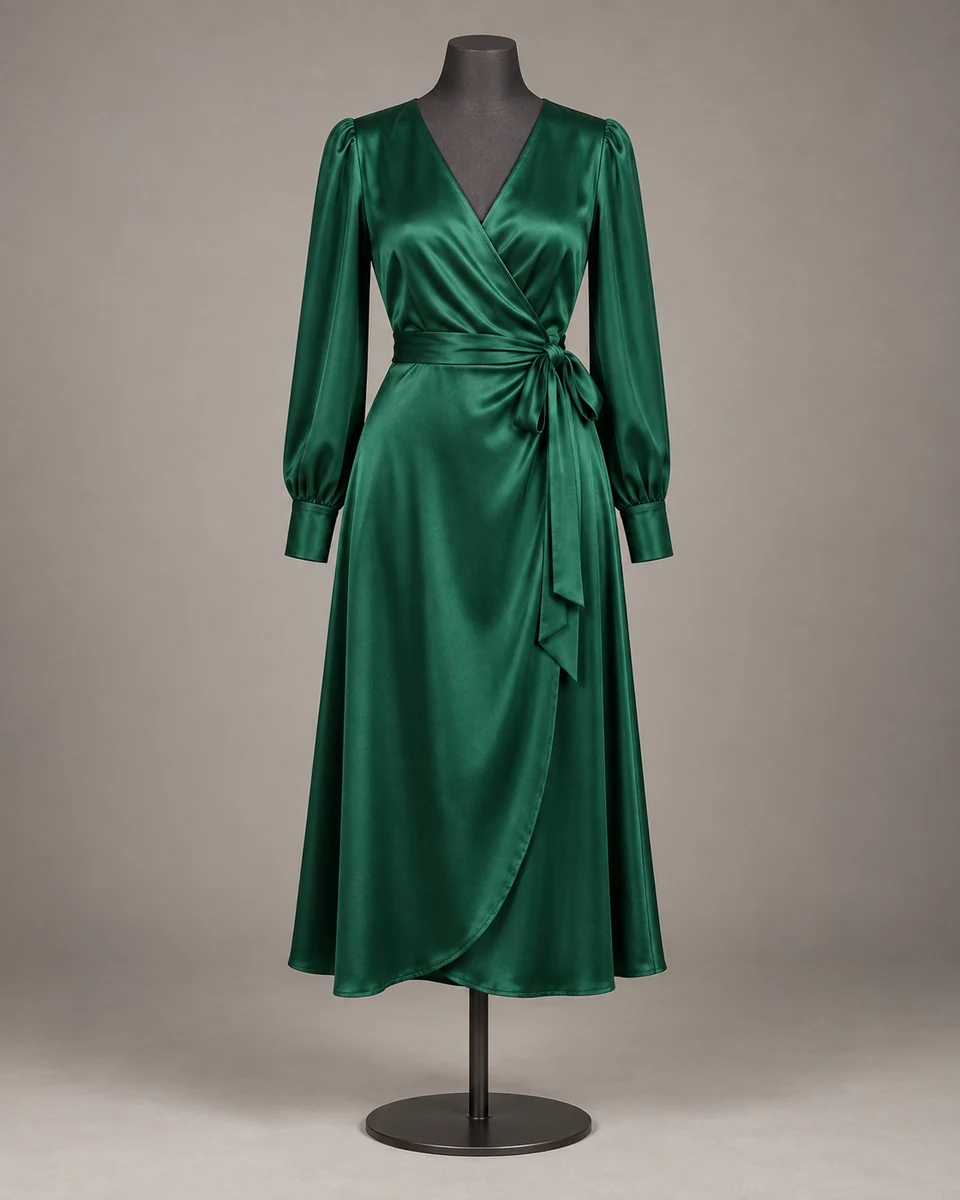
For an outfit edit, describe the garment, fabric, color, and fit instead of relying on a vague style label. Check the boundaries around hair, hands, and clothing in the result. Those transitions matter as much as the overall silhouette.
03
Review the cost before starting
The generation control shows the credit cost before submission. Check that value after setting up the task. If you need more credits, review the current pricing page rather than assuming that this workflow has an assumed allowance.
Choose an image-editing scenario before using this Clothoff alternative.
Different creative goals need different briefs. These Clothoff alternative scenarios help you decide what to ask for and what to inspect afterward, without treating one sample image as a promise about your result.
Use the Clothoff alternative gallery to plan your own edit.
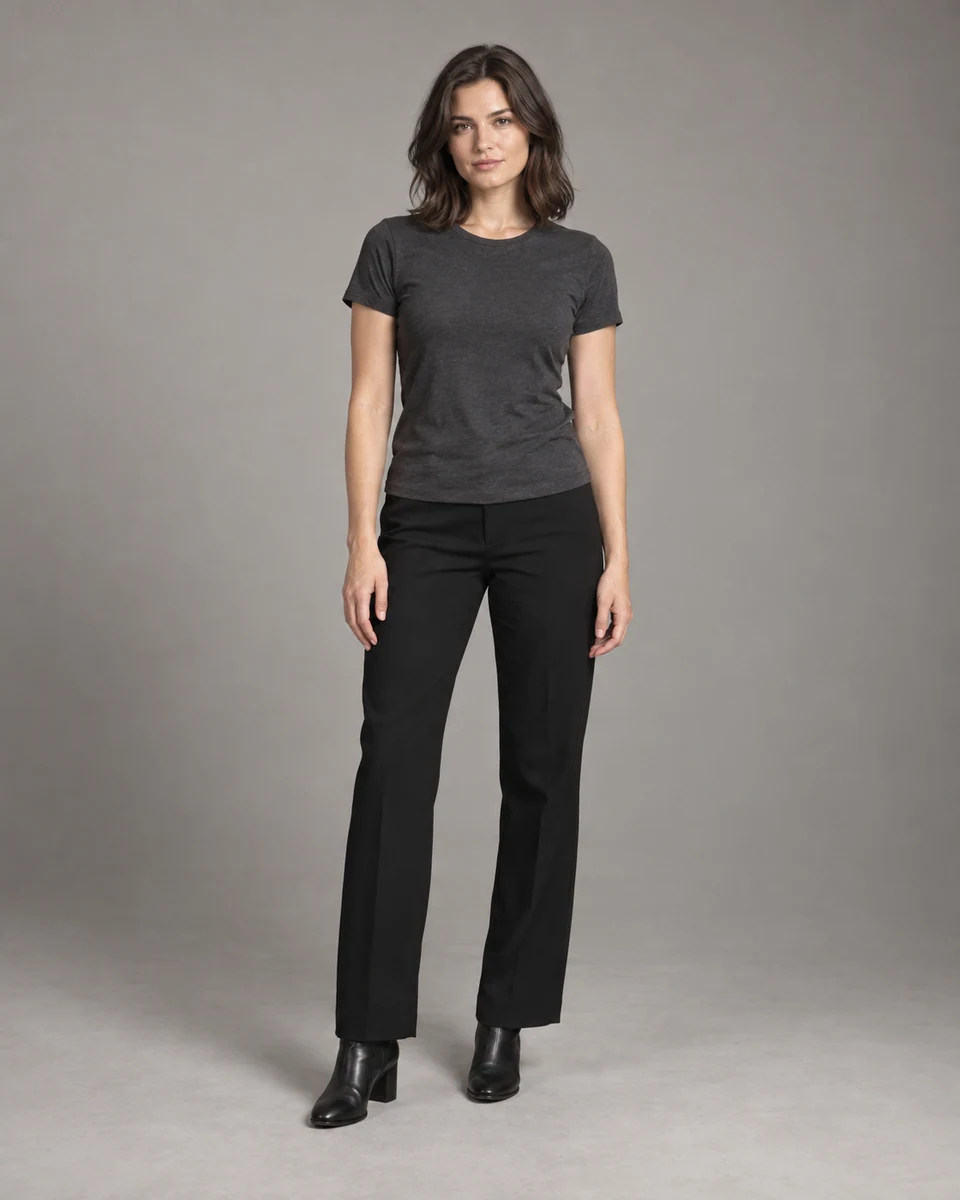
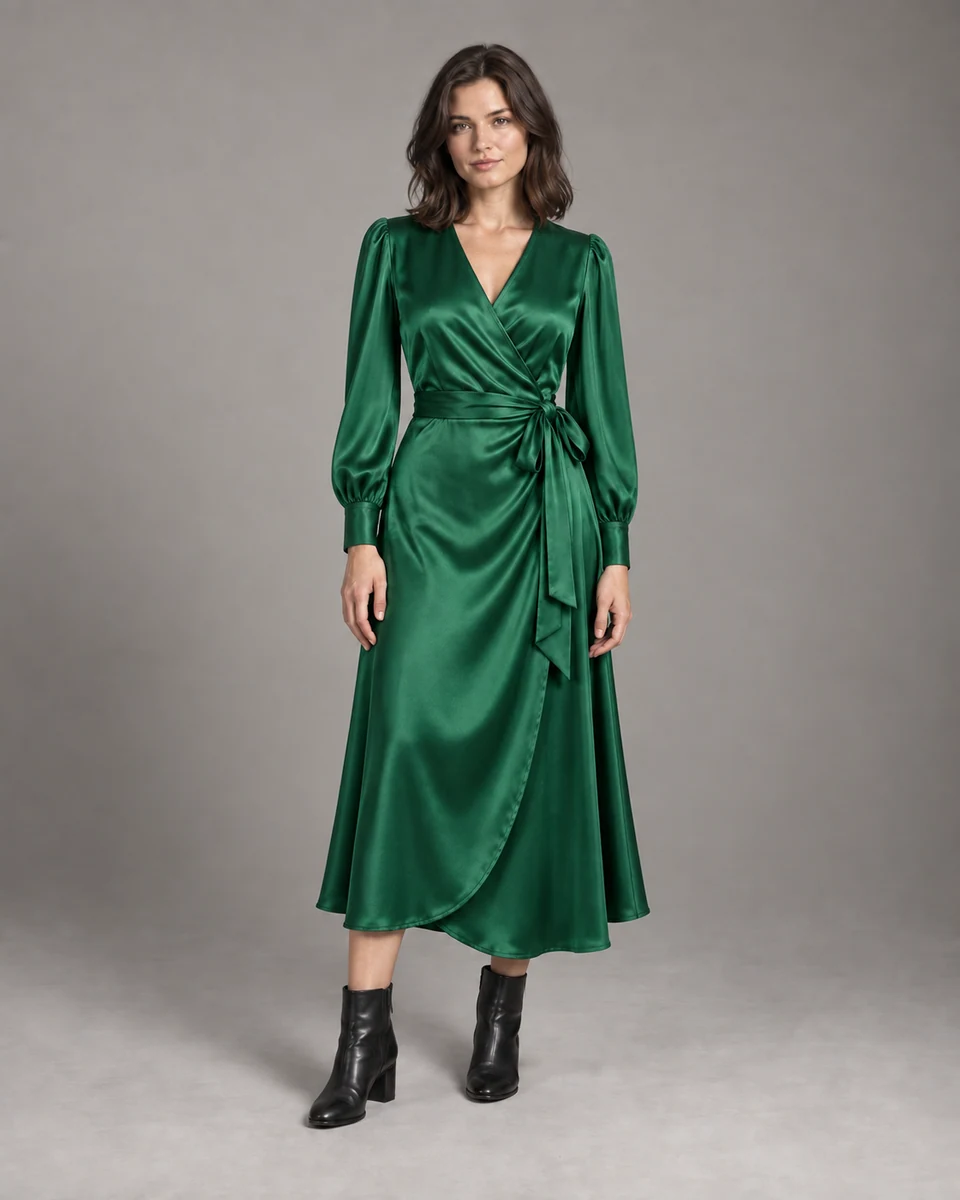
This Clothoff alternative gallery uses existing VideoAny outfit-editing illustrations. Compare the source portrait, garment reference, and styled illustration to plan an edit. These files are not verified outputs from this page.
Study the framing before the details
In this Clothoff alternative gallery, compare the subject framing with the isolated garment and the styled illustration. Decide which framing serves your goal, then select a source photo that already gives the subject enough space. Avoid asking a single edit to solve every composition problem.
Translate a visual idea into a brief
For your Clothoff alternative brief, identify the color, light, texture, or camera angle that caught your attention. Describe that feature in your own editing request. A precise visual observation gives you a clearer result to evaluate than copying an unrelated description in full.
Judge the generated result against your source
Use your original image as the main reference when the generation finishes. Check the requested change first, then inspect the features you meant to preserve. Gallery examples provide inspiration; the final comparison belongs to your own task.
Keep Clothoff alternative revisions easy to compare.
A Clothoff alternative editing session becomes more useful when each attempt answers a specific question. Keep the source consistent, change one instruction at a time, and record the version you prefer.
01
Resolve conflicting instructions
A request to preserve the exact lighting while changing the scene from daylight to a dark interior pulls in different directions. Decide which condition matters most and rewrite the brief around it before spending credits on another attempt.
02
Inspect small transitions at a useful size
Look closely at edges, fingers, reflections, and overlapping objects. A result can read well at thumbnail size while still containing distracting details. Judge both the overall composition and the local changes before choosing a version.
03
Keep a simple comparison record
Keep your Clothoff alternative comparisons together: save the source, the brief, and your preferred output together. Note the one change you want to try next. This makes later comparisons meaningful and helps avoid repeating a request that already missed the visual goal.
Get clear answers before trying this Clothoff alternative.
These answers describe the VideoAny page you are using. They do not make claims about Clothoff's current service, account system, pricing, or results.
Understand which service you are opening
The page and generation workspace belong to VideoAny. The Clothoff name identifies the alternative you searched for.
Is this the official Clothoff website?
+−
No. This is a VideoAny image-editing page for people exploring a Clothoff alternative. It does not connect you to a Clothoff account.
Which workflow opens on this page?
+−
The page opens an image-to-image workspace with Wan 2.7 Image selected. Begin with a reference photo and an edit description.
Prepare the input and check the cost
Have your source image and a clear editing goal ready. Use the current generation controls to review the task before submitting it.
Do I need a reference image?
+−
Yes, this page is set up for image-to-image editing. If you want to begin with text alone, open the image-generation workflow linked above.
Where do I check the credit cost?
+−
Check the generation control before submission. For credit packs and plan details, open VideoAny's current pricing page.
Interpret the examples and the result
A reference image, a gallery example, and a generated result serve different purposes. Compare the output with your own source and editing brief.
Are the gallery images results from this page?
+−
The gallery uses existing VideoAny outfit-editing illustrations. They are not evidence of a generation completed through this specific page.
Will every detail of my source remain unchanged?
+−
Not necessarily. State the details you want to preserve, then inspect the result for changes to the subject, composition, lighting, and background.
Make your first Clothoff alternative edit in three stages.
Prepare your Clothoff alternative input, submit a clear request, and evaluate the result. This sequence keeps the task focused from the first upload through the next revision.
Step 1: Upload and inspect your reference
Open this Clothoff alternative editor at the top of the page and add your source image. Confirm that the subject is visible and that the crop includes the area you plan to change. Replace an unsuitable reference before writing a detailed brief.
Step 2: Write the edit and review the task
Describe the main change, followed by the details to retain. Review the available controls and displayed credit cost. Submit the task when those choices match your goal, then follow the workspace's generation status.
Step 3: Compare the output and choose a next step
Evaluate your Clothoff alternative attempt by inspecting the completed image beside the source. Keep a version that meets your goal, or revise one part of the brief for another attempt. Move to a different workflow only when the next step needs a different type of input.
Start this Clothoff alternative with one deliberate edit.
You do not need to plan an entire creative sequence before testing a Clothoff alternative edit. Bring a useful source, define a visible change, and decide how you will judge the result.
Return to the image workspace
Use the Clothoff alternative editor above to add your reference and begin. Keep the first request specific enough that you can compare the intended change with the output without guessing which instruction shaped the result.
Start your photo editCheck the available credit options
If your account needs more credits, review the current plans before continuing. Choose according to the tasks you intend to run and the costs shown in the workspace rather than a gallery example or an assumed generation allowance.
Review credit optionsCarry the finished still into a video
Once you have a still you want to develop, move to VideoAny's video tools and write a separate motion brief. Review that workflow's controls and cost as a new task; finishing an image does not start a video automatically.
Explore AI NSFW Video GeneratorVideoAny AI
Open the image editor
You do not need to plan an entire creative sequence before testing a Clothoff alternative edit. Bring a useful source, define a visible change, and decide how you will judge the result.