• Home
  • For You
  • AI Video
  • AI Image
  • AI 3D Generator
  • Anime / Manga
  • Video Edit
  • Video Extend
  • AI NSFW Image Generator
  • Undress Clothes
  • Undress Video
  • Clothoff
  • Face Swap
  • AI Tools
  • Generate
  • Agent
  • Explore
  • Home
  • For You

Create & chat

  • AI Video
  • AI Image
  • AI 3D Generator
  • Anime / Manga
  • Video Edit
  • Video Extend+5s
  • Generate
  • AgentBeta
  • Explore

Public discovery

  • AI NSFW Image Generator
  • Undress Clothes
  • Undress Video
  • Clothoff
  • Face Swap
  • AI Tools
Upgrade for more
    1. Home
    2. ›AI Tools
    3. ›AI Rumpelstiltskin Tip Toein

    VideoAny AI

    AI Rumpelstiltskin Tip Toein Dance Generator

    AI Rumpelstiltskin Tip Toein turns a character photo and your uploaded dance reference into a motion-transfer draft. For the Rumpelstiltskin / "tip toein' in my Jordans" dance meme, bring a clip containing the footwork you want to copy. Open the AI dance generator with Kling 3.0 Motion Control, or read the photo-to-dance workflow first. Review credits before each run. Paid plans start at $19/month.

    VideoAny
    Veo 3
    Kling AI
    PixVerse
    Vidu AI
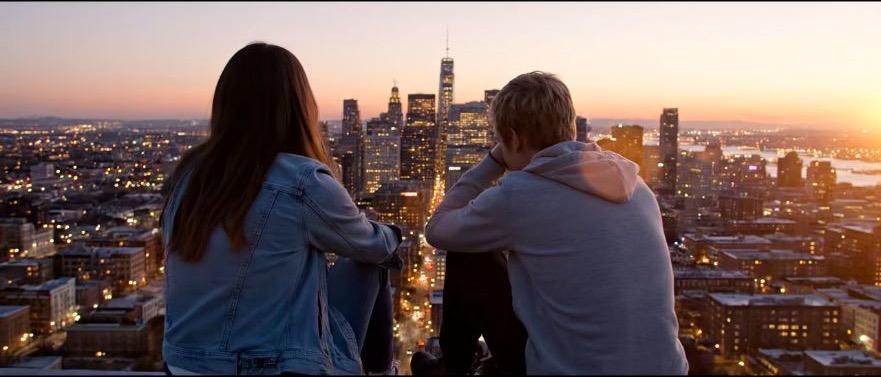
    Illustrative city motion, not a verified meme output

    Illustrative city motion, not a verified meme output

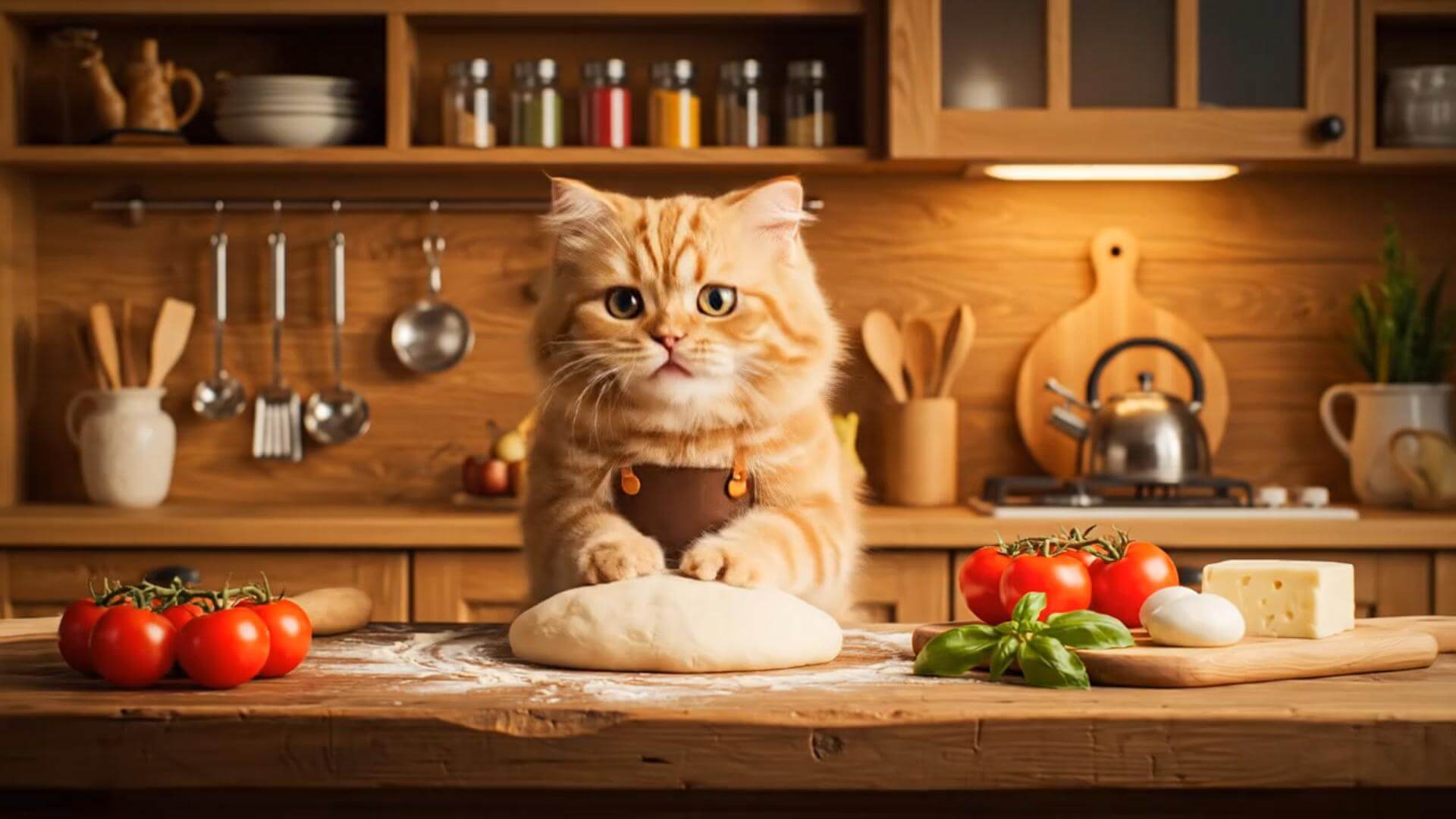
    Illustrative close-up, not a verified meme output

    Illustrative close-up, not a verified meme output

    Illustrative character clip, not a verified meme output

    Illustrative character clip, not a verified meme output

    Your character photo, your Tip Toein reference

    Choose a short reference with visible feet and a clear body outline. The video supplies the footwork; the meme name alone does not supply choreography or music. The template clips below are illustrative, not verified dance outputs or verified Rumpelstiltskin examples.

    Illustrative motion clip, not a verified dance output
    Illustrative template clip
    ✦A cinematic city scene unfolds as the camera follows two friends at sunset...Warm evening light moves across the skyline in a gentle cinematic shot...↗

    Start with the footwork in your reference

    Review the steps before another take

    Keep the character photo and reference unchanged for the first take. Compare foot placement, body rhythm, and face consistency against those uploads. If shoes slide or a step disappears, try a clearer reference before spending credits on another version.

    AI Rumpelstiltskin Tip Toein: prepare the motion transfer

    This page uses the same Kling 3.0 Motion Control workbench as the dance hub: one character image plus one dance reference video. Read the motion-control workflow or the Kling photo-and-reference guide for those inputs. The meme does not select a separate model or a built-in routine.

    ✦A cinematic character walks through a neon city in the rain...The camera follows the character as the lights begin to glow...↗
    01

    Keep the character and copy the reference footwork

    Use a photo with a clear silhouette and a clip that actually shows the Tip Toein steps. Keep the face and outfit from the photo while asking for the reference movement. For a different movement brief, select a reference showing that movement before generating.

    draft this on Seedream
    ✦A baby bird hides under its mother’s wing as rain falls softly...Warm light moves across the feathers in a gentle close-up shot...↗
    02

    Compare one change at a time

    Keep the first draft as a comparison. Change a motion note or replace a difficult reference, then review the next take alongside it. Read the credit preview each time; another attempt uses credits again.

    try the look in GPT Image
    ✦The viewer looks up, the character turns toward the camera...A hand-held camera gently pushes in as the scene changes...↗
    03

    Stay on Kling 3.0 Motion Control

    The page keeps the dance hub's motion configuration, with both a character photo and a reference video required. Resolution and other available settings follow that workbench. Naming the meme does not load a custom choreography pack.

    compare it on Nano Banana
    ✦Create a polished video from your idea, right in the browser...Review the result, refine the prompt, and generate another version...↗
    04

    Continue in the browser workbench

    Open the main dance hub to submit the character photo and dance reference. Finished tasks can be reviewed in History; no separate editor install is needed for generation.

    restyle it in Flux

    Dance meme drafts from a photo and a real reference

    Use this workflow when your clip already contains the steps. If you only have a photo and a written motion idea, try a motion pass or photo to video. A text prompt alone cannot replace the dance reference on this page.

    Creators with a dance reference

    Creators with a dance reference

    Test a short meme take when you already have the character photo and a clip containing the steps. Review the movement before sharing the result.

    Character and mascot projects

    Character and mascot projects

    Use a character image you can animate and a reference with a readable body outline. Check whether the character's proportions make the chosen steps difficult to follow.

    Editors planning a short dance scene

    Editors planning a short dance scene

    Use the transfer as a draft to review alongside the reference. The illustrative template clips on this page are not footage generated from this meme workflow.

    Teams comparing dance takes

    Teams comparing dance takes

    Keep the source photo and reference consistent when comparing variations. Each submitted variation uses its displayed credits, so plan the review around a small number of deliberate changes.

    People testing a specific footwork phrase

    People testing a specific footwork phrase

    Start with a short segment whose steps remain in frame. Inspect the finished video for foot placement and identity drift instead of assuming the trend name makes it accurate.

    Dance preparation notes

    A repeatable review loop for the Tip Toein dance

    The cards below are illustrative preparation notes, not customer testimonials or proof of generated Rumpelstiltskin performances. Check the photo, reference, and credit preview before each new take.

    Photo preparation

    Character checklist

    “Choose a photo with a readable face and a clear body outline. Leave room around the legs so you can compare the generated footwork with the reference.”

    Reference preparation

    Dance clip checklist

    “Trim the reference to the phrase you want to transfer. Keep the feet in frame and avoid cuts that hide a change in direction.”

    First take review

    Movement checklist

    “Watch where each foot lands. Check for sliding shoes, crossed limbs, or a body rhythm that no longer follows the reference before another run.”

    Identity review

    Character checklist

    “Compare the face and outfit against the original photo. Simplify the next instruction if the character drifts during the dance.”

    Cost review

    Credit checklist

    “Read the displayed credit cost after changing resolution or replacing a clip. Starter credits may not cover the run you selected.”

    Final edit

    Publishing checklist

    “Review the generated take before adding separately cleared music or titles. The template clips on this page are illustrative, not verified dance results.”
    Frequently asked questions

    Questions about Rumpelstiltskin dance references, credits, and motion transfer.

    What does AI Rumpelstiltskin Tip Toein do?+−

    It is a dance-meme entry into VideoAny's AI dance generator. Kling 3.0 Motion Control uses your character photo and dance reference video to attempt the transfer. Upload the performance you want; this page does not include a Rumpelstiltskin character file, preset choreography, or a music track.

    How long does a dance take to generate?+−

    Generation time depends on clip length, resolution, service availability, and the current queue. After submitting, check History for status and review the finished take when it is available. There is no fixed completion-time promise.

    Why does the footwork differ from the reference?+−

    Cropped shoes, crossed legs, occlusion, or a moving camera can make the motion harder to read. Use a reference with the relevant steps in view and a photo with a clear body outline. Keep the motion note simple; the image-to-video prompt guide can help with broader written-motion briefs.

    Can I revise a Rumpelstiltskin dance take?+−

    Yes. Keep the same photo and reference, change one motion note, then compare the new take in History. If the footwork is missing from the reference, replace that clip. Each run uses the displayed credits; check the new estimate before submitting again.

    Can starter credits cover this dance meme?+−

    Eligible new accounts may receive starter credits, but the available balance and the cost shown in the workbench determine whether a run is covered. Opening the page does not include a generation. Each run uses credits. Paid plans start at $19/month; review the current account and plan details before choosing one.

    Can I post the dance with the meme audio?+−

    Check permission for your character photo, reference video, and any audio you add, together with the model terms and your account plan. A motion transfer does not grant music or brand rights. This page does not include a licensed soundtrack or guarantee that a generated take matches the beat.

    Character photo and Tip Toein reference walkthrough

    Three steps from a photo to a Tip Toein dance draft

    How to make a Rumpelstiltskin dance take

    Dance motion transfer and a timeline editor

    The motion workbench transfers a performance from your uploaded clip. A video editor can help arrange a finished take with separately licensed audio and titles. Review the generated movement before editing it into a meme.

    Dance motion transfer and a timeline editor
    Feature comparisonThis dance motion workbenchA timeline editor
    InputsCharacter photo and dance reference videoSource clips, audio, and an editing timeline
    Visual directionCharacter appearance comes from your photoAppearance depends on the source footage and edit
    Motion directionAttempts to transfer the uploaded dance performanceArrange or retime movement already present in footage
    Templates and effectsUses your inputs; illustrative clips are not a meme preset packEffects and transitions depend on the editor
    Dance selectionYou supply the reference containing the stepsYou select the footage to cut together
    RevisionChange the photo, reference, or motion note and generate againAdjust cuts, timing, and effects on the timeline
    Generation timeDepends on reference length, resolution, and queueRender time depends on the edit and hardware
    OutputReview feet, limbs, and identity in the finished takeExport quality depends on source files and settings
    Use casesShort character dance drafts from an uploaded performanceAssembly of clips, music, titles, and other shots
    ReviewFinished takes appear in your account HistoryReview and sharing depend on the editor
    PricingEach run uses credits; paid plans start at $19/monthSubscription or license costs vary by editor

    Related dance and photo workflows

    Return to the dance generator hub for the primary runtime. Compare Dame Hombro photo-to-video, Huashu motion, or the Ramalama dance workflow using references suited to each idea. Browse action and motion ideas for a different movement brief. For hip-motion references, compare the AI twerk workflow and twerk video generator; neither supplies this meme's footwork.

    AI dance generator
    AI dance generator→
    Photo to dance video AI
    Photo to dance video AI→
    Kling motion control photo to video
    Kling motion control photo to video→
    VideoAny AI Rumpelstiltskin Tip Toein
    VideoAny AI

    Bring a character photo and the steps you want to copy

    Continue in the AI dance generator workbench, upload both files, and inspect the credit cost before generating. Eligible accounts may have starter credits; check your balance to see whether they cover a motion run. Paid plans start at $19/month; review the pricing page for plan details.

    View pricing

    Explore More AI Image Tools

    • Dots video effects
    • GPT Image 2 Generator
    • GPT Image 2.5 Version Guide
    • Image 2.5 Generator
    • image2.5 Name Guide
    • Seedance 3.0 status tracker

    Model & settings

    This mode uses Kling 3.0 Motion Control.

    Resolution

    Repeat

    1
    2STARTER5LITE8PRO10MAXCurrent

    Character and motion

    0/2

    Character image

    0/1

    Motion video

    0/1

    Prompt

    Prompt
    0/5000

    Motion control requires a reference video.

    VideoAny
    • Home
    • AI Video Tools
      • AI Workflows
        • Text to Video
        • Image to Video
        • Video Editor
        • Video Extend
        • Text to Video
      • Creative Tools

        • NSFW Video
        • Undress Video
        • AI Promo Video Maker
        • AI Video From Photo No Watermark
        • Cheaper Than Runway AI Video
        • Grok Imagine From Photo
        • Moss Image (MOSS-Image) to Video on VideoAny
        • SeeCut Talking-Head Shorts
        • TikTok Video from Photo
        • Instagram Reel from Photo
        • YouTube Shorts from Image
        • Product Video from Photo
      • Templates / Resources

        • Photo to Video
        • Photo to Video
        • Action & Motion
      • View all
    • AI Image Tools
      • AI Workflows
        • Text to Image
        • Image to Image
      • Creative Tools

    • Uncensored AI Tools
      • Uncensored AI Tools
        • Nude Photo Generator
        • AI Nudes Image Generator
        • Uncensored Image Generator
        • NSFW Image to Video
        • Nude Generator
        • Nude Image Generator
    • AI Models
      • AI Models
      • ByteDance

        • Seedance 2.0
        • Seedance 2.5
        • Seedream 5.5
    • Blog & Guides
    • Pricing
    • Rewards
    Settings
    Language
    ThemeAtelier
    NSFW Video GeneratorNSFW Image GeneratorPrivacy policyTerms of serviceRefund policy
    Premium-50%50% off
    Lite

    Premium membership from $19 per month

    Premium benefitsMore benefits
    Fast generationHD outputAll image toolsAll video tools
    VideoAny
    AI Product Spin Video
  1. Turn an Image into a Video
  2. Extend an AI Video
  3. First and Last Video Frames
  4. Image-to-Video Prompt Guide
  5. Wan 2.7 vs Seedance
  6. Wan 2.7 First and Last Frames
  7. Seedance 2.0 API
  8. Save and Reuse Video Settings
  9. Wan vs Seedance Product Video
  10. Make a TikTok Video from a Photo
  11. Vertical 9:16 Video from Photo
  12. Anime Image to Video
  13. Template-Based AI Video
  14. Lindyson AI AI Video
  15. Beef TV Alternative
  16. OmniAILab AI Director
  17. Free Claude AI Video Generator
  18. NIXM AI Video With Sound
  19. Reusable Video Templates
  20. Social Video from Photo
  21. Ecommerce Video from Still
  22. OpenFilm AI Video
  23. Cinematic Video Prompts
  24. AI POV Video Generator
  25. ReelMimic AI Video
  26. FrameFields AI Video
  27. PrintFilm AI Video
  28. Anything2Explainer AI Video
  29. Huashu Motion AI Video
  30. StoryShort AI AI Video
  31. Keyframes to Video
  32. WeftCanvas AI Video
  33. ComfyUI AICG3D Short Drama
  34. AI Video to Video Restyle
  35. MiniMax H3 Higgsfield
  36. Seedance 2.5 API
  37. Wan 3.0 Video API
  38. Multi-Model AI Video Studio
  39. Lemo OpusCar AI Video
  40. MakeMovie AI Video
  41. Motion Control
  42. AI Hug Generator
  43. AI Kiss Generator
  44. AI Dance Generator
  45. AI Dance Generator
  46. AI Dance Generator
  47. AI Dance Generator
  48. AI Dance Generator
  49. Photo to Video
  50. AI Dance Generator
  51. AI Dance Generator
  52. AI Dance Generator
  53. Crazy Frog Seedance
  54. Raindance AI Couple Video
  55. NSFW Image
  56. Undress
  57. Clothoff
  58. Face Swap
  59. AI Outfit Generator
  60. Background Replacer
  61. AI Body Editor
  62. Photo to 4K
  63. View all
  64. Alibaba
    • Wan 3.0
  65. OpenAI

    • GPT Image 2
  66. Black Forest Labs

    • Flux 2 Pro
  67. MiniMax

    • Hailuo 02