
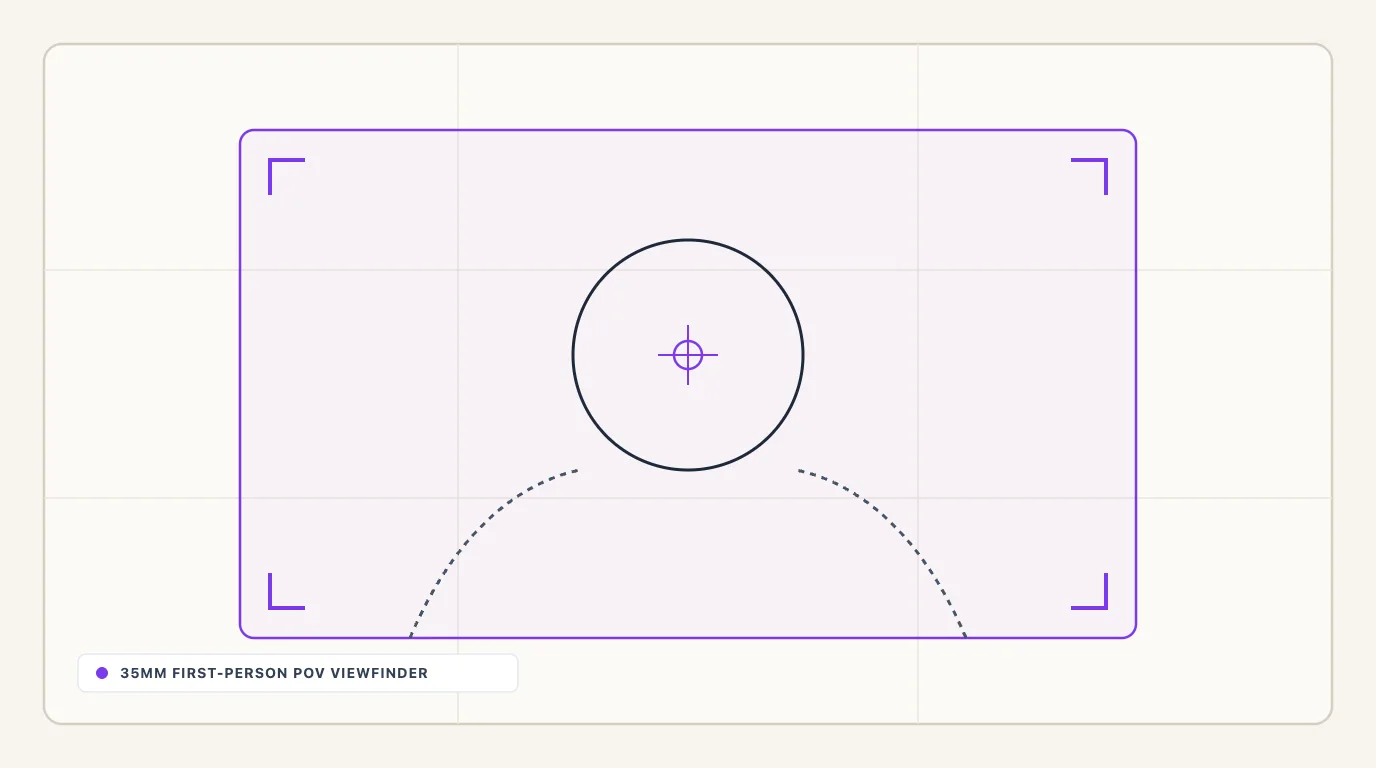
First Person POV AI Video Prompt Guide: Intimate Framing & Camera Control
Master first person POV AI video prompts with 28-35mm focal lengths, foreground hand framing, and gaze-lock cues. Technical guide for realistic eye-level clips.
| TL;DR | Detail |
|---|---|
| Focal length | 28-35mm full-frame equivalent for natural eye-level POV |
| Foreground hands | Reference still with natural hand position; negative prompt for distortions |
| Gaze-lock cues | 'steady eye contact, unbroken eye-line, soft gaze' |
| Camera drift | 'subtle handheld drift, gentle breathing motion' or 'locked camera, no shake' |
First person POV AI video framing places the virtual camera at eye level of a character, simulating direct subjective experience. The viewer sees through the character's eyes, with foreground hands, body parts, or objects anchoring the perspective. This technique relies on precise focal length selection (28-35mm), consistent gaze-lock from the subject, and controlled camera drift to maintain immersion without breaking the illusion.
Use a 28mm lens for wider peripheral context or 35mm for tighter intimate scenes. Position the subject 1-2 meters from the camera. Lighting should be soft key from one side (45-degree angle, 3200K), with a rim light for depth. Prompt: 'soft window light, warm skin tones, shallow depth of field, background out of focus'. Avoid flat frontal lighting—it flattens depth cues and breaks the POV illusion.
Intimate Eye-Level POV with Foreground Hands
Recommended model: Wan 2.7 SpicyFirst person POV, 28mm lens, soft window light from left, warm skin tones, shallow depth of field, foreground hands resting on table edge, steady eye contact, unbroken gaze, subtle handheld camera drift, gentle breathing motion, background out of focus, natural skin textureAvoid: extra fingers, twisted wrist, floating hand, rapid head turn, harsh overhead light, flat lighting, distorted anatomy
| Failure mode | Cause | Fix |
|---|---|---|
| Floating hands | No reference still or weak negative prompt | Add clean reference still; negative prompt 'floating hand, disconnected wrist' |
| Broken gaze-lock | Subject looks away mid-clip | Use reference still with direct eye contact; prompt 'unbroken eye-line, steady gaze' |
| Camera shake | Uncontrolled drift parameters | Use 'locked camera, no shake, static POV' or specify drift frequency |
| Distorted background | Wide focal length >40mm | Stick to 28-35mm; add 'background out of focus, shallow depth of field' |
- Select focal length: Choose 28mm or 35mm in your AI video tool. 2. Prepare reference still: Take a photo at eye level with natural hand position and direct gaze. 3. Write prompt: Combine framing, lighting, gaze-lock, and drift keywords. 4. Set negative prompt: Exclude distortions like extra fingers or floating hands. 5. Generate short clip: Start with 2-3 seconds to verify framing. 6. Iterate: Adjust drift or lighting keywords based on output. 7. Export: Use VideoAny Studio for final rendering.
Spicy POV Motion with Wan 2.7
Recommended model: Wan 2.7 SpicyFirst person POV, 35mm lens, warm rim light, subject maintains eye contact, slow head tilt, subtle handheld drift, gentle breathing, soft focus background, natural skin texture, intimate framing, foreground hand visible at bottom edgeAvoid: extra fingers, twisted wrist, floating hand, rapid head turn, harsh overhead light, flat lighting, distorted anatomy
Use a clean reference still with hands at natural resting positions (e.g., on a table edge or crossed). Add negative prompt keywords like 'extra fingers, twisted wrist, floating hand'. Keep hand motion minimal in the prompt—specify 'static foreground hand' or 'gentle finger tap'.
Gaze-lock means the subject maintains direct eye contact with the camera (POV). Prompt with 'steady eye contact, soft gaze, unbroken eye-line'. Use a reference still where the subject looks straight into the lens. Avoid rapid head turns—specify 'slow head tilt, eyes fixed on viewer'.
Yes. Add motion keywords like 'subtle handheld camera drift, gentle breathing motion, 0.5Hz oscillation'. For stable shots, use 'locked camera, no shake, static POV'. Some models like Wan 2.7 Spicy support explicit drift parameters. Test with short 2-second clips first.
Use soft key light from one side (45 degrees) with warm color temperature (3200K). Add rim light for depth separation. Prompt: 'soft window light, warm skin tones, shallow depth of field, background out of focus'. Avoid harsh overhead or flat frontal lighting.
28mm to 35mm full-frame equivalent. 28mm provides a wider natural human field of view with slight peripheral distortion. 35mm compresses the background slightly, ideal for intimate framing. Avoid 50mm+ as it flattens depth cues and breaks the eye-level illusion.
Generate your first person POV clips using the First-Person POV Generator or experiment with advanced motion in Wan 2.7 Spicy Video. Check pricing for credit usage. This guide is an official VideoAny creator resource—AI generation has limitations: cloud credits apply, it is not a multi-track NLE, and complex two-person overlaps benefit from a clean reference still.
More Posts
AI Bikini Video Prompt: Golden-Hour Beach Motion Guide for 5-Second Clips
Master AI bikini video prompts with golden-hour 9:16 framing, controlled breeze, and shallow-water stability. Generate coherent 5-second clips from reference images.

AI Jiggle Physics Motion Prompt: Constrain Amplitude for Natural Body Bounce in I2V
Master the AI jiggle physics motion prompt to prevent jelly distortion. Learn camera framing, motion amplitude control, and I2V prompts for crisp 5-second clips on VideoAny.
AI Lingerie Image and Video Prompt Guide: Editorial Lighting & Camera Framing
Master AI lingerie image and video prompt guide for satin, lace, and sheer mesh. Learn boudoir studio lighting, 85mm shallow depth of field, and I2V motion prompts for clean animated clips.