
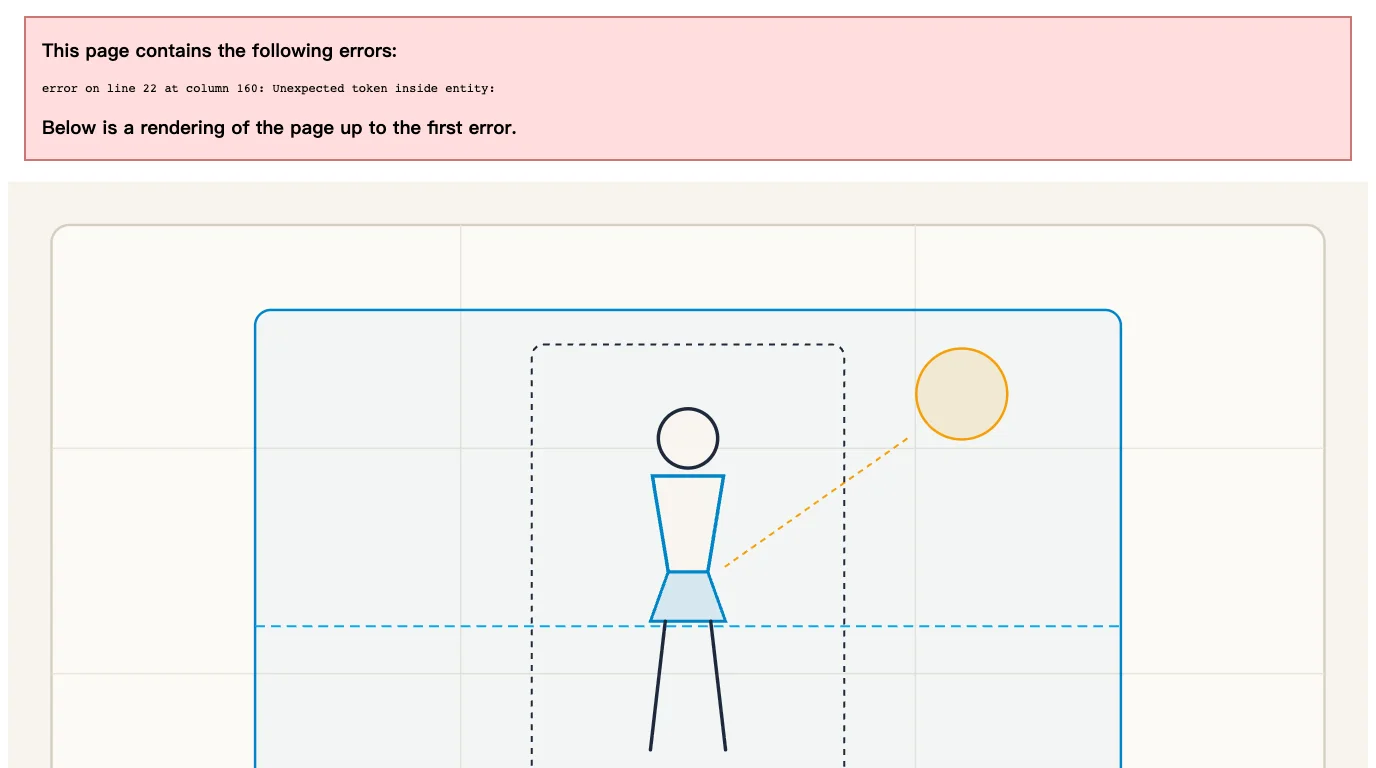
AI Bikini Video Prompt: Golden-Hour Beach Motion Guide for 5-Second Clips
Master AI bikini video prompts with golden-hour 9:16 framing, controlled breeze, and shallow-water stability. Generate coherent 5-second clips from reference images.
| TL;DR | Detail |
|---|---|
| Core workflow | Pair a golden-hour 9:16 bikini reference image with controlled hairline breeze and shallow-water horizon stability prompts. |
| Key parameters | 5-second clip, gentle walking turn, 50mm focal length, front-lit or 45-degree side-light. |
| Recommended models | Wan 2.7 Spicy for natural motion, Seedance 2.0 for hair physics, Seedream 5.5 for lighting consistency. |
| Common fix | Use negative prompts to suppress water ripple distortion and skin flicker. |
An AI bikini video prompt is a structured set of text instructions that guide a generative model to produce a short, coherent video clip from a reference image. It specifies camera angle, lighting, motion type, and environmental constraints. For beach scenes, the prompt must lock the outfit, control hair movement, and stabilize the horizon to avoid AI hallucination.
Start with a 9:16 vertical frame. Use a 50mm equivalent focal length to keep the figure centered without wide-angle distortion. Golden-hour lighting (sun 10-15 degrees above horizon) reduces harsh shadows and helps the AI maintain consistent skin tones across frames. A front-lit or 45-degree side-light setup minimizes flicker. For the motion prompt, specify 'gentle walking turn, 5-second duration, shallow water horizon stable' to prevent the model from generating erratic waves or limb warping.
| Failure mode | Cause | Fix |
|---|---|---|
| Skin flicker | Inconsistent lighting in reference | Use single golden-hour light source; avoid high-contrast shadows |
| Hair clipping | Uncontrolled breeze prompt | Add 'hairline breeze, gentle left-to-right, consistent speed' |
| Water ripple distortion | Horizon instability | Negative prompt: 'no water ripple, horizon stable' |
| Outfit color shift | Model misinterprets fabric | Lock outfit with 'same bikini, no change' in positive prompt |
| Limb warping | Complex walking turn | Use Seedance 2.0; reduce motion speed to 0.7 |
- Draft a reference still: Use VideoAny's try-on tool to generate a clean 9:16 bikini image with golden-hour lighting. Ensure the horizon is level and the figure is centered.
- Set motion parameters: In the image-to-video pipeline, input the prompt: 'gentle walking turn, 5-second duration, shallow water horizon stable, hairline breeze left-to-right'. Set model to Wan 2.7 Spicy.
- Apply negative constraints: Add 'no water ripple, no skin flicker, no limb warping, consistent outfit' to suppress common artifacts.
- Render and review: Generate the clip. If distortion appears, adjust the motion speed or switch to Seedance 2.0 for better temporal coherence.
- Export: Download the 5-second MP4 at 9:16 resolution. Use for social posts or as a base for further editing.
Golden-hour beach walk
Recommended model: Wan 2.7 SpicyA woman in a black bikini walks gently along a shallow shoreline at golden hour. 9:16 vertical frame, 50mm focal length, front-lit soft sunlight. Hair moves with a consistent left-to-right breeze. Horizon is stable, water is calm. No ripples, no skin flicker.Avoid: no water ripple, no skin flicker, no limb warping, no outfit change
Side-lit bikini still for motion reference
Recommended model: Seedream 5.5A woman in a red bikini standing on a beach at golden hour, 45-degree side-light, 9:16 aspect ratio, 50mm lens. Horizon is level, sand texture visible, water calm. Used as reference for image-to-video generation.Avoid: no shadows, no water reflection, no background clutter
A golden-hour 9:16 still with even skin tones, minimal background clutter, and a clear horizon line. Use a front-lit or 45-degree side-light setup to reduce AI hallucination in shadows. Avoid water reflections that confuse motion models.
Add a 'hairline breeze, gentle left-to-right, consistent speed' motion prompt. Pair with a 'shallow water, horizon stable' negative prompt to prevent ripples from distorting the figure. Test with Seedance 2.0 for natural strand physics.
Flickering often results from inconsistent lighting in the reference image. Use a single light source (golden-hour sun at 10-15 degrees elevation) and avoid high-contrast shadows. Set the model to 'Wan 2.7 Spicy' for smoother temporal coherence.
Yes. Upload a 9:16 reference still to VideoAny's image-to-video pipeline. Use a 'gentle walking turn, 5-second duration, shallow water horizon stable' prompt. The system extrapolates motion from the locked outfit and pose.
9:16 vertical for social platforms. It centers the figure and reduces background artifacts. Use a 50mm equivalent focal length in the reference image to maintain natural proportions during motion generation.
Generate your own golden-hour bikini video clips with the AI Bikini Video Generator. Start by drafting a reference still using the Draft Bikini Still First tool. For full access to models and export options, see our pricing.
More Posts
AI Jiggle Physics Motion Prompt: Constrain Amplitude for Natural Body Bounce in I2V
Master the AI jiggle physics motion prompt to prevent jelly distortion. Learn camera framing, motion amplitude control, and I2V prompts for crisp 5-second clips on VideoAny.

AI Lingerie Image and Video Prompt Guide: Editorial Lighting & Camera Framing
Master AI lingerie image and video prompt guide for satin, lace, and sheer mesh. Learn boudoir studio lighting, 85mm shallow depth of field, and I2V motion prompts for clean animated clips.
AI Twerk Motion Physics Prompt: Lock Feet, Control Hip Rhythm & Avoid Jelly Distortion
Master AI twerk motion physics prompts for 5-second clips. Lock feet anchors, control hip rhythm, and avoid jelly distortion with camera framing and I2V workflow tips.