
Cloud AI Video Workspace vs Local ComfyUI + Wan: Cost and Setup
Compare cloud AI video workspace VideoAny with local ComfyUI and Wan setup. Evaluate 24GB+ VRAM GPU ownership costs versus cloud plans and non-expiring credits.
| Topic | Key Takeaway |
|---|---|
| Local ComfyUI + Wan Requirements | Requires a 24GB+ VRAM GPU, CUDA setup, and ongoing maintenance; upfront hardware cost and time investment are significant. |
| VideoAny Cloud Workspace | Zero local GPU or VRAM; all processing occurs in browser; subscription and non-expiring credit packs offer flexible payment. |
| Cost Comparison | Local GPU ownership involves a high upfront purchase; VideoAny uses credit-based billing with no hardware expenses. |
| Setup and Maintenance | Local setup demands technical expertise for CUDA and model updates; VideoAny is ready instantly with no software installation. |
Direct Answer: Choosing between a local ComfyUI and Wan setup versus a cloud AI video workspace like VideoAny hinges on your budget, technical comfort, and need for flexibility. A 24GB+ VRAM GPU requires a significant upfront investment and ongoing CUDA maintenance time, while VideoAny offers browser-based generation with credit plans that include non-expiring packs, eliminating hardware concerns.
This guide provides an objective, evidence-first comparison of two approaches to AI video and image generation: running ComfyUI with Wan on a local GPU versus using VideoAny, a cloud-based workspace. The focus is on realistic costs, setup effort, and ongoing maintenance.
Running ComfyUI with Wan locally demands a GPU with at least 24GB of VRAM, such as an NVIDIA RTX 3090 or 4090. The upfront hardware cost for such a GPU can range from $1,500 to $2,000 or more, depending on market conditions. Beyond the purchase, you must install CUDA, configure drivers, and manage dependencies for ComfyUI and Wan models. Model updates and bug fixes require manual intervention, which can take hours per week. Power consumption and cooling are additional ongoing costs. This setup suits users who prefer full control and have technical expertise, but it is not practical for those seeking quick, low-maintenance access.
VideoAny is a 100% browser-based cloud platform that requires zero local GPU, VRAM, or software installation. It supports text-to-video, image-to-video, text-to-image, image-to-image editing, and uncensored creation for legal-age adult users, all behind one interface and one credit balance. VideoAny is an independent third-party platform and is not affiliated with or endorsed by any AI model provider.
Pricing is transparent and flexible:
- Starter: Free entry tier for eligible new visitors.
- Lite: $19.00/month (400 credits, 30-day expiry) or $189.00/year (4,800 credits, 365-day expiry).
- Pro (Popular): $32.90/month (790 credits, 30-day expiry) or $310.80/year (9,730 credits, 365-day expiry).
- Max: $299.00/month (4,000 credits, 30-day expiry) or $2,999.00/year (48,000 credits, 365-day expiry).
- One-time non-expiring credit packs: 350 Coins ($12.99), 500 Coins ($17.99), 1,000 Coins ($34.99), 2,000 Coins ($69.99), 3,000 Coins ($99.99, Popular), 6,000 Coins ($199.99).
Credit consumption per generation varies by model, duration, and resolution, shown upfront in the workspace. This means you only pay for what you use, with no hardware depreciation or maintenance overhead.
| Aspect | Local ComfyUI + Wan | VideoAny Cloud Workspace |
|---|---|---|
| Hardware Requirement | 24GB+ VRAM GPU (e.g., RTX 3090/4090) | None; browser-based |
| Upfront Cost | $1,500 - $2,000+ for GPU | Free starter tier or credit packs from $12.99 |
| Setup Time | Hours to days (CUDA, drivers, model install) | Instant (no installation) |
| Maintenance | Regular CUDA updates, model fixes, power costs | Zero maintenance |
| Payment Model | One-time hardware purchase plus electricity | Monthly subscriptions or non-expiring credits |
| Flexibility | Full control but tied to one machine | Access from any device with internet |
| Limitations | High initial investment, technical skill needed | Cloud dependency, credit-based billing, not a desktop NLE |
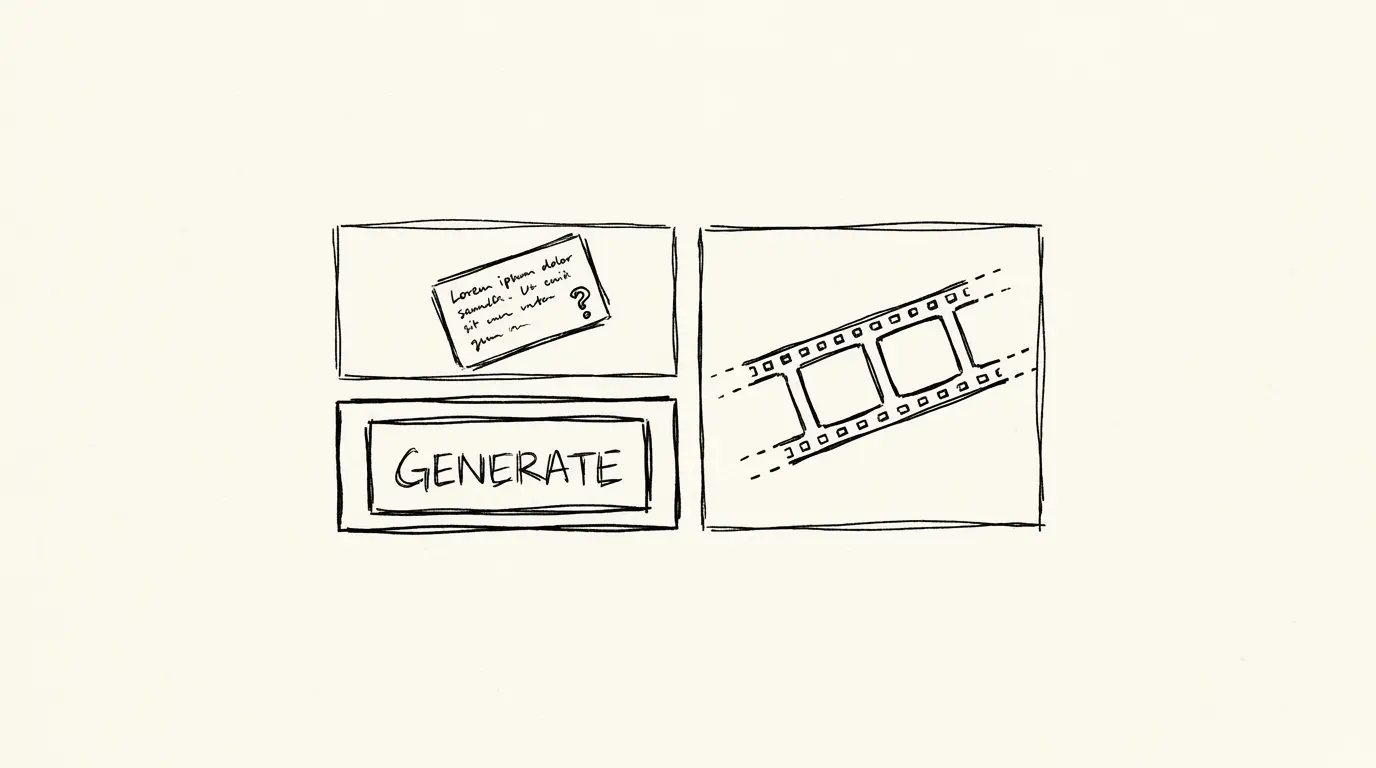
The illustration above shows how VideoAny streamlines the creative process. Users select a model, input a prompt or image, and generate output directly in the browser. No local processing or file management is required.
- Zero hardware overhead: No GPU purchase, no VRAM concerns, no power costs.
- Instant setup: Start generating immediately without software installation or CUDA configuration.
- Flexible pricing: Choose between monthly subscriptions with expiry or one-time non-expiring credit packs.
- Multi-model access: Use text-to-video, image-to-video, text-to-image, and image-to-image in one workspace.
- Uncensored creation: Supports NSFW content for legal-age adult users.
- Cloud dependency: Requires a stable internet connection; no offline functionality.
- Credit-based billing: Costs depend on generation parameters; heavy use may require larger credit packs.
- Not a desktop NLE: Lacks timeline editing features found in local video editing software.
- Model control limited: Users cannot modify or fine-tune underlying AI models.
- Full control: Modify models, workflows, and parameters.
- No recurring fees: After initial hardware purchase, only electricity costs apply.
- Offline capability: Works without internet once set up.
- High upfront cost: 24GB+ VRAM GPUs are expensive.
- Technical barrier: Requires knowledge of CUDA, Python, and model management.
- Ongoing maintenance: Updates and troubleshooting consume time.
- Power and cooling: Adds to monthly expenses and requires adequate hardware.
Yes, VideoAny offers a Starter tier that is free for eligible new visitors. This allows you to test the platform before committing to a paid plan or credit pack.
No, VideoAny is a cloud-based workspace that runs entirely in your browser. You do not need any local GPU, VRAM, or software installation. All processing happens on VideoAny's servers.
Non-expiring credit packs are one-time purchases that never expire. You can buy them in various sizes, from 350 Coins ($12.99) to 6,000 Coins ($199.99). They are used for any generation on the platform, and the balance remains until spent.
Local setups require a high upfront investment of $1,500 to $2,000 or more for a 24GB+ VRAM GPU, plus ongoing electricity and maintenance. VideoAny uses a pay-as-you-go credit system with no hardware costs, starting at $12.99 for non-expiring credits or $19.00 per month for subscriptions.
Yes, VideoAny can be used for commercial projects. The platform supports various creative workflows, including text-to-video and image-to-video generation, without restrictions on usage type. Always review the terms of service for specific commercial licensing details.
For those seeking a hassle-free, cloud-based AI video and image generation workspace without the burden of GPU ownership and maintenance, VideoAny offers a practical solution. Explore the pricing page for detailed plan options, or visit the homepage to start generating immediately.
More Posts
AI Video Generator Pricing: Monthly Subscriptions vs One-Time Credit Packs
Break down the real cost of monthly AI video subscriptions vs non-expiring one-time credit packs using exact VideoAny plans, break-even math, and creator frequency scenarios.

Best Uncensored AI Video Generators Compared: Local GPUs vs Cloud Workspaces
An objective comparison of uncensored AI video generators: Local ComfyUI with Wan and LTX-Video vs cloud platforms including Mage.space, GPTProto, Grok Imagine, and VideoAny.

NSFW Image-to-Video AI Alternatives Compared: Moving Past Mainstream Filters
Compare practical NSFW image-to-video AI alternatives when Sora, Runway, Veo, Luma, or Kling block mature prompts: local ComfyUI, Sogni, Nastia AI, Mage.space, and VideoAny.