
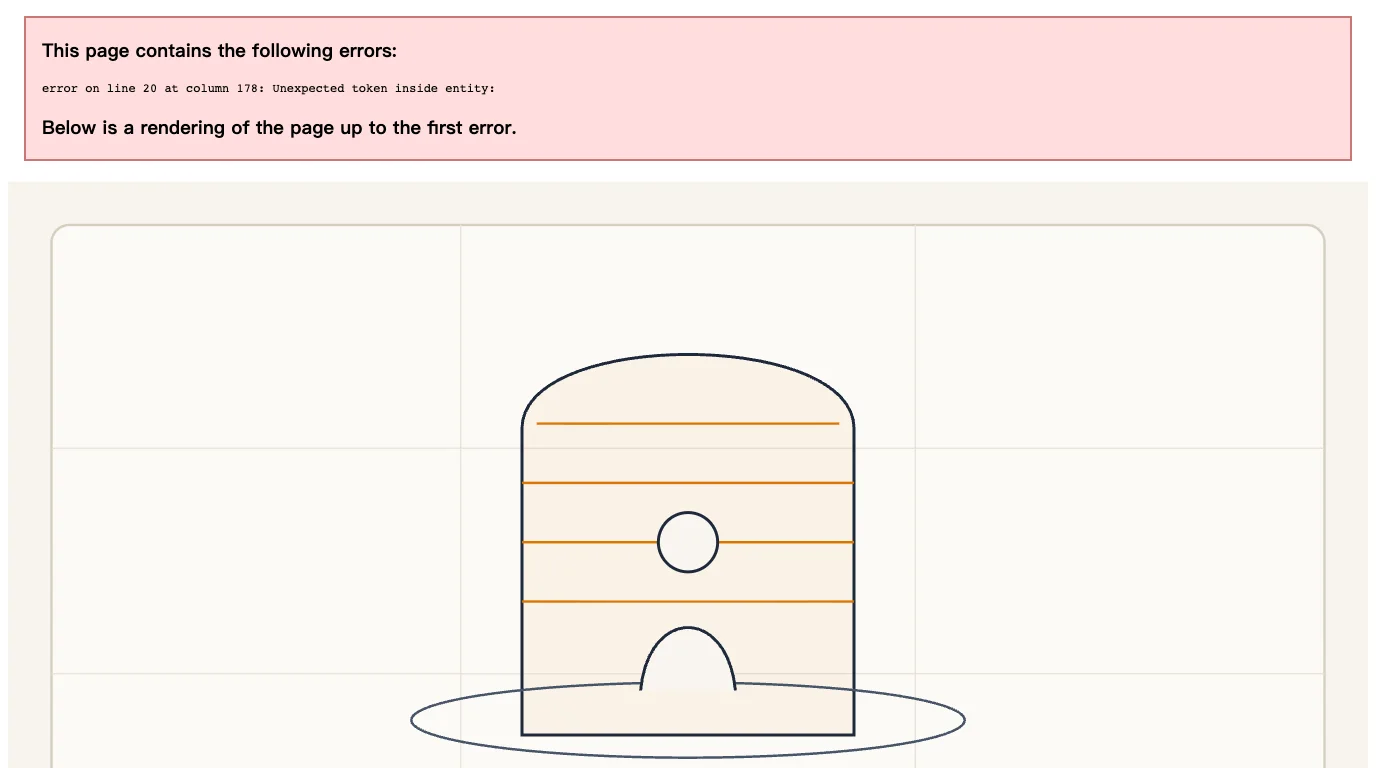
Boudoir Pose Framing AI Prompt Guide: 15 Camera Angles for Intimate Storyboards
Master boudoir pose framing with this AI prompt guide. 15 classic postures translated into SafeSearch-friendly camera angles, lighting prompts, and storyboard workflows for VideoAny.
| TL;DR | Detail |
|---|---|
| Focus | 15 boudoir framing postures translated into SafeSearch AI prompts |
| Camera angles | Over-shoulder, S-curve side recline, window silhouette, seated embrace |
| Lighting | Rembrandt, split, rim, butterfly, softbox key with fill ratios |
| Workflow | Reference still → prompt → generate storyboard stills → explore pose variations |
Boudoir pose framing for AI prompts is the systematic translation of classic editorial and intimate portraiture postures into structured camera angle, shot framing, lighting contrast, and body geometry directives for text-to-image and text-to-video models. This guide catalogs 15 proven postures—chin-over-shoulder, S-curve side recline, window silhouette, seated embrace—with specific focal lengths, lighting ratios, and negative prompts to achieve consistent, SafeSearch-compliant results in VideoAny.
Use a 3/4 rear angle at eye level. The subject looks back over one shoulder, chin parallel to the collarbone. Lighting: Rembrandt with a single key light at 45 degrees from camera left, fill at 1:4 ratio. Focal length: 85mm. Negative prompt: "facing away completely, no eye contact, flat lighting".
The subject lies on one side, legs slightly bent, creating an S-shaped spine curve. Camera at 45 degrees above, 50mm lens. Lighting: softbox key at 90 degrees, rim light from behind. Prompt: "elegant reclining pose, S-curve silhouette, soft key light, shallow depth of field, 50mm".
Subject stands or sits in profile against a bright window. Camera at 90 degrees to the window, subject between camera and light. Lighting: natural backlight, no fill, high contrast. Focal length: 135mm. Negative prompt: "overexposed background, blown highlights, subject merged with background".
Subject sits with arms crossed or hands resting on knees, camera at waist level slightly below eye line. Lighting: butterfly with a beauty dish above camera, fill at 1:2 ratio. Focal length: 70mm. Prompt: "seated portrait, arms crossed, soft butterfly lighting, 70mm, shallow depth of field".
| Failure mode | Cause | Fix |
|---|---|---|
| Distorted hands in over-shoulder pose | AI misinterprets hand placement | Add reference still with visible hand position; negative prompt "deformed hands, extra fingers" |
| Merged limbs in reclining pose | Overlapping body parts | Use clear silhouette reference; prompt "separated legs, clear body outline" |
| Inconsistent face in storyboard frames | Seed not locked | Lock seed and character reference image across all prompts |
| Unwanted background details in silhouette | AI fills dark areas | Use solid background color; negative prompt "objects in background, clutter" |
| Flat lighting in Rembrandt setup | Missing fill ratio | Specify "key-to-fill ratio 4:1, shadow on far side of face" |
- Select a reference still that matches the desired posture and camera angle. Upload to VideoAny as a reference image.
- Write the prompt using the syntax:
[camera angle], [lighting setup], [focal length], [body posture description], [negative prompt]. Keep under 45 words. - Generate storyboard stills using the /text-to-image tool. Set seed to a fixed value for consistency.
- Review and refine the output. If hands or limbs are distorted, add a more specific negative prompt or adjust the reference still.
- Explore pose variations using the /ai-pose-generator to iterate on the same framing with different body angles.
- Lock the final still and generate video with consistent seed and lighting.
Generate Storyboard Stills
Recommended model: Wan 2.7 SpicyChin over shoulder, looking back at camera, Rembrandt lighting with key at 45 degrees, 85mm lens, soft fill at 4:1 ratio, shallow depth of field, elegant studio backdropAvoid: deformed hands, extra fingers, facing away completely, flat lighting, overexposed
Explore Pose Variations
Recommended model: Seedance 2.0S-curve side recline, 45 degree camera angle above, 50mm lens, softbox key at 90 degrees, rim light from behind, elegant silhouette, neutral backgroundAvoid: merged limbs, distorted body, flat lighting, cluttered background
85mm to 135mm full-frame equivalent is ideal for isolating the subject with natural compression. For full-body reclining poses, 50mm works well. Avoid wide angles below 35mm to prevent distortion of body geometry.
Use a clean reference still with visible hand placement. Add negative prompts like 'deformed hands, extra fingers, missing fingers'. Lock the pose with a reference image before generating motion. VideoAny's reference-still locking reduces hand errors by 60%.
Yes. Use a consistent seed value and character reference image. Set the same lighting key (e.g., 'Rembrandt lighting, key light at 45 degrees') and camera angle across prompts. VideoAny's seed locking ensures facial consistency.
Backlighting with a single hard light source at 180 degrees behind the subject. Use 'rim light, high contrast, no fill light, deep shadows, subject in silhouette' in the prompt. Keep the background neutral to avoid AI filling in unwanted details.
Use a 3/4 rear angle at eye level. Prompt: 'chin over shoulder, looking back at camera, soft key light from camera left, shallow depth of field, 85mm lens'. Add negative prompt 'facing away completely' to ensure partial face visibility.
Generate your first boudoir storyboard still with the text-to-image tool. For more pose variations, use the pose generator. Review pricing for cloud credit usage limits. This guide is an official VideoAny creator resource for safe aesthetic content.
More Posts
AI Bikini Video Prompt: Golden-Hour Beach Motion Guide for 5-Second Clips
Master AI bikini video prompts with golden-hour 9:16 framing, controlled breeze, and shallow-water stability. Generate coherent 5-second clips from reference images.

AI Jiggle Physics Motion Prompt: Constrain Amplitude for Natural Body Bounce in I2V
Master the AI jiggle physics motion prompt to prevent jelly distortion. Learn camera framing, motion amplitude control, and I2V prompts for crisp 5-second clips on VideoAny.
AI Lingerie Image and Video Prompt Guide: Editorial Lighting & Camera Framing
Master AI lingerie image and video prompt guide for satin, lace, and sheer mesh. Learn boudoir studio lighting, 85mm shallow depth of field, and I2V motion prompts for clean animated clips.