
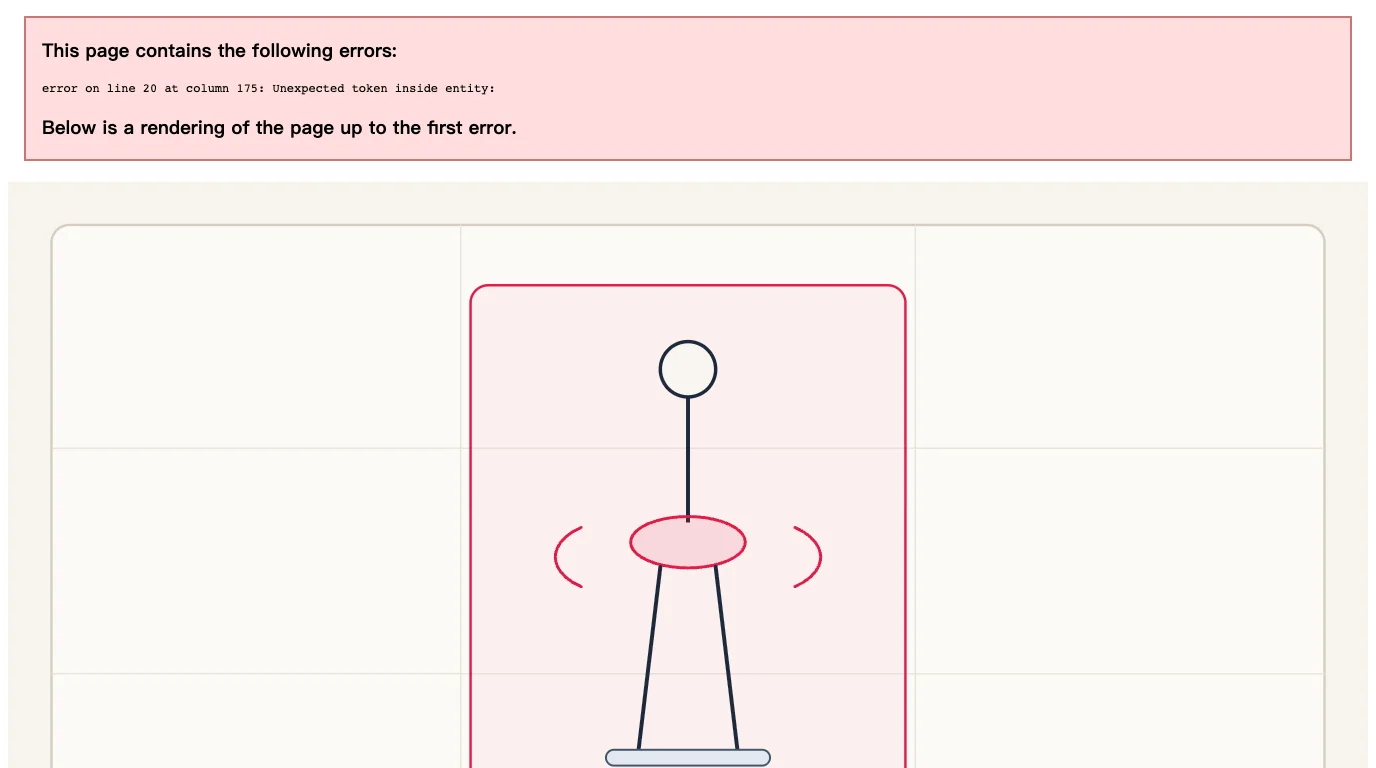
AI Twerk Motion Physics Prompt: Lock Feet, Control Hip Rhythm & Avoid Jelly Distortion
Master AI twerk motion physics prompts for 5-second clips. Lock feet anchors, control hip rhythm, and avoid jelly distortion with camera framing and I2V workflow tips.
| TL;DR | Detail |
|---|---|
| Core technique | Lock feet anchors + low-to-medium camera stability for controlled hip motion in 5-second clips. |
| Primary tool | /ai-twerk-generator — Open AI Twerk Generator (video). |
| Secondary tool | /ai-jiggle-generator — Try Subtle Motion Physics (video). |
| Avoid | High camera motion, loose feet, clips over 5 seconds — causes jelly distortion. |
An AI twerk motion physics prompt is a structured text-to-image and image-to-video instruction that locks character feet as spatial anchors while applying low-to-medium camera stability. This controls rhythmic hip oscillation and fabric/body physics in 5-second clips, preventing the common jelly distortion artifact where AI hallucinates unnatural stretching or wobbling. The technique prioritizes clean reference stills, 9:16 vertical framing, and explicit motion parameters.
Use a medium full-body shot at eye level with a 50mm focal length. Frame the subject from mid-thigh to top of head in 9:16 vertical aspect ratio. Place a soft key light at 45 degrees above and 30 degrees to the side to define hip contours without harsh shadows. Add a subtle rim light from behind at 135 degrees to separate the figure from background. Avoid wide-angle lenses (under 35mm) that distort proportions and confuse AI motion models. For the reference still, ensure feet are flat on the ground and visible in frame — this gives the AI a fixed spatial anchor.
| Failure mode | Cause | Fix |
|---|---|---|
| Jelly distortion (wobbly hips) | High camera stability + loose feet | Set camera stability to low or medium; lock feet in reference still. |
| Fabric clipping through body | Missing fabric type in prompt | Add explicit fabric material and fit (e.g., 'tight cotton shorts'). |
| Hip motion too fast or robotic | High motion intensity parameter | Reduce motion intensity to 0.4–0.6; use 'rhythmic' instead of 'fast'. |
| Background warping | Camera motion too high | Keep camera motion at 0–0.2; use static background reference. |
| Subject sliding off frame | No feet anchor in reference | Ensure feet are planted and visible in the first frame. |
- Create a clean reference still using text-to-image with a prompt like: "Adult female dancer, medium full-body shot, eye level, 50mm lens, soft key light from 45 degrees, feet flat on ground, tight denim shorts, plain studio background, 9:16 aspect ratio." Generate at 1024x1792 pixels.
- Upload the reference still to the Image-to-Video tool at /ai-twerk-generator.
- Set motion parameters: Camera stability = low (0.2), motion intensity = 0.5, clip duration = 5 seconds.
- Write the motion prompt: "Rhythmic hip oscillation, locked feet, subtle fabric bounce on denim shorts, low camera motion, 5-second loop."
- Generate and review. If jelly distortion appears, reduce motion intensity or increase camera stability slightly.
- For subtle physics, use /ai-jiggle-generator with a lower motion intensity (0.3) and a prompt focused on fabric and body jiggle.
Controlled Hip Rhythm Twerk
Recommended model: Wan 2.7 SpicyAdult female dancer, medium full-body shot, eye level, 50mm lens, soft key light from 45 degrees, feet flat on ground, tight denim shorts, plain studio background, 9:16 aspect ratio. Rhythmic hip oscillation, locked feet, subtle fabric bounce, low camera motion, 5-second loop.Avoid: jelly distortion, fast motion, robotic movement, background warping, sliding, explicit anatomy, nudity, youth, cartoon, low resolution, blurry, distorted feet.
Subtle Fabric and Body Jiggle
Recommended model: Seedance 2.0Adult female dancer, medium full-body shot, eye level, 50mm lens, soft key light from 45 degrees, feet flat on ground, loose silk skirt, plain studio background, 9:16 aspect ratio. Gentle hip sway, locked feet, soft fabric jiggle, low camera motion, 5-second loop.Avoid: jelly distortion, fast motion, robotic movement, fabric clipping, sliding, explicit anatomy, nudity, youth, cartoon, low resolution, blurry, distorted feet.
It pairs locked feet anchors with low-to-medium camera stability to control rhythmic hip motion and fabric/body physics in 5-second clips. This prevents jelly distortion and ensures natural movement.
Use a locked feet anchor in your reference still and set camera stability to low or medium. Avoid high camera motion, which amplifies AI hallucination. Keep clip duration under 5 seconds.
9:16 vertical framing with a medium full-body shot at eye level. Use a 50mm focal length and soft key light from 45 degrees above to define hip contours without harsh shadows.
Yes. Include fabric type and fit in your prompt (e.g., 'tight denim shorts' or 'flowy silk skirt'). Pair with locked feet and low camera stability to reduce cloth clipping and unnatural bounce.
Wan 2.7 Spicy and Seedance 2.0 offer strong motion control for hip rhythm. Seedream 5.5 handles fabric physics well. Use VideoAny Studio for custom reference still locking.
Start with a clean reference still and controlled motion parameters. Use the /ai-twerk-generator for rhythmic hip oscillation or the /ai-jiggle-generator for subtle fabric physics. Review pricing for cloud credit usage. This is an official VideoAny creator guide — AI generation has honest limitations: complex two-person overlaps still benefit from a clean reference still, and cloud credits apply per generation.
More Posts
AI Bikini Video Prompt: Golden-Hour Beach Motion Guide for 5-Second Clips
Master AI bikini video prompts with golden-hour 9:16 framing, controlled breeze, and shallow-water stability. Generate coherent 5-second clips from reference images.

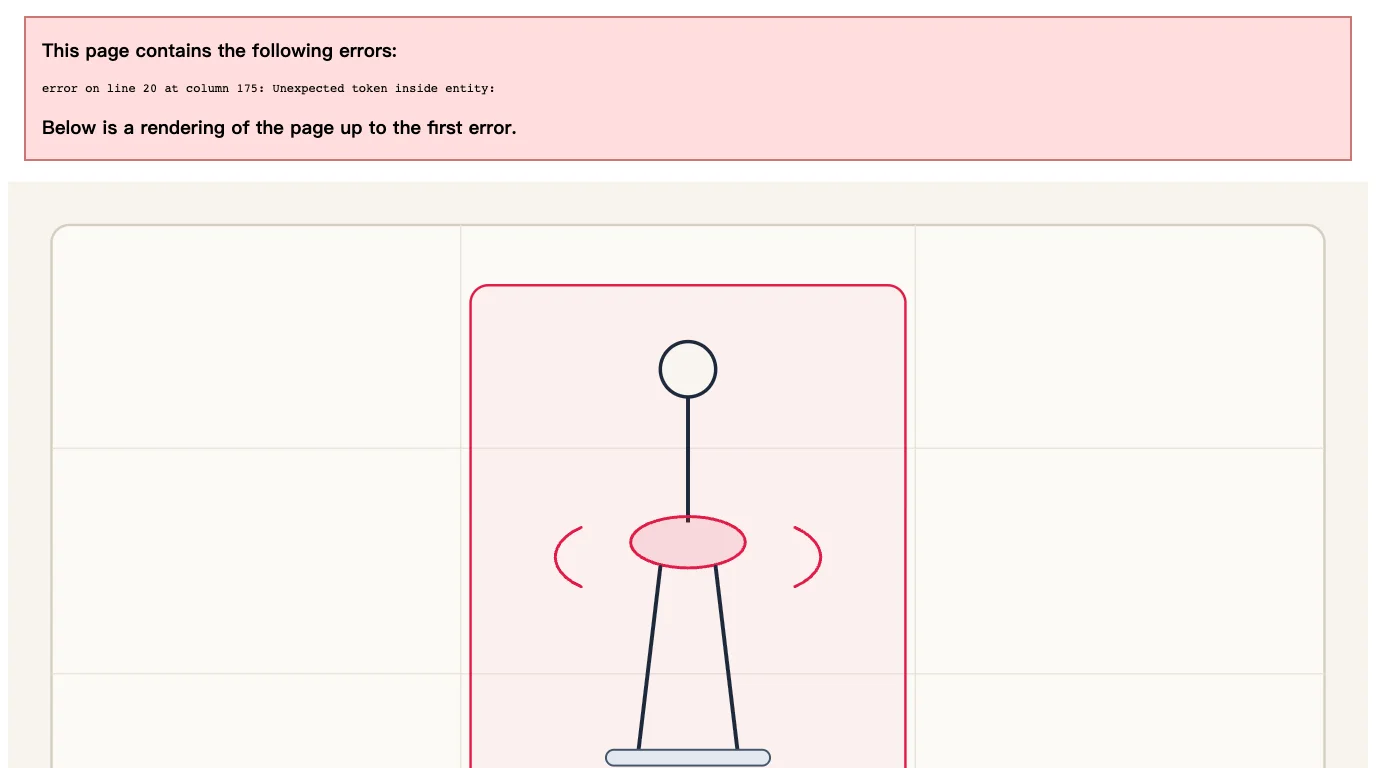
AI Jiggle Physics Motion Prompt: Constrain Amplitude for Natural Body Bounce in I2V
Master the AI jiggle physics motion prompt to prevent jelly distortion. Learn camera framing, motion amplitude control, and I2V prompts for crisp 5-second clips on VideoAny.
AI Lingerie Image and Video Prompt Guide: Editorial Lighting & Camera Framing
Master AI lingerie image and video prompt guide for satin, lace, and sheer mesh. Learn boudoir studio lighting, 85mm shallow depth of field, and I2V motion prompts for clean animated clips.