
VideoAny AI
AI Cosplay Generator
This ai cosplay generator turns one authorized photo into the result you describe, without switching tools mid-flow. Upload the still, keep the face and pose consistent, write one clear instruction, check the credit cost, then generate and review before you download or animate it further. A neighboring still desk for that job is the ai dress up tool.
Which models can this AI Cosplay Generator image-to-image lock actually submit?
The selector on this ai cosplay generator path is locked to Wan 2.7 Image and Wan 2.7 Image Pro.
01
Start on Wan 2.7 Image, then decide whether Pro is worth the extra cost
Wan 2.7 Image (wan27-image) is the default because it is the adult-capable image-to-image model this ai cosplay generator route actually submits.
02
Match aspect ratio to the uploaded figure so the generator is not inventing limbs
If you need the same crop as the upload, match that ratio so the ai cosplay generator is not forced to invent edges.
03
Treat resolution as a review choice, not a fidelity guarantee
When the selected model offers resolution, pick the size you need to inspect seams, hands, and stance.
What can this AI Cosplay Generator change when you upload an authorized still?
This ai cosplay generator search on VideoAny still needs a reference file.
01
Choose a reference that already holds face, pose, and crop
Pick an authorized adult still where the face, pose, and crop are already right.
Keep the adult face, pose, and crop from the uploaded still. Change only the named cosplay outfit. No extra people, no identity change, no minors.Upload a still and generate the cosplay look
02
State what must stay and which cosplay outfit may change
Write two short lists. Keep: face, pose, crop, and identity.
From the uploaded authorized still, retain face, pose, and crop. Request one cosplay-outfit change only. No extra people and no identity change.Upload a still and generate the cosplay look
03
Rewrite a neighboring still instead of starting from a blank prompt
Use this ai cosplay generator when the adult already exists in the photo and you need a cosplay look while face and pose stay locked.
Keep the adult face, pose, and crop from the upload. Place only the named cosplay outfit. Do not invent extra people.Upload a still and generate the cosplay look
When does an ai cosplay generator search belong on image-to-image instead of a blank prompt?
Use this ai cosplay generator path when the adult figure already exists in a file and you need a cosplay look on that body.
What source types help an ai cosplay generator rewrite stay honest to the upload?
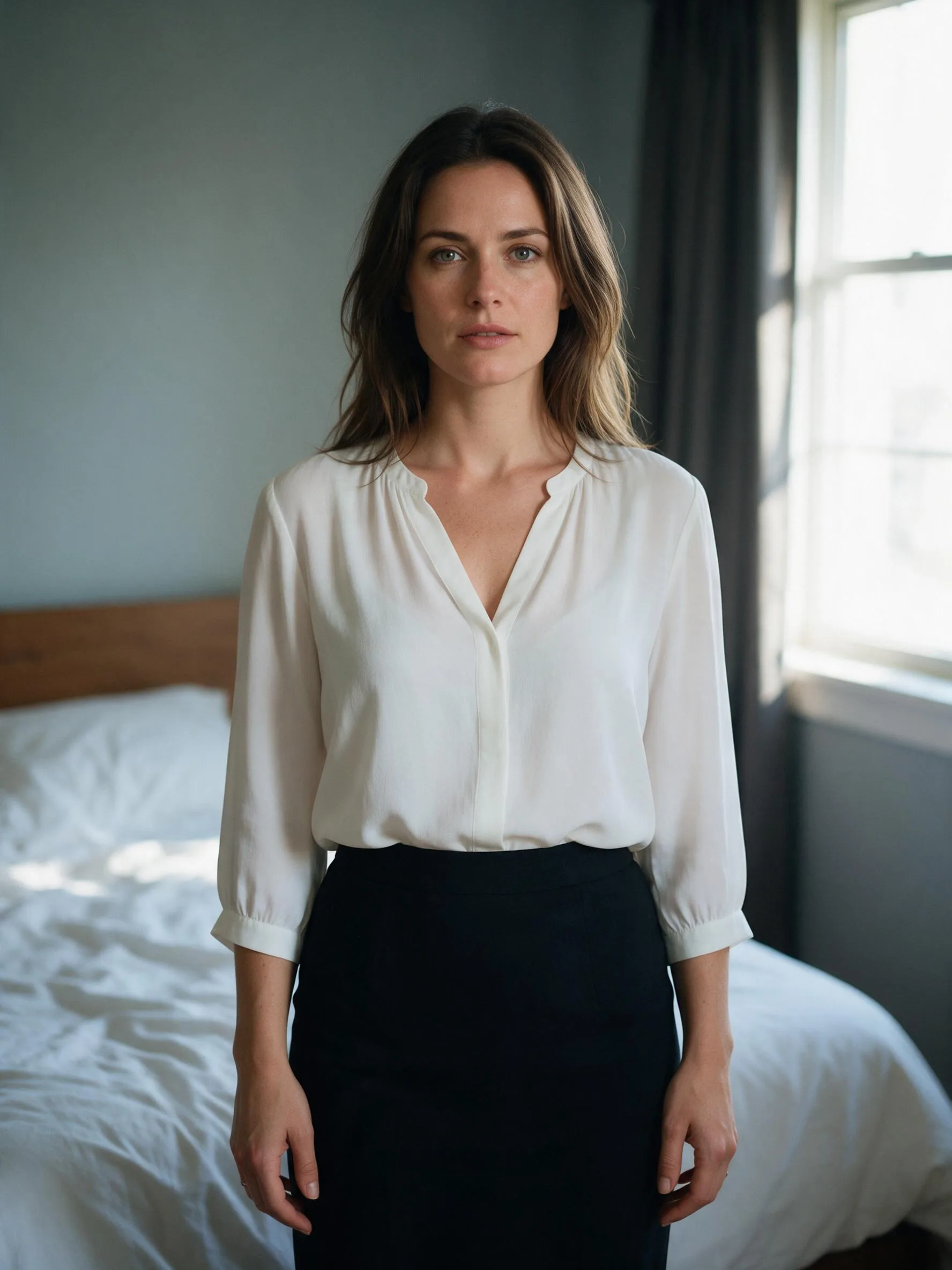
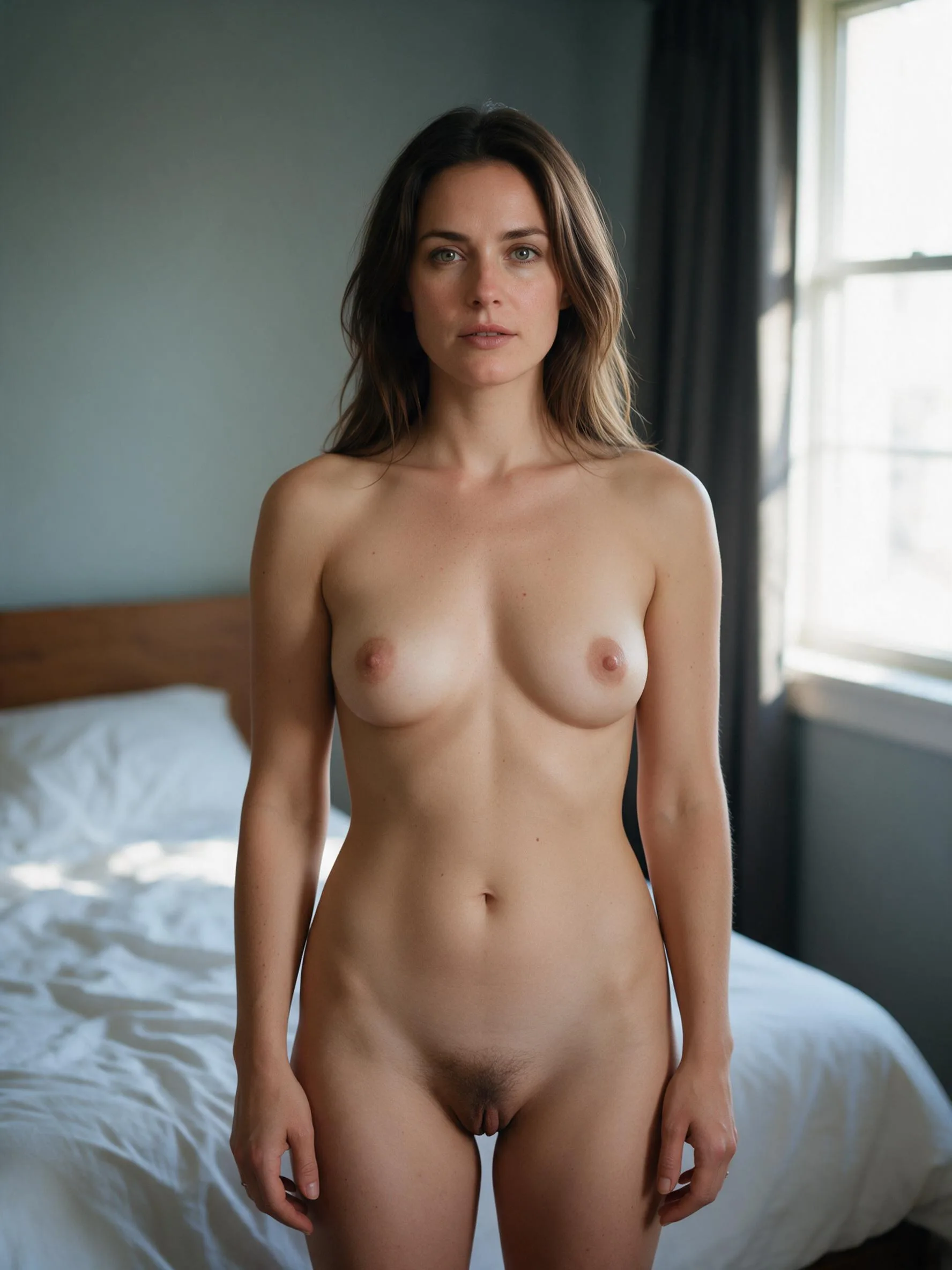
These frames are illustrative fictional-adult stills for this ai cosplay generator image-to-image workbench.
Illustrative references. Not verified VideoAny input/output pairs.
Reference-guided pack
Drag the handle across the wide frame. The same fictional adult stays in place while the cosplay outfit read changes.
Illustrative paired results. Not one verified input and output pair.
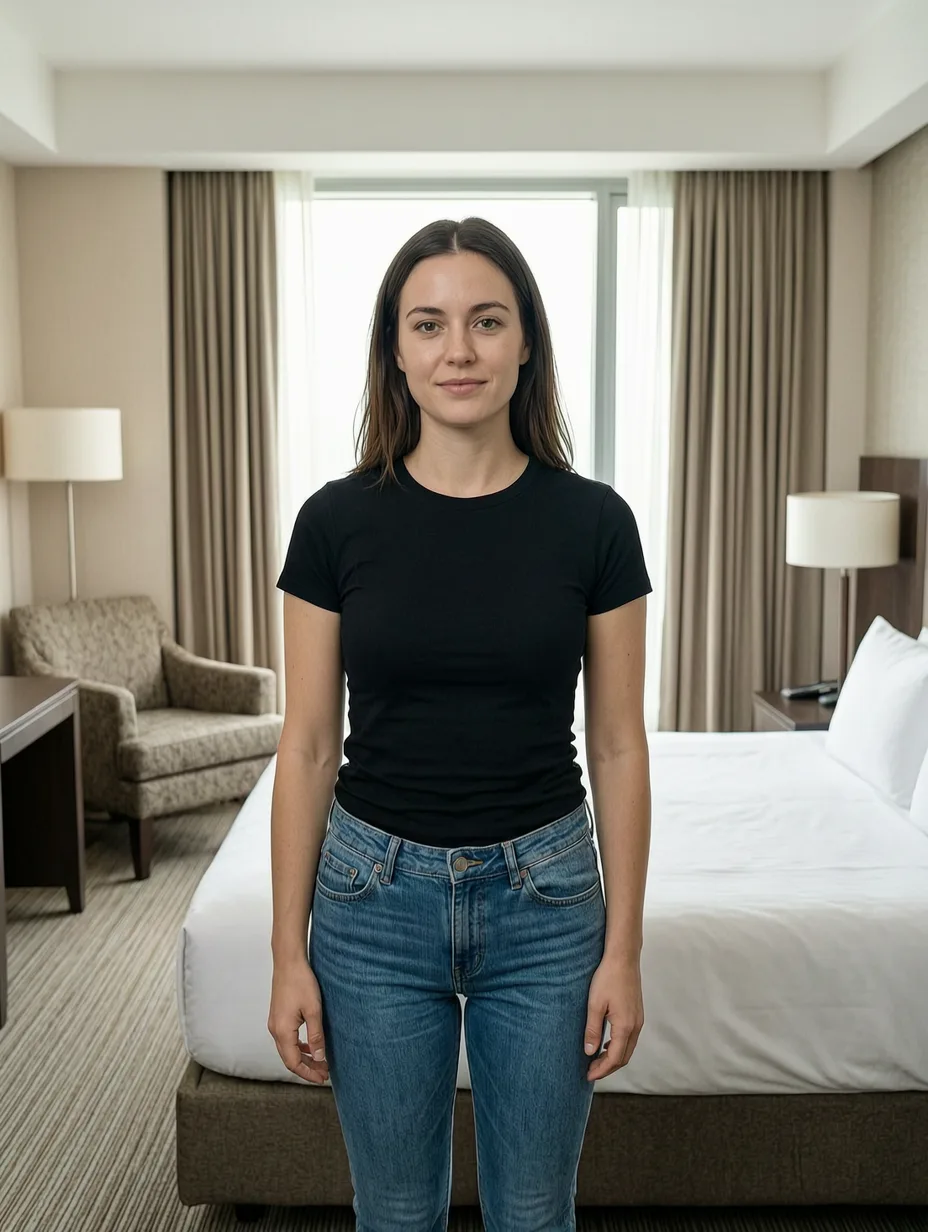
Lookbook frame
A full-length authorized still can take a cosplay look if you keep face, pose, and crop in the keep list.
Illustrative portrait for cosplay outfit change. Not a retouch pair.
One-fact board
Use a clean fictional adult crop when you want one cosplay outfit change to be easy to judge.
Illustrative still for a one-change outfit test.
How do you prompt an ai cosplay generator keep-and-change pass without masks?
This ai cosplay generator is steered with an upload, notes, model, and crop.
Crop the source to the job before you upload
Extra people and busy backgrounds will be interpreted. A cleaner authorized adult crop is the cheapest control you have.
Keep the keep list shorter than the change list is tempting to write
A long change paragraph is how extra people appear. Write the keep list as face, pose, and crop.
Inspect the source and the result together
Walk face, pose, crop, and clothing state. A handsome restyle that invents a second person has failed the keep list.
Upload only an authorized adult you can edit
This ai cosplay generator rewrites a still you already have. Use a fictional adult character, or an adult subject with explicit authorization.
Change one outfit fact per run
Name the cosplay outfit that should change, and keep face, pose, and crop in the keep list.
Creator workflow notes
Working habits for a referenced cosplay outfit rewrite, not user reviews
These notes describe common ways to run a keep-and-change pass.
Cosplay outfit rewrite
Wardrobe note
“Keep face, pose, and crop. Change only the named cosplay outfit.”
Identity check
Source check
“Keep the same authorized adult identity. Change one garment fact.”
Finish rewrite
Illustration workflow
“Keep pose and face. Name the garments that should change in one clause.”
What an ai cosplay generator run on VideoAny can and cannot do
An ai cosplay generator search should still expect a credit line. Each rewrite shows the cost for the selected model and options before you generate. You can also continue on the ai anime image generator tool.
What to upload and what this page is not
The input is a reference plus notes. A single clear still beats a montage.
What is an ai cosplay generator on VideoAny?
+−
This ai cosplay generator is an adult image-to-image still desk that does not generate video: upload one authorized photo, keep face and pose locked, describe the cosplay outfit, and preview the credit cost before you generate.
What kind of file works as a reference?
+−
Use one authorized adult still where the face and pose are large and readable.
Which models are locked, and how to judge the result
Open the source and the new still side by side. Check face, pose, and crop.
Which models can I actually submit on this ai cosplay generator path?
+−
The workbench is locked to adult image-to-image models. Wan 2.7 Image (wan27-image) starts selected.
Will VideoAny rewrite clothes on a real person I am not authorized to edit?
+−
No. This ai cosplay generator refuses non-consensual and unauthorized real-identity clothing-rewrite requests.
Credits, limits, and sensible next steps
The model and resolution on supporting models affect the credit cost shown before you generate.
When do I see the credit cost?
+−
The credit cost for the selected model and options is shown before you generate.
What if I need an outfit changer, a face swap, or a full clothes swap instead of cosplay?
+−
Leave this still lock. To restyle clothes on a photo with outfit-changer wording, open the AI outfit changer.
How do you load a photo into this ai cosplay generator workbench?
Work in this order: file, notes, selections, then inspection. These steps match the upload area, prompt field, and toolbar on this ai cosplay generator image-to-image workbench.
Step 1: Upload one clear authorized photo and crop it to the figure
Open the workbench and add a single authorized adult still. Crop out extra people you do not want interpreted.
Step 2: Write keep-and-change notes, then set model, ratio, and resolution
Type the keep list first and the cosplay outfit change second. Leave Wan 2.7 Image selected unless you need Wan 2.7 Image Pro.
Step 3: Inspect fidelity, then adjust only the clause that failed
Place the result next to the upload. Walk face, pose, crop, and clothing state.
What brief, budget, and quality checks should you finish before another ai cosplay generator run?
Write the keep list, cap the retries, and define how close is close enough.
Freeze the brief as keep-and-change, not as a mood
Write the keep list in objects you can count: face, pose, crop.
Cap the budget for retries on this file
Decide how many attempts this photo is worth before you recrop the authorized still.
Set the fidelity bar you will inspect against
State whether a mood match is enough, whether face and pose must stay readable, or whether garment edges must match the source.
VideoAny AI
Upload a still and generate the cosplay look
Write the keep list, cap the retries, and define how close is close enough.