VideoAny
  • Home
  • NSFW Video
  • NSFW Image
  • Undress
  • Undress Video
  • Clothoff
  • Face Swap
  • Image to Video
  • AI Tools
    • AI Workflows

      • AI Video Tools
      • Text to Video
      • Video Editor
      • Video Extend
      • AI Image Tools
      • Text to Image
      • Image to Image
    • AI Models

      • AI Models
      • GPT Image 2
      • Flux 2 Pro
      • Hailuo 02
    • Templates / Resources

      • Action & Motion
      • Blog & Guides
    • Uncensored AI Tools
    • View all
  • Pricing
Settings
Language
ThemeAtelier
NSFW Video GeneratorNSFW Image GeneratorPrivacy policyTerms of serviceRefund policy
Premium-50%50% off
Lite

Premium membership from $19 per month

Premium benefitsMore benefits
Fast generationHD outputAll image toolsAll video tools
VideoAny
  • Home
  • For You
  • AI Video
  • AI Image
  • Anime / Manga
  • Video Edit
  • Video Extend
  • AI NSFW Image Generator
  • Undress Clothes
  • Undress Video
  • Clothoff
  • Face Swap
  • AI Tools
  • Generate
  • Agent
  • Explore
  • Home
  • For You

Create & chat

  • AI Video
  • AI Image
  • Anime / Manga
  • Video Edit
  • Video Extend+5s
  • Generate
  • AgentBeta
  • Explore

Public discovery

  • AI NSFW Image Generator
  • Undress Clothes
  • Undress Video
  • Clothoff
  • Face Swap
  • AI Tools
Upgrade for more
    1. Home
    2. ›AI Tools
    3. ›AI French Kiss Generator

    VideoAny AI

    AI French Kiss Generator

    Turn two authorized stills of adults into a French-kiss style video with AI French Kiss Generator. Add Image 1 and Image 2 to the kiss workbench, describe a short French-kiss moment, and review the displayed credit cost before submitting. For general kissing video and free-to-try options, visit AI Kissing Video Generator.

    VideoAny
    Veo 3
    Kling AI
    PixVerse
    Vidu AI
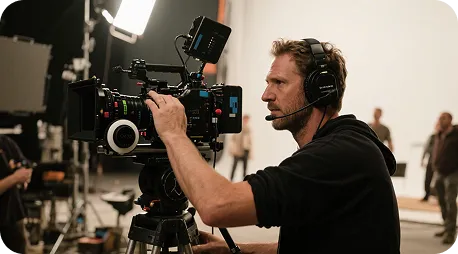
    Illustrative city motion

    Illustrative city motion

    Illustrative close-up texture

    Illustrative close-up texture

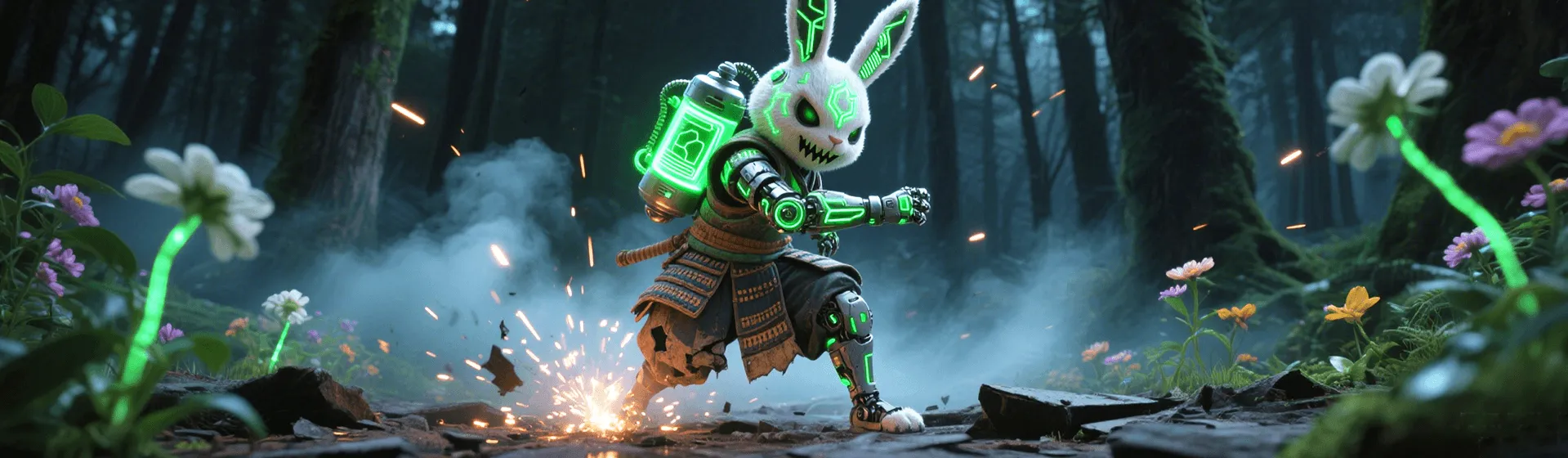
    Illustrative character moment

    Illustrative character moment

    Two stills, one French-kiss brief

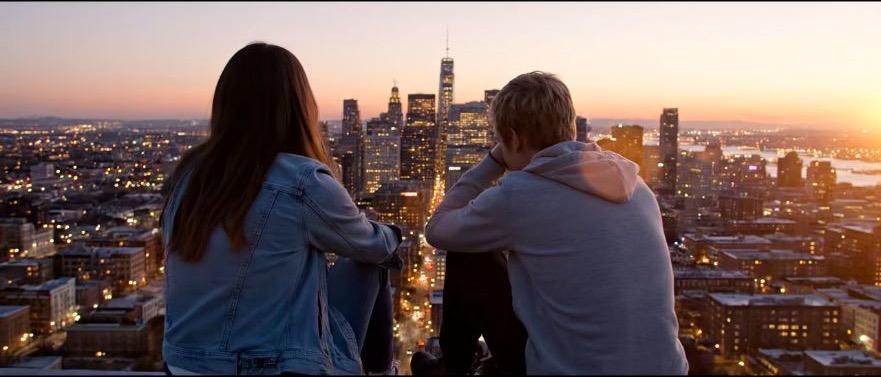
    Choose two clear stills whose faces, framing, and lighting work together. The dual-still brief gives each reference a clear role before you describe the French-kiss motion. The template media below illustrates motion and layout; it is not a verified French-kiss result.

    Illustrative motion clip, not a verified kiss output
    Template example clip
    ✦A cinematic city scene unfolds as the camera follows two friends at sunset...Warm evening light moves across the skyline in a gentle cinematic shot...↗

    Start with Image 1 and Image 2

    Review the faces and movement in the first take

    Use a short French-kiss brief and a steady camera direction. After generation, compare the faces and framing with both stills. Keep the references fixed while adjusting one motion instruction so you can judge what changed.

    AI French Kiss Generator: a focused dual-still workflow

    Bring two authorized stills, one French-kiss motion brief, and your selected duration and resolution together in the browser workbench.

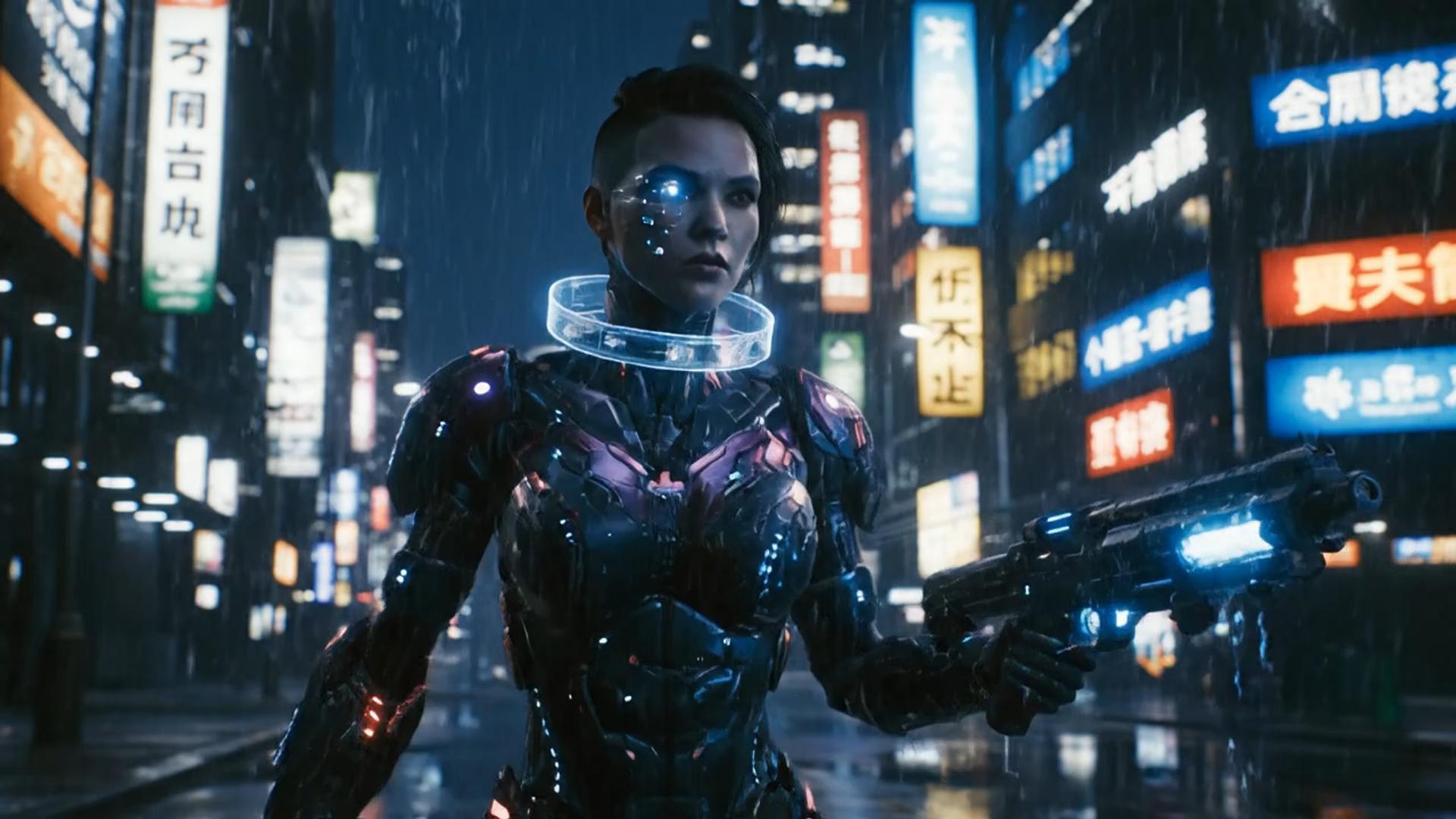
    ✦A cinematic character walks through a neon city in the rain...The camera follows the character as the lights begin to glow...↗
    01

    Give each still a clear role

    Image 1 and Image 2 provide the people and visual references for your short French-kiss scene. Start with compatible crops and describe what should stay consistent, including clothing, lighting, and the surrounding scene.

    ✦A baby bird hides under its mother’s wing as rain falls softly...Warm light moves across the feathers in a gentle close-up shot...↗
    02

    Iterate duration and resolution with the credit cost in view

    Stay in this kiss workbench from upload to History. Changing length or resolution can change the displayed credit cost. Read that number before you generate again.

    ✦The viewer looks up, the character turns toward the camera...A hand-held camera gently pushes in as the scene changes...↗
    03

    Keep the brief focused on French-kiss motion

    Name one French-kiss moment and a simple camera direction. The page opens the existing kiss tab with Seedance 2.0 selected first. Available models and output settings follow the workbench; this is not a separate French-kiss model.

    ✦Create a polished video from your idea, right in the browser...Review the result, refine the prompt, and generate another version...↗
    04

    Stay in the browser workbench

    No extra editor install is required. Open this VideoAny page, upload two authorized stills, keep the kiss prompt, and manage finished clips in History.

    Create a short French-kiss moment from two photos

    This page is for a specific two-still French-kiss scene. Choose the general AI Kissing Video Generator when you want broader kissing ideas or its free-to-try options.

    Creators preparing a two-photo scene

    Creators preparing a two-photo scene

    Start with two approved reference images and test a short French-kiss moment before editing it into a larger project.

    Couples using authorized portraits

    Couples using authorized portraits

    Choose two portraits with compatible lighting and a clear view of each adult subject. Review the result together before using it.

    Directors comparing a romantic scene

    Directors comparing a romantic scene

    Use two reference stills to explore framing for a French-kiss scene. Evaluate the result as a draft, with separate review of both faces and their movement.

    Editors comparing short takes

    Editors comparing short takes

    Hold the same two stills across takes and adjust one instruction. Compare the movement in History before selecting a clip for editing.

    Illustrators animating adult characters

    Illustrators animating adult characters

    Use two stills of fictional adult characters and a consistent visual style. Inspect character details after the French-kiss animation completes.

    Workflow examples

    Ways to review a dual-still take

    These example notes describe ways to compare inputs and outputs. They are illustrative workflow guidance, not customer reviews or evidence of a generated French-kiss clip.

    Reference check

    Input preparation

    “Compare Image 1 and Image 2 for face clarity before submitting the French-kiss brief.”

    Motion check

    First take

    “Review the French-kiss movement against the brief, then simplify any instruction that was missed.”

    Camera check

    Framing

    “Keep both reference stills fixed when comparing a steady camera with a small camera move.”

    Continuity check

    Visual details

    “Check clothing, lighting, and backgrounds as well as faces before selecting a take.”

    Credit check

    Before submission

    “Review the displayed cost again after changing model, duration, or resolution.”

    History check

    After completion

    “Preview the finished clip in History and compare it with both uploaded stills.”

    Frequently asked questions

    Questions about the two-still AI French Kiss Generator and the general kissing workflow.

    What is an AI french kiss generator?+−

    It is a specialized kissing-video path focused on French-kiss motion from two authorized stills (dual-still). On VideoAny, upload Image 1 and Image 2 of adults to the locked kiss workbench, add your motion brief, and check the credit cost before generating.

    French kiss vs AI kissing video generator?+−

    French kiss is a narrower dual-still French-kiss brief. General kissing video and free-to-try options live on AI Kissing Video Generator, which covers 1–3 stills. The pages serve different starting points and keep separate URLs.

    How do I prepare the two stills?+−

    Use two clear, authorized stills of adults. Avoid heavily cropped faces or conflicting viewpoints. Describe the French-kiss moment and any camera movement in a short brief, then review how the resulting clip uses both references.

    Can I revise the French-kiss clip?+−

    Yes. Keep the same two stills and change one motion or camera instruction for a new run. Compare completed takes in History. Each new generation uses the credit cost shown before submission; a particular motion or likeness is not guaranteed.

    Where can I check credits and generation progress?+−

    Read the credit cost in the workbench before submitting. Duration, resolution, model, and account availability can affect the options shown. After submission, open History for status and preview the clip when it is complete.

    Which stills can I use for this French-kiss brief?+−

    Use fictional adult characters or stills of adults who have authorized this use. Check the image rights and selected model terms for your project. Existing minor hard-blocks still apply.

    Two-still French-kiss workflow on VideoAny

    AI French Kiss Generator in three steps

    Prepare two stills for a French-kiss clip

    Dual-still French-kiss generation and manual editing

    The workbench uses your two reference stills and a motion brief to request a generated clip. A manual editor assembles footage you already have. Choose based on your source material and the amount of editing control you need.

    Dual-still French-kiss generation and manual editing
    Feature comparisonAI French Kiss GeneratorManual editing workflow
    Ease of useUpload two stills and a kiss prompt in one workbenchScenes and editing must be built on a timeline
    Visual varietyMotion from the people already in the stills, on the kiss workbenchUses the footage and visual assets supplied to the editor
    Prompt readingReads keep / kiss / camera notes against the uploaded framesUses manual edits rather than generating motion from a prompt
    Templates and effectsPrompt-led dual-still French-kiss video from the uploads; no extra template pack is promisedEffects and reusable templates depend on the editor
    What this page coversFrench-kiss video on the locked kiss workbenchA generic editor that is not built for this path
    CustomizationChange kiss notes, duration, or resolution, then generate againTimeline and clip adjustments depend on the editor
    Generation timeCloud generation; wait time follows clip length and queueRender time depends on hardware, footage, and edit complexity
    OutputOutput follows the selected duration and resolution on this kiss workbenchQuality and watermarks depend on the other tool’s plan
    Use casesKissing clips from two stills you are authorized to animateEditing recorded or previously generated footage
    ReviewFinished clips land in History on this accountFile review and collaboration depend on the editor
    PricingCredit cost shown before each run; upgrade only if you need morePricing depends on the chosen editor

    Choose your kissing or motion workflow

    AI Kissing Video Generator covers general kissing video and free-to-try options with 1–3 stills. Stay here for a two-still French-kiss brief, or choose a hug or still-first motion workflow below.

    AI kissing video generator — general + free-to-try
    AI kissing video generator — general + free-to-try→
    AI hug generator
    AI hug generator→
    NSFW AI image to video
    NSFW AI image to video→
    VideoAny AI French Kiss Generator
    VideoAny AI

    Bring two stills to the French-kiss workbench

    Upload two authorized adult stills, describe the French-kiss moment, and check the credit cost. Submit when ready, then preview the completed clip in History before deciding whether to revise it.

    View pricing

    Explore More AI Image Tools

    • NSFW Photo Editor
    • NSFW Image to Video Generator
    • Dots video effects
    • GPT Image 2 Generator
    • GPT Image 2.5 Version Guide
    • Image 2.5 Generator
    • image2.5 Name Guide
    • Seedance 3.0 status tracker

    Model & settings

    Aspect Ratio

    Duration

    5s
    4s15s

    Resolution

    Repeat

    1
    2Current5810MAX
    Advanced settings

    Upload reference

    0/3

    Prompt

    Enter text, describe the scene, movement... (e.g. An adult woman in silk lingerie walking toward the camera in a dim hotel hallway.)
    0/5000
    Credit cost

    Generate 1 videos · 70 credits total

    This run is 5s and billed for 5s. This model max is 15s. Duration written in the prompt does not change the length.

    No inspiration in this category yet