Man transforms into Venom and jumps
3916Generate 1 video ยท 6 credits total

Man transforms into Venom and jumps
3916Cat on motorcycle
2348Cat grabs wizard hat and staff
1555Santa skateboards in Miami
2298Bride and groom dance on book pages
2272Woman in pink gown on conch shell beach
1314Subject scans and dashes away at high speed.
1829Woman walks to camera, flames behind.
621Moon Prism Hero
9396Bridge Mecha Run
7451Lightning Titan Punch
6936K-School Fight
4454Sci-Fi World Shift
4618Divine Palm
6846Bird Man Fall
2911Miniature City
3802Cleaning Water Gun UGC
Amy UGC
Jenny UGC
Lucas UGC
Mia UGC
Ivy UGC
Mila UGC
Kelly UGC
Jamy UGC
Melania UGC
Liam UGC
Norman UGC
Jenny UGC
Lucas UGC
Ann UGC
Blender Smoothie UGC
Protein Bar UGC
ASMR Product Showcase UGC
Electric Shaver UGC
Solar Fountain UGC
Hair Volumizer Brush UGC
Acne Patch Skincare UGC
Lash Beauty UGC
Jessie UGC
Action Camera Travel UGC
Makeup Cleanser UGC
Snack Watch-Party UGC
Henry UGC
Car Vacuum Cleaning UGC
Christina TVC
Product TVC
Product TVC
Lucy TVC
Product TVC
Betty TVC
Product TVC
Product TVC
Product TVC
Product TVC
Mila Food TVC
Packaged Food TVC
Product TVC
Product TVC
Product TVC
Product TVC
Kelly TVC
Lip Tint Product Launch
Street Poster Product Launch
Lucy Bag Tutorial
Ivy Garment Steamer Tutorial
Amy Cleaning Brush Tutorial
Henry Air Fryer Tutorial
Alice Tennis Racket Tutorial
Nancy Herb Garden Tutorial
Tom Product Tutorial
Lily Coffee Tutorial
Lily Label Maker Tutorial
Liam Watch Tutorial
Ethan Cordless Drill Tutorial
Lily Vacuum Cleaner Tutorial
Betty Air Cooler Problem & Solution
Amy Solar Garden Light Problem & Solution
Jamy Water Bottle Problem & Solution
VideoAny Product Ads Problem & Solution
Melania Food Problem & Solution
Albert Auto Repair Problem & Solution
Ann Snack Unboxing
Watermelon Skincare Money Shot
Pizza Food Money Shot
Popcorn Bucket Money Shot
Tide PODS Laundry Money Shot
Product Money Shot
Beverage Commercial Money Shot
Product Money Shot
Product Money Shot
Dior Addict Lip Glow Oil Money Shot
Sol de Janeiro Bum Bum Cream Money Shot
LANEIGE Lip Sleeping Mask Money Shot
Fruit Explosion Beverage Money Shot
Nature Republic Aloe Vera Money Shot
LUSH Intergalactic Bath Bomb Money Shot
Jamy Workwear Streetwear Outfit Try-On
Kelly white strapless mini dress Try-On
Kim medium-blue denim trucker jacket Try-On
Ava Powder-Blue Yoga Set Try-On
Stella GUESS leopard-print faux fur shoulder bag Try-On
Jessie Denim Set Try-On
Noah silver vintage digital watch Try-On
Max black nylon backpack Try-On
Ethan silver Figaro chain necklace Try-On
Lucas vintage Ivy League / old money outfit Try-On
Sakura silver metallic shoulder bag Try-On
Mia Y2K cat-ear beanie Try-On
Ivy Lipstick Blush Makeup Try-On
Sakura Charm Glasses Try-On
Amy Press-On Nails Try-On
Gee the Dog Pet Clothing Try-On
Kelly Cinematic Fashion Outfit Try-On
Yuki High-Fashion Outfit Try-On
Ivy hot pink satin pointed-toe stiletto pumps Try-On
Lucas black leather bomber jacket Try-On
VideoAny AI
Start with one image and explore models, motion, and camera direction to turn a static asset into a video you can preview, compare, and refine.
Put assets, prompts, and model selection on one clear creative path, from the first frame to a shareable result.
01
Avoid switching between tools. Upload an image, choose a model, describe the motion, and keep refining in the same workbench.
็ซๅณ็ๆ่ง้ข02
Not sure how to describe motion? Add the subject, camera, and environment to make your image-to-video prompt clearer and easier to refine.
็ซๅณ็ๆ่ง้ข03
Start with a first-frame image, preview the motion, save the right version to History, and keep developing the next idea.
็ซๅณ็ๆ่ง้ขSelect a scenario to see how the same type of source material fits into the workflow.
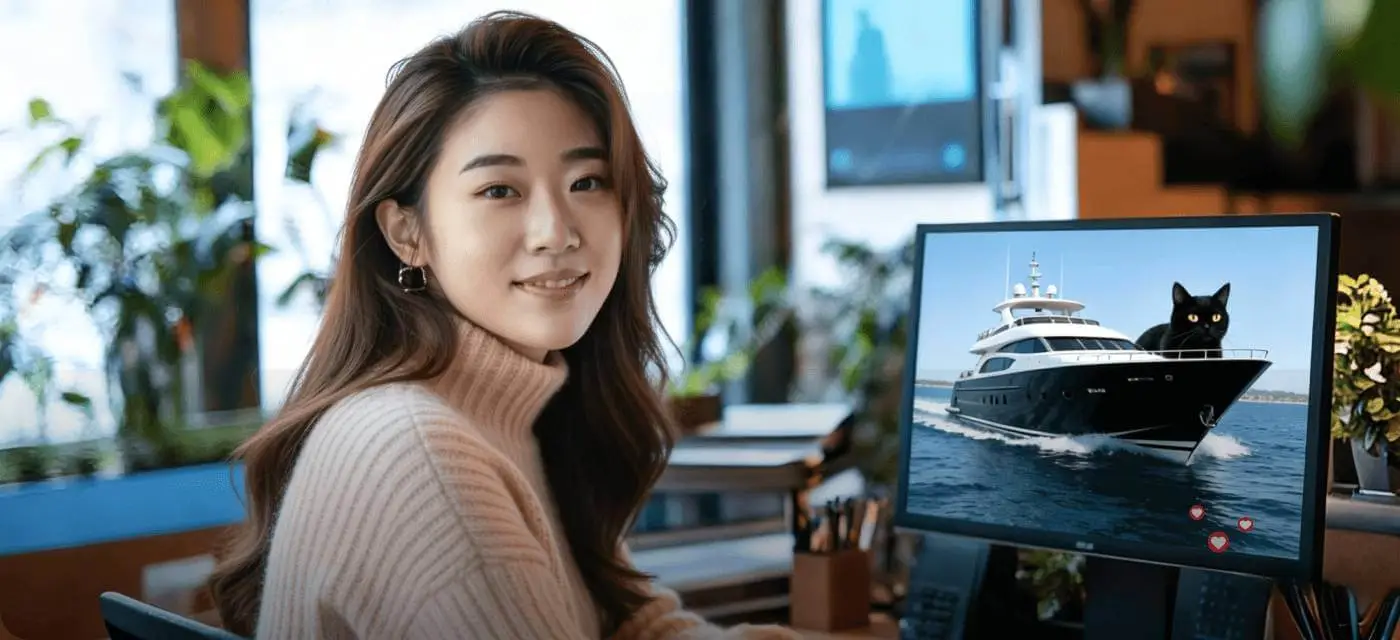
Content creators
Before: switching between tools made production slower and limited creative exploration.
Find a starting point for your next project across different assets and visual directions.
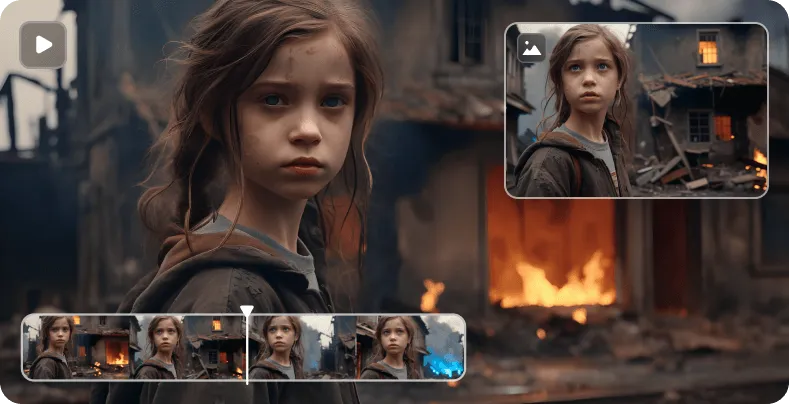
Hailuo AI video generator
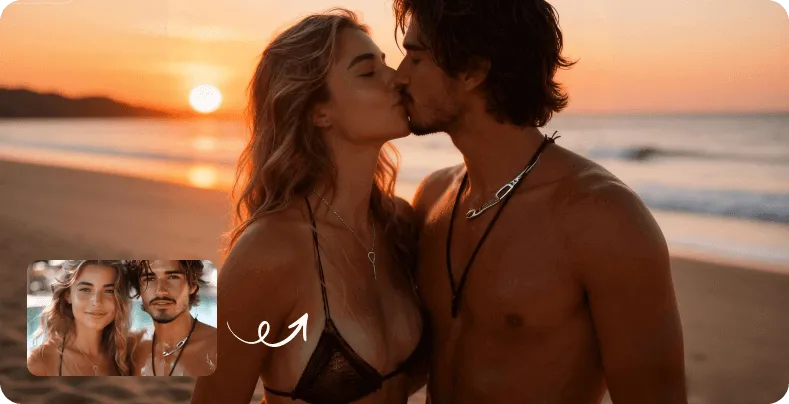
Realistic video workflow

Image to video
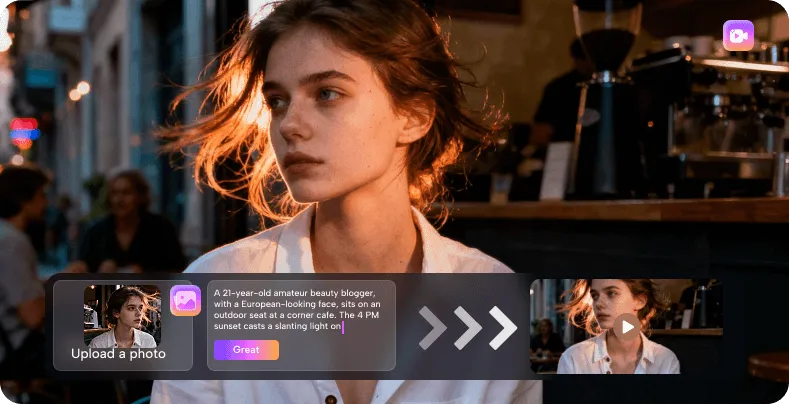
Sora AI video generator
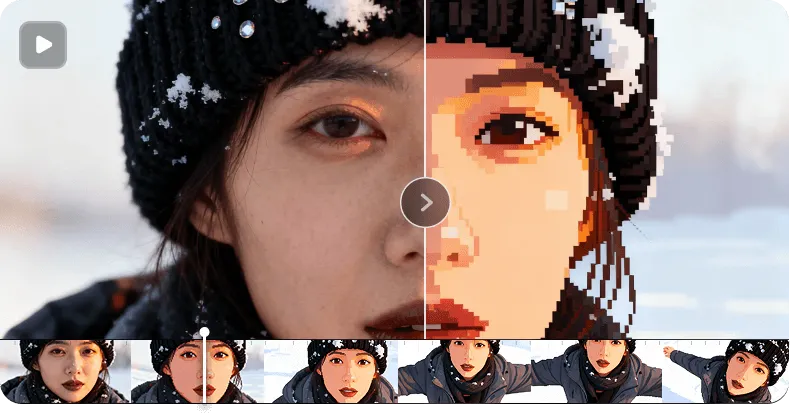
Photo to video
Build better prompting habits step by step, from the input image and motion description to output settings.
Common questions about assets, models, output, and usage.
Follow the complete workflow from uploading an asset and setting a prompt to previewing and sharing.
Creators share how image-to-video changes their workflow: faster, simpler, and more enjoyable than before.
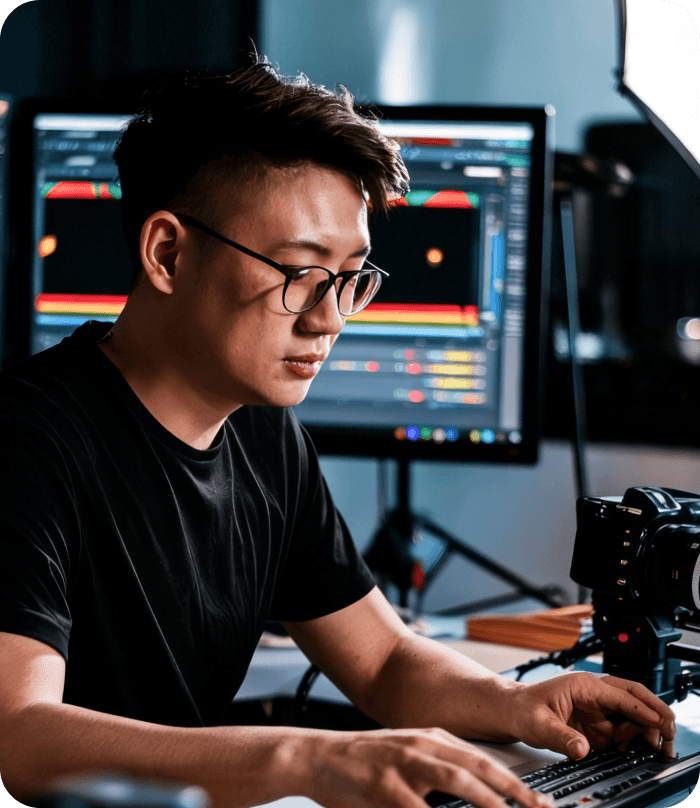
โA product image plus a clear motion prompt is enough to create testable motion assets quickly.โ
Kevin Chen
E-commerce advertising operator
Upload an image, give it motion and camera direction, and start your next creation with VideoAny.