Existing adult anime illustration reference
 VideoAny
VideoAny AI
A hentai ai generator turns a written description into a new adult anime still. Instead of searching through existing galleries, you compose the subject, pose, and scene in words and let the workbench produce a matching image. The page uses text-to-image with a text prompt, so every result starts from your brief. You choose the model, set the ratio, and review the credit cost before you generate. The reference gallery contains existing adult anime illustrations that can spark ideas, but the hentai ai generator builds fresh visuals from your input.
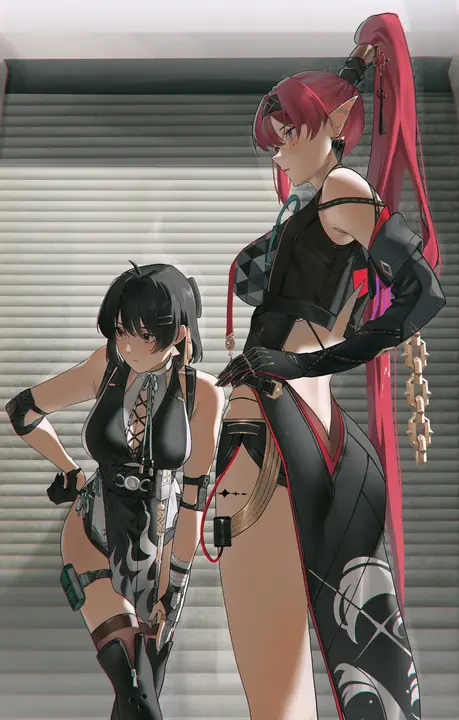
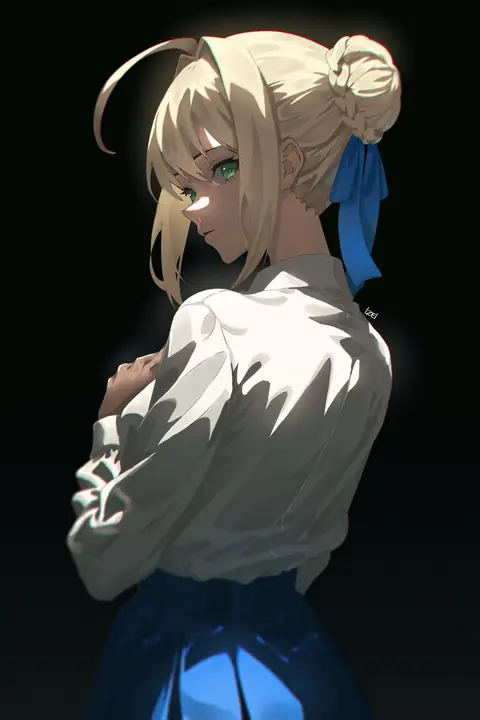
The workbench gives you a few key decisions before the first pixel appears. Model choice, aspect ratio, and a quick review of the output shape how closely the result matches your written brief. These controls keep the hentai ai generator predictable without turning it into a rigid template.
01
Seedream 5 Pro is the image model configured in VideoAny for this task, and it stays selected when you open the text-to-image workspace. A hentai ai generator works best when the model matches the style you describe, so keep Seedream 5 Pro as the preferred model for a written adult still. Switching to a different model changes how the tool interprets your prompt, and the credit cost is shown before you generate. Write your subject clearly, then confirm the model selection before you spend credits on a result that could have been closer.
02
Aspect ratio shapes the composition before the hentai ai generator reads a single word of your prompt. Match the ratio to the still you are describing, not to a later crop you might apply in another tool. A wide frame suits a character reclining across a sofa, while a tall frame isolates a standing figure against a doorway. The image workbench accepts a text prompt, and the current image model configuration includes NSFW image generation, so the frame you pick becomes the boundary for every detail that follows.
03
After the hentai ai generator produces a still, place it next to your written brief and check which clause missed. VideoAny has a text-to-image workbench, so you can edit the prompt and run it again without rebuilding the whole scene. If the pose is right but the lighting feels flat, adjust only the light description and leave the subject and crop untouched. The credit cost is shown before you generate, so each retry is a deliberate choice rather than a blind reroll.
A strong prompt gives the hentai ai generator a clear subject and one vivid detail, then stops. The features below show how to layer a room, a clothing fact, and a neighboring still without overloading the brief.
01
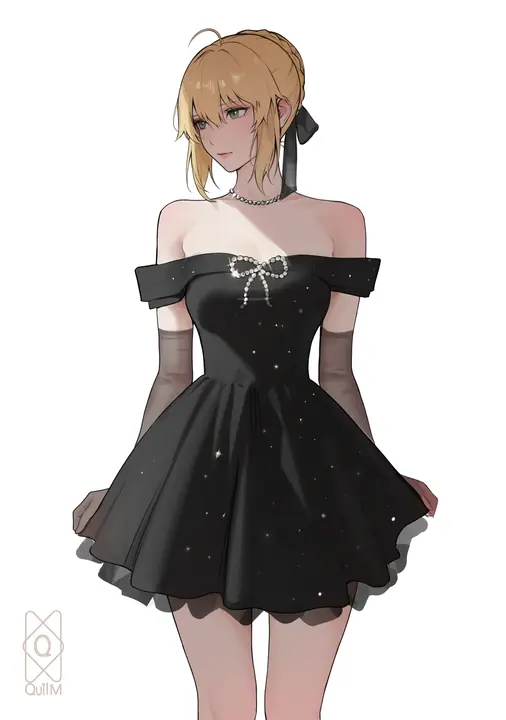
Describe a room or venue that already has a camera height in the brief, and the hentai ai generator will place your subject inside that space naturally. A low wooden table and floor cushions suggest a kneeling viewpoint, while a high window and tall shelves pull the eye upward. The reference gallery contains existing adult anime illustrations that demonstrate how a simple background anchors the figure. When the room implies the angle, you spend fewer words on camera instructions and more on the character.
Use the existing adult reference to explore lighting and framing.Open the text-to-image workbench and write your first adult anime brief.
02
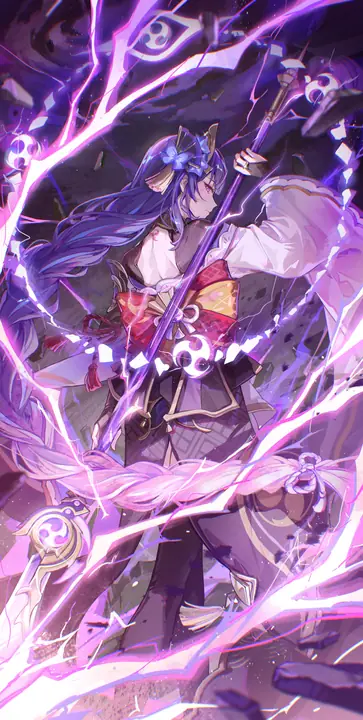
A hentai ai generator responds to specificity, not volume. State the one clothing, light, or palette fact the new still must show, and let the model fill the rest. A single phrase like a silk robe catching amber sidelight gives the workbench enough to build a cohesive image. The current image model configuration includes NSFW image generation, so the detail you choose sets the tone without requiring a long list of adjectives. Pick the fact that defines the mood, and omit everything else.
Use the existing adult reference to explore lighting and framing.Open the text-to-image workbench and write your first adult anime brief.
03
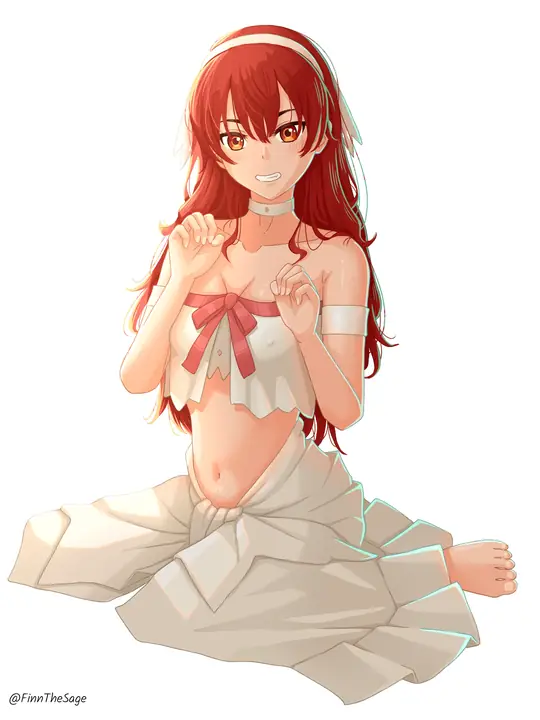
You do not need a source file to create a sequence. Invent a neighboring still from words, not from a source file, and the hentai ai generator will treat it as a standalone composition. Describe the same character in a different pose or a connected room, and the workbench produces a new image that shares the style without copying pixels. VideoAny has an image-to-image workbench with reference image input, but this page uses text-to-image with a text prompt, so each frame starts fresh from your description.
Use the existing adult reference to explore lighting and framing.Open the text-to-image workbench and write your first adult anime brief.
Different projects ask for different visual goals. The hentai ai generator handles catalog shots, room portraits, and drawn finishes with the same text-to-image workflow, as long as the prompt matches the intent.
The reference gallery contains existing adult anime illustrations that show composition ideas, not outputs from this page. Use them to study framing, color, and pose before you write your own prompt for the hentai ai generator.
Illustrative image-to-image template references. Not verified VideoAny text-to-image outputs from this page.
Look at an existing adult anime illustration and note where the frame cuts the figure. A hentai ai generator can reproduce a similar crop when you describe the framing in words, such as mid-thigh or shoulders and above. The reference gallery contains existing adult anime illustrations that demonstrate how a tight crop changes the intimacy of a still. Borrow the crop idea, not the image, and write it into your prompt as a framing instruction.
Existing visual reference for composition and lighting; not a verified output from this page.
A lookbook frame collects visual ideas without copying them directly. Browse the reference gallery for existing adult anime illustrations that share a color temperature or line weight you want, then describe that quality in your prompt. The hentai ai generator interprets the words, not the reference image, so the result will be a new still in the style you described. Use the gallery as a mood board, and let the text prompt do the generation.
Existing visual reference for composition and lighting; not a verified output from this page.
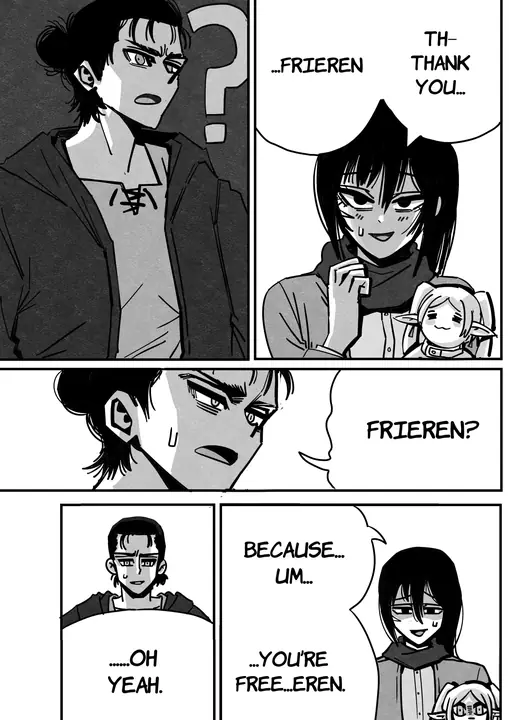
Pick one existing adult anime illustration from the reference gallery and extract a single fact: the hair color, the shadow direction, or the fabric texture. Write only that fact into your hentai ai generator prompt and leave the rest open. The credit cost is shown before you generate, so a one-fact prompt is a low-risk way to see how the model interprets a minimal brief. The result will surprise you more than a fully scripted description.
Existing visual reference for composition and lighting; not a verified output from this page.
Small changes to your prompt order and length have a large effect on the hentai ai generator output. These tips help you write briefs that the model reads consistently.
01
Write the adult subject before the room or the mood, and the hentai ai generator will prioritize the character over the environment. A prompt that starts with a woman in a silk robe gets a different result than one that opens with a candlelit bedroom. The image workbench accepts a text prompt, and the order of your clauses signals what matters most. Lead with the figure, then add the setting, and the model will keep the subject sharp.
02
Keep the look list shorter than the adjective pile is tempting to write. A hentai ai generator can handle a few well-chosen descriptors, but a long string of color, texture, and mood words dilutes the instruction. Pick two or three adjectives that contradict each other in an interesting way, like soft and severe, and stop there. The current image model configuration includes NSFW image generation, so the model already understands adult anime conventions without exhaustive direction.
03
Inspect the result against the written brief, not against a template still or a reference image. The hentai ai generator produced exactly what your words asked for, even if it looks different from the gallery example you had in mind. Read your prompt aloud, look at the output, and identify which clause the model followed too literally or ignored. Adjust that clause alone, and the next result will move closer to your intent.
Creator workflow notes
Working habits for a prompt-only adult still, not user reviews
These notes describe common ways to run a text-to-image pass on this this image workspace desk. They are not user reviews, ratings, or promises about a specific result. The pictures around them are image-to-image template stills, not this page's generation proof.
Subject rewrite
Prompt workflow
Name one clearly adult subject, pose, and crop. If a second person appears, the brief was too broad.
Look rewrite
Clothes and light workflow
Keep the subject list short. Change only the garment color, room, or light direction. Inspect hands and floor contact against the brief.
Finish rewrite
Illustration workflow
Keep pose and staging in the written list. Name the finish in one clause. Check hands, eyes, and lettering before you accept the plate.
These answers cover what to write, what not to upload, and how to judge whether the result is close enough. The hentai ai generator runs on text input, so most questions come back to prompt clarity.
The hentai ai generator on this page uses text-to-image with a text prompt, so you do not need to upload a reference photo. Write your subject, pose, and scene in words, and the workbench builds the image from that description. VideoAny has an image-to-image workbench with reference image input for cases where you want to transform an existing photo, but this workspace expects a written brief. Keep your prompt focused on one character and one action, and the model will return a coherent still.
No. This page uses text-to-image with a text prompt, so you describe the still in words and the workbench generates it. VideoAny also has an image-to-image workbench with reference image input if you prefer to start from an existing photo, but the hentai ai generator here is designed for text-only input.
Seedream 5 Pro is the image model configured in VideoAny and starts selected when you open the text-to-image workspace. Keep it as the preferred model for adult anime stills unless you have a specific reason to switch.
A hentai ai generator output rarely matches your mental image on the first try, and that is normal. Compare the still to your written brief clause by clause, not to a reference illustration. The credit cost is shown before you generate, so you can decide how many retries a particular prompt is worth. If the pose is correct but the expression feels off, edit only the expression phrase and keep the rest of the prompt intact.
The current image model configuration includes NSFW image generation, and the workbench will attempt to produce an image from your text prompt. The credit cost is shown before you generate, so you can review it and decide whether to proceed. If a result does not match your brief, adjust the prompt and try again.
The hentai ai generator on this page uses text-to-image and builds a new still from your written description. The image editor uses image-to-image with a reference upload, so it transforms an existing photo rather than creating one from scratch. Choose the text path when you want a fresh composition, and the image path when you need to preserve a pose or background.
Every generation in the hentai ai generator costs credits, and the amount is displayed before you commit. Plan your budget around the number of stills you need, and set a cap for retries on each prompt. The reference gallery contains existing adult anime illustrations that can help you refine your brief before you spend credits, so use them as a planning tool.
The credit cost is shown before you generate, and it may differ between text-to-image and image-to-image workflows. Check the displayed cost for each path before you start, and choose the one that fits your budget and source material.
If you want the next still to match an existing photo, use the image-to-image workbench with reference image input instead of the text-to-image hentai ai generator. Upload the photo, write a prompt that describes the changes you want, and the workbench will produce a new image that keeps the original composition.
Follow these steps to move from a blank prompt field to a finished adult anime still. The hentai ai generator rewards a methodical approach: write, configure, inspect, and adjust.
Start your hentai ai generator prompt with one clearly adult subject, then add pose, crop, and scene in that order. A prompt that reads a woman kneeling on a tatami mat, viewed from the waist up, soft morning light gives the model a complete brief in three clauses. The image workbench accepts a text prompt, and the sequence of your clauses tells the model what to render first. Lead with the character, and the environment will support rather than distract.
Set model, ratio, and resolution, then read the credit cost before you generate. Seedream 5 Pro is the image model configured in VideoAny for this task, and it should stay selected for adult anime stills. The hentai ai generator shows the credit cost after you choose your settings, so you can adjust the resolution or ratio if the cost is higher than you planned. Confirm all three settings, then generate.
Inspect the still against the brief, then adjust only the clause that failed. If the hentai ai generator got the subject and pose right but missed the lighting, edit the light description and leave the rest untouched. VideoAny has a text-to-image workbench, so you can revise and regenerate without starting over. A targeted edit keeps the parts that worked and fixes only what did not.
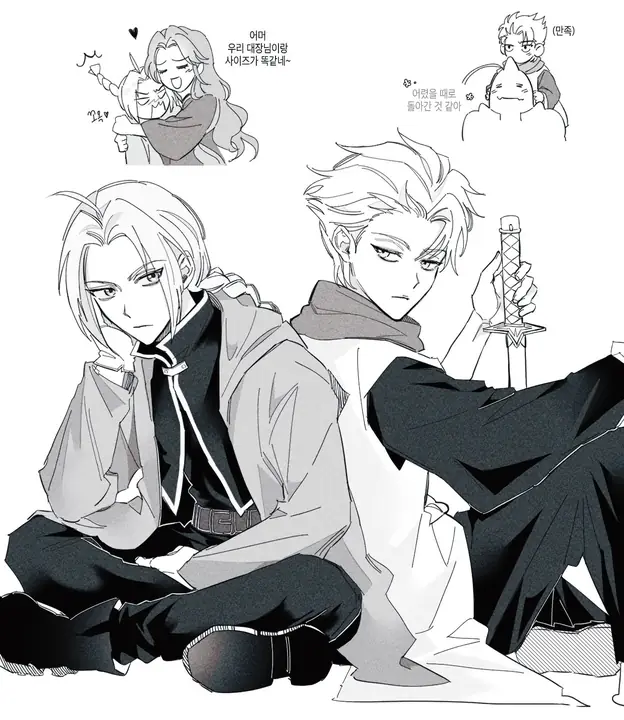
Before you close the hentai ai generator workspace, freeze your brief, cap your retry budget, and set the fidelity bar you will inspect against. These steps turn a single still into a repeatable process.
Freeze the brief as subject-and-look, not as a mood. A hentai ai generator reads concrete nouns and visible details more reliably than emotional adjectives. Write a woman with short silver hair and a red collar, not a mysterious and alluring figure. The reference gallery contains existing adult anime illustrations that show how specific visual facts produce consistent results. Lock the facts, and let the mood emerge from the image.
Cap the budget for retries on this brief before you start generating. The hentai ai generator shows the credit cost before each generation, so decide how many attempts a single prompt is worth. Three retries might be enough to dial in a pose; ten might be right for a complex scene with multiple light sources. Set the number, track your spending, and move on when you hit the cap.
Set the fidelity bar you will inspect against, and write it down. A hentai ai generator output can look impressive even when it misses a detail you care about. Decide in advance that the hair color must match, the hand position must be correct, or the shadow must fall left. When you inspect the still, check only those criteria and ignore everything else. A clear bar prevents endless tweaking and helps you recognize a finished still.
VideoAny AI
Open the text-to-image workbench and write your first adult anime brief.
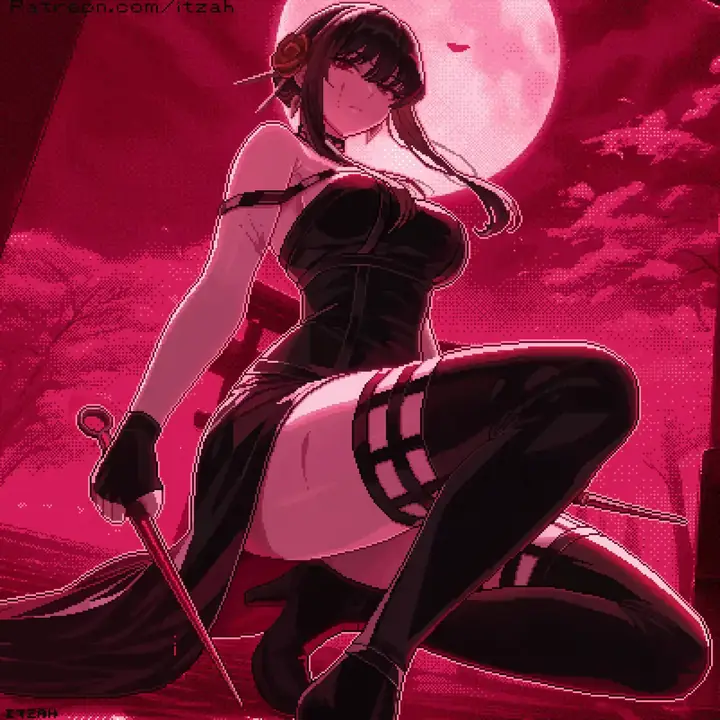
Before you close the hentai ai generator workspace, freeze your brief, cap your retry budget, and set the fidelity bar you will inspect against. These steps turn a single still into a repeatable process.




