Existing adult anime illustration reference
 VideoAny
VideoAny AI
An ai hentai generator turns a written description into a detailed adult anime still. This page uses a text-to-image workbench with a text prompt, so you compose the scene entirely through words. The current image model configuration includes NSFW image generation, and the credit cost is shown before you generate. Existing collection images are illustrative references, not outputs from this page. Use this ai hentai generator to explore character poses, lighting, and mood without needing to draw a single line.
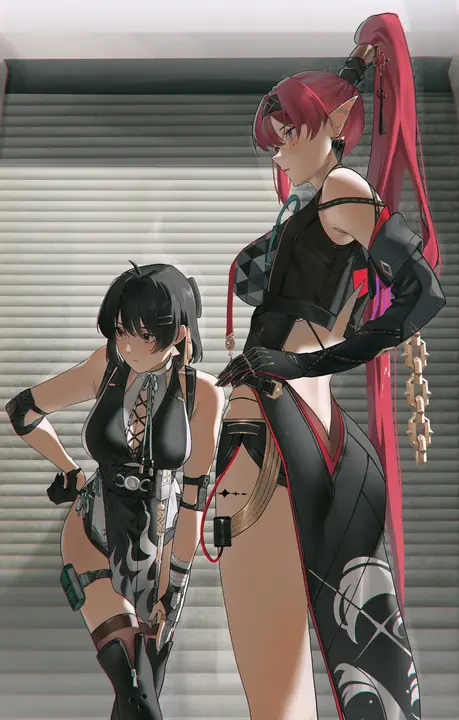
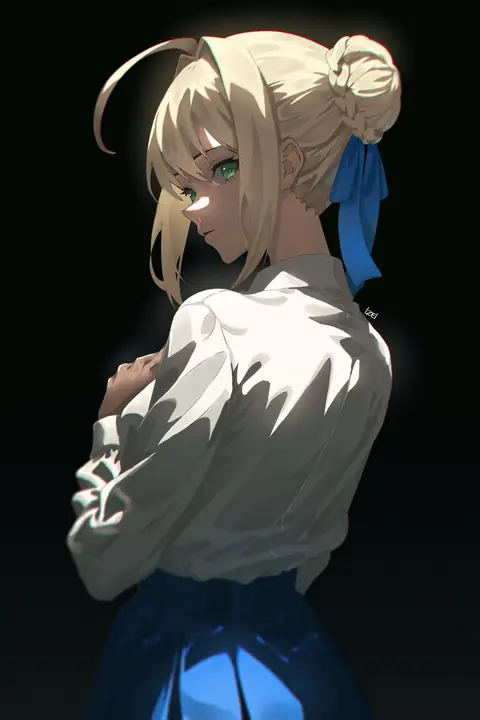
The model you select shapes the line weight, shading, and overall finish of every still. This section covers the preferred configuration and the input controls you will use on the workbench.
01
Seedream 5 Pro is an image model configured in VideoAny and the preferred choice for this ai hentai generator. It interprets a text prompt and produces a written adult still with consistent anatomy and lighting. Because the credit cost is shown before you generate, you can review the model selection and prompt length before committing credits. Treat this ai hentai generator as a composition tool where the model does the rendering, and your prompt provides the direction.
02
Match the aspect ratio to the still you are describing, not to a later crop. A full-body character on a wide backdrop needs a landscape ratio, while a close portrait benefits from a vertical frame. The ai hentai generator workbench lets you set the ratio before generation, so the composition fits the scene you wrote. If you plan to use the still in a lookbook or catalog, lock the ratio early with this ai hentai generator to avoid cutting off important details later.
03
Review the result and adjust the input after every generation. The ai hentai generator produces a still based on your prompt, but small changes to a clothing adjective or a lighting direction can shift the entire mood. Inspect the output against your written brief, then tweak only the clause that failed. This iterative loop is how you get the most from an ai hentai generator, refining one detail at a time until the still matches your vision.
Every still begins with a text prompt, and the features of the workbench let you describe the scene, set the mood, and invent neighboring frames. The reference gallery contains existing adult anime illustrations that show the style range possible.
01
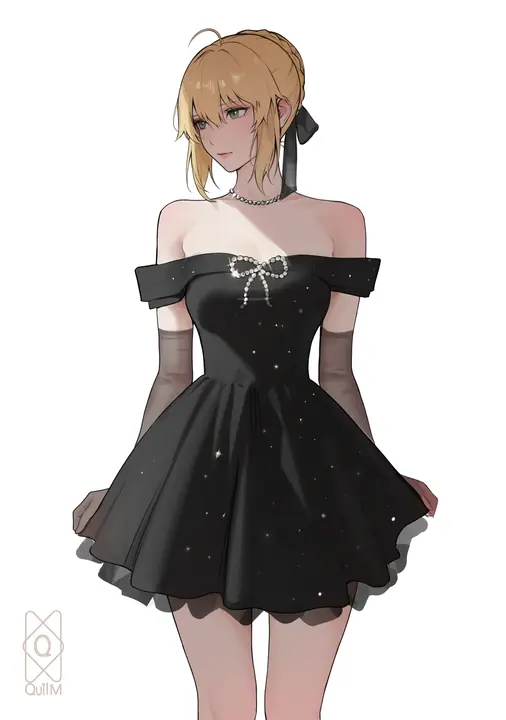
Describe a room or venue that already has a camera height in the brief. Instead of writing a generic bedroom, specify whether the view is from a low tatami angle or a high overhead shot. The ai hentai generator reads these spatial cues and builds the background around your character. When you use an ai hentai generator to place a figure in a defined space, the resulting still feels grounded and intentional rather than floating in an empty frame.
Use the existing adult reference to explore lighting and framing.Open the workbench and write your first still.
02
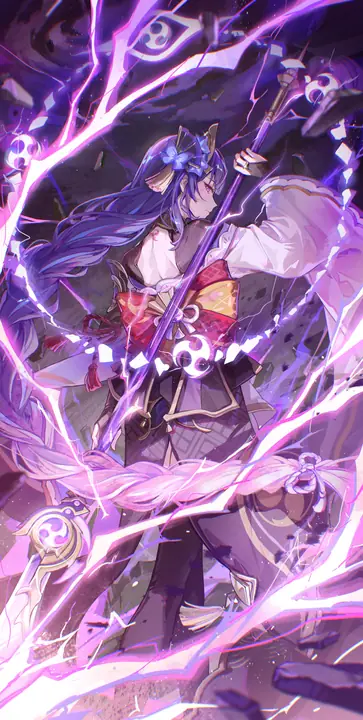
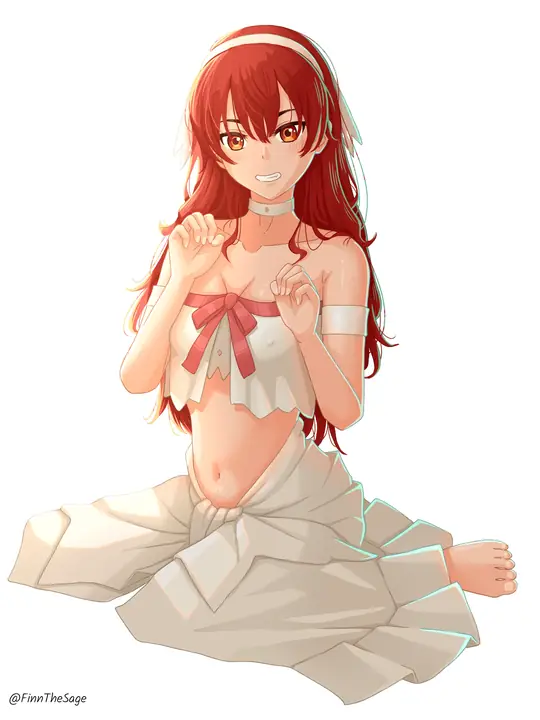
State the one clothing, light, or palette fact the new still must show. A single directive like a red silk ribbon or a warm candle glow gives the ai hentai generator a clear anchor. The existing adult anime illustration references in the gallery demonstrate how one strong color or fabric choice can define a whole image. Let this ai hentai generator build the rest of the scene around that one fact, and you will get a cohesive still faster.
Use the existing adult reference to explore lighting and framing.Open the workbench and write your first still.
03
Invent a neighboring still from words, not from a source file. The ai hentai generator does not require an upload; you can write a follow-up scene that continues the same character in a new pose or location. This text-to-image approach means you build a sequence entirely through description. Use this ai hentai generator to explore what happens next in a narrative, keeping the character design consistent through repeated prompt details.
Use the existing adult reference to explore lighting and framing.Open the workbench and write your first still.
Different projects call for different visual goals. Whether you are building a catalog, designing a room still, or aiming for a drawn finish, the workbench adapts to the scenario you describe.
The gallery contains existing adult anime illustrations that serve as style references, not outputs from this page. Each visual suggests a creative decision you can adapt to your own prompt.
Illustrative image-to-image template references. Not verified VideoAny text-to-image outputs from this page.
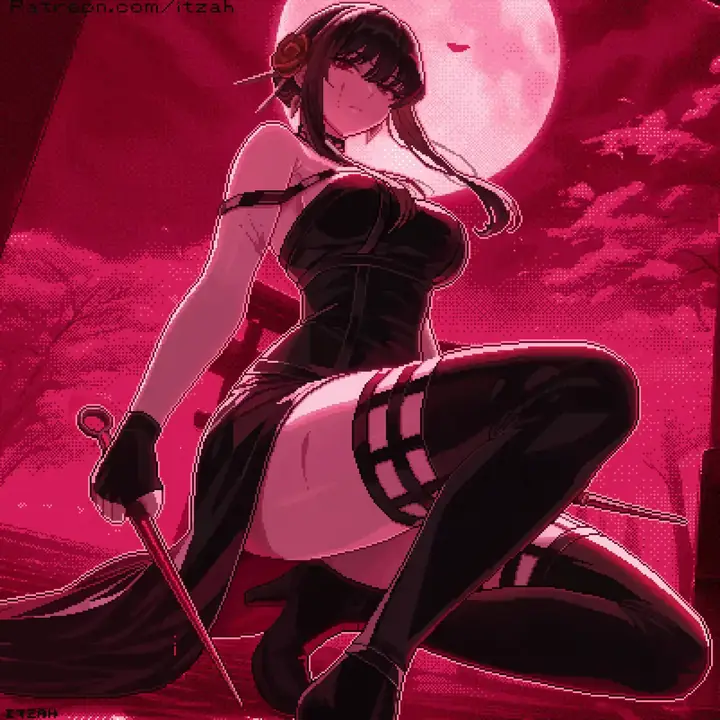
A reference-guided crop uses an existing adult anime illustration to inform how tightly you frame the character. Study the distance from the subject to the edge of the image, then describe a similar crop in your prompt. The ai hentai generator will interpret the framing words and produce a still with comparable headroom and margin. When you use an ai hentai generator with a clear crop reference in mind, you avoid awkward cut-offs at joints or props.
Existing visual reference for composition and lighting; not a verified output from this page.
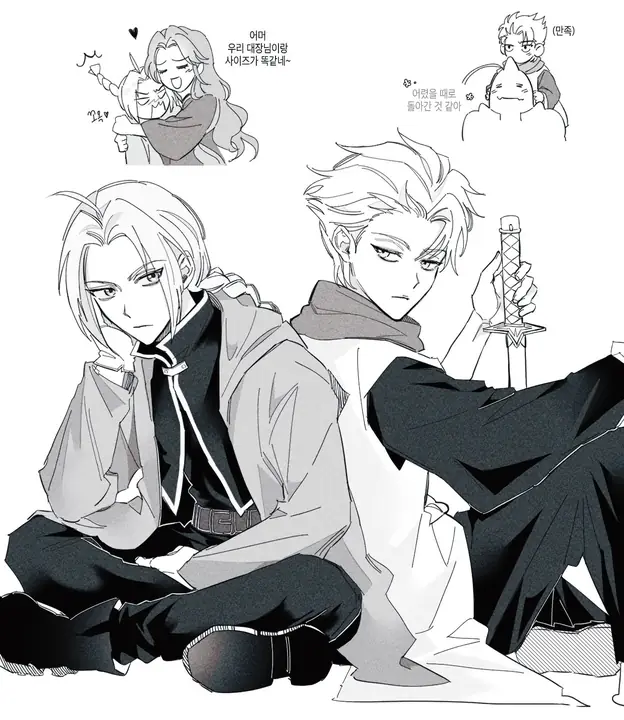
A lookbook frame keeps the same character across multiple stills by repeating color and clothing terms. The existing adult anime illustration references show how a unified palette ties a set together. With an ai hentai generator, you write the palette once and reuse those color words in every prompt. This ai hentai generator becomes your lookbook tool, producing frames that feel like they belong to the same collection.
Existing visual reference for composition and lighting; not a verified output from this page.
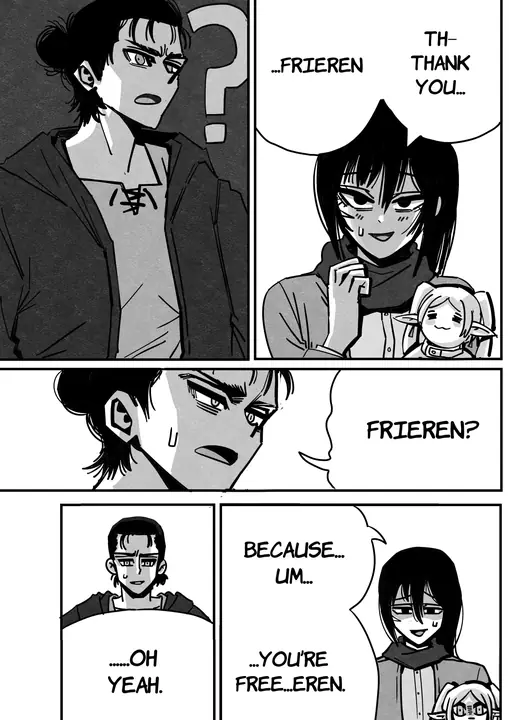
A one-fact board isolates a single visual element, like a hairstyle or a lighting direction, and generates variations around it. The existing adult anime illustration references in the gallery demonstrate how one strong fact can anchor a whole image. Use the ai hentai generator to test that fact across different poses or backgrounds. This ai hentai generator helps you decide which version of the fact works best before committing to a final still.
Existing visual reference for composition and lighting; not a verified output from this page.
The way you structure a prompt determines how the model interprets your intent. These tips help you write prompts that produce consistent, usable stills.
01
Write the adult subject before the room or the mood. Start the prompt with the character's age, build, hair, and expression, then add the setting and atmosphere. The ai hentai generator prioritizes early words, so leading with the subject ensures the figure renders correctly. When you use an ai hentai generator, a prompt that begins with a clear character description produces a still where the person, not the wallpaper, is the focus.
02
Keep the look list shorter than the adjective pile is tempting to write. Three well-chosen descriptors for clothing or lighting do more than ten vague ones. The ai hentai generator can handle detail, but a focused list gives the model a stronger signal. With this ai hentai generator, a prompt like a silk robe, candlelight, soft shadow outperforms a long string of competing adjectives that dilute the visual direction.
03
Inspect the result against the written brief, not against a template still. Compare the output to the words you wrote, checking whether each clause appeared in the image. The ai hentai generator follows the prompt, so if a detail is missing, add it more explicitly rather than hoping the model guesses. This ai hentai generator rewards precise inspection and targeted edits over broad restarts.
Creator workflow notes
Working habits for a prompt-only adult still, not user reviews
These notes describe common ways to run a text-to-image pass on this this image workspace desk. They are not user reviews, ratings, or promises about a specific result. The pictures around them are image-to-image template stills, not this page's generation proof.
Subject rewrite
Prompt workflow
Name one clearly adult subject, pose, and crop. If a second person appears, the brief was too broad.
Look rewrite
Clothes and light workflow
Keep the subject list short. Change only the garment color, room, or light direction. Inspect hands and floor contact against the brief.
Finish rewrite
Illustration workflow
Keep pose and staging in the written list. Name the finish in one clause. Check hands, eyes, and lettering before you accept the plate.
These answers cover common questions about input, model selection, result evaluation, and credit usage on the workbench.
The text-to-image workbench on this page accepts a text prompt and does not require an upload. You write the scene, and the ai hentai generator produces the still from that description. If you already have a photo that should constrain the next still, use the image-to-image workbench instead. This ai hentai generator is designed for pure text-driven creation, so focus on crafting a clear, detailed prompt.
No. This page uses a text-to-image workbench with a text prompt, so you do not need to upload a reference photo. The ai hentai generator creates stills entirely from your written description.
Seedream 5 Pro is an image model configured in VideoAny and is the preferred model for this workbench. It starts selected when you open the ai hentai generator page.
Judge the result against the specific words in your prompt, not against an ideal image in your mind. The ai hentai generator renders what you write, so if a pose or color is off, adjust that clause and regenerate. The current image model configuration includes NSFW image generation, and the credit cost is shown before you generate, so you can iterate with clear cost awareness. Use this ai hentai generator as a drafting tool where each generation teaches you something about your prompt.
The current image model configuration includes NSFW image generation, which means adult content prompts are supported. The credit cost is shown before you generate, so you can review the prompt and cost before committing.
This page uses a text-to-image workbench that creates stills from a text prompt alone. The image editor uses an image-to-image workbench with reference image input, which is better for rewriting an existing photo.
The credit cost is shown before you generate, so you always know the expense of the next still. The ai hentai generator does not hide costs or surprise you with charges. After generating, inspect the still against your brief and decide whether to refine the prompt or move to another tool. This ai hentai generator fits into a larger workflow that includes rewriting and animation tools for the next steps.
The credit cost is shown before you generate on each workbench. The text-to-image ai hentai generator and the image-to-image rewrite tool may have different credit costs, so check the displayed cost before confirming.
If you have a photo you want to use as a base, switch to the image-to-image workbench with reference image input. This ai hentai generator page is for text-only creation, but the related tools can use your existing image.
Follow these steps to move from a blank prompt field to a finished still. Each step uses the existing workbench controls and the Seedream 5 Pro model.
Write one clearly adult subject, then pose, crop, and scene. Start the prompt with the character's age, body type, and defining features, then add the pose, framing, and background. The ai hentai generator reads the prompt in order, so this structure gives the model a clear hierarchy. When you use an ai hentai generator, a prompt that builds from subject to setting produces a still where every element supports the character.
Set model, ratio, and resolution, then read the credit cost. Confirm that Seedream 5 Pro is selected as the image model, choose an aspect ratio that fits your described still, and check the resolution. The ai hentai generator displays the credit cost before you generate, so you can adjust any setting that affects the price. This ai hentai generator makes the cost transparent at every step.
Inspect the still against the brief, then adjust only the clause that failed. If the hair color is wrong, change only the hair color word and regenerate. The ai hentai generator responds to targeted edits more reliably than to completely rewritten prompts. Use this ai hentai generator iteratively, fixing one detail per generation until the still matches your written brief exactly.
Before you generate another still, freeze your brief, cap your budget, and set a fidelity bar. These steps turn the ai hentai generator from a toy into a reliable production tool.
Freeze the brief as subject-and-look, not as a mood. Write down the exact character descriptors and visual facts you want to keep, rather than vague atmosphere words. The ai hentai generator reproduces what you specify, so a frozen brief of concrete terms gives you consistent results across multiple generations. Use this ai hentai generator with a locked brief to build a coherent set of stills.
Cap the budget for retries on this brief before you start iterating. Decide how many credits you will spend refining one still, and stop when you hit that limit. The ai hentai generator shows the credit cost before each generation, so you can track your spending. This ai hentai generator rewards disciplined budgeting, keeping your project moving instead of chasing a perfect image.
Set the fidelity bar you will inspect against. Decide which details must be correct, like eye color or hand position, and which can vary. The ai hentai generator will produce different interpretations of the same prompt, so a clear fidelity bar tells you when to stop. Use this ai hentai generator with a defined standard, and you will know exactly when a still is done.
VideoAny AI
Open the workbench and write your first still.
Before you generate another still, freeze your brief, cap your budget, and set a fidelity bar. These steps turn the ai hentai generator from a toy into a reliable production tool.




